|
|
 |
RainyDayMagazine's content can now be licensed for your print magazine or web site. Please contact us directly here. If you want to see something reviewed, then drop us a note with a link and we'll be happy to take a look.
|
| |
Dec 15,2007 (RainyDayGiftGuide - Bags) |
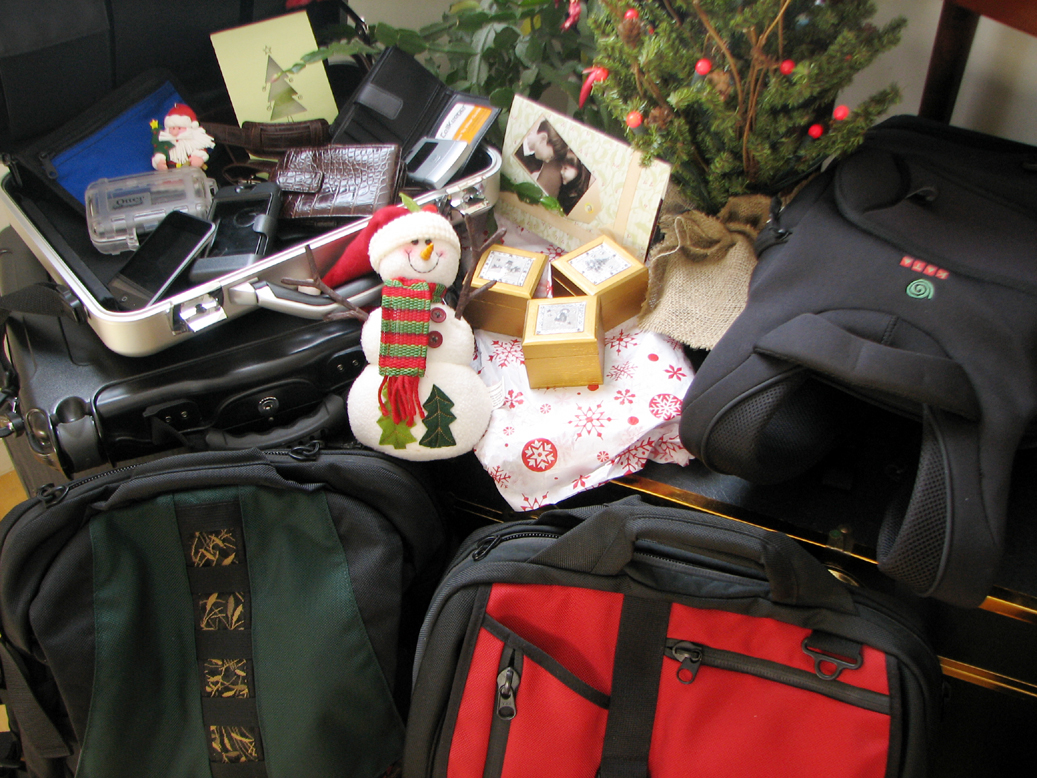
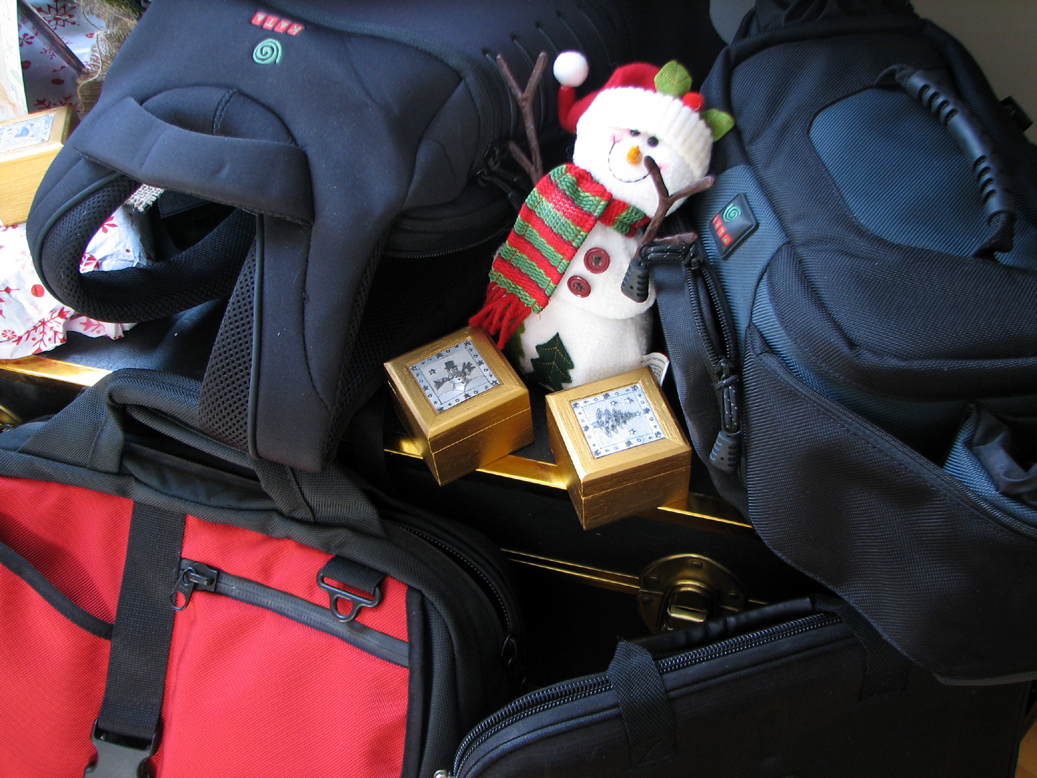
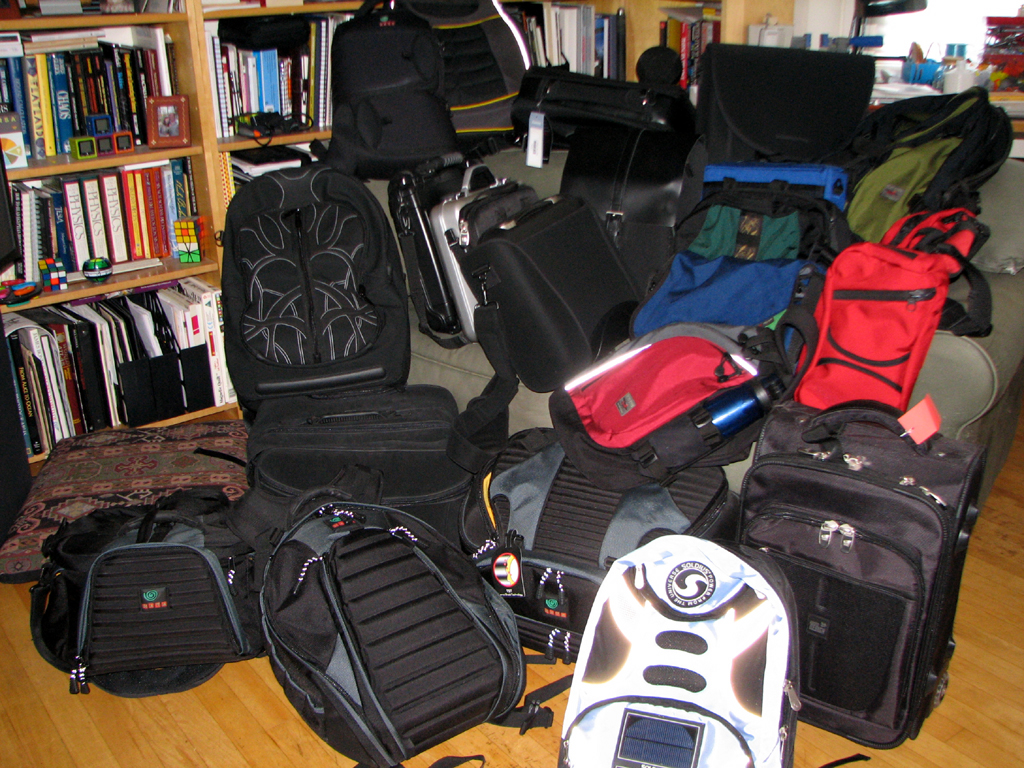
Giving and getting gadgets as presents are great! Giving or getting the perfect case or bag to protect and carry the gear around can be just as much fun! In this chapter of the RainyDayGiftGuide, we have assembled some of our favorite pieces for your consideration.
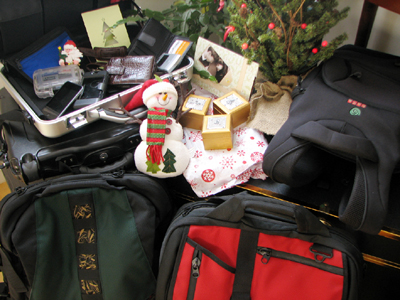
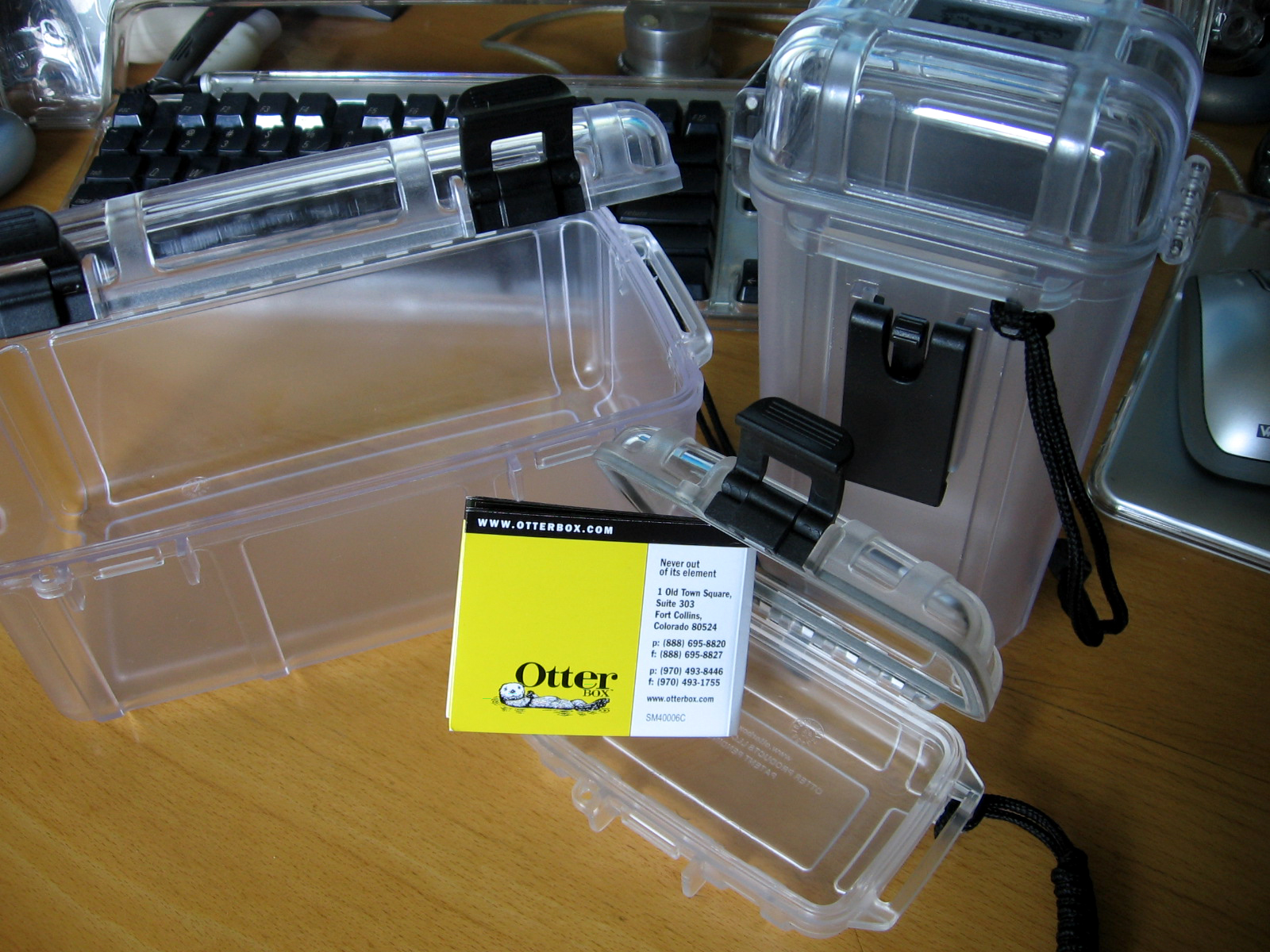
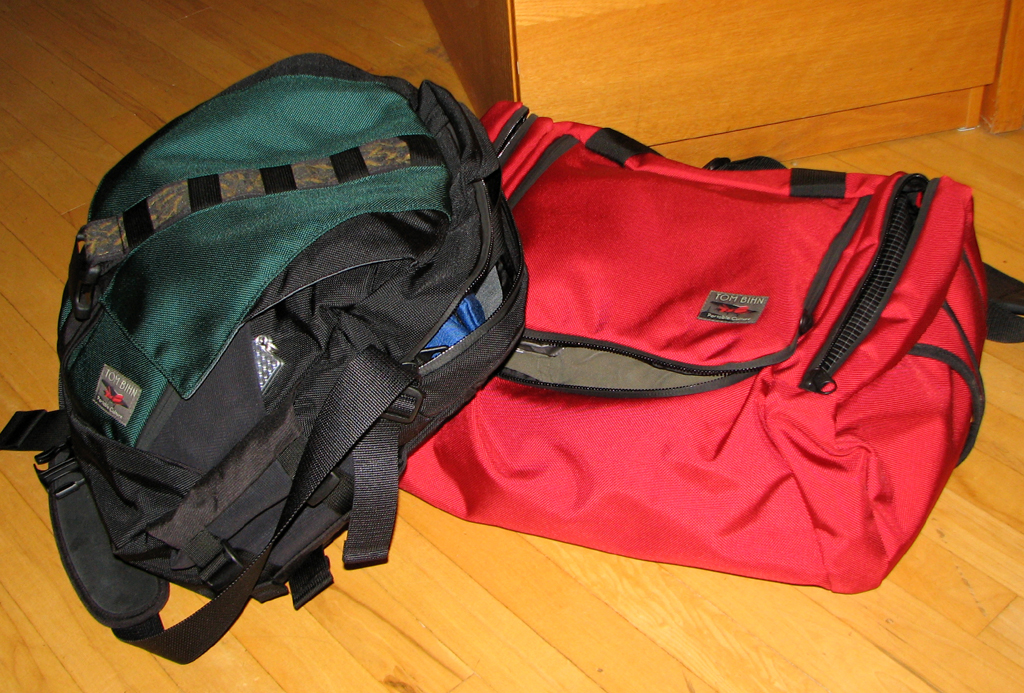
Some of the cases (Otter Defender, CellKeeper) arrived this past week. Others such as the Tom Bihn (Ego, Zephyr) bags have been in constant use at the office for many months.

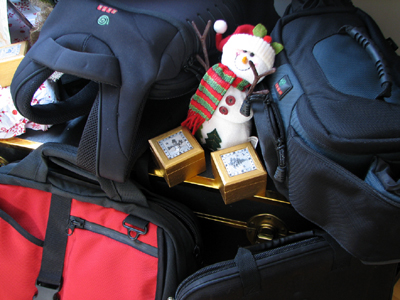
So whether is to protect an iPod Touch (Otter ), a cell phone (CellKeeper), a digital camera (Kata), or a laptop (Otter, Laptop Armor, Pacific Design, Tom Bihn), we have got it covered. Click on and take a look at bags and cases in our 2007 Gift Guide. We are sure you will find something that will be a perfect complement to whatever gear you need to carry. - Wan Chi Lau (permalink) ), a cell phone (CellKeeper), a digital camera (Kata), or a laptop (Otter, Laptop Armor, Pacific Design, Tom Bihn), we have got it covered. Click on and take a look at bags and cases in our 2007 Gift Guide. We are sure you will find something that will be a perfect complement to whatever gear you need to carry. - Wan Chi Lau (permalink)
|
|
Dec 2,2007 (WeekendEdition) |
Identity theft is a billion-dollar business. Some countries count Internet fraud among their larger businesess--Nigeria and the post-Soviet countries comes to mind. While not sanctioned by their governments, neither are the operators in those countries aggressively pursued.
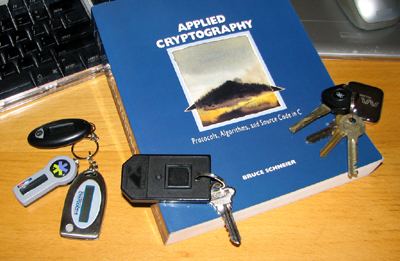
Four digit ATM PINs are not enough to guard against these formidable adversaries. Public-key encryptions, biometric ids, and laser-cut keys should all be part of your defenses against unauthorizied intrusion into your personal or private information.
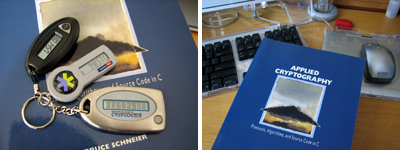
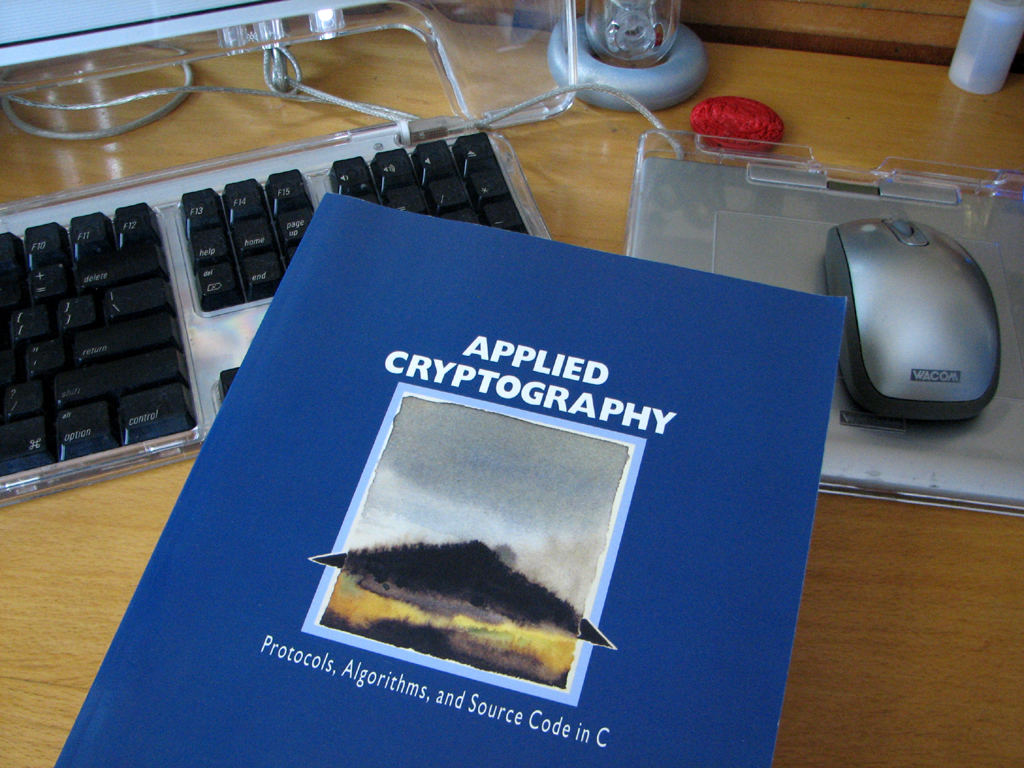
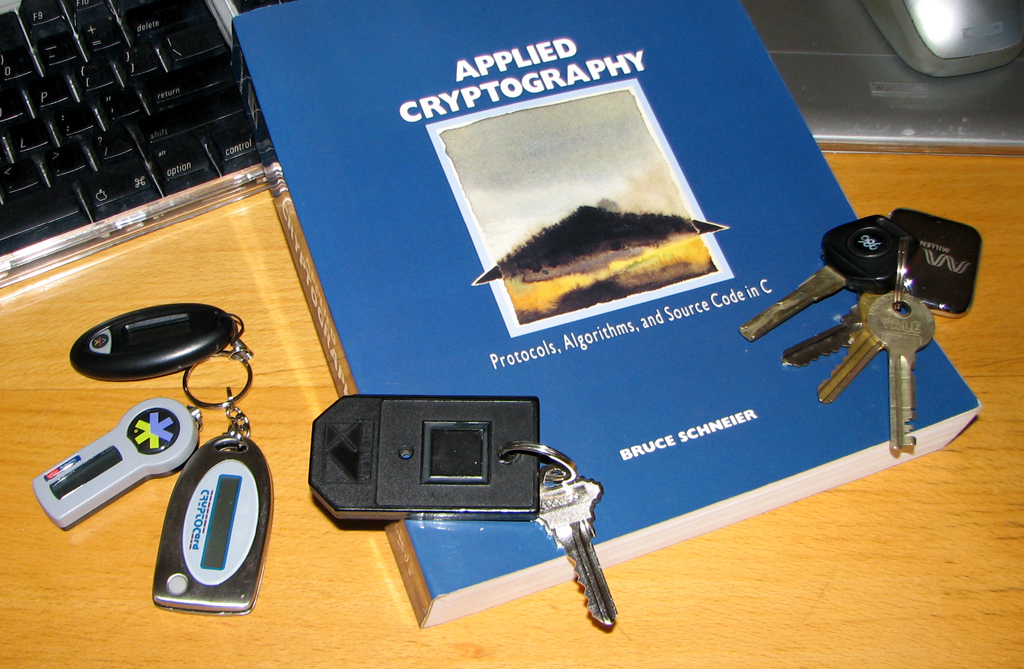
To understand how technologies such as cryptography and public-key encryption works, check out "Applied Cryptograpphy" by Bruce Schneier. While it is not the definitive book on the topic, it is a practical guide and good launch point into the subject. If your bank or broker offers auto generated password keys, cough up the $5 and get a fob. It'll be the best $5 you will ever spend.
For readers shopping on the web this Holiday Season, especially if you are using machines not technically owned by you (like... while at work), it is always best to leave zero residual presence.
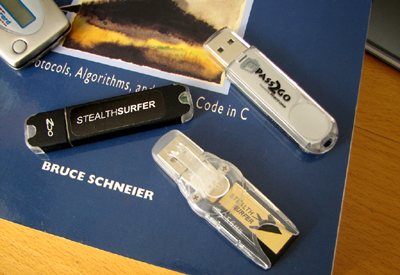
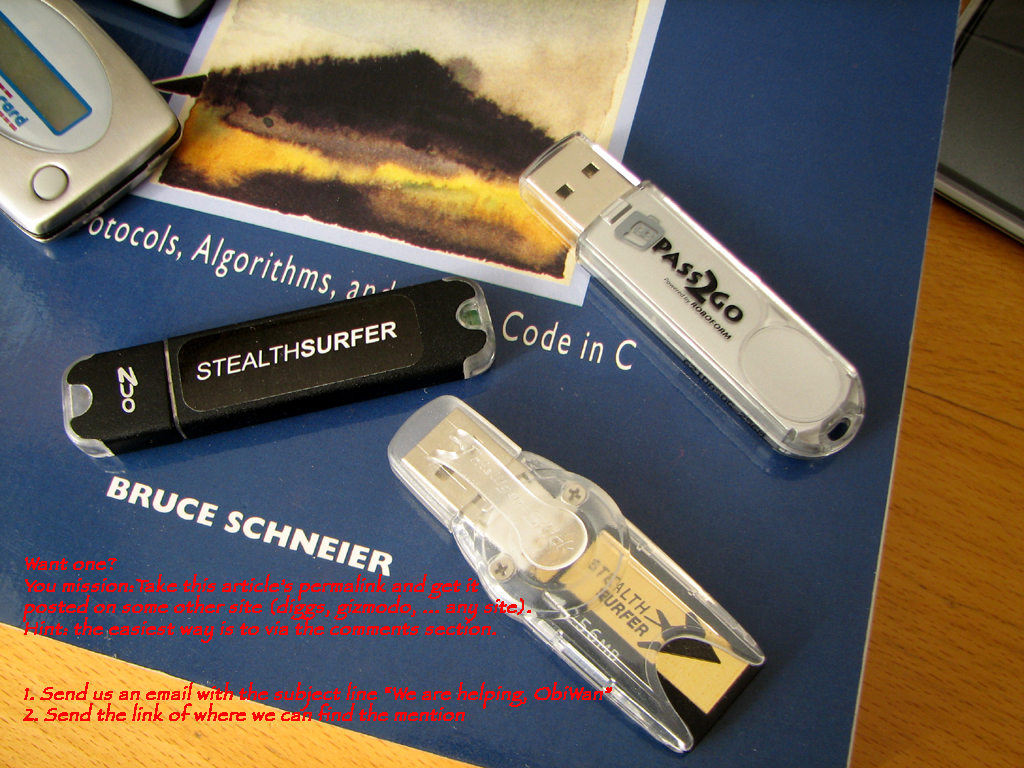
One easy way to do that is to have your information "masked." If you don't know anything about IP masking, or encrypted emails, or password management, then check out StealthSurfer. They have taken everything need and put it all on an USB fob. We can tell you more, but then we'll have to...well, you know, kill you (it's a JOKE, don't tase me bro'...have to be clear these days. Homeland Security is not known for its sense of humor). However, identity theft is not a joke. So it would be better if you do click over to the StealthSurfer site and read about it. - Wan Chi Lau (permalink)
|
| |
|


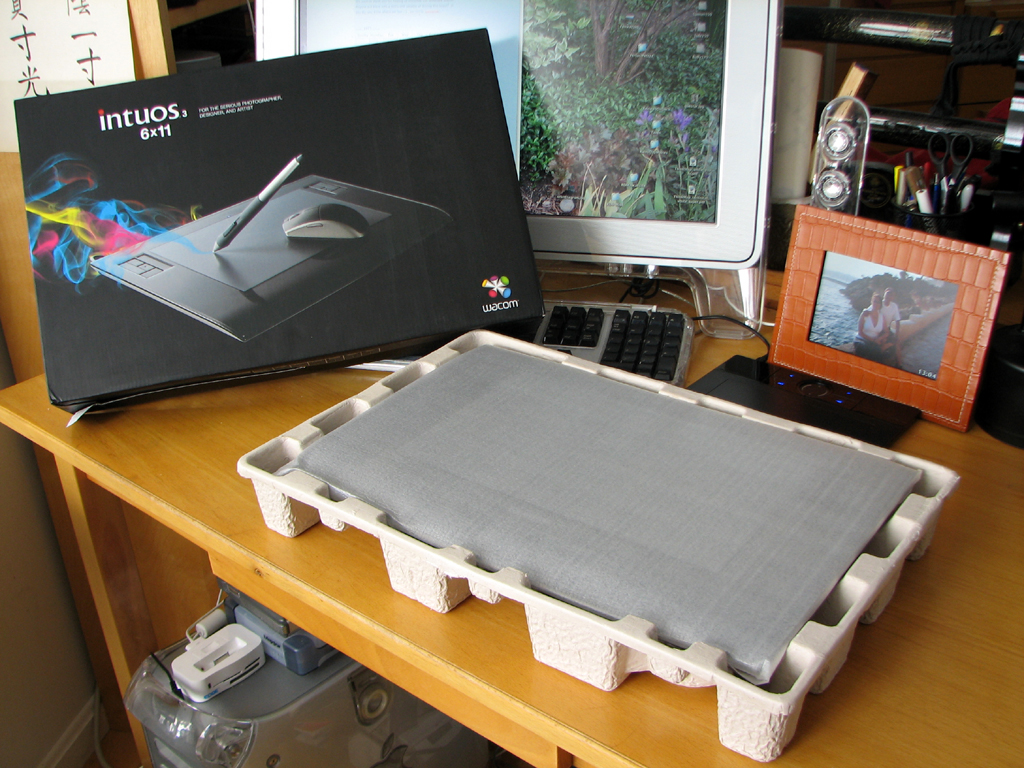
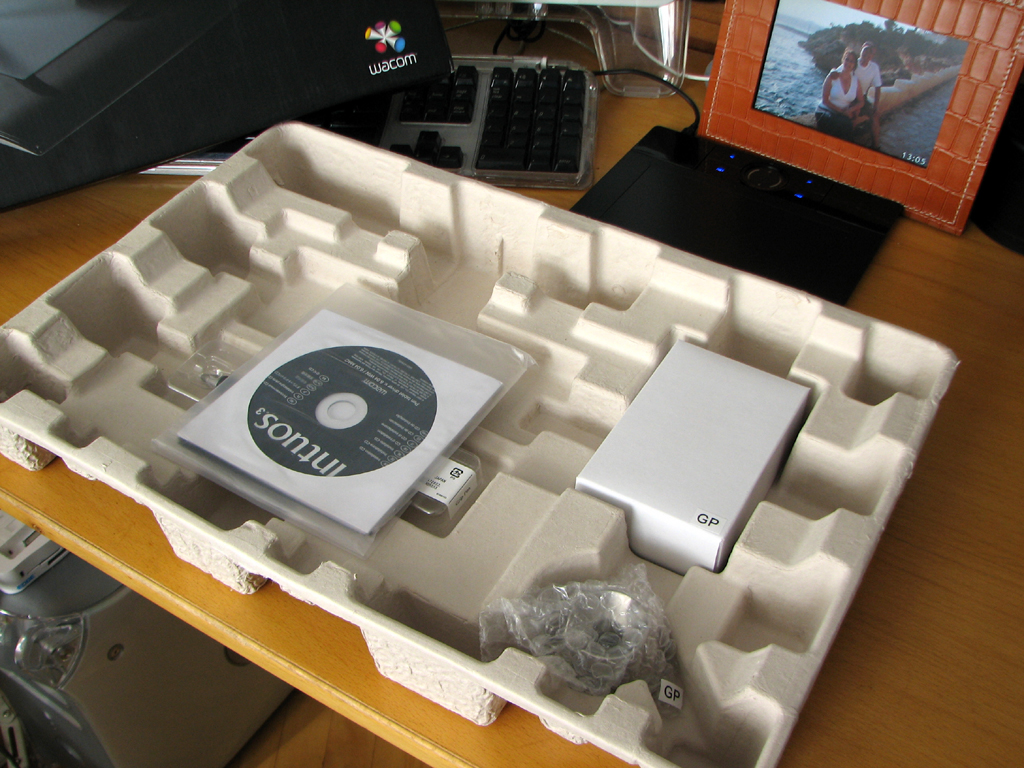
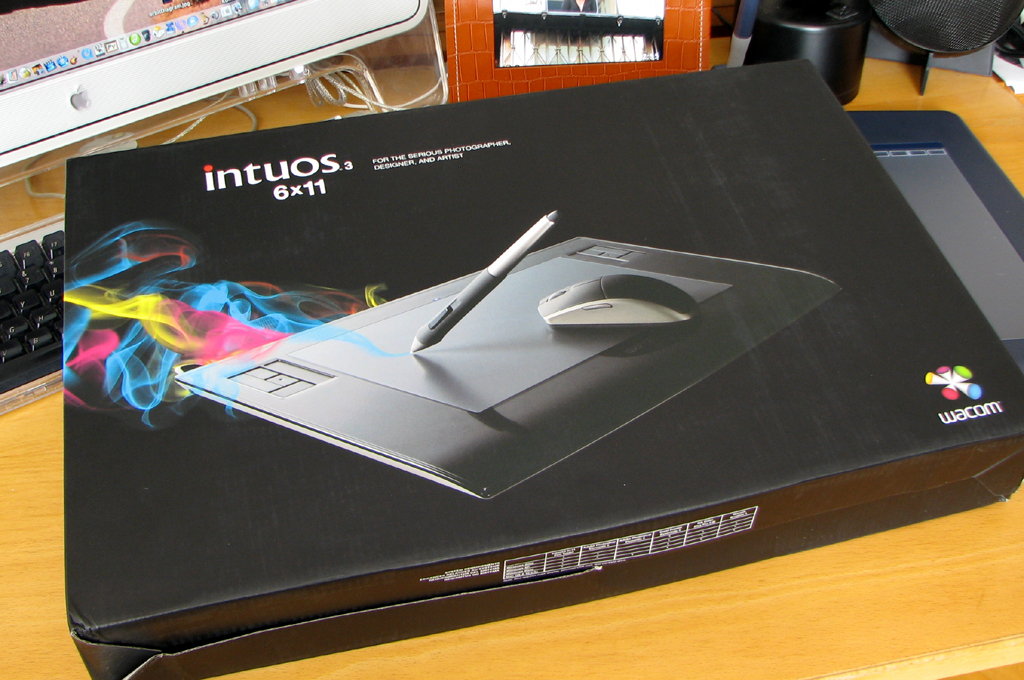
Some of our readers took us seriously when we said we were not posting any more until after the World Series was over. One reader was so eager to read about the FirstLook of the Wacom Intuos that she offered to... well, nevermind what she offered. In any case, now that the series is over, we are back at work. We will start things off with a FirstLook of the 6x11 Intuos Tablet from Wacom.
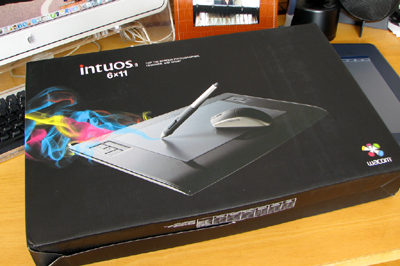
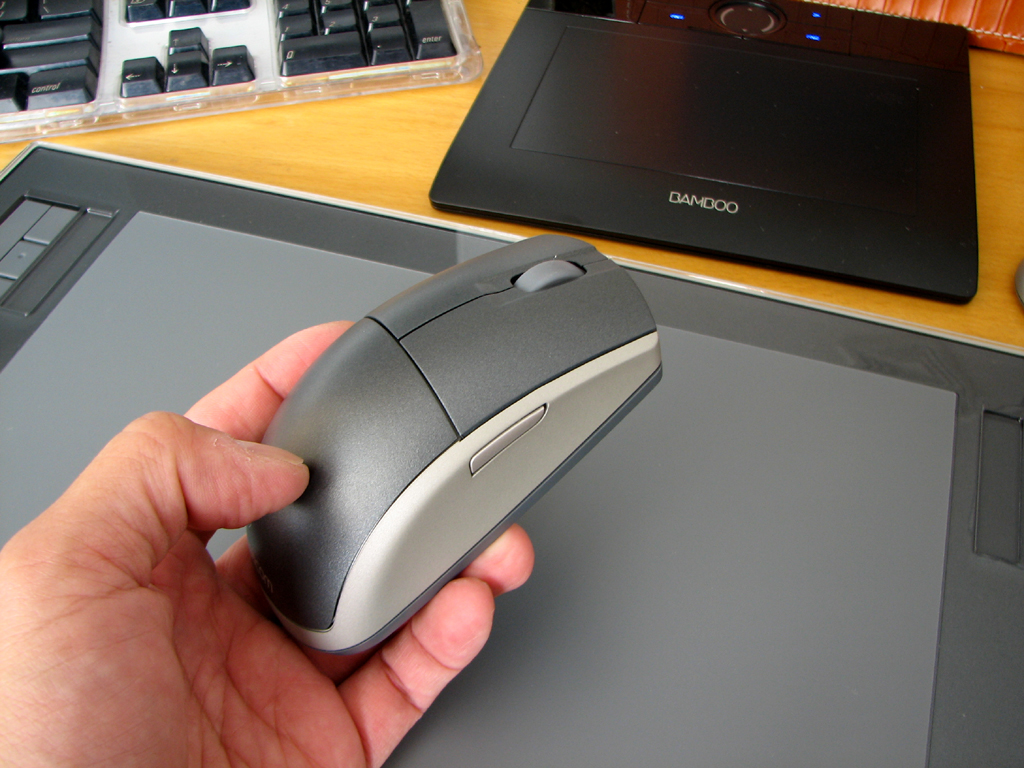
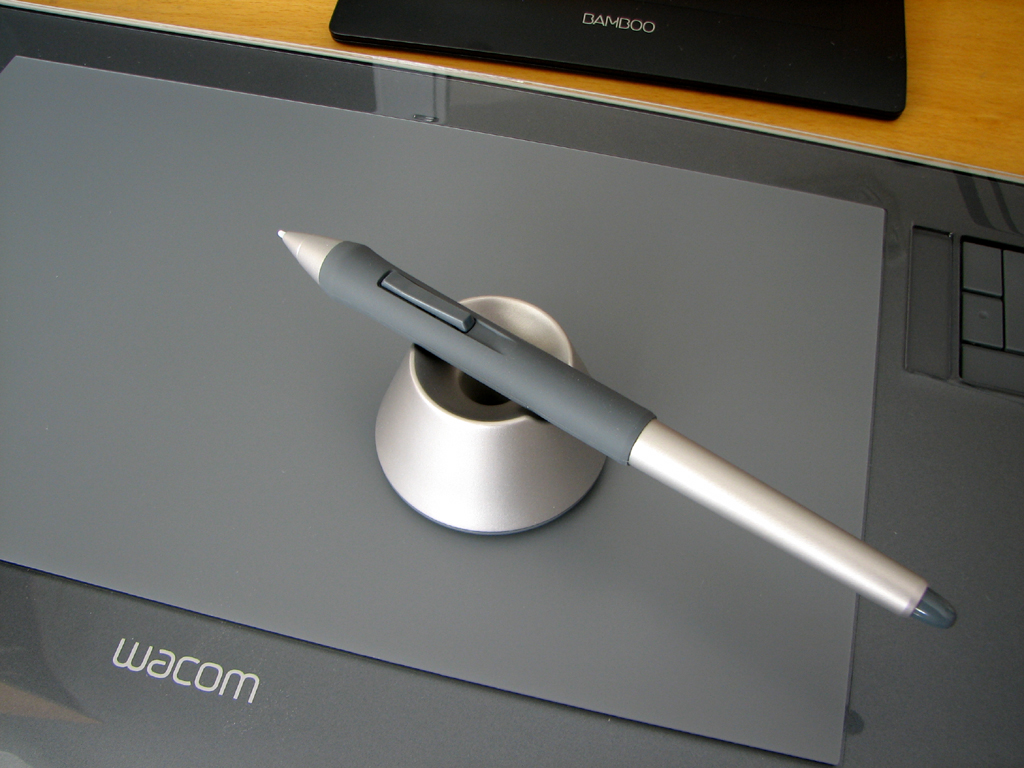
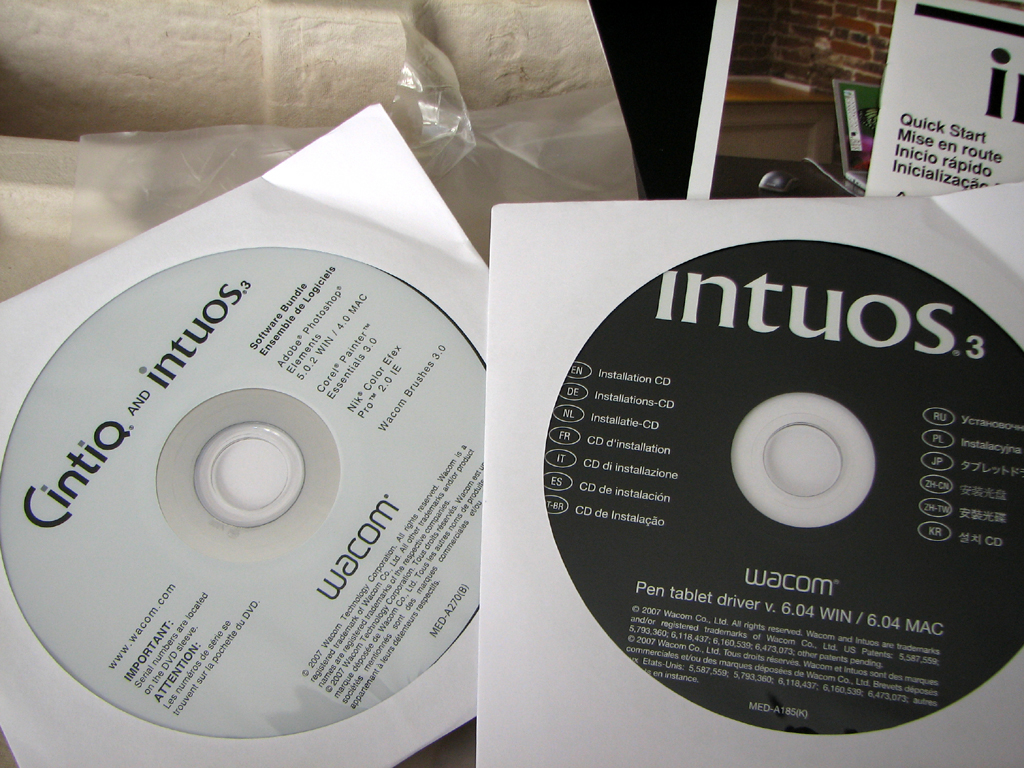
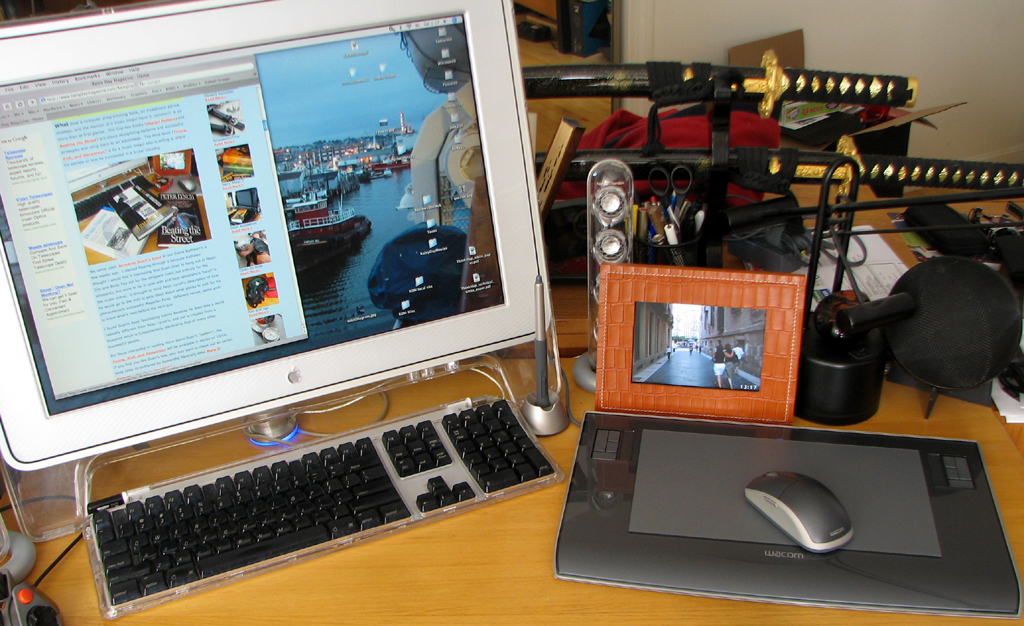
The complete package consisted of : a widescreen sized tablet, wireless pen/holder, wireless mouse, software CDs, and cables. No AC adapter or charger is needed with the Wacom. As with all of Wacom's wireless devices, a proprietary induction system powers the peripherals... eliminating the need for batteries. This technology alone makes it worth buying Wacom products.
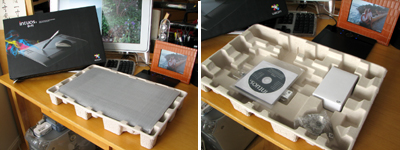
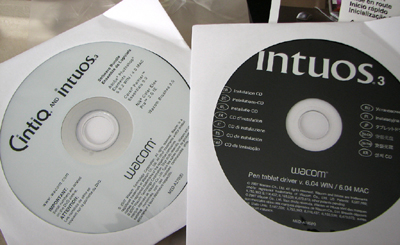
The software bundle which came with the Intuos is pretty rich: Adobe Photoshop Elements (Win/Mac), Corel Painter Essentials, Nik Color EFex Pro, and Wacom Brushes.
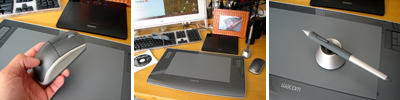
The mouse is the standard 2-button with a center scroll wheel. There are buttons on the side. The pen and holder are both of very high build quality. The pen may be placed horizontally or vertically in the holder. The base is weighted and very stable when used in either configuration.
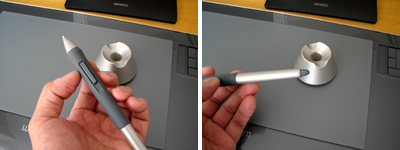
We have not yet delved into the software options for either the mouse or the pen, but we are pretty sure the settings are extensive. We'll have more details when we post the FirstLook review.
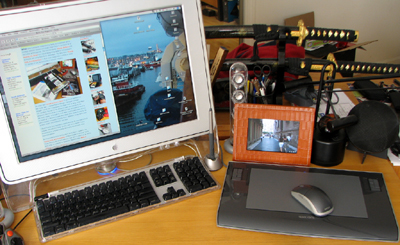
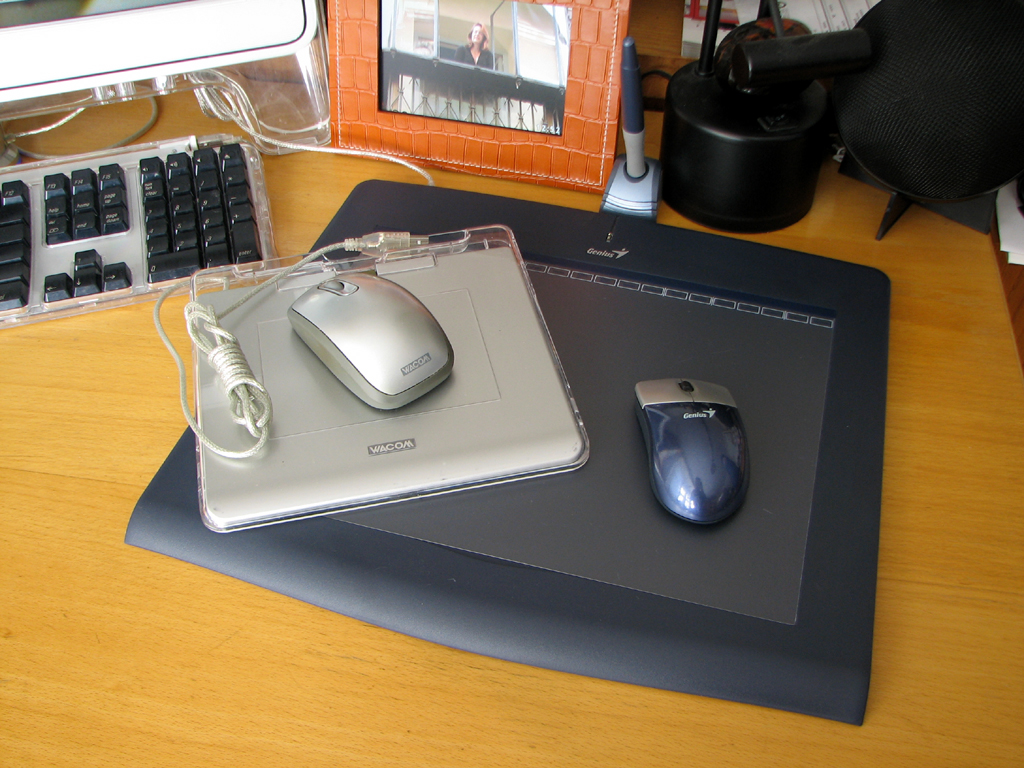
The Intuos 6x11 tablet is about the same dimension as the Genius tablet we had looked at a few weeks ago. The difference is the Wacom Intuos active area matches better with the widescreen displays. The 16:9 aspect ratio is becoming the standard for both TVs and computer displays. Wacom is ahead of the curve in offering drawing tablets which follows this trend.
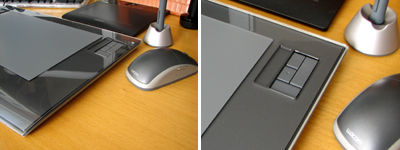
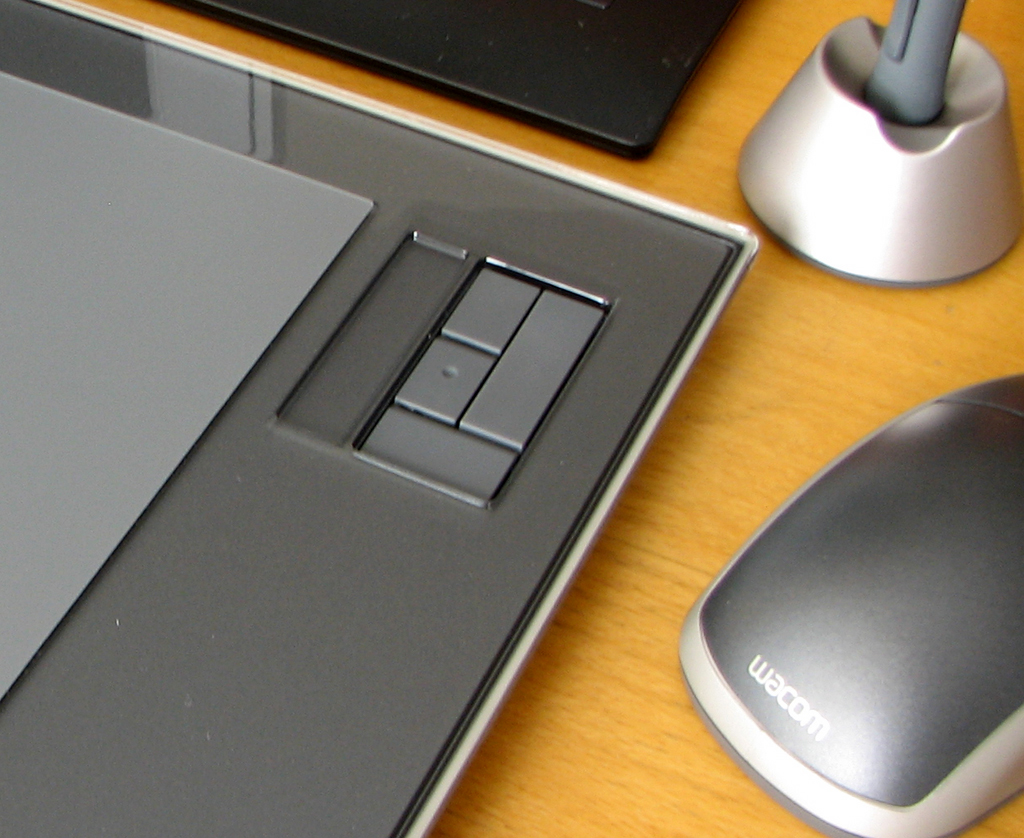
On the drawing surface are a few physical buttons and a "touch strip." We have not had any experience with using these additional items and will definitely explore them further in our FirstUse report. One interesting thought we had when we got things set up for use is... wouldn't it be great if the tablet can be put into a "virtual keyboard" mode? That way, we can eliminate the keyboard all together and reclaim some desktop! - Wan Chi Lau (permalink)
|
|
Oct 22,2007 (MountItMonday) |
Yesterday we posted a FirstUse of the eVo and AutoLock screen from LumenLab. A few readers asked us to post more details on the eVo and the telescoping mount and we realized we had not yet done a FirstLook yet...so here it is :-)
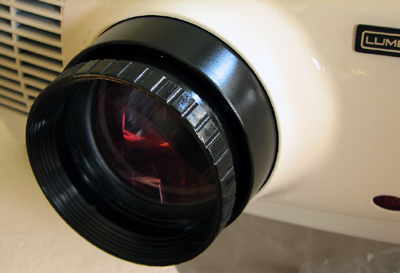
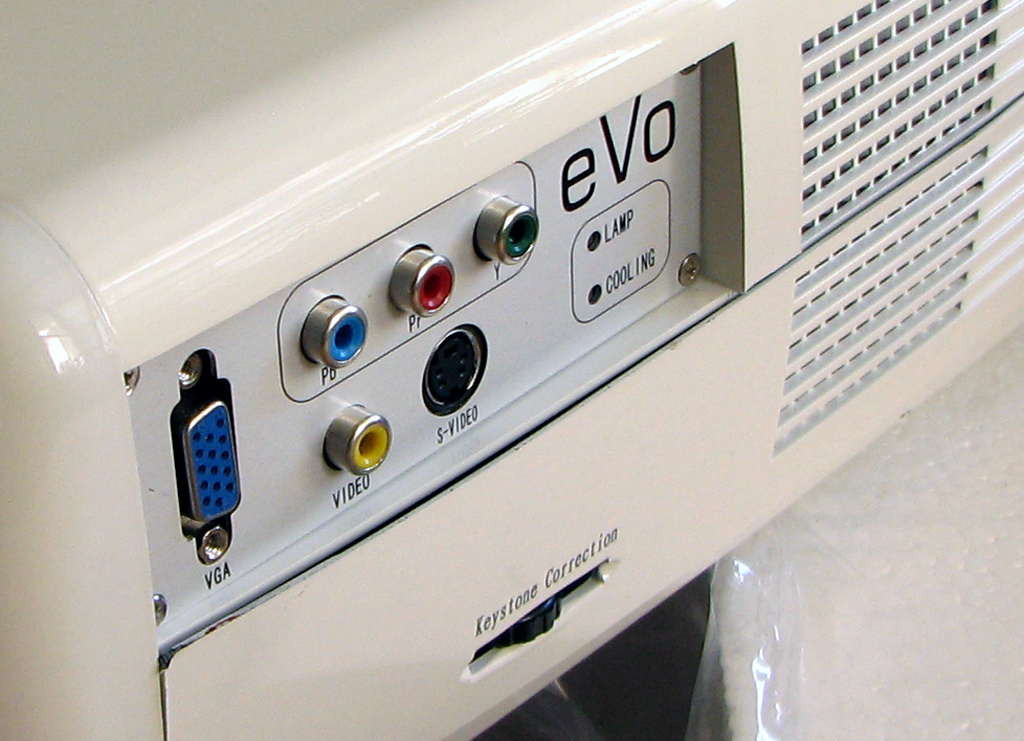
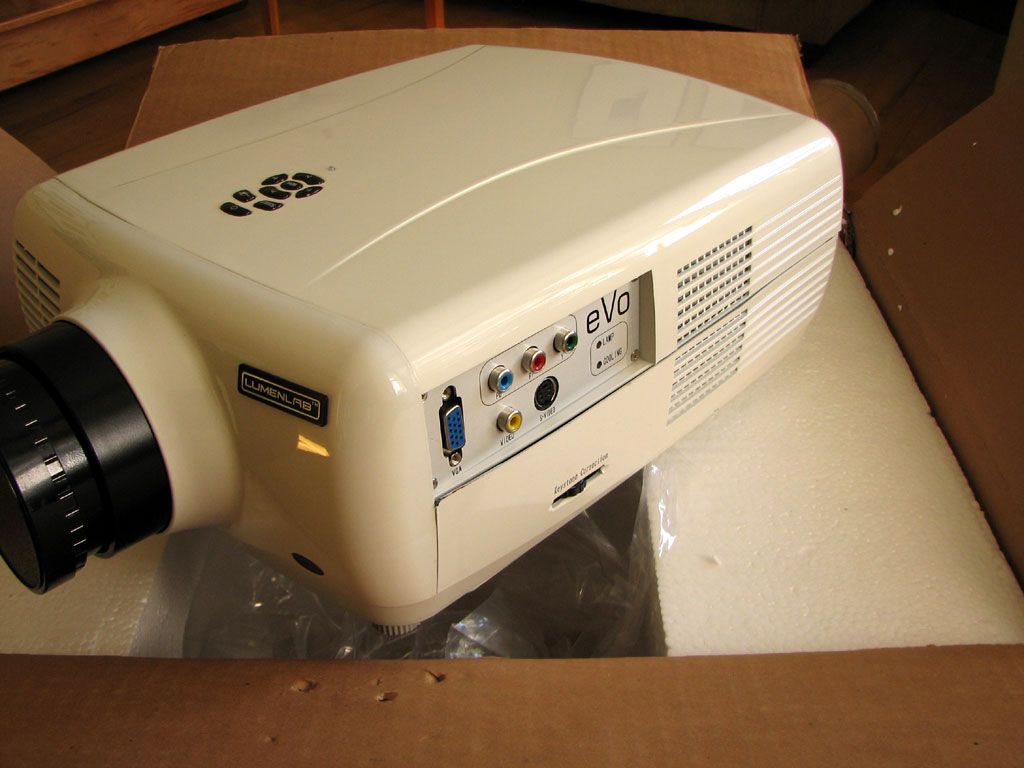
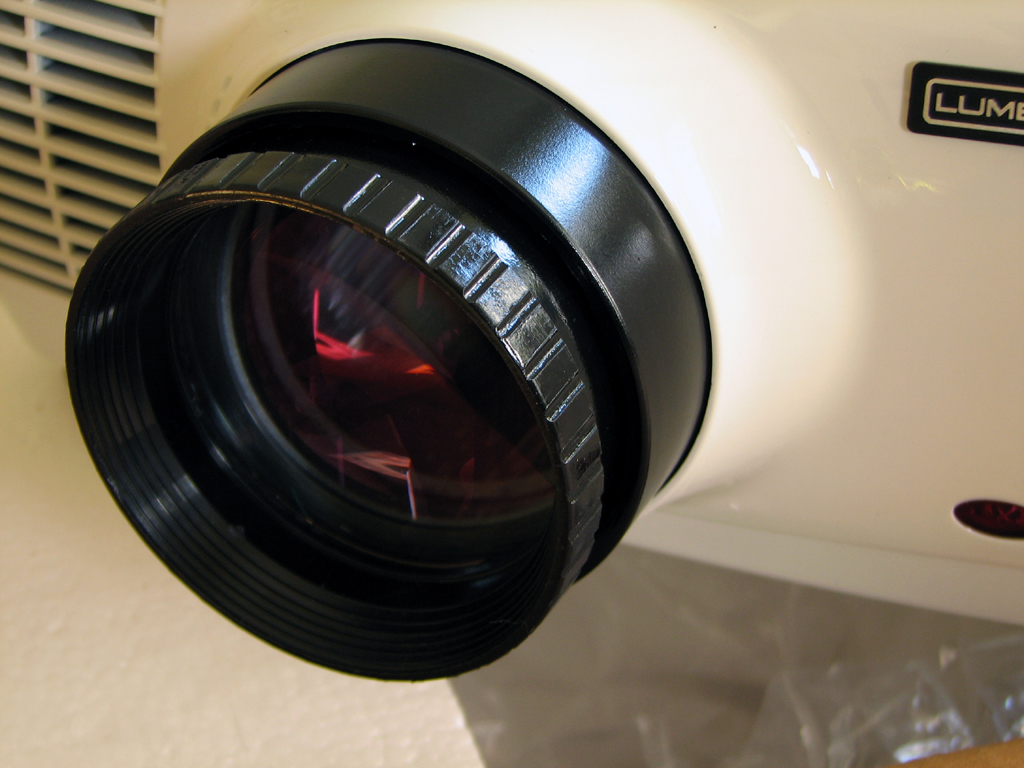
The projector was designed by LumenLab and manufactured in China. The combination has resulted in a good overall design and an inexpensive unit. This does come at some cost (plastic feel, imperfect fit), but we think LumenLab made the right calls where it counts (good optics, multi-resolution support, cheap replacement bulbs).
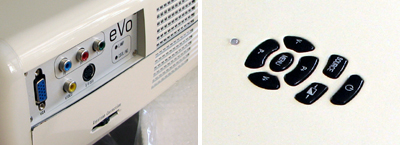
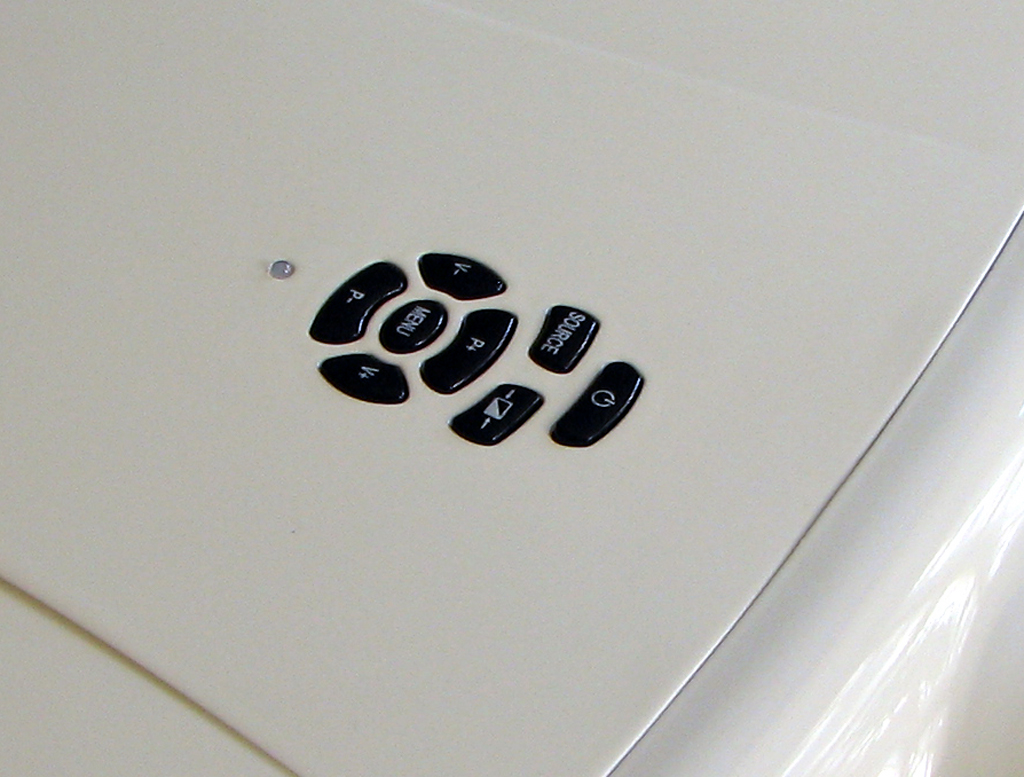
We also like the multi-input, keystone correction, and onboard controls. The eVo comes with a remote, some spare fuses, and a lens cap.
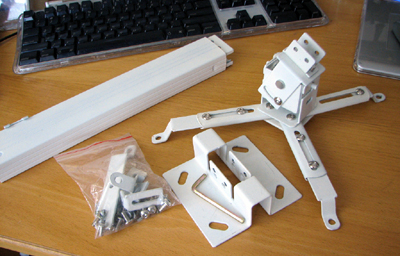
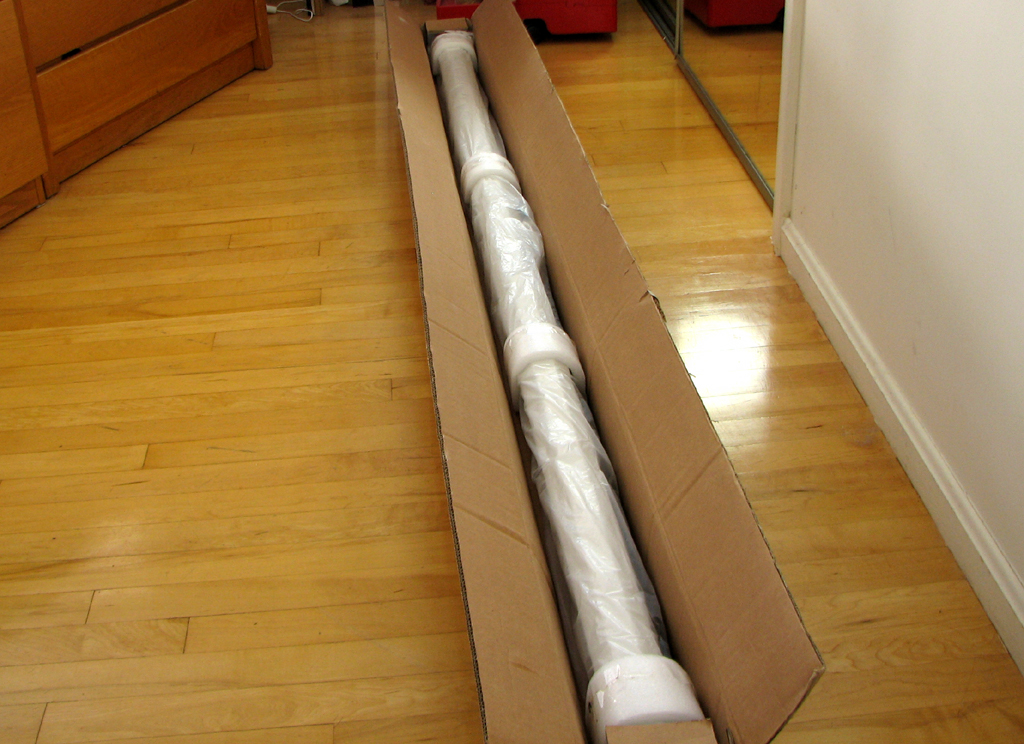
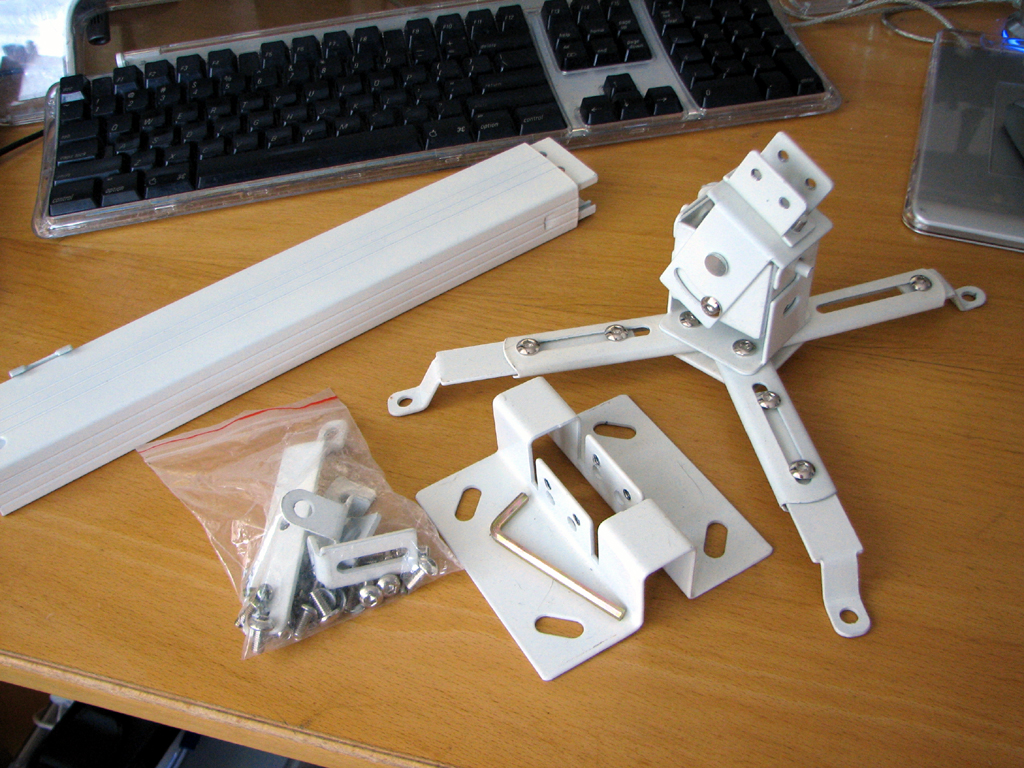
LumenLab offers an incredibly priced telescoping ceiling mount. This is an all steel mount which will enable the projector to be securely mounted. Adjusting it precisely may take a bit of patience as there are quite a few bolts to tighten.
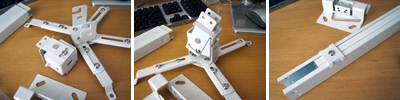
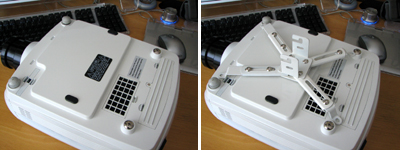
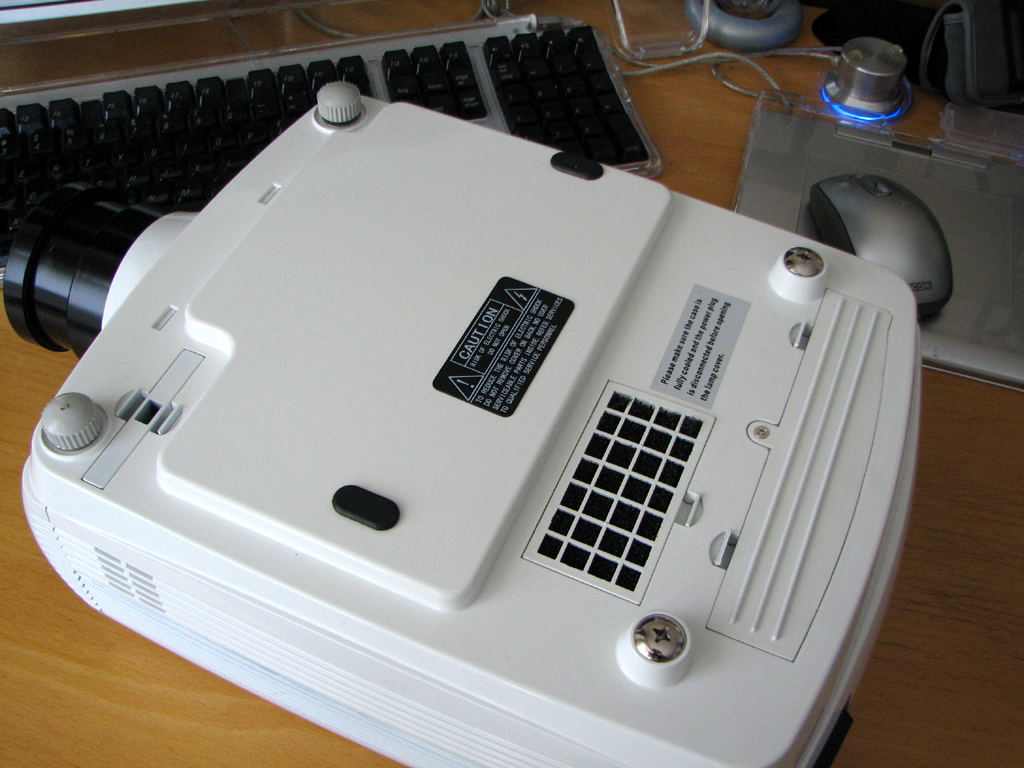
There are four matching anchor points at the bottom of the eVo projector for the mount. We don't have any plans at present to permanently mount this projector as we'll still need it for our multi-touch project. However, we are at a point in the project where we may need a projector with a shorter throw. If we do get another projector, we'll definitely permanently mount the eVo in our media room. - Wan Chi Lau (permalink)
|
Oct 21,2007 (WeekendEdition) |
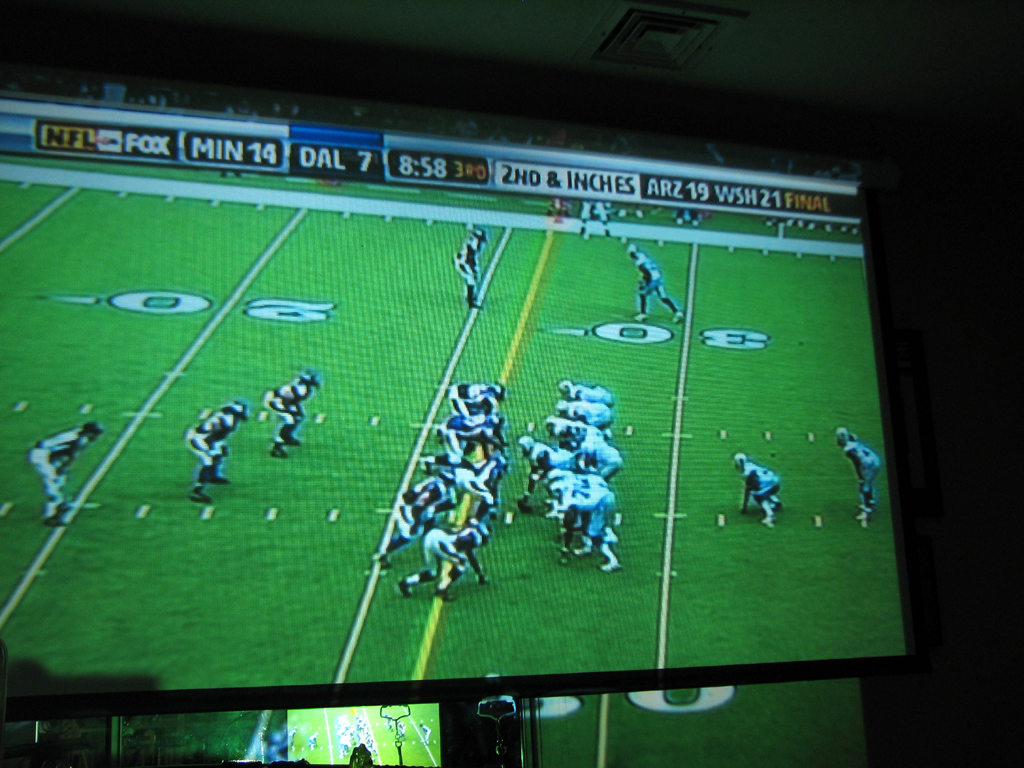
The LumenLab eVo projector has been in-house and in-use for many months now. Most of this time we had been using it for our multi-touch project. Since the Red Sox won last night, we decided to project tonight's game on the big screen so everyone can gather and watch. This meant it was finally time to mount the 90" screen we purchased along with the projector.
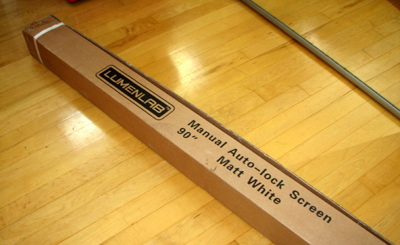
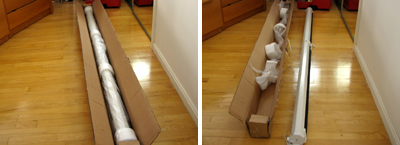
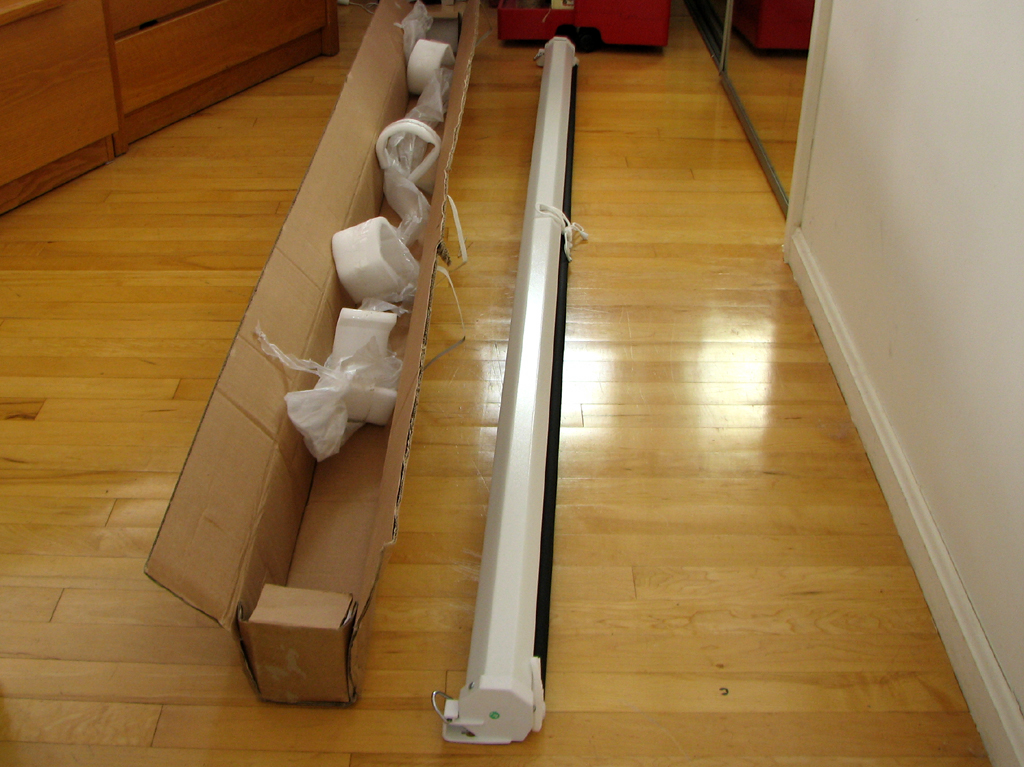
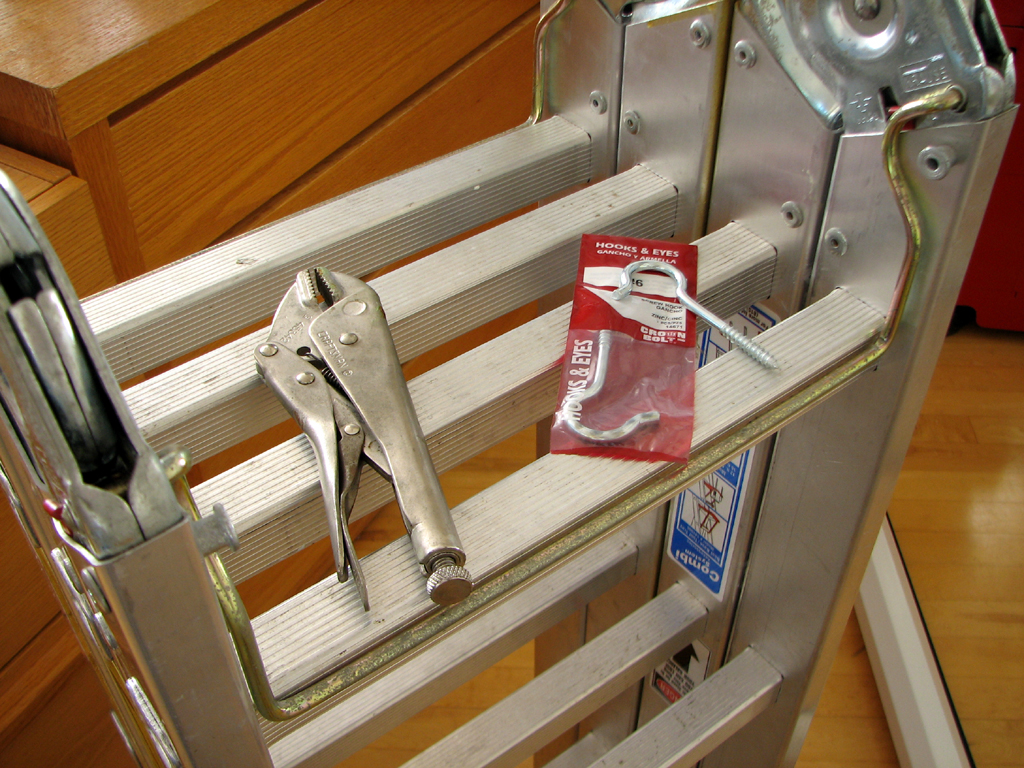
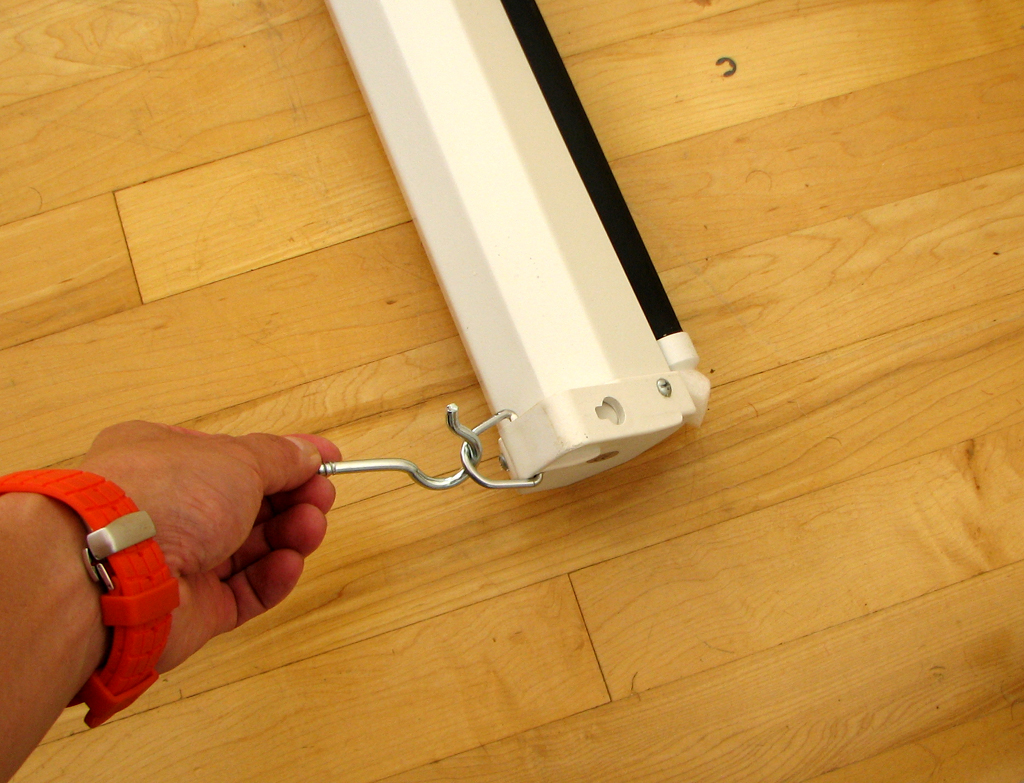
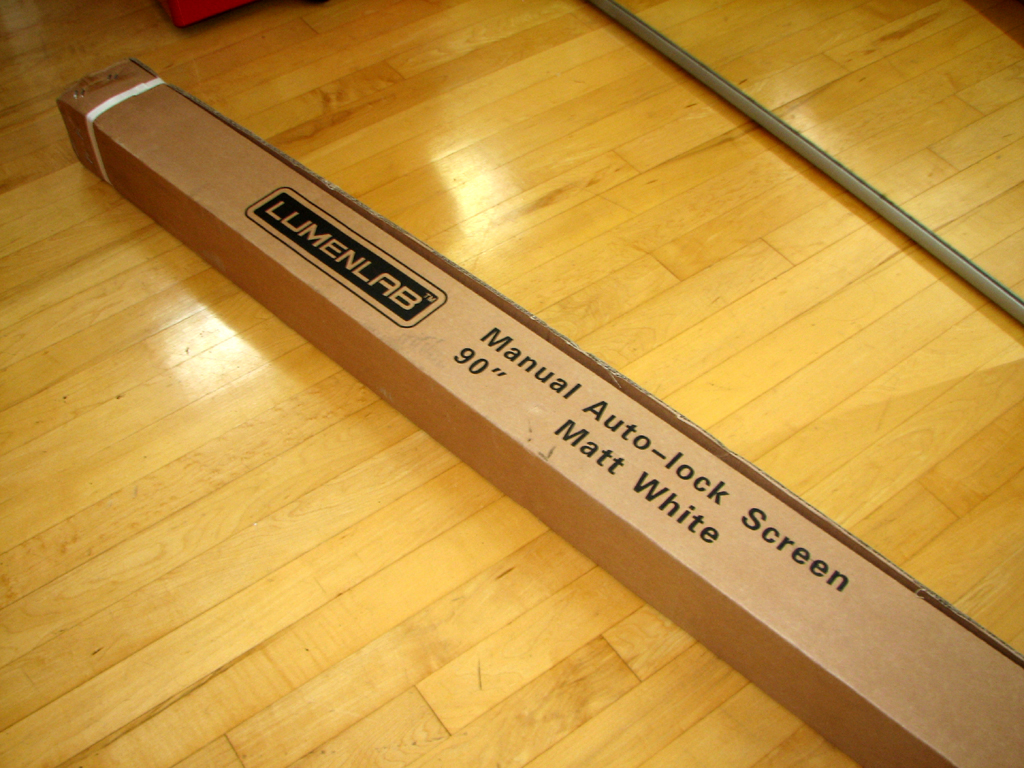
The LumenLab screen came well packed and pre-assembled. All we had to do was mount it to the ceiling and attach it with some hooks. We managed to get it set up in about 30 minutes. The part that took the most time was finding the studs in the ceiling!
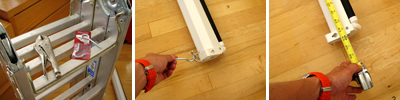
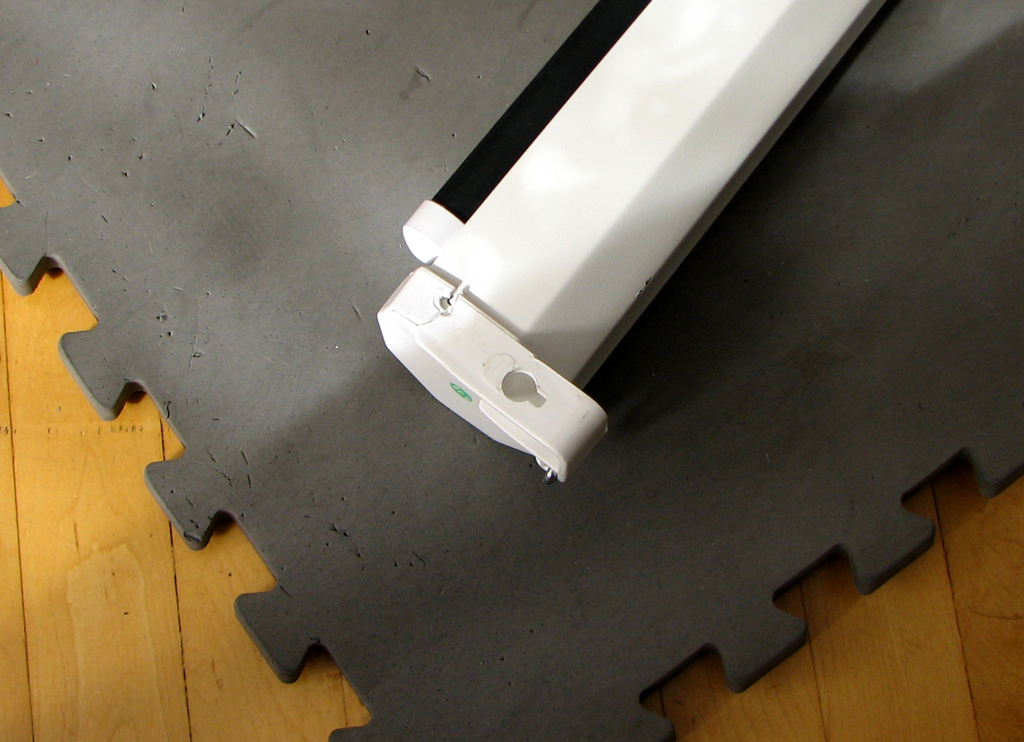
The project was going smoothly until we pulled down the screen. No matter what we did, the screen would not stay deployed. This is supposed to be an "auto-lock" screen. Upon closer inspection, we noticed that the left end of the screen had a crack. This may or may not be the cause, but still a problem either way.
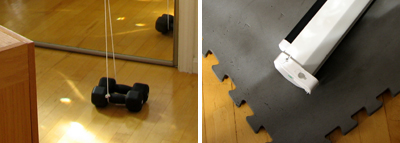
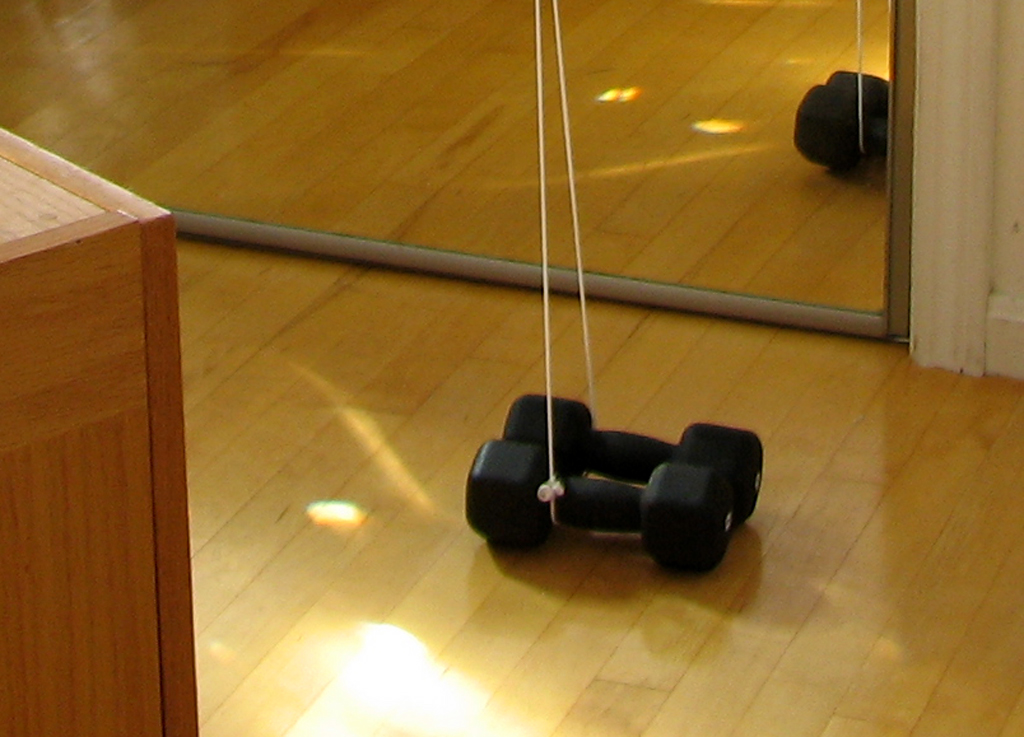
Since there was no time to take things apart, we decided on a more "practical" solution. Two 8 lb dumbbells were employed to anchor the screen open until we have a chance to contact LumenLabs and see what can be done :-)
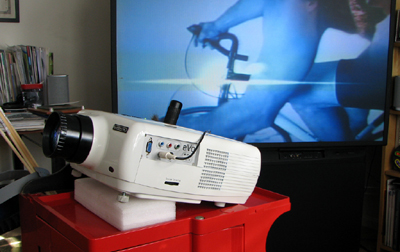
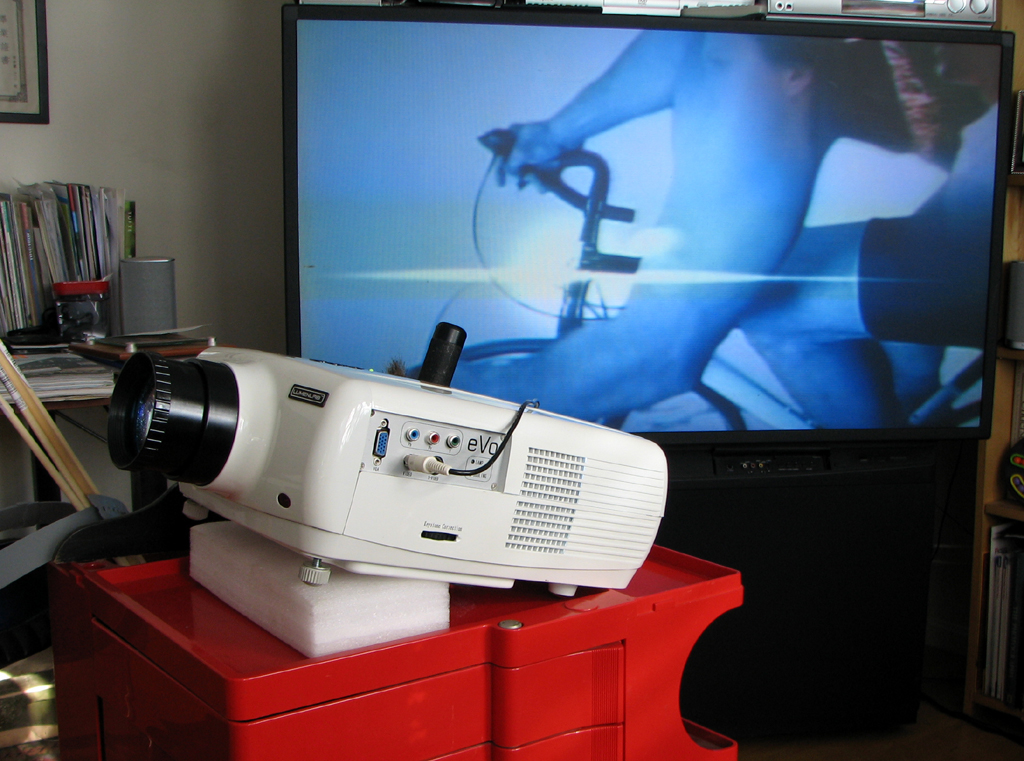
The final task was setting up the LumenLab eVo projector. We might decide that projector would be better mounted on the ceiling at later date. For now, we'll just use a cart to hold it. The projector has a built-in keystone correction dial to compensate for the tilt. Now that we have the 90" screen up, the 60" monitor does not seem so big any more! We are now set for tonight's game.
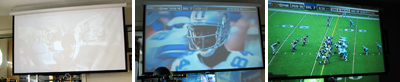
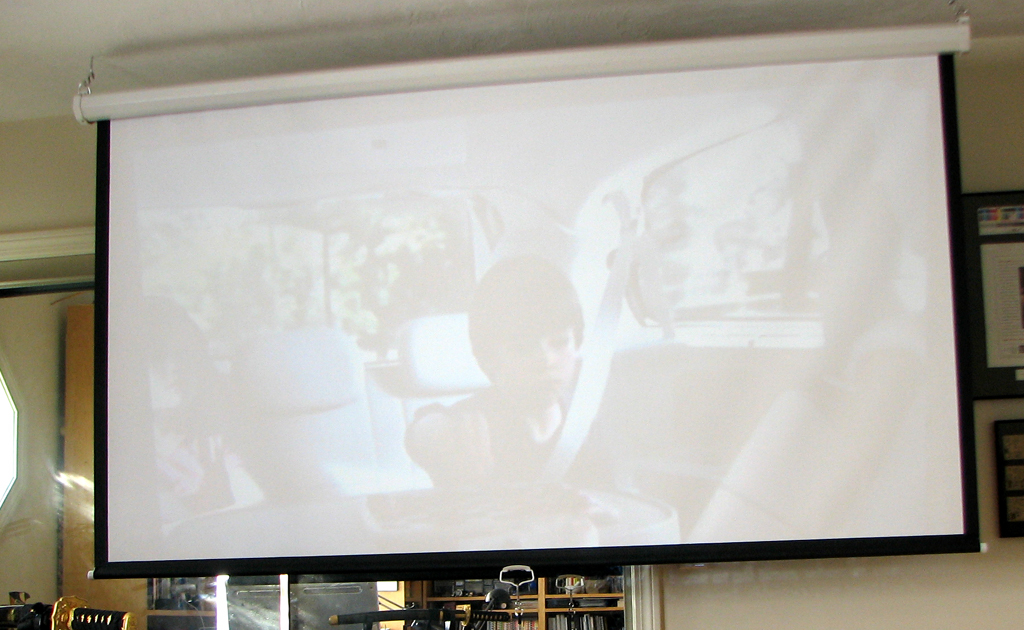
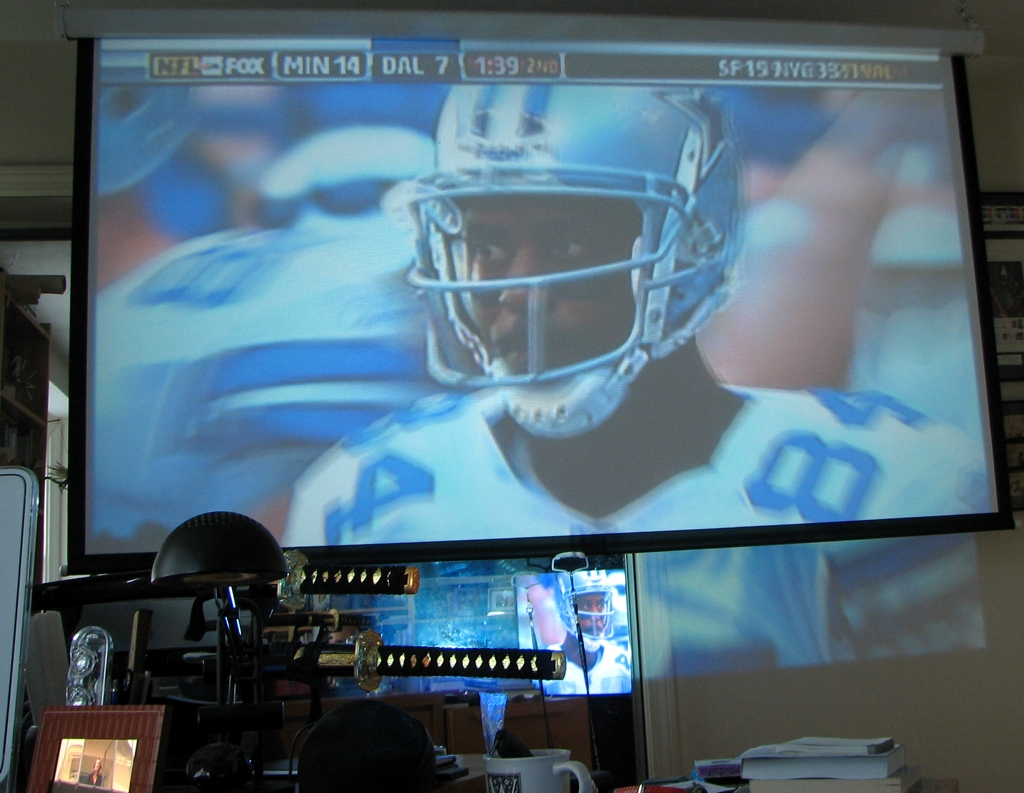
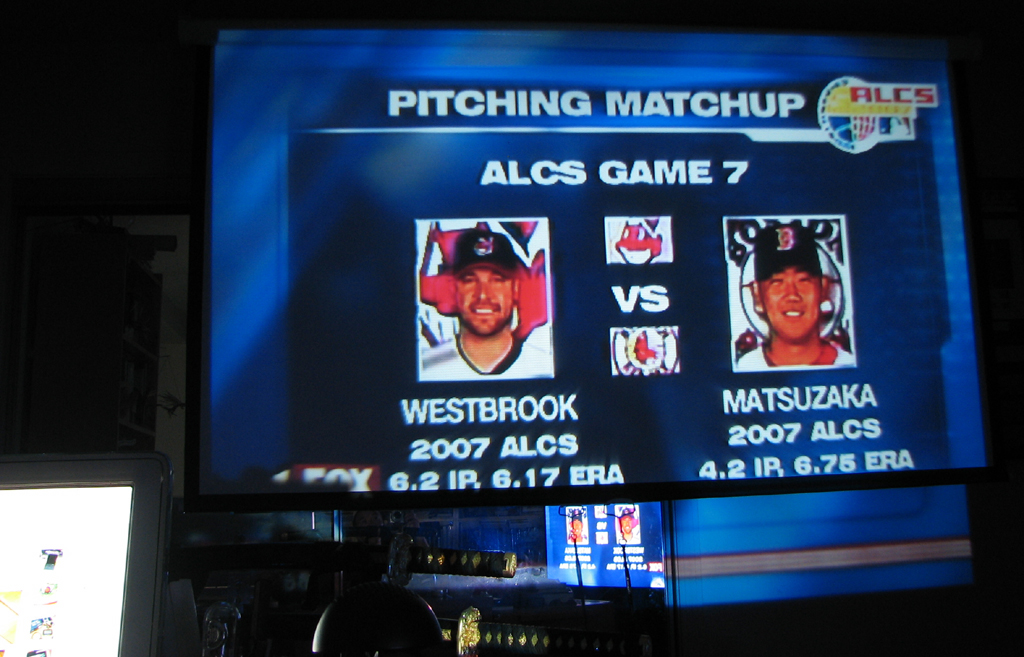
The image projected by the eVo is not bright enough for daytime use, but it is fine as a home theater projector in a darkened room. The three images were take at three different times during the day (mid-afternoon, late afternoon, sun down).
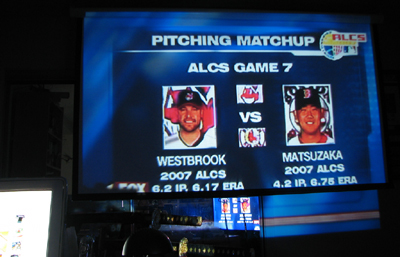
We did not have time to reconfigure the 7-channel surround sound, but it should be good enough for tonight's game. Go Sox!!! - Wan Chi Lau (permalink)
|
|
Oct 13,2007 (WeekendEdition) |
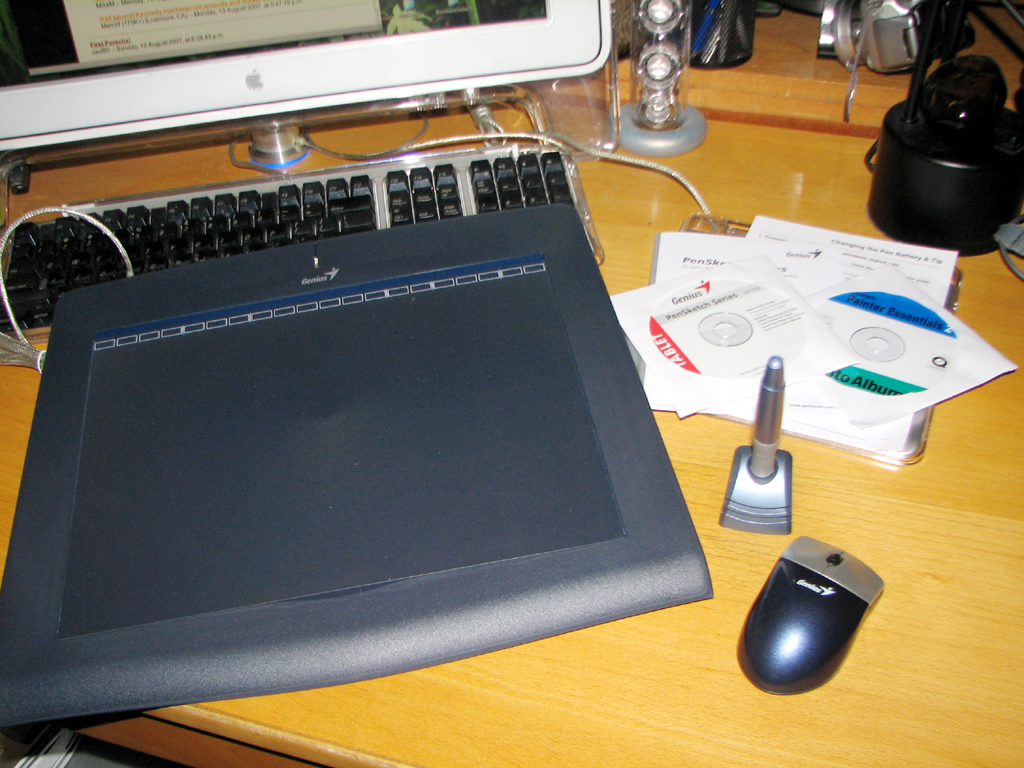
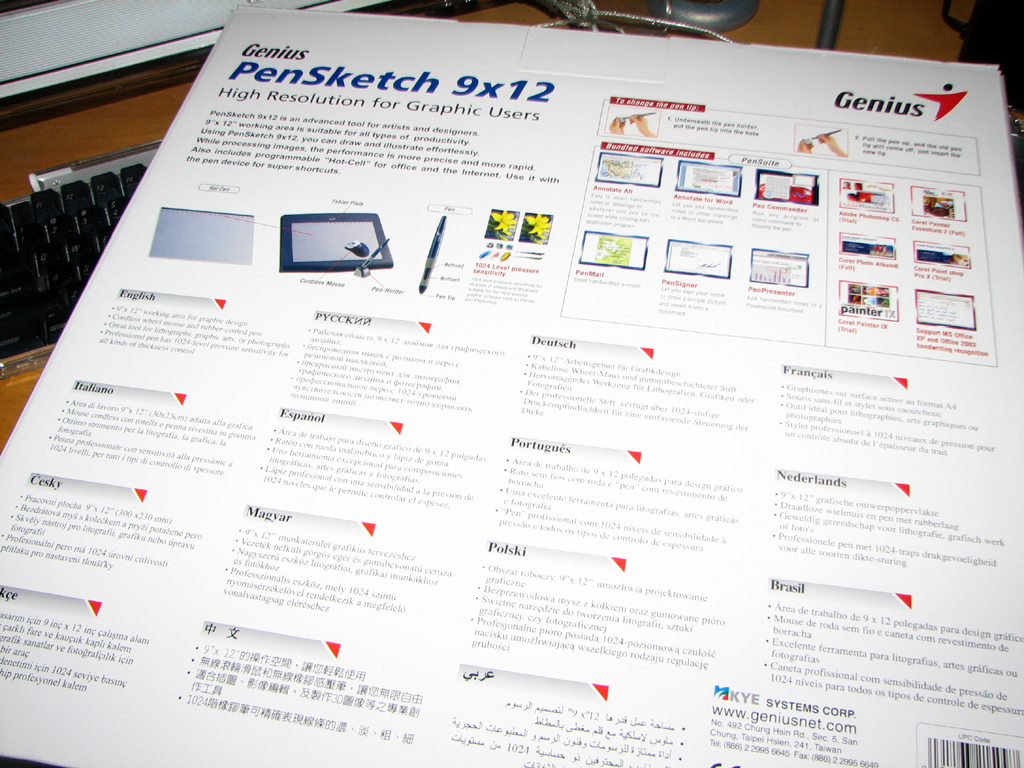
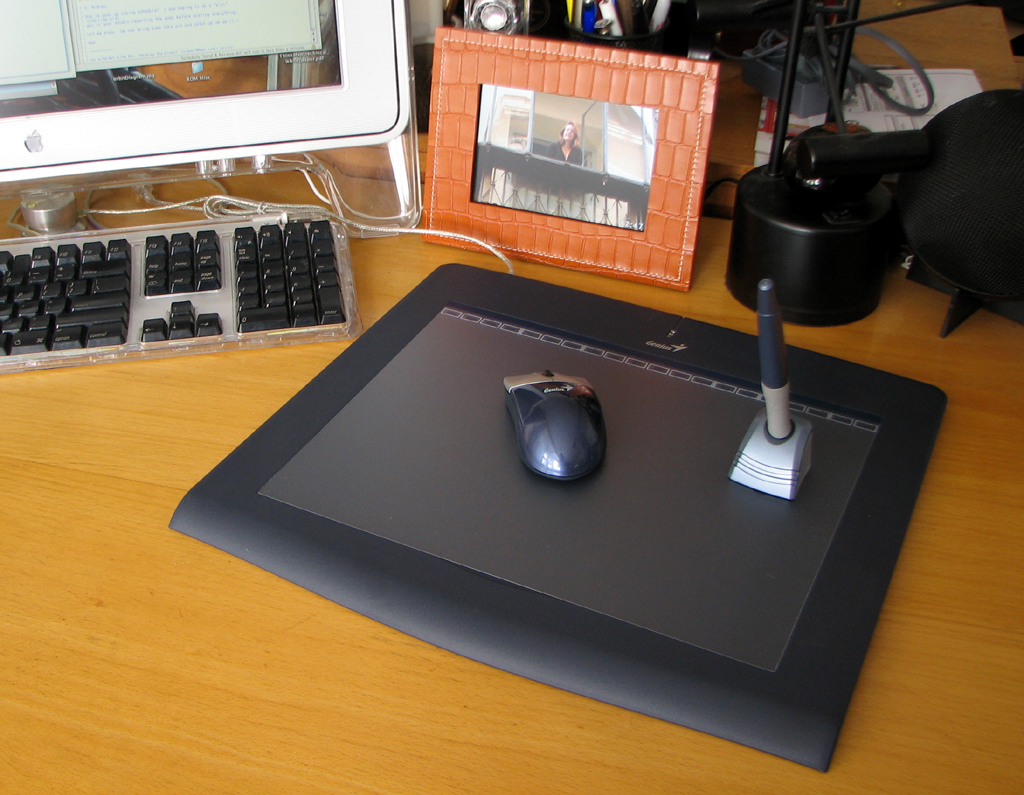
Back in August, we got a larger tablet (the Genius PenSketch 9x12) to make our graphics work easier. We have been getting a steady stream of emails asking when we are going to post the FirstLook review of the PenSketch. If you have been one of those emailers, today is your luck day.
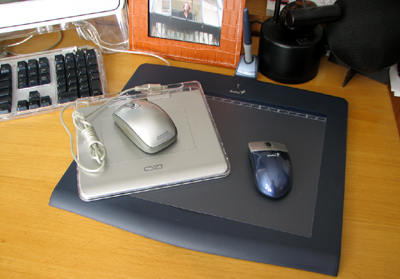
The active area of the PenSketch table is almost 4x bigger (9x12 vs 4x5) than the Graphire. When it comes to tablets, bigger is better. Bigger means more room to work, more room means higher resolution, and higher resolution means better details.
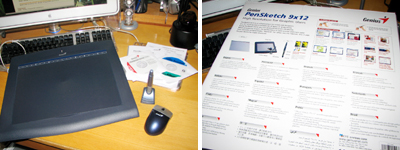
Since most buyers of larger tablets will most likely already have their favorite graphics software programs, we will not talk much about the trial ones included with the PenSketch. We will mention that there are drivers for both Windos XP and Mac OS X.
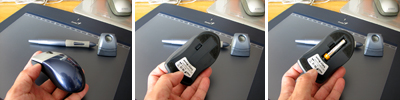
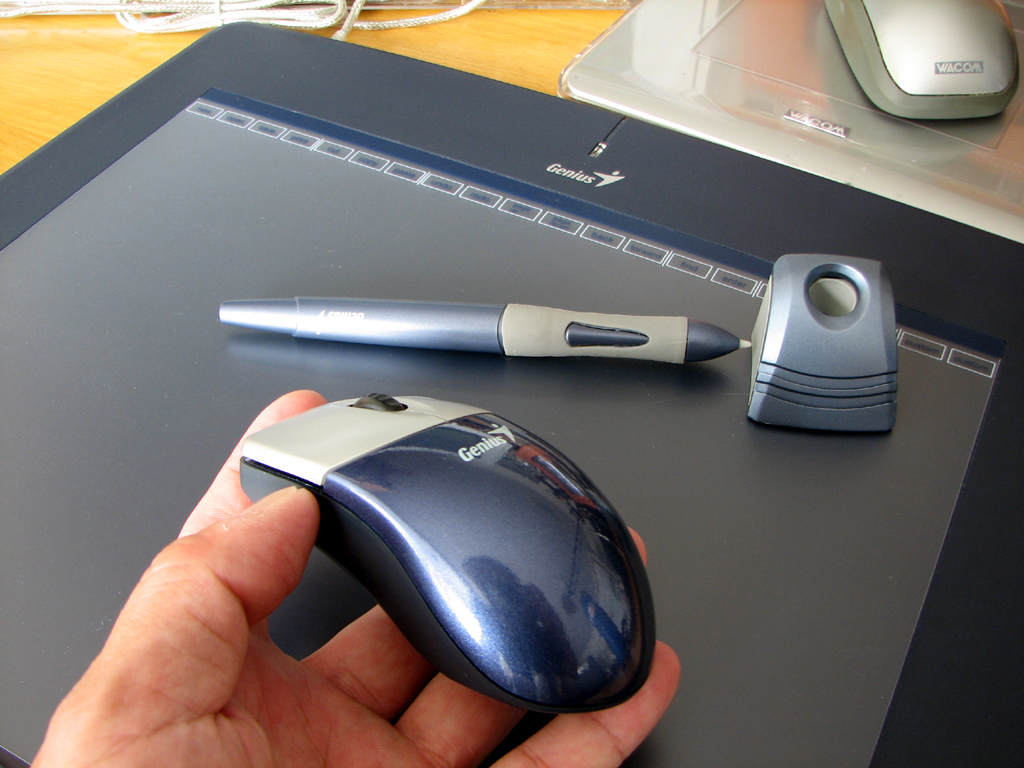
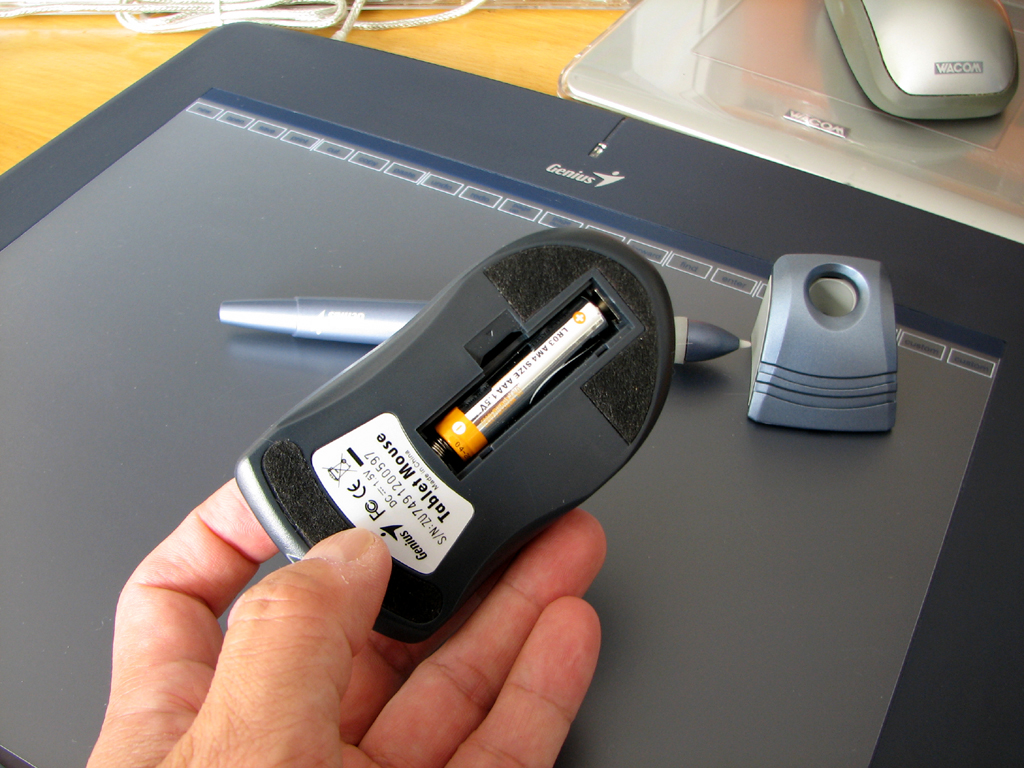
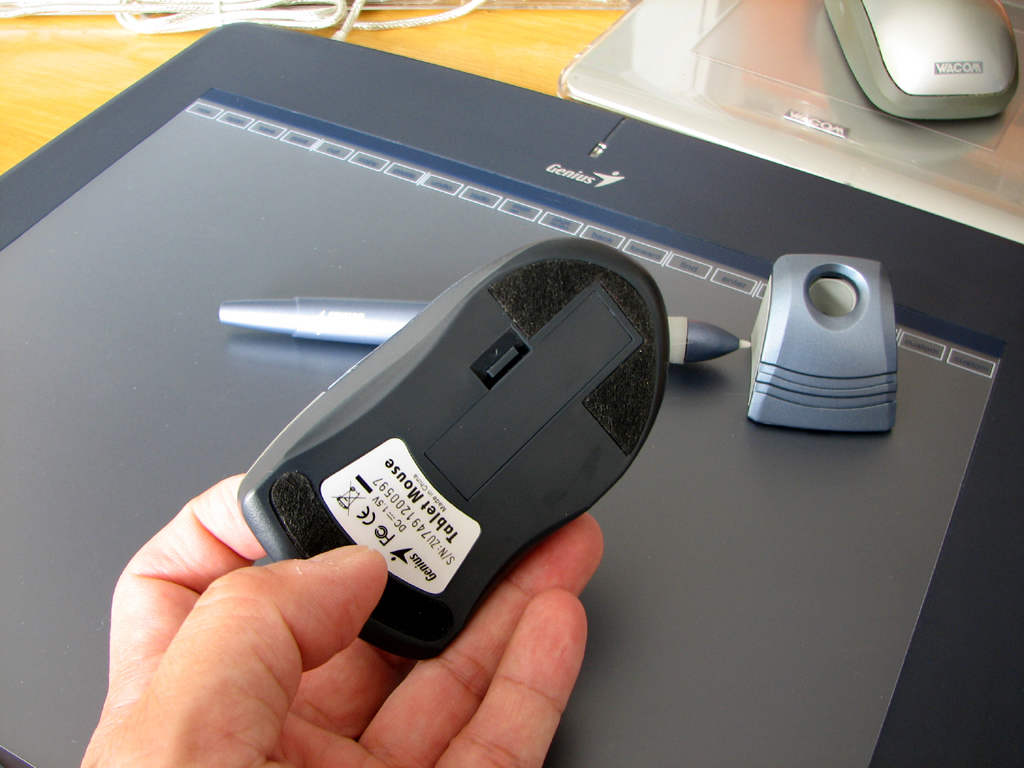
The Genius PenSketch comes with a cordless mouse and a cordless pen. Each are powered by a AAA battery. From past experience, we know that we use the mouse about 85% of the time. The PenSketch mouse has three buttons (left, right, scroll). The bottom of the mouse hsd three "fuzzy" patches so it can slide noisely across the tablet's surface. This technique works well, but does tend to trap crumbs and dust.
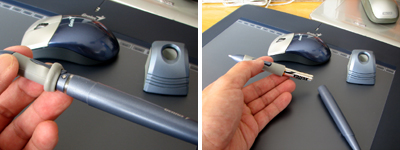
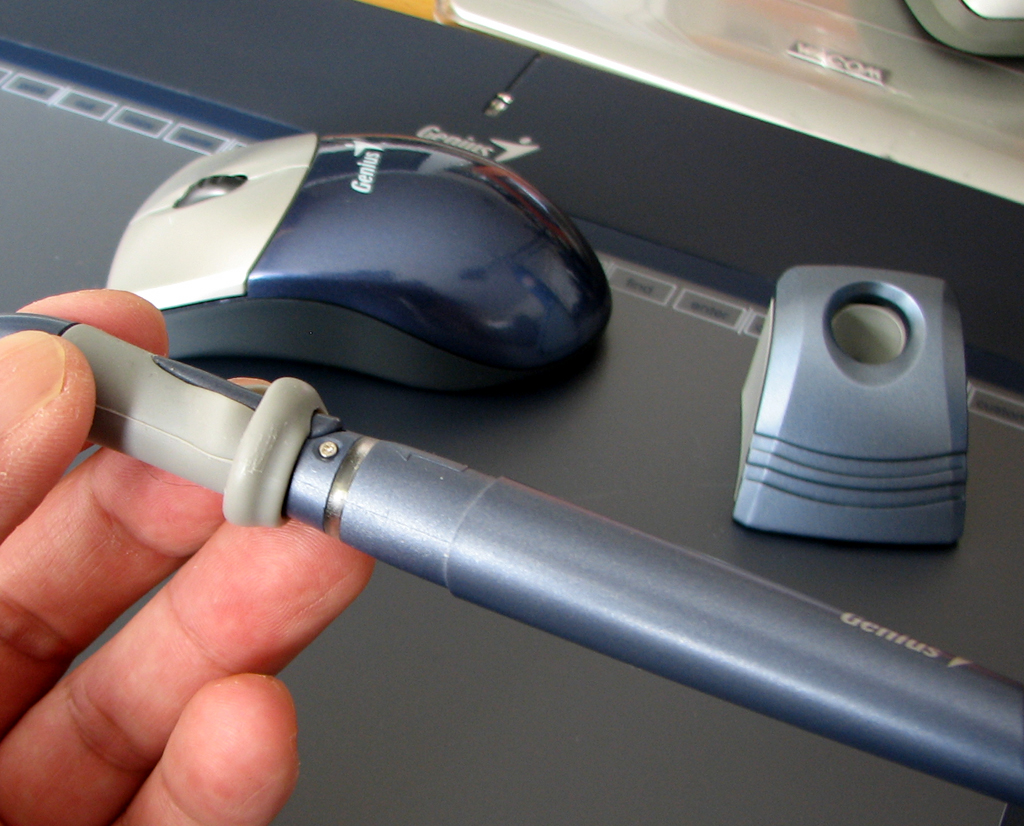
The pen is useful for fine retouching, tracing, or pressure sensitive brush work, but isn't all that ergonomic for normal menu and selection activities. However, the Genius tablet has an interesting feature which we have not seen in other tablets...a programmable strip of "virtual buttons" along the top of the input area.
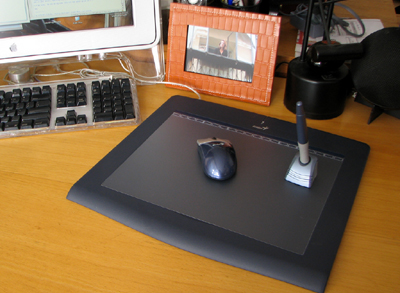
This strip of programmable buttons may finally make the pen just as quick to use for menu item selection as the mouse. We'll have more to say about this unique feature in our FirstUse report. - Wan Chi Lau (permalink)
|
|
|
Oct 5,2007 (FinallyItsFriday) |
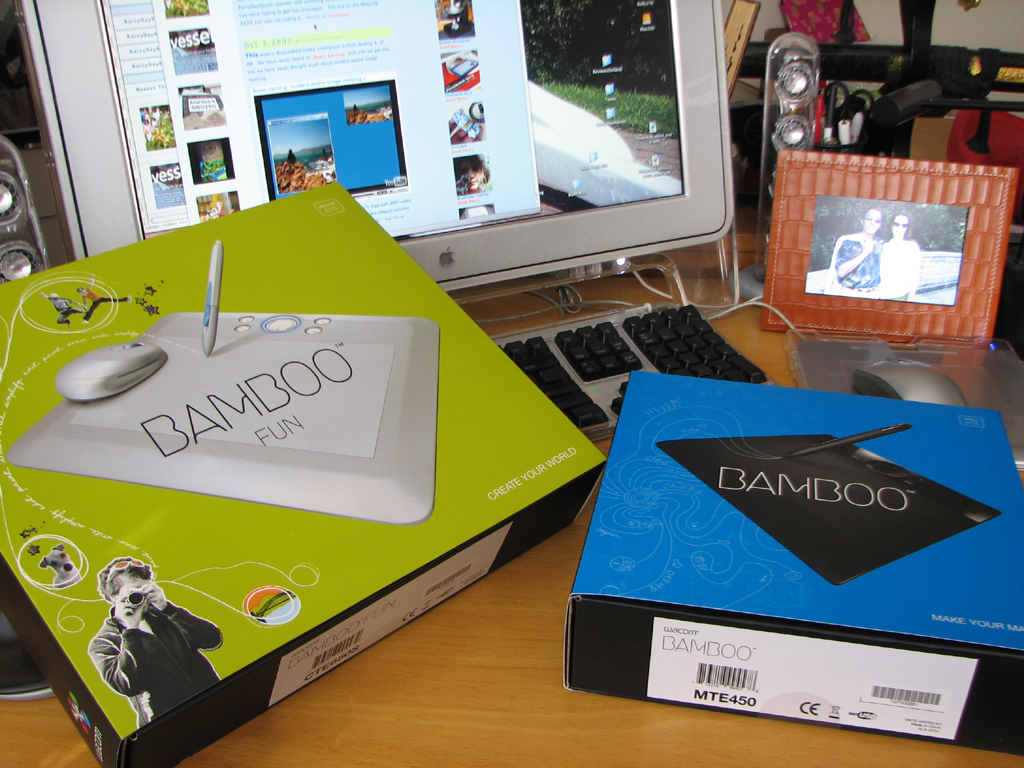
Just when we were about to post the FirstLook of the Genius tablet, three new tablets from Wacom showed up at the office. We are going to hold the Genius piece a few more days to see if it makes sense to review them all together.
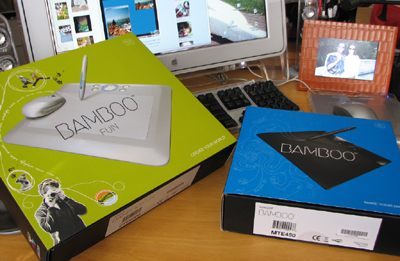
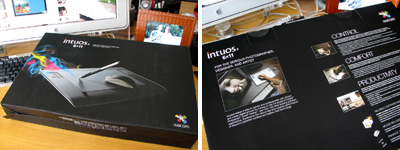
Two of the Wacom tablets are their new Bamboo line. The other is from the professional line. We know there have been frequent requests for a review of the top of the line Cintiq tablet and we are working on that. In the meantime, we'll have FirstLook at the intuos3 6x11 tablet. - Wan Chi Lau (permalink)
|
|
Sept 24,2007 (MobileMonday) |
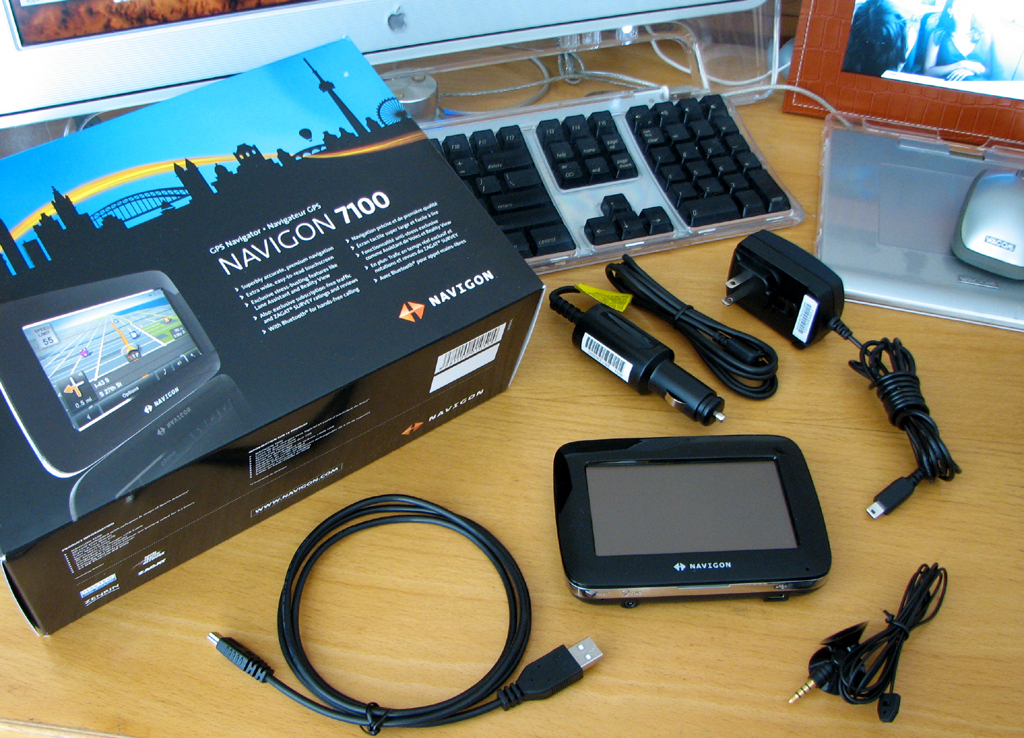
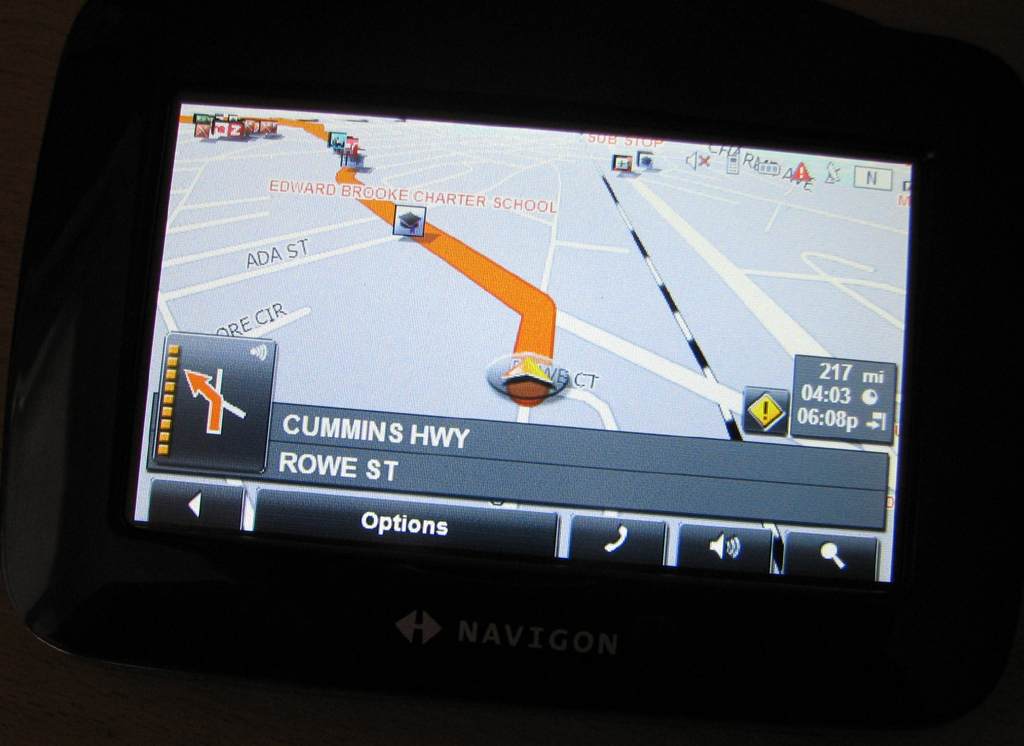
A day before we left for Madrid a really cool gadget showed up at the office. We have reviewed quite a few GPS units over the years. While the devices have definitely improved in usability, they still were not able to inform the user of the "best" route to take to avoid real time traffic tie-ups. The Navigon 7100 may just change all that. It comes with subscription-free realtime traffic info!
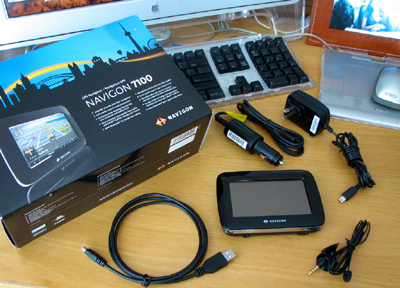
The 7100 we are reviewing is a pre-production unit. It has production release software and most of the accessories that will be in the retail version. It is missing the documentation and the mount.
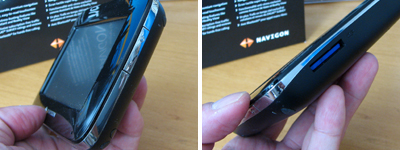
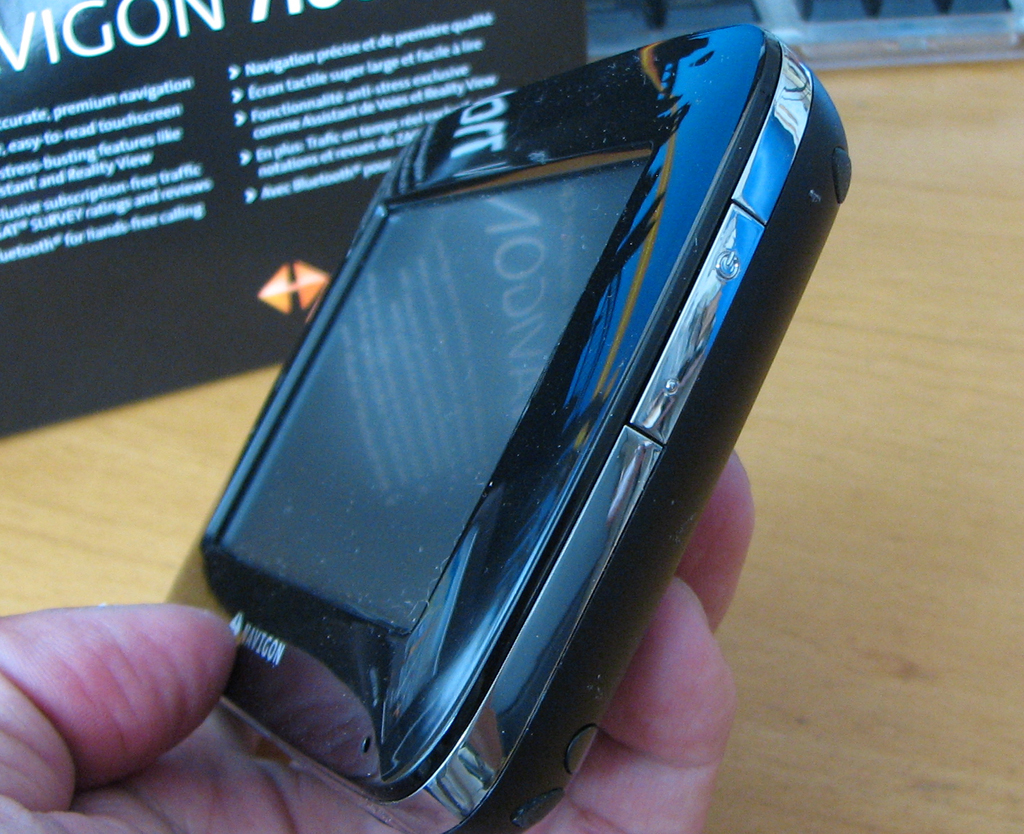
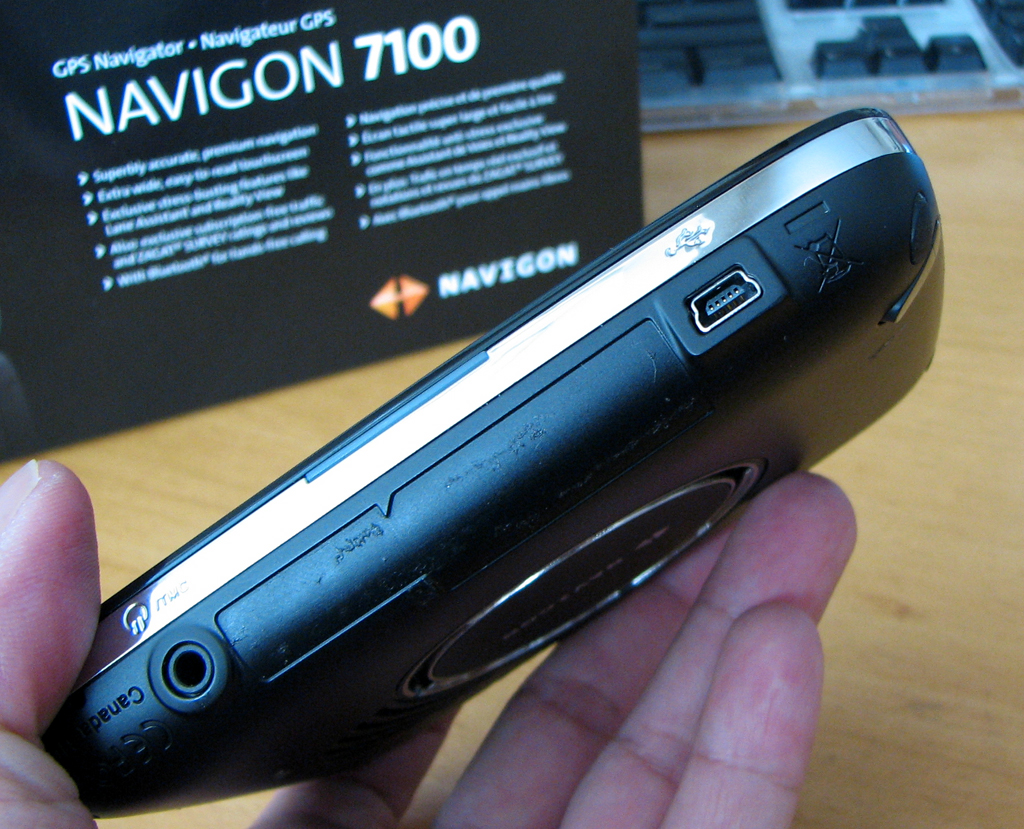
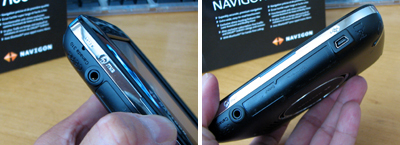
Like most touchscreen devices, there are not a lot of physical buttons. There is power button and an integrated pointer on the side. All other functions are controlled using the LCD screen.
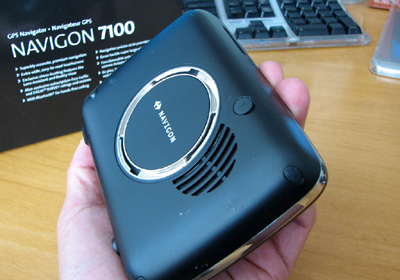
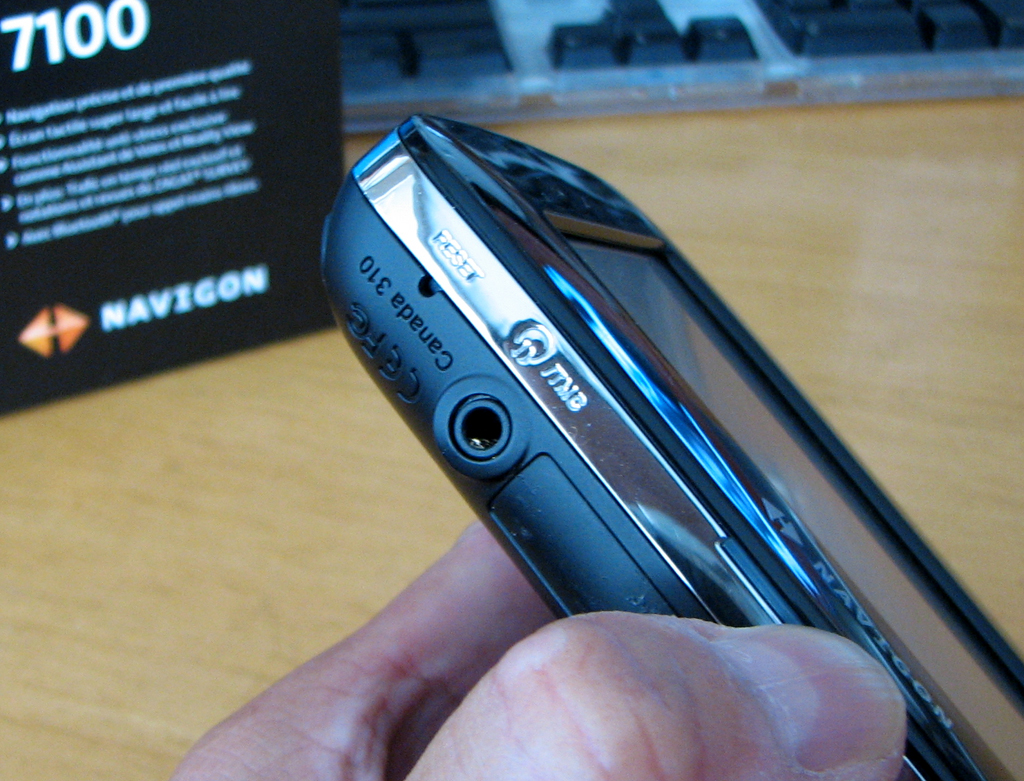
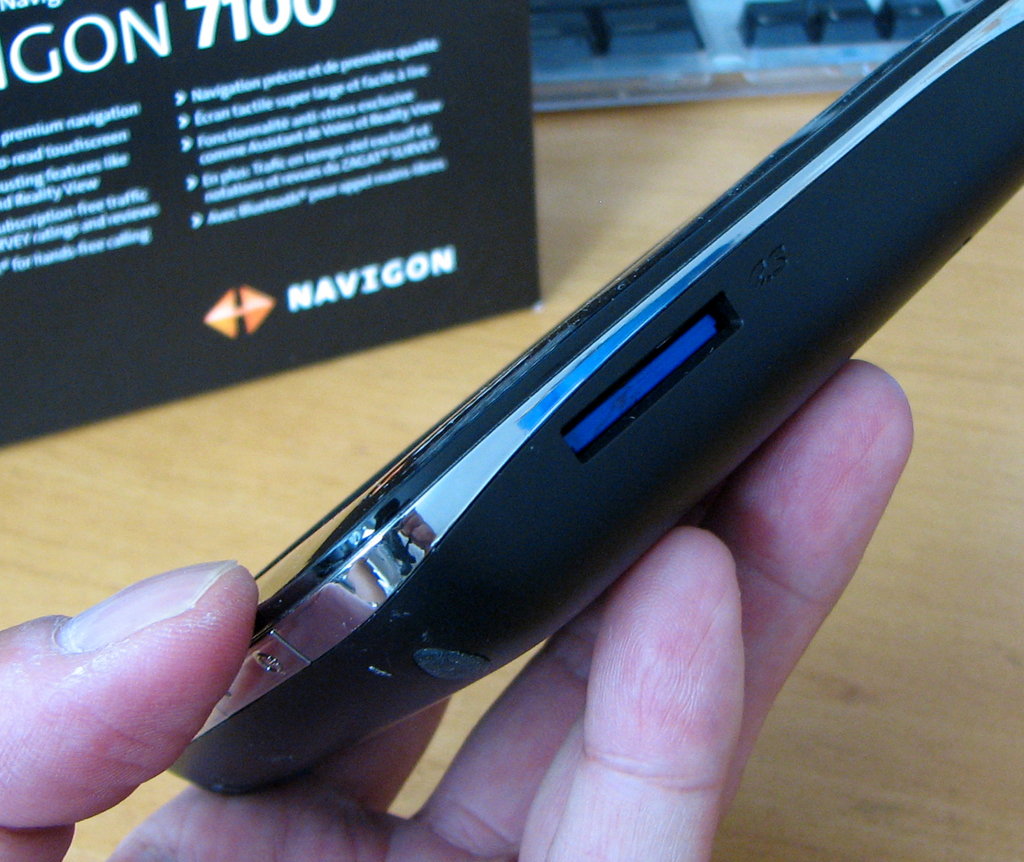
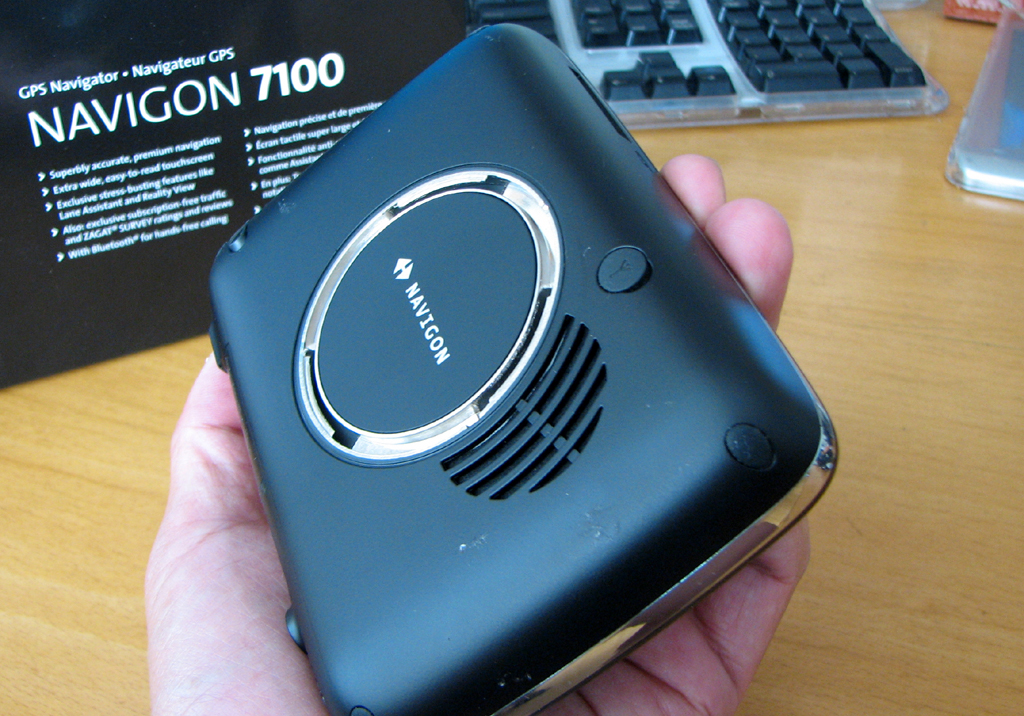
The circular mount and the speaker are in the back of the unit. The ports and slots (headset, USB, SD) are on the top and bottom. There is an external GPS-antenna port on the back. The 7100 is also Bluetooth enabled so you can use it to dial a cellphone. Why would you want that? We'll show you in the FirstUse review.
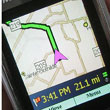
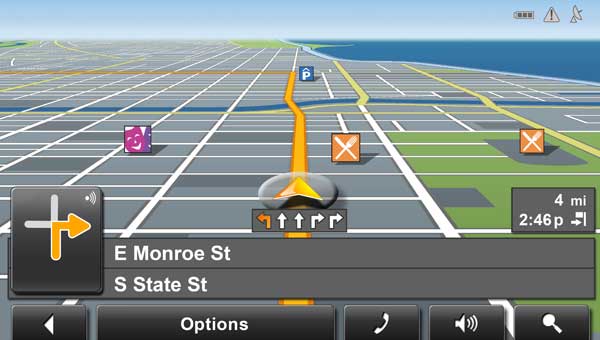
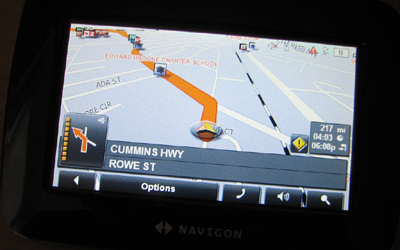
We'll have a lot more screen shots in our FirstUse review, but we wanted to include one in this FirstLook to give you a look at the cool the 3D map view.
We will be taking the Navigon with us when heading to NYC this weekend. It will be interesting to see the real time traffic info and some of the other features (Reality View, Lane Assistance) in action! - Wan Chi Lau (permalink)
|
|
|
|
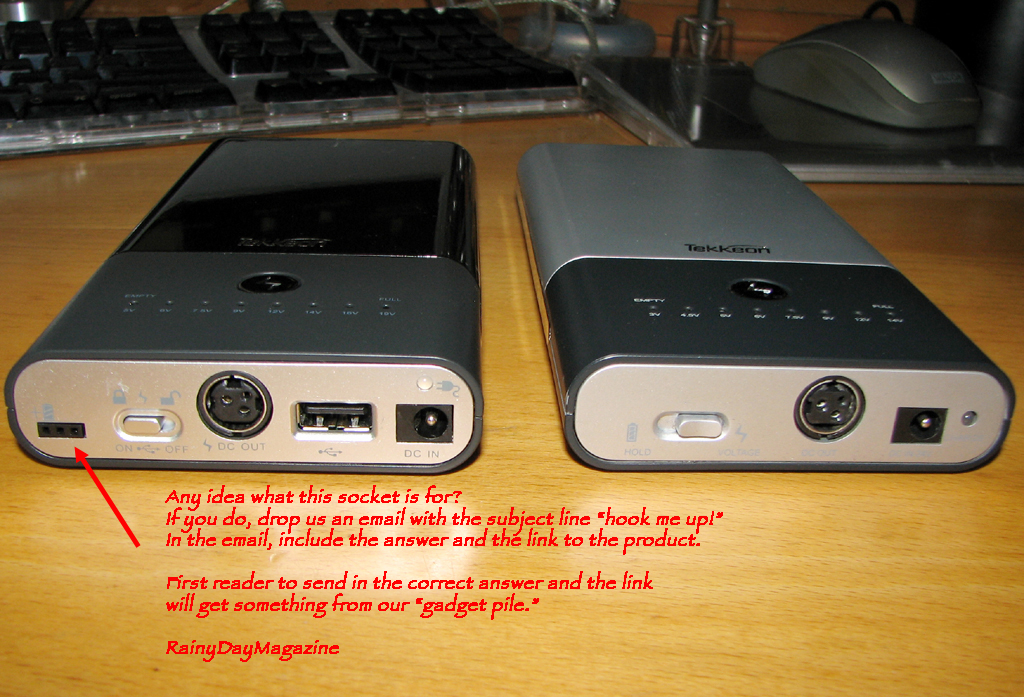
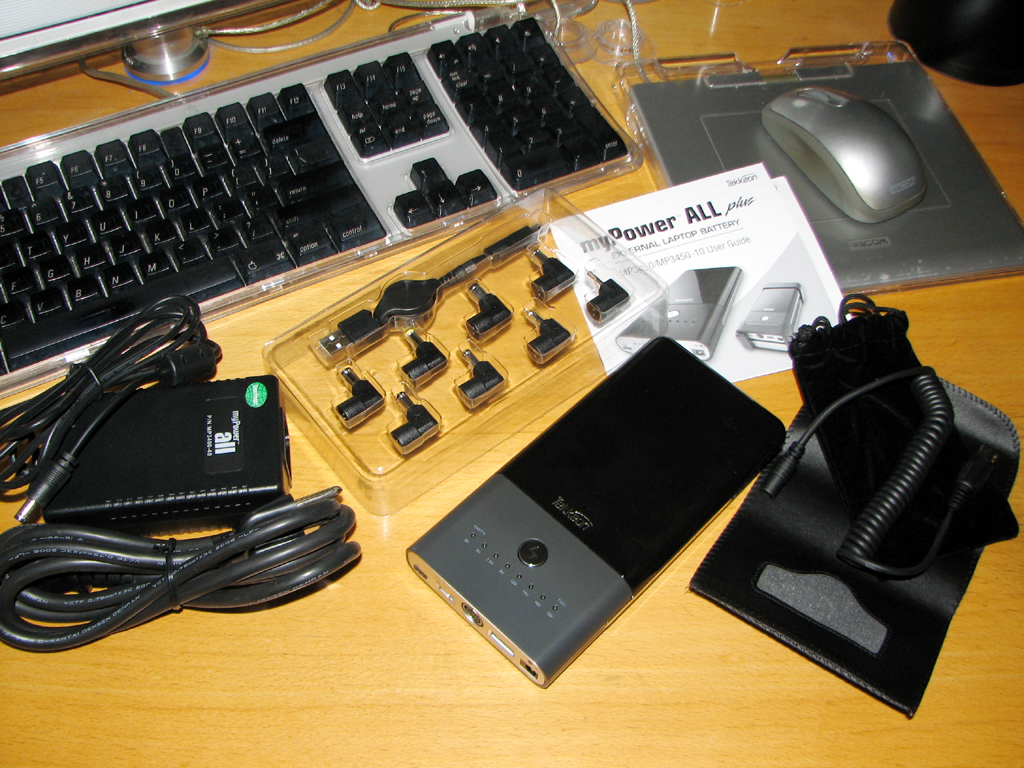
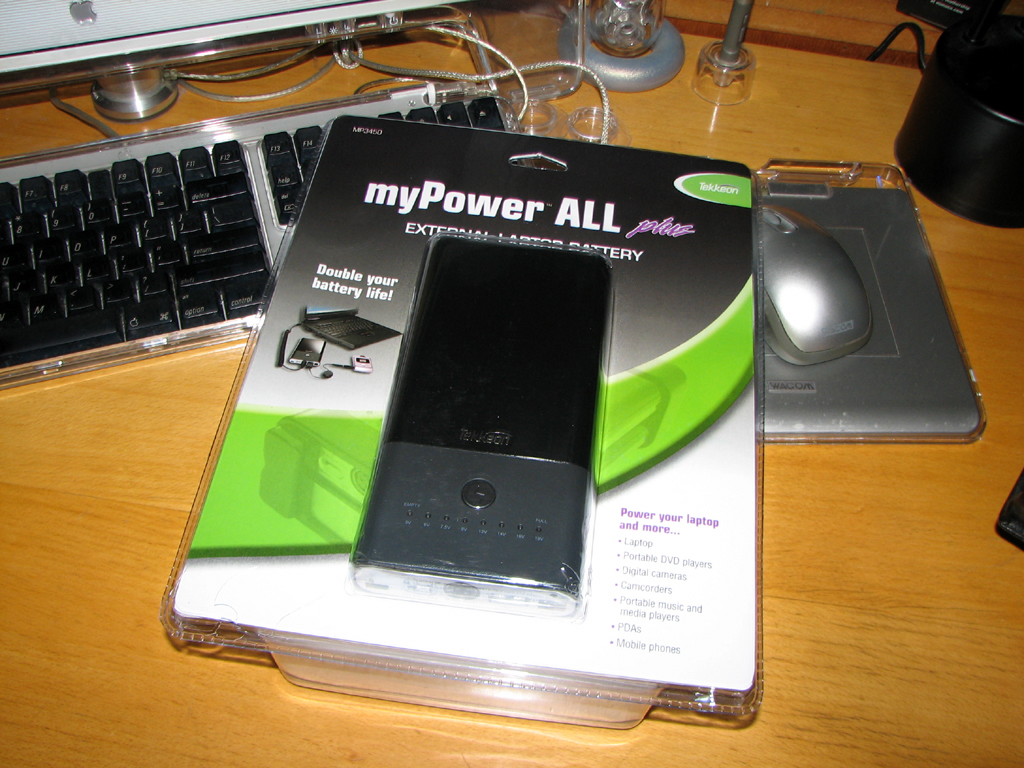
One of our favorite portable batteries is the Tekkeon MyPowerAll. We reviewed the myPowerAll 3300 in 2005 and have used it in a variety of projects (camera, helicopter). The battery has been cycled close to 70 times (mostly for photo shoots) and is still good as new. This is definitely one of the "workhorse" batteries at the office.
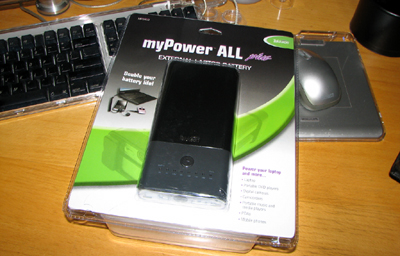
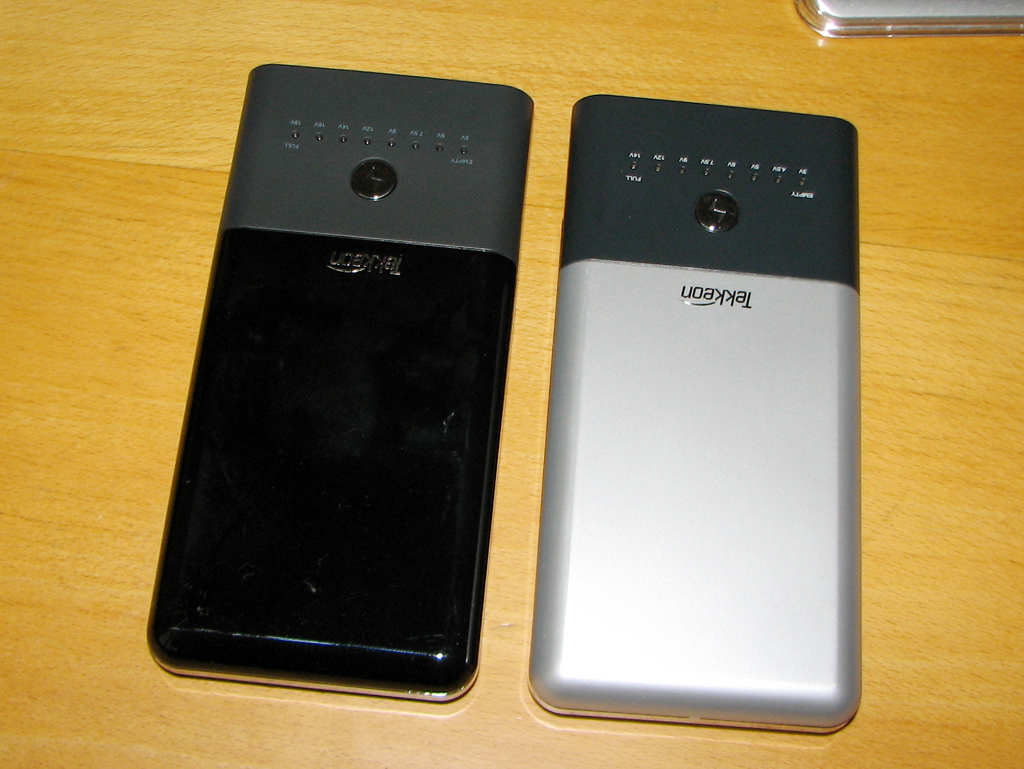
Tekkeon recently updated the battery (myPowerAll 3450) with an increase in power and connector options. One of the new options we really like is the USB port. This means we can now leave the chargers for the smaller devices (pda, cell phone, gps) at home!
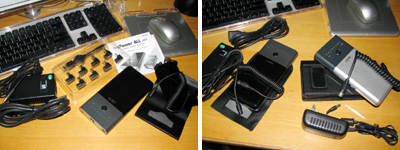
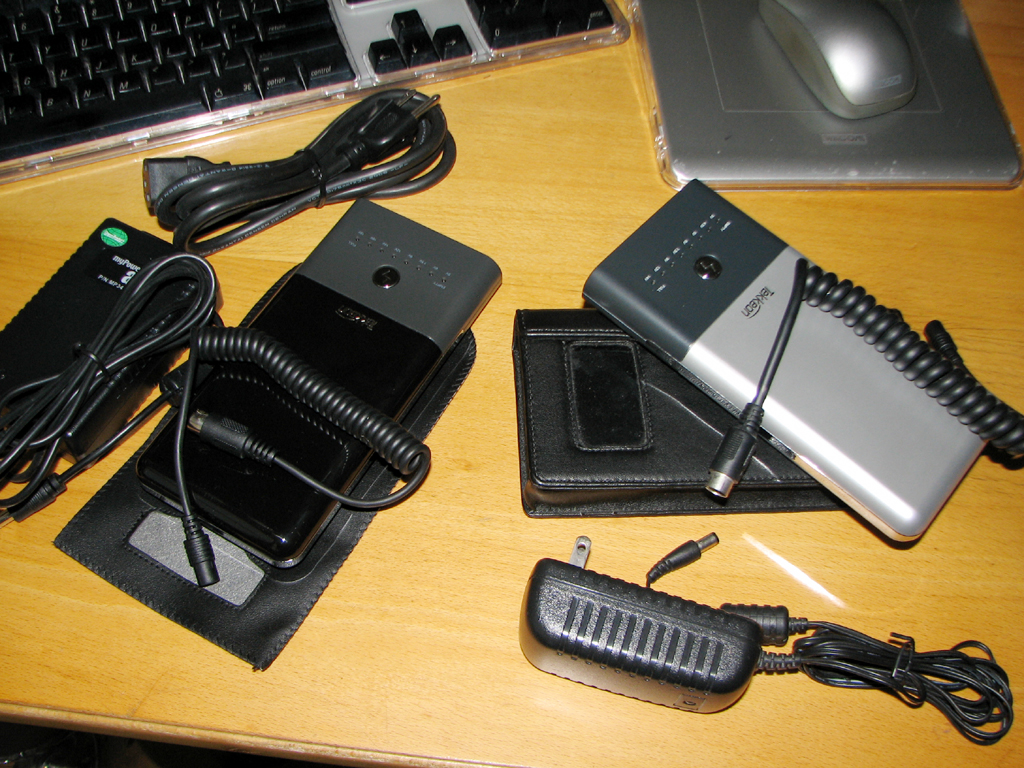
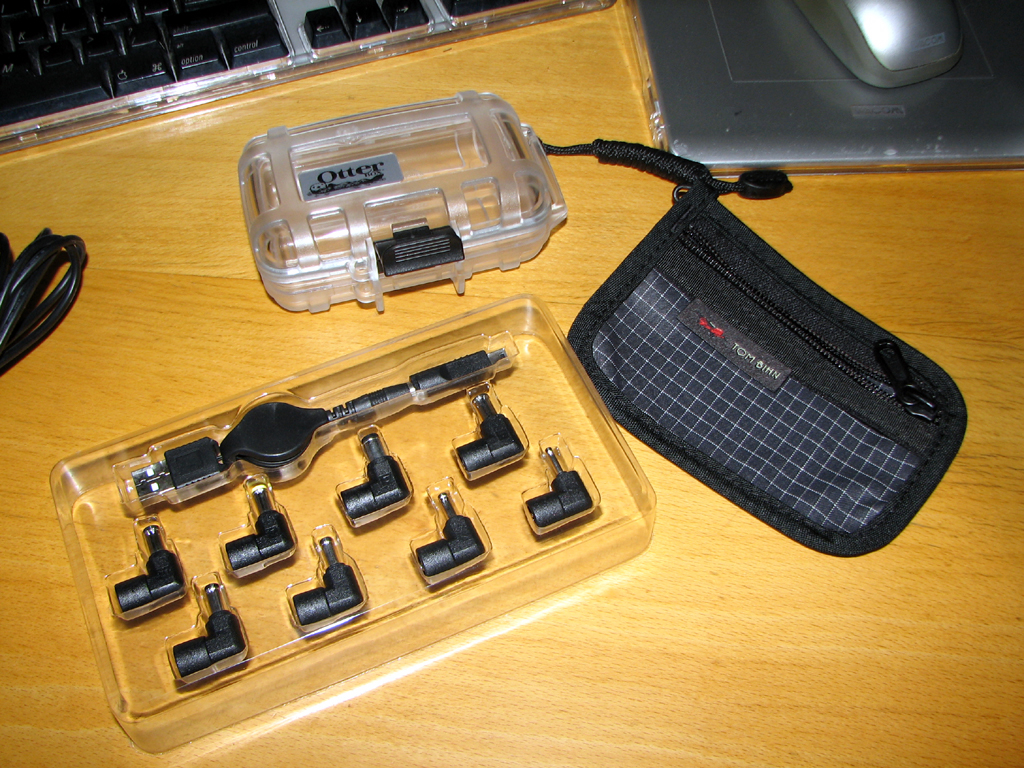
Like the 3300, the myPowerAll 3450 comes with a variety of tips for connecting to different devices. An increase in battery power means the need for a larger AC/DC converter. The upside is that the 3450 is still physically the same size as the 3300, when not stored in their respective cases.
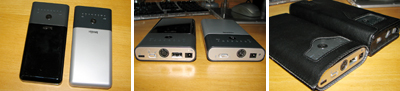
The 3300 case is a padded leather unit with a magnetic closure. The case which came with the 3450 is a thin synthetic one. The 3400 case will protect it from scratches, but probably not from accidental drops ...which we certainly have done a few times.
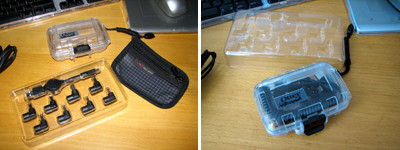
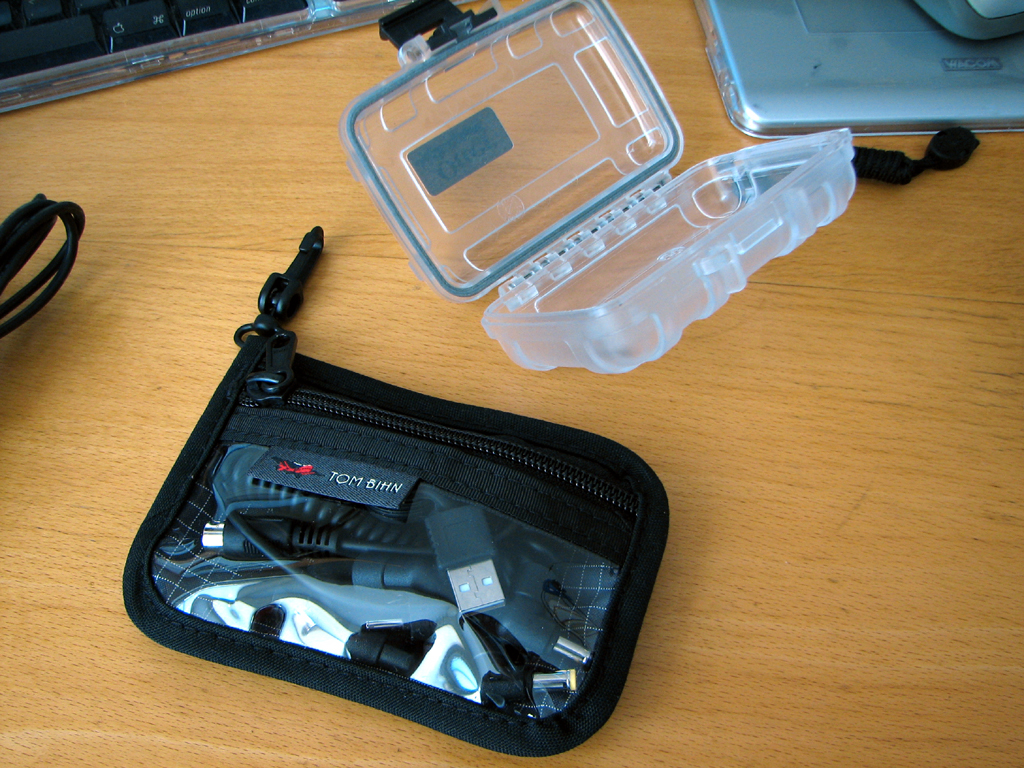
To carry all of the loose bits (cable, tips) of the myPowerAll, we recommend getting a small case of some sort. Both the Otterbox and the Bihn Organizer pouches are good choices.
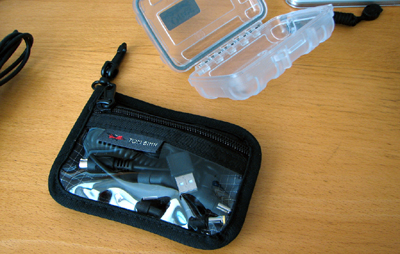
We will charge up the myPowerAll 3450 and try it out with a few of our favorite gadgets. If it is as good as the 3300, we may have another "workhorse" in the office. - Wan Chi Lau (permalink)
|
|
|
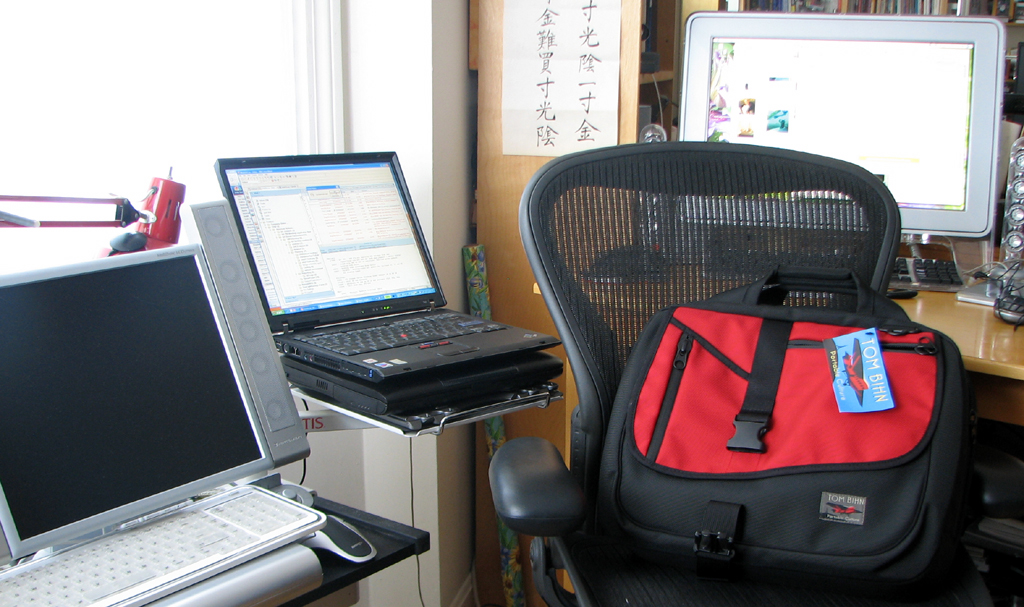
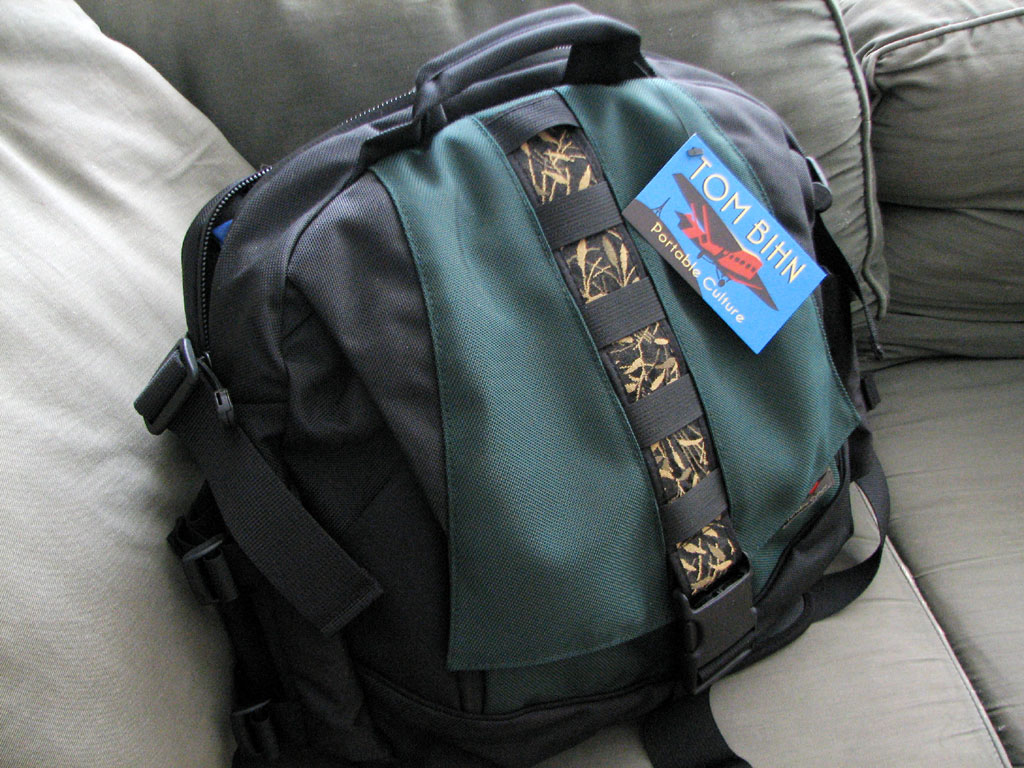
We wanted to start the month off with another great bag from Tom Bihn! This bag is the Zephyr. It went with us to NYC this past weekend...yes, another trip down to the Big Apple.
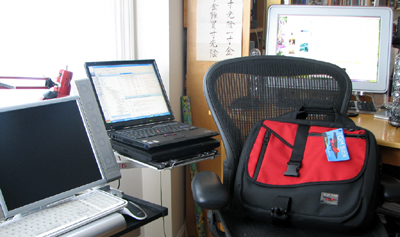
The Zephyr came with us on this trip because we needed a bag big enough to carry the laptops to the left of the chair. The Zephyr bagged them up and more. Get this bag, rule the world. More on it this month. - Wan Chi Lau (permalink)
|
July 22,2007  |
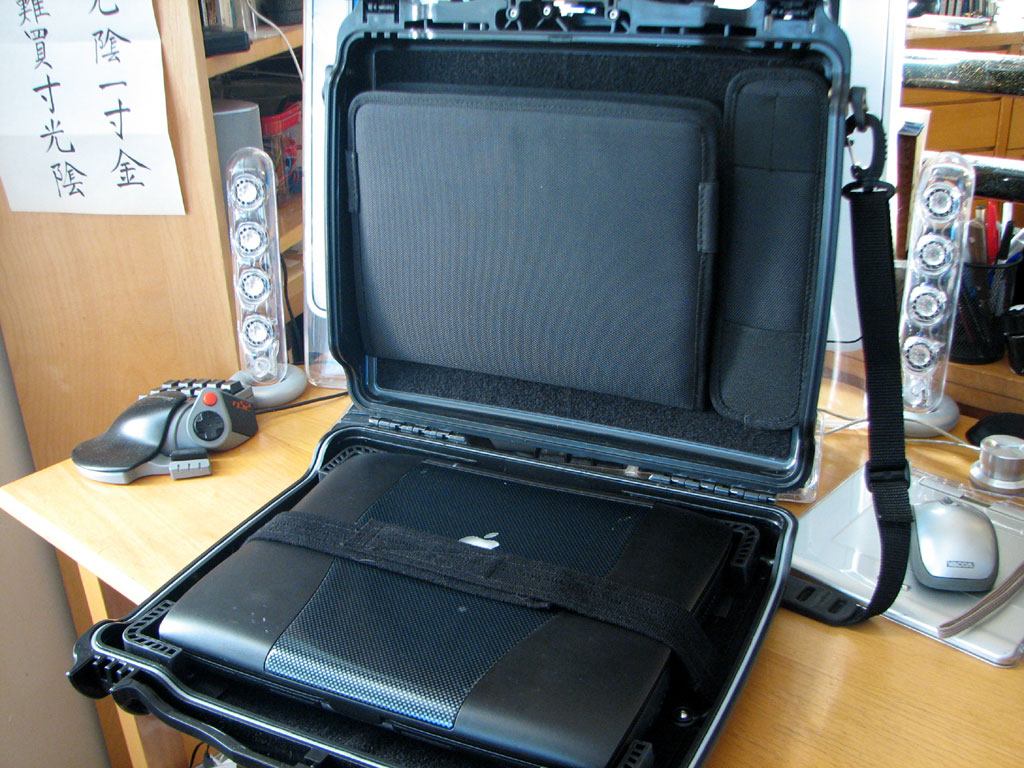
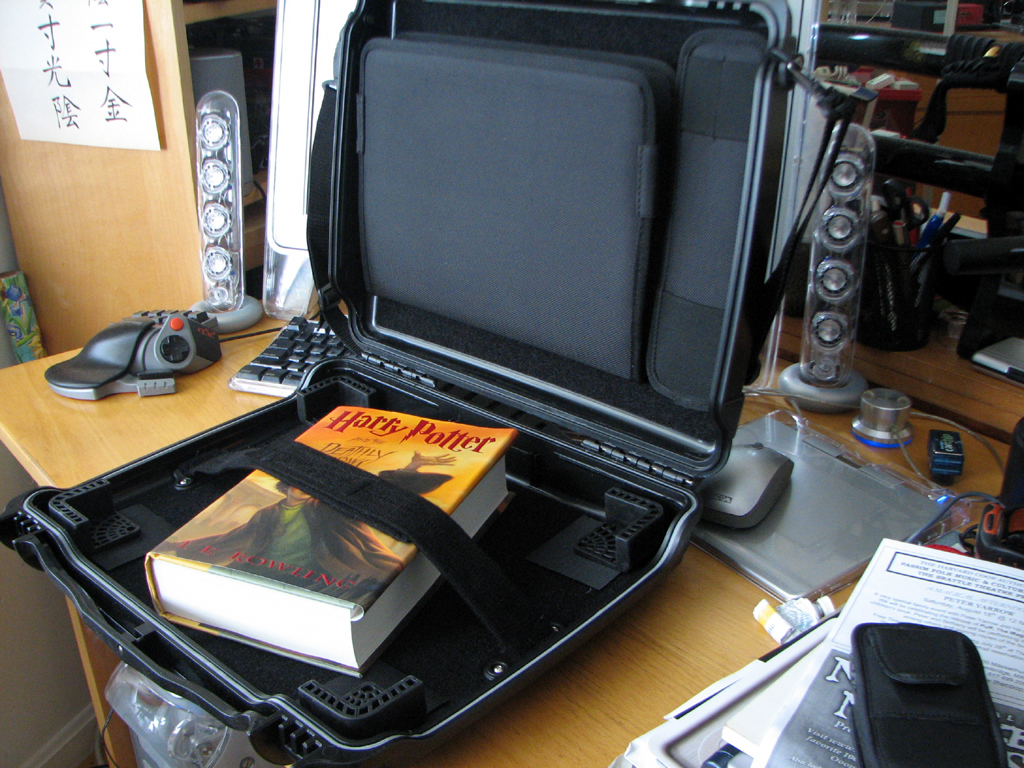
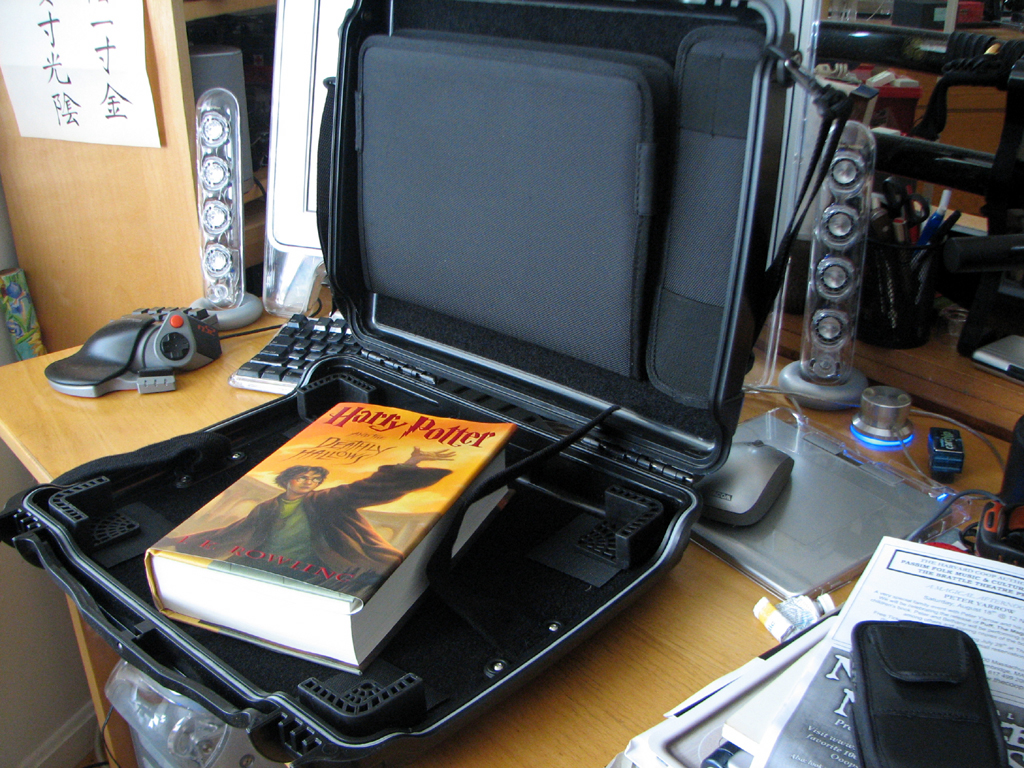
In June, we had a RainyDayPuzzler asking if anyone could tell us what was different about our OtterBox laptop case. We received about sixty entries, but only THREE correct answers.
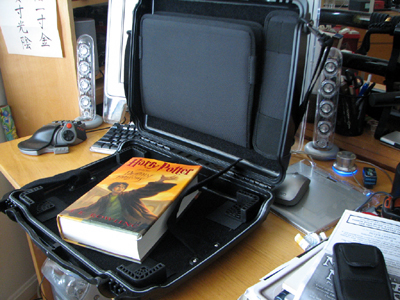
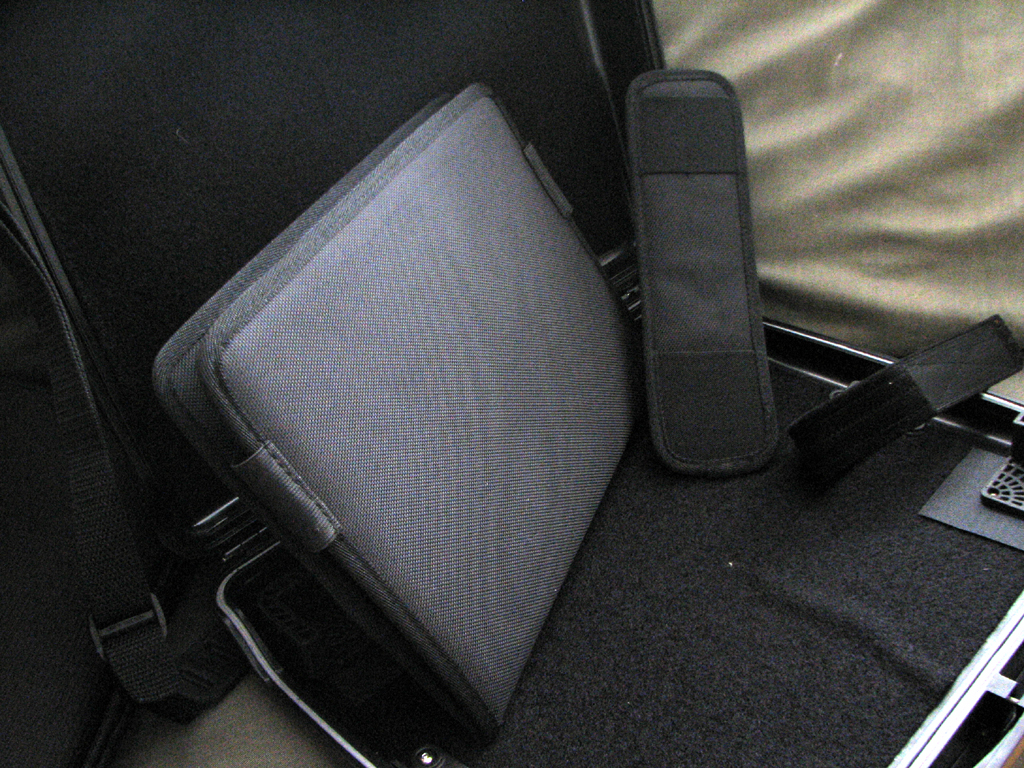
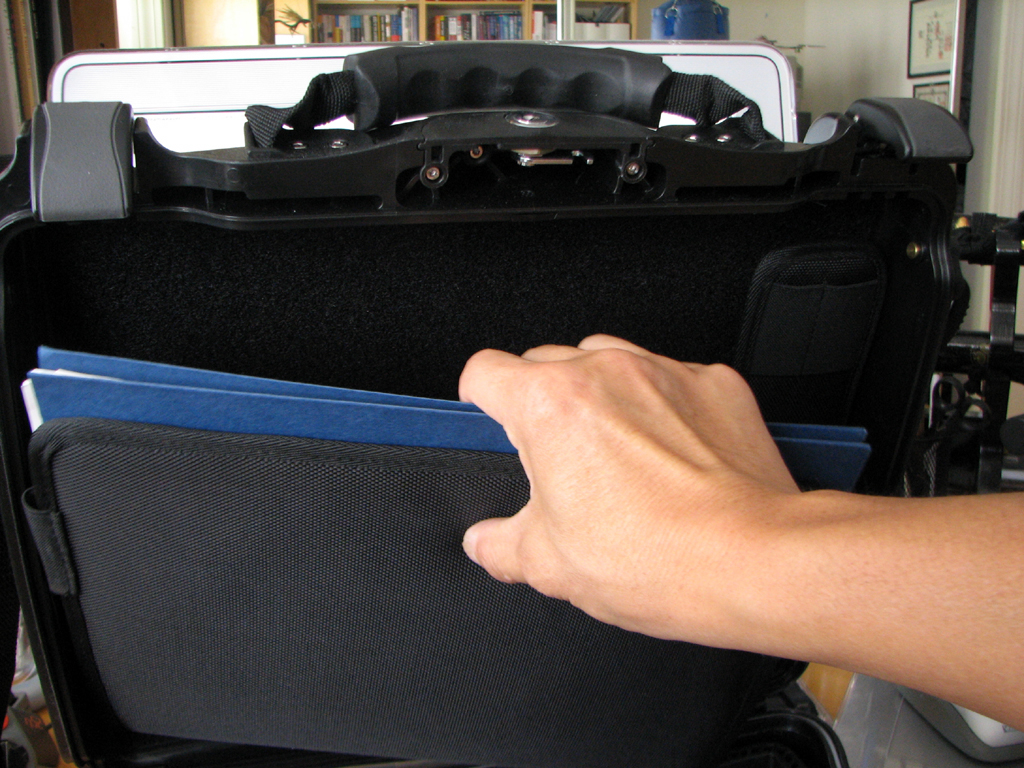
The "difference" is the Otter folder and pen accessory pouches on the top of case. This accessory converts the laptop case into a waterproof briefcase. Very useful for when we need to securely transport papers and items of value other than a laptop. Its slim profile will not interfere with the storage of most laptops.
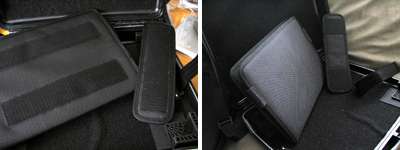
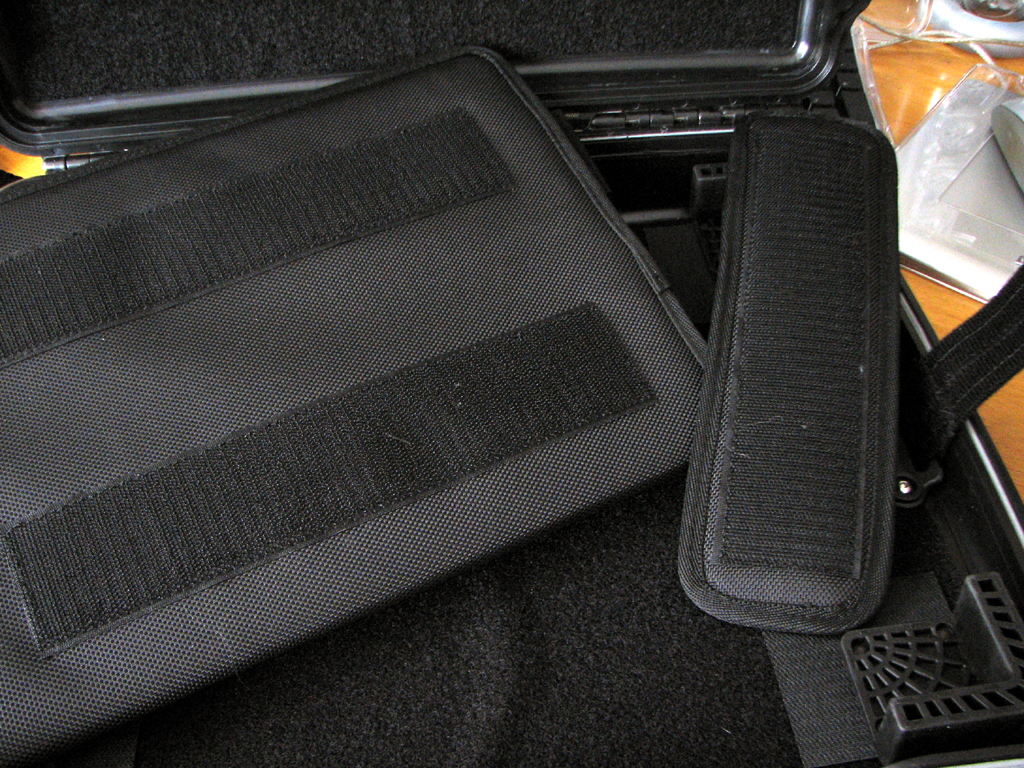
The pouches are made of heavy cordura material, have strong stitching, and large velcro stripes across the back for mounting to the inside of the case. To remove--contents and all--just pull.
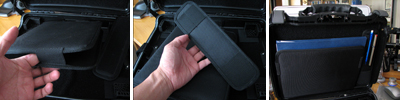
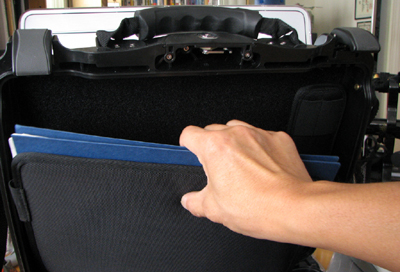
This accessory to the OtterBox waterproof laptop case is available directly from the OtterBox site. It makes the OtterBox laptop case more versatile. In fact, we think it is a "must have" addition.
BTW, since we have 3 different (1000, 3500, 9000) OtterBoxes on hand, we are going to send one to each winner. Congrats! - Wan Chi Lau (permalink)
|
July 17,2007 |
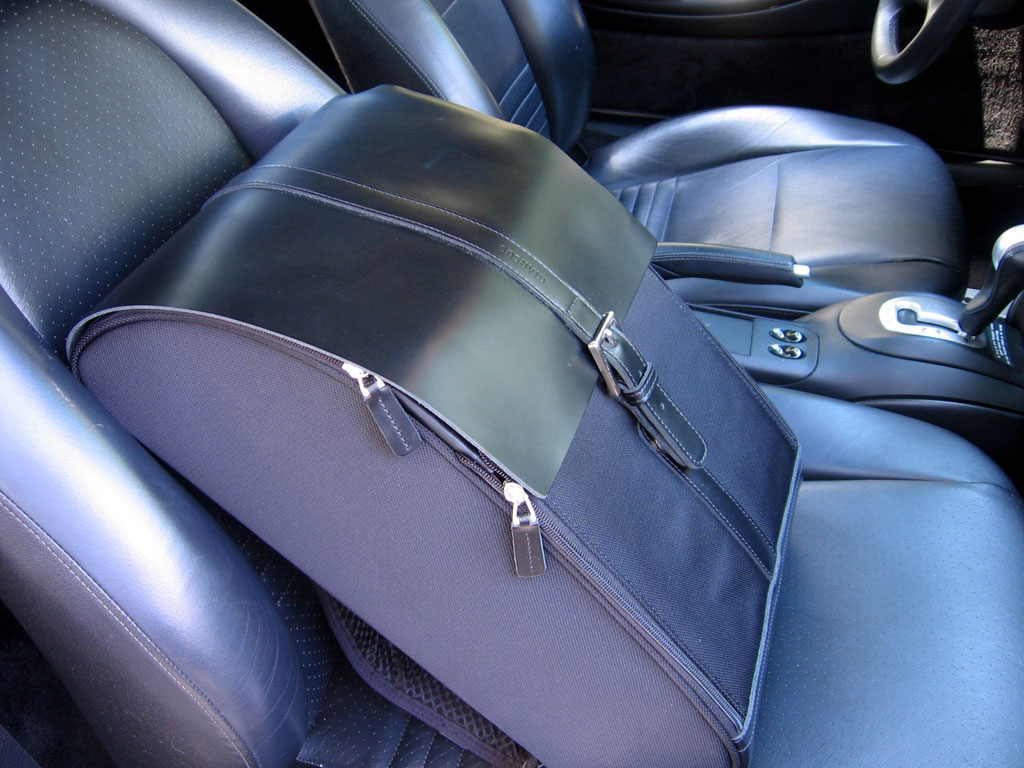
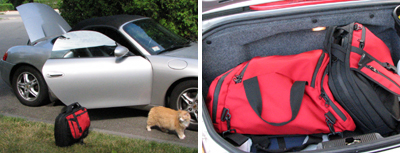
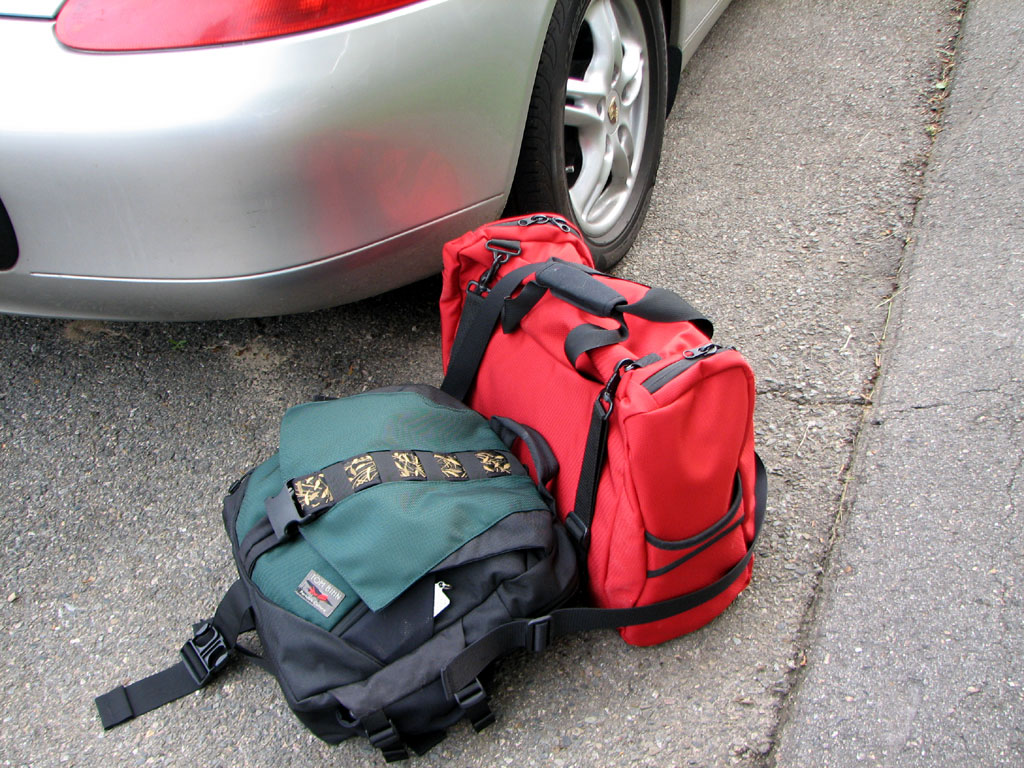
Frequent travel is part of our job. Sometimes we hop on a plane, but more often than not, we jump into the Boxster and head on out. Our problem is not just what to pack, but which bag to pack?
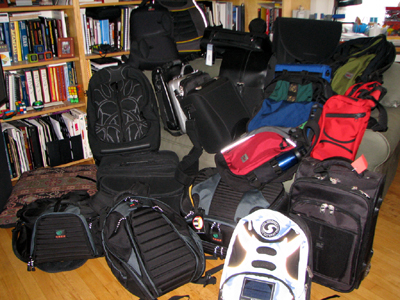
Different folks here have their favorites, but the two bags I take most often are the Tom Bihn Aeronaunt and the Ego. I take them because they are tough, great looking, and AMAZINGLY ROOMY.
One thing I have noticed is I definitely tend to bring more stuff when I travel by car than when I fly. Perhaps this is the reason why I reach for the Tom Bihn gear. The Aeronaunt and the Ego lets me keep my gear well organized without having to worry about running out of room.

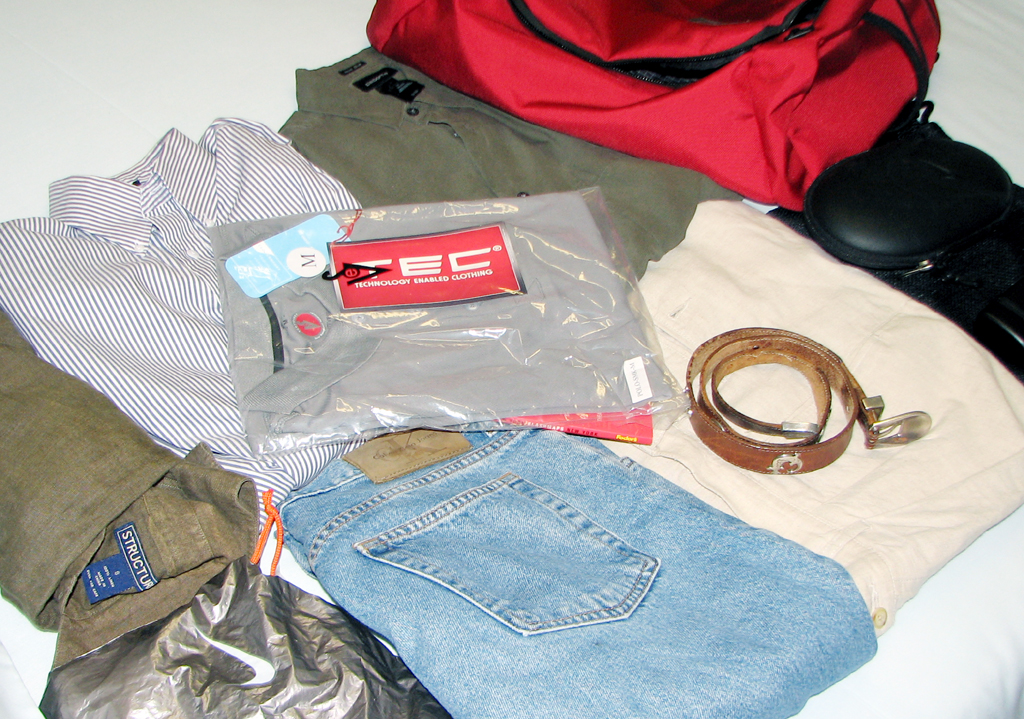
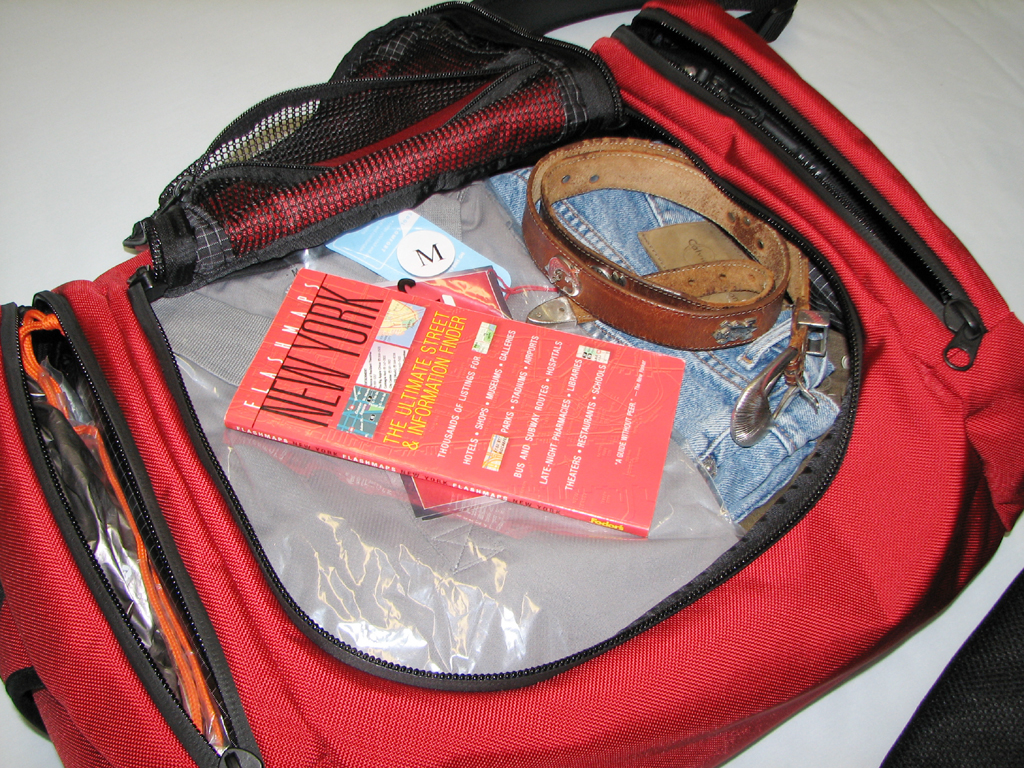
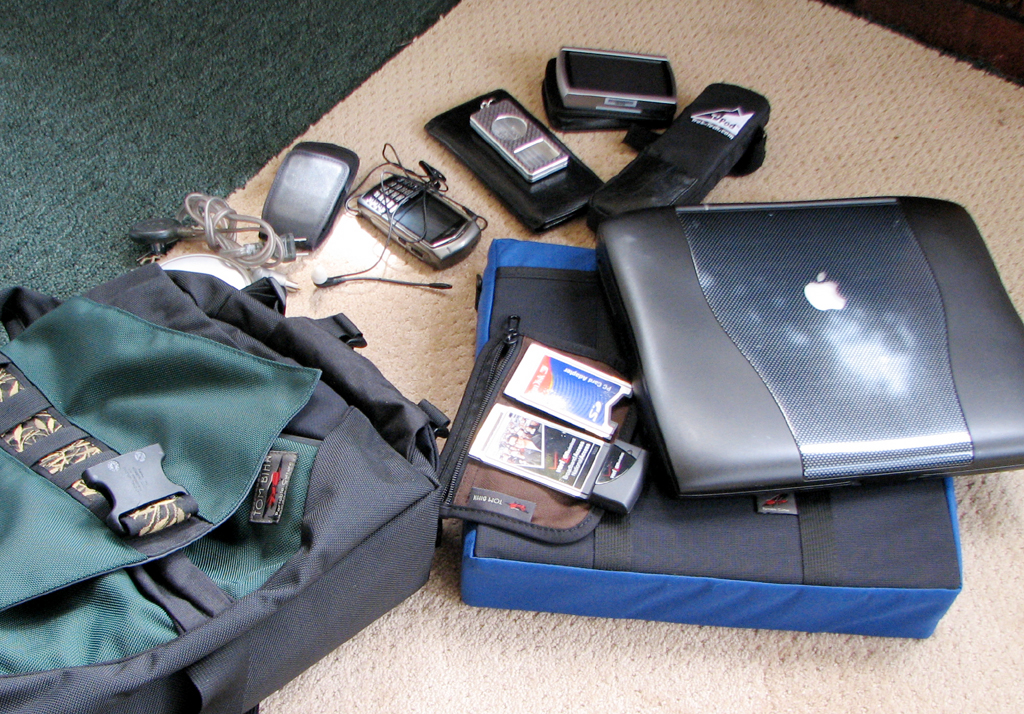
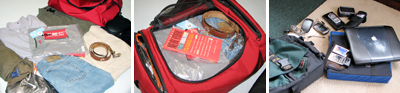
For a recent two-day trip, I packed the clothes and gear you see below. The clothes were comfortably accommodated in the main section of the Aeronaunt. The side pockets were used for power bricks and AC cords. The Aeronaunt could have easily taken on twice as much stuff. The Ego had separate pockets for all of the gadgets (Blackberry, GPS, desktop tripod, ipod, laptop, etc...). After we took this picture, I realized that we didn't even show the headphones, backup camera, magazines, and bluetooth headset which were all still in the bag.
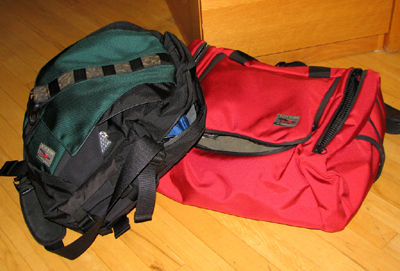
We think Aeronaunt-Ego duo from the Tom Bihn collection is a great travel combination. Those who roam about frequently should definitely consider this set. With some careful packing, we think we can live for a week or two out of these bags. Hmmm...that may make for an interesting article. We ARE heading to Spain for a couple of weeks in the Fall:-) - Wan Chi Lau (permalink)
|
|
July 16,2007 |
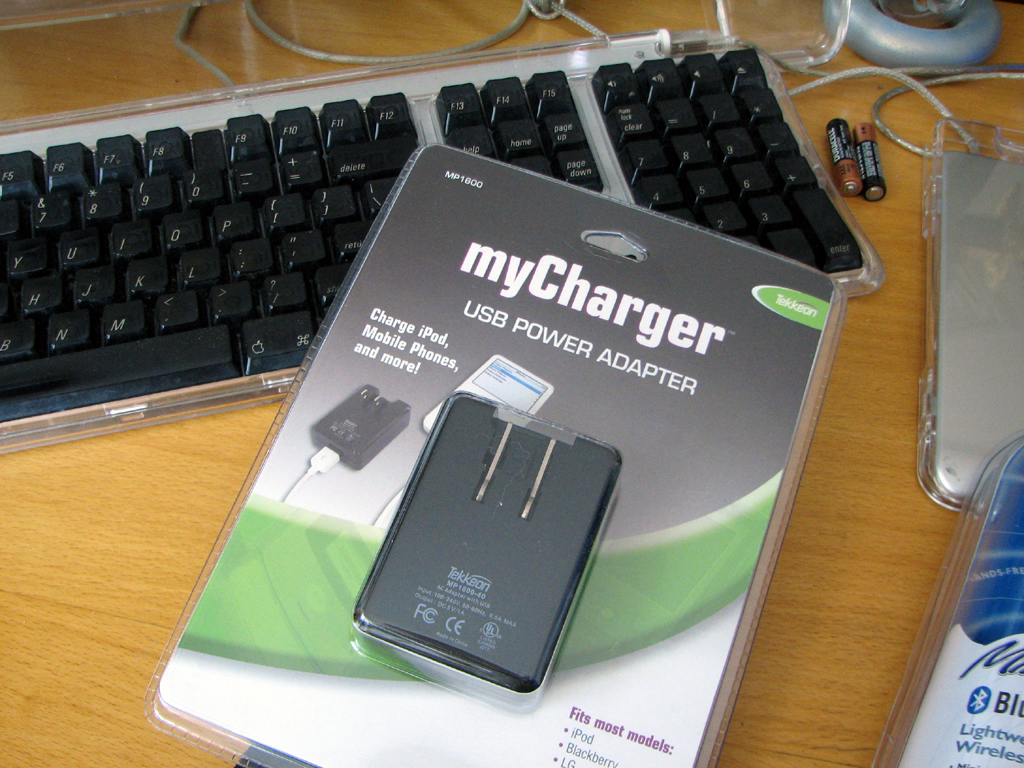
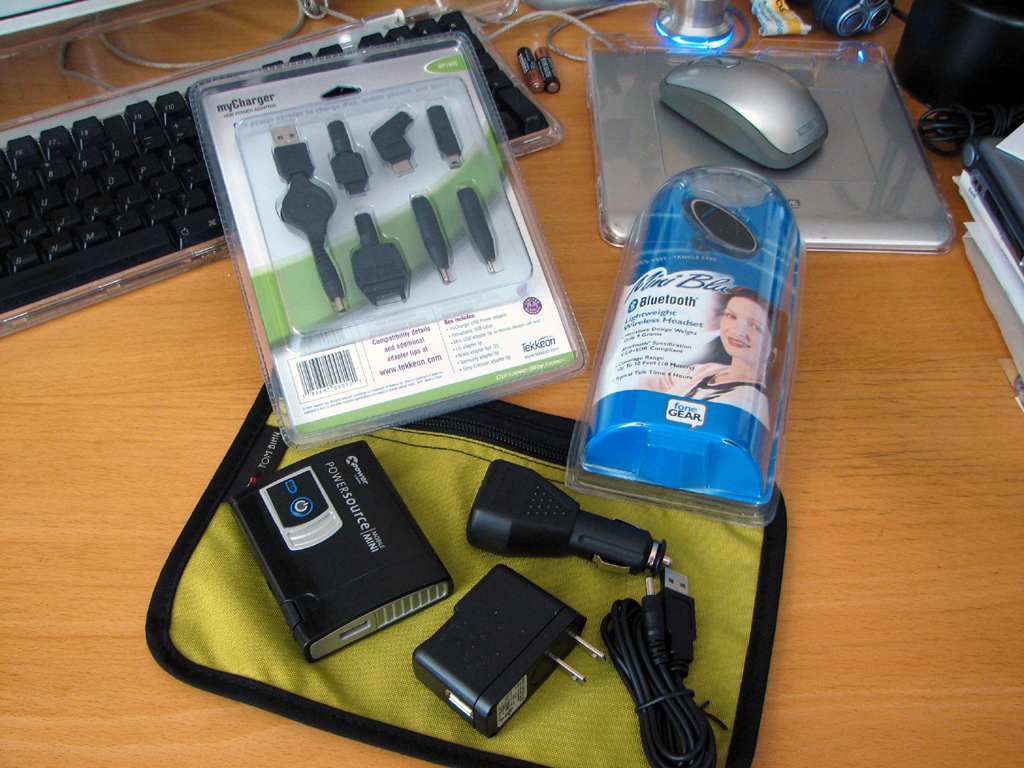
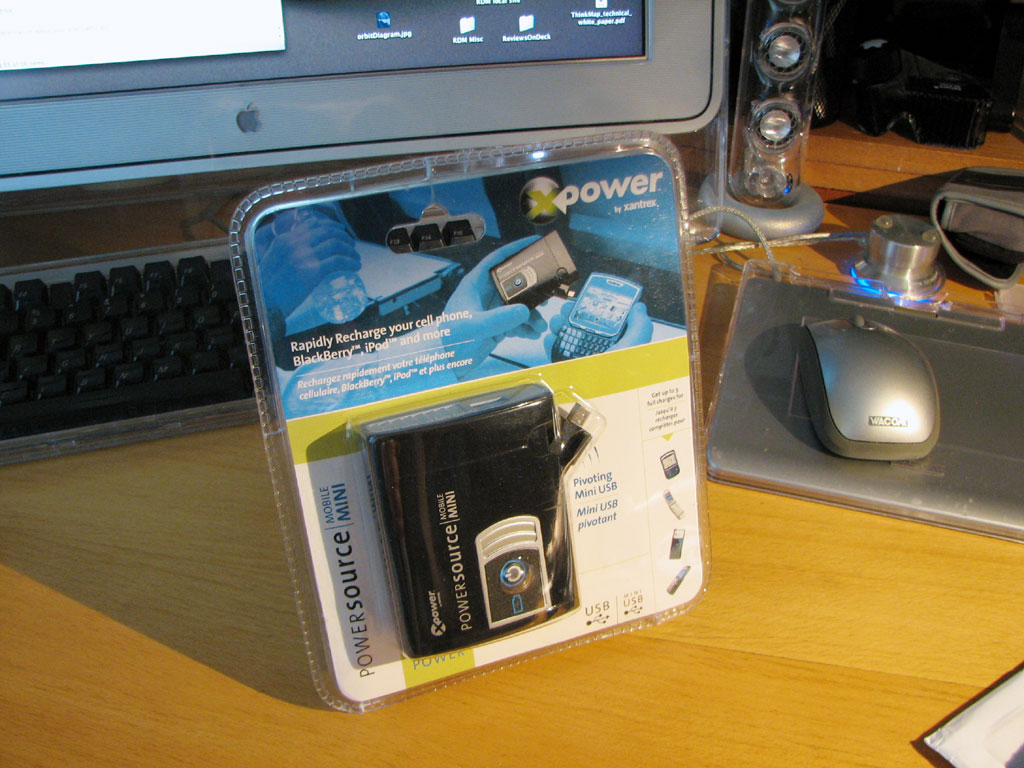
Being mobile often means being away from a power outlet. We have reviewed a lot of gear over the years designed to power gadgets such as cell phones, iPods, and laptops when an AC socket is not within reach. The XPower MobileMini we mentioned last June is such a portable power source.
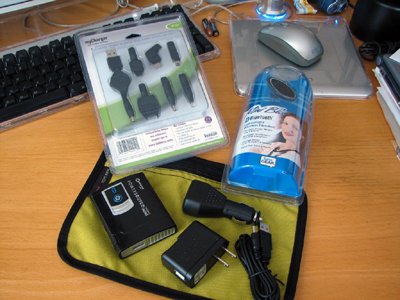
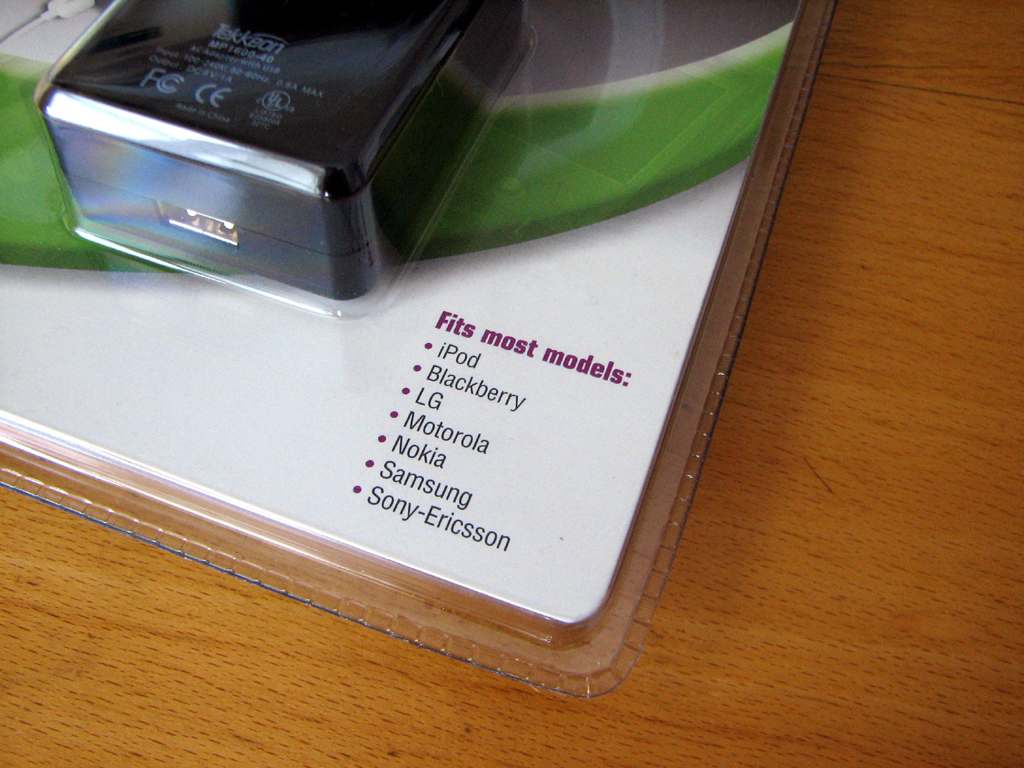
The recent trend of standardizing on the use of the mini-USB connector has eliminated the need to carry a different charger for each piece of gear. However, this does not solve the problem for older gears which may still be in use.
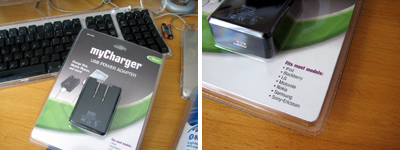
Tekkeon's has solved that problem with the myCharger USB power adapter. It comes with adapter tips for most of the popular devices. We'll take a look at the Tekkeon myCharger a little closer next week. If you can't wait for the tech details, jump to the Tekkeon site and check it out now.- Wan Chi Lau (permalink)
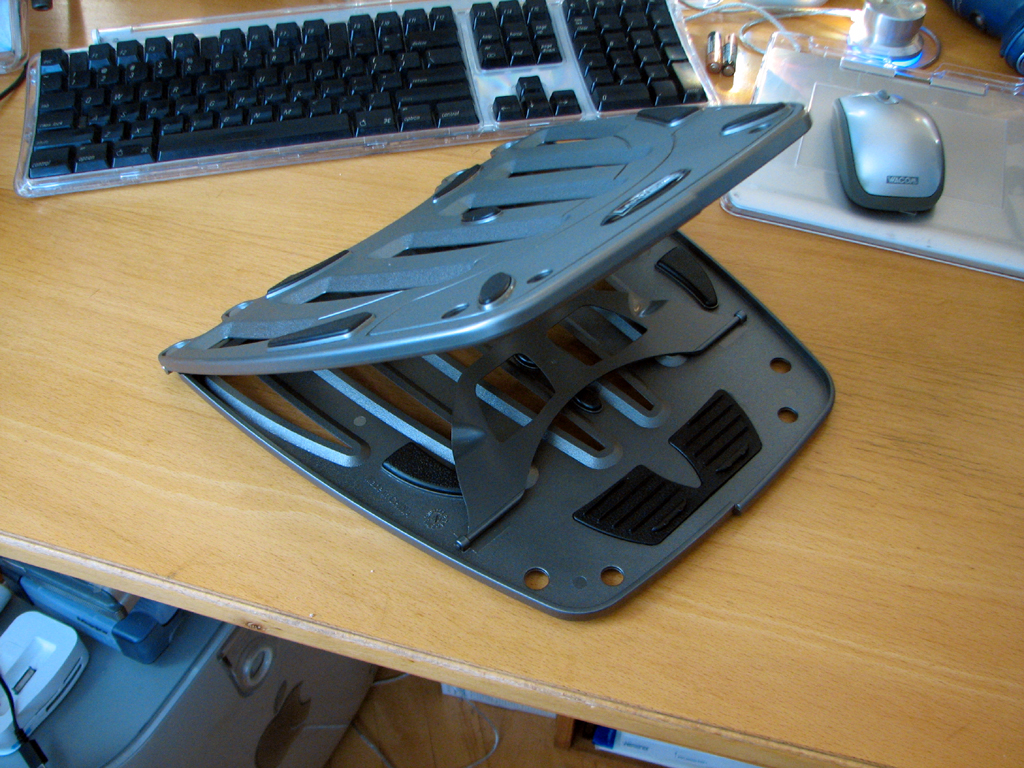
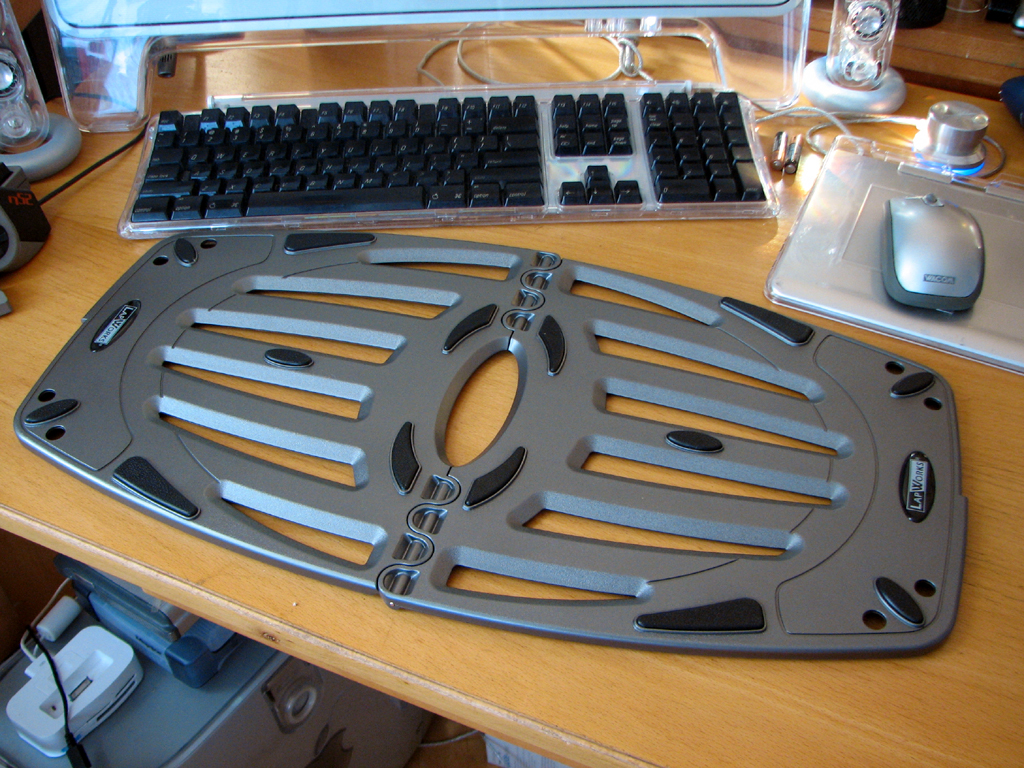
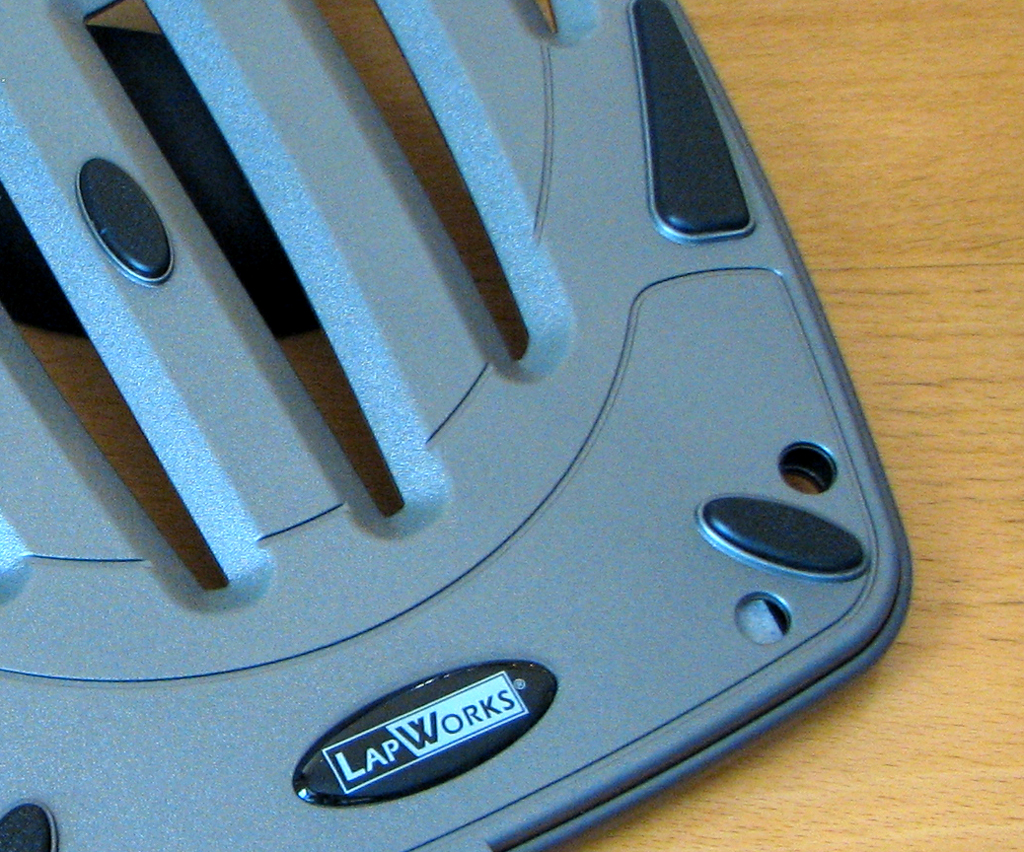
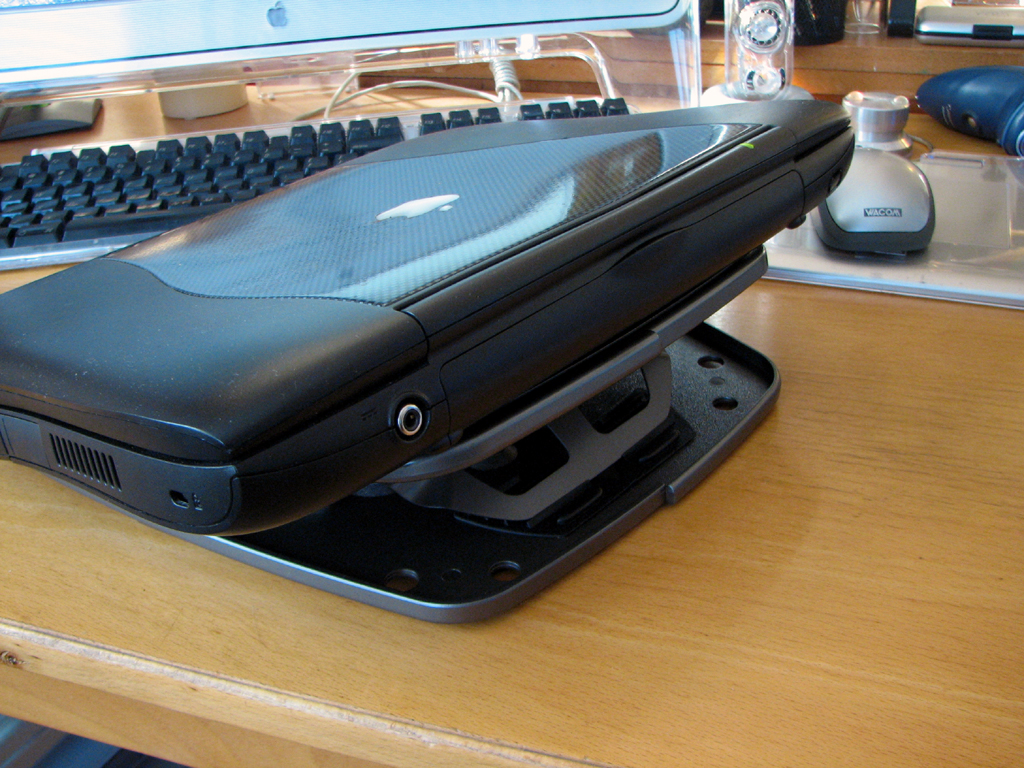
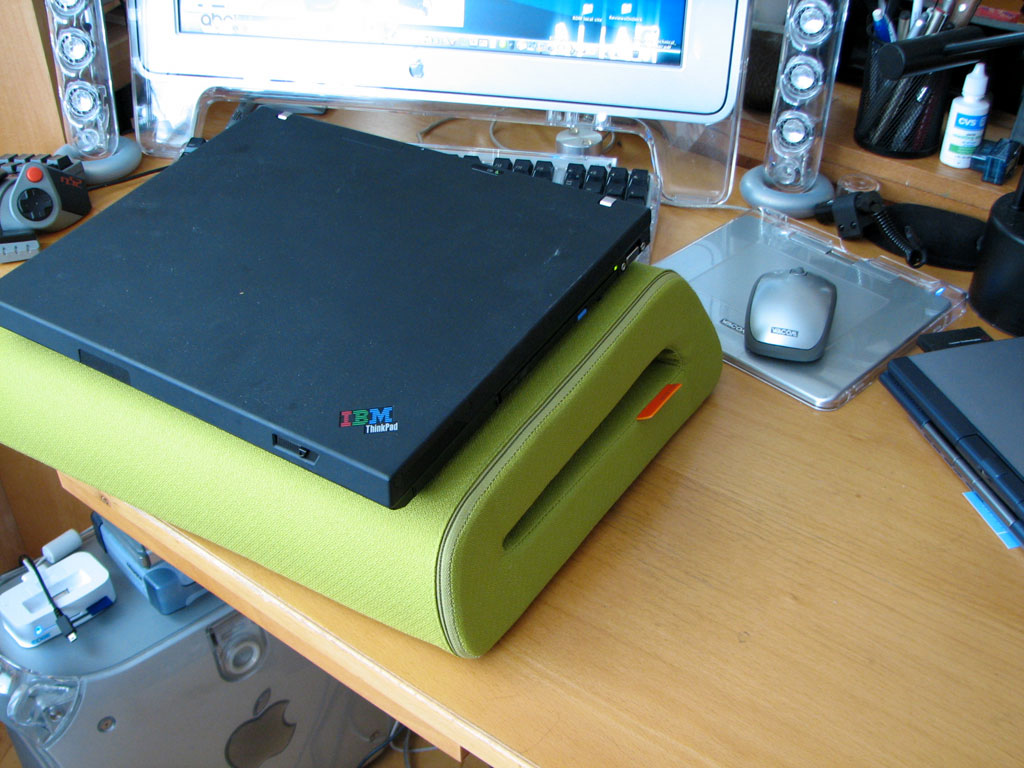
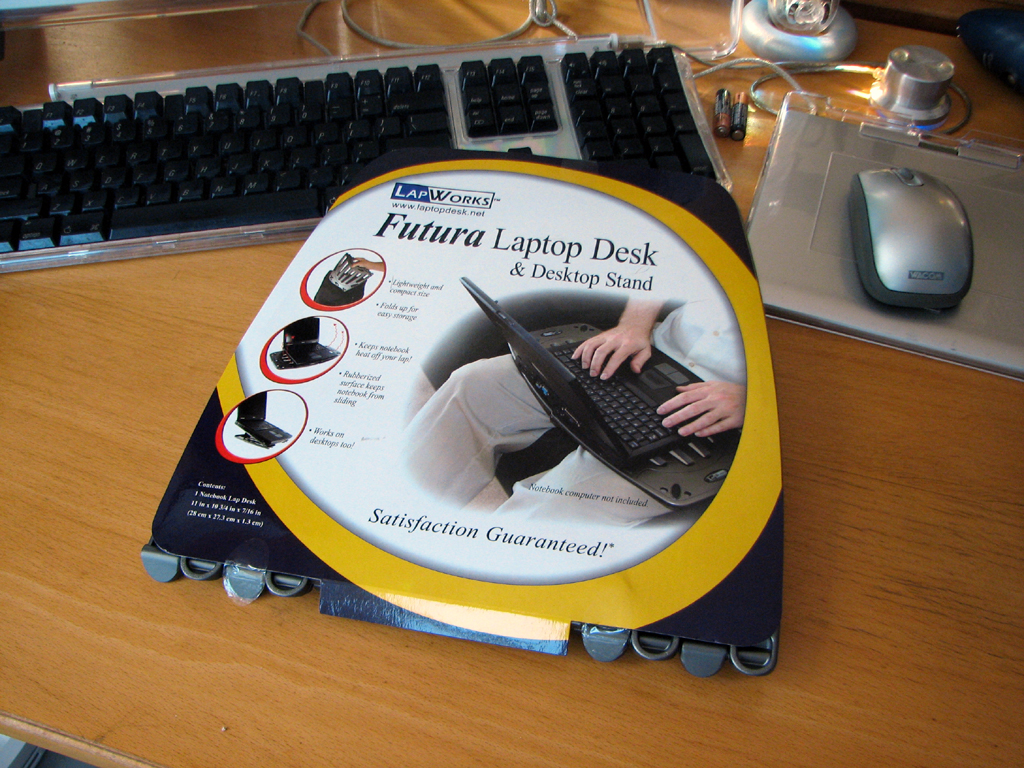
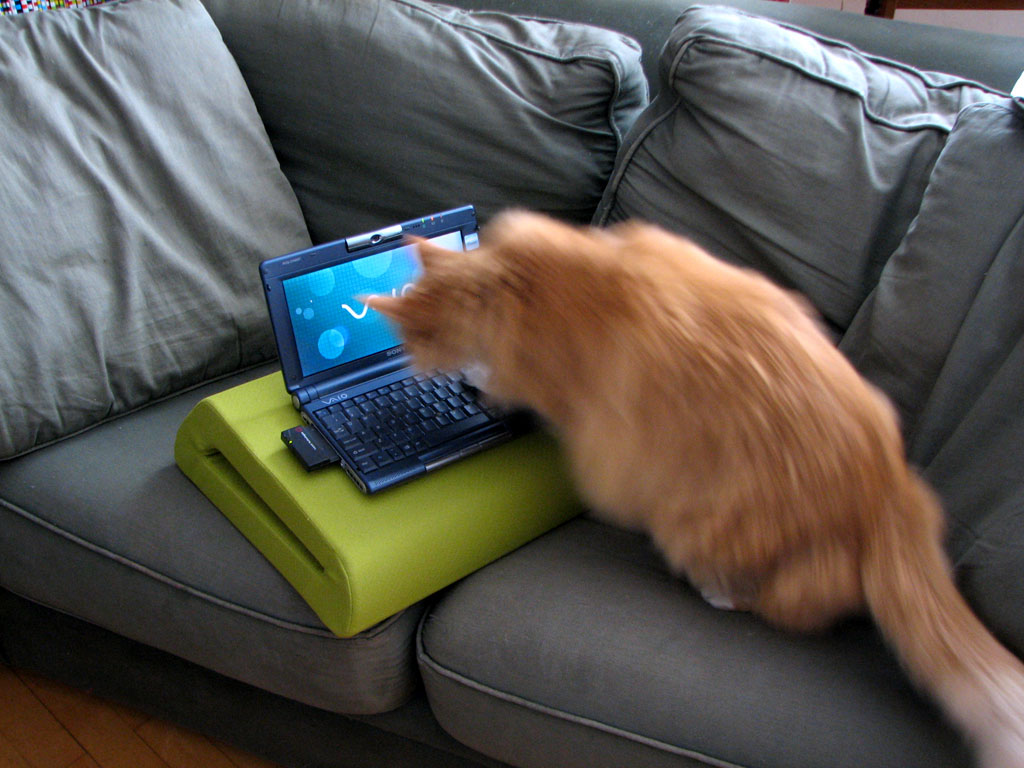
Another problem with laptop computers is they sometimes get so hot they can fry your lap. Some people here use the Belkin CushTop when sitting on the couch, but the CushTop is too big to take on the road. For a mobile lap saver, LapWorks' Futura is a very good solution.
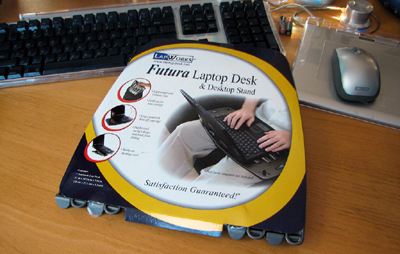
The Futura is a lightweight stand designed to be useful when at a desk and on the road. The slots provides plenty of air circulation. The rubber pads keep the laptop from sliding around.
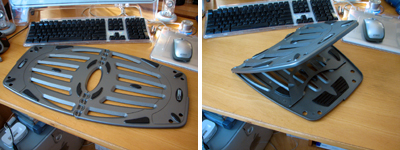
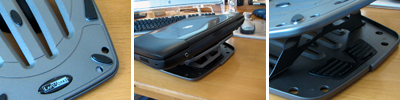
This laptop accessory's simple elegant design looks useful enough that we are going add it to our travel-gear packing list for the Summer. Check back in the Fall to see how it performed out InTheWild. - Wan Chi Lau (permalink)
|
|
June 14,2007 |
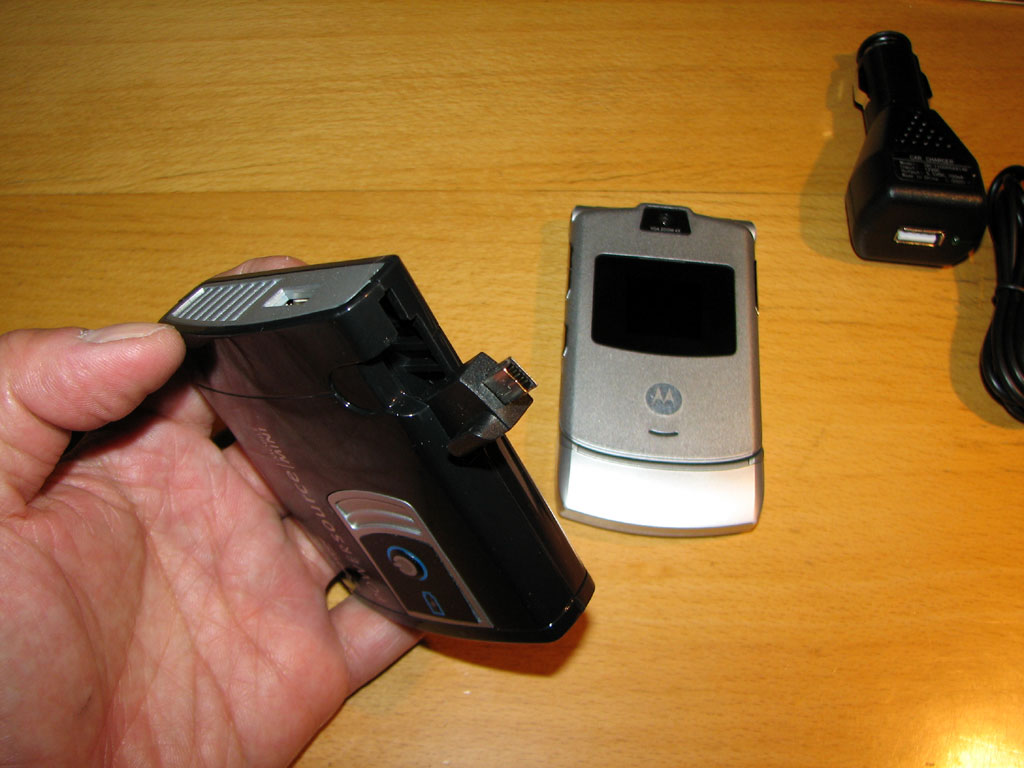
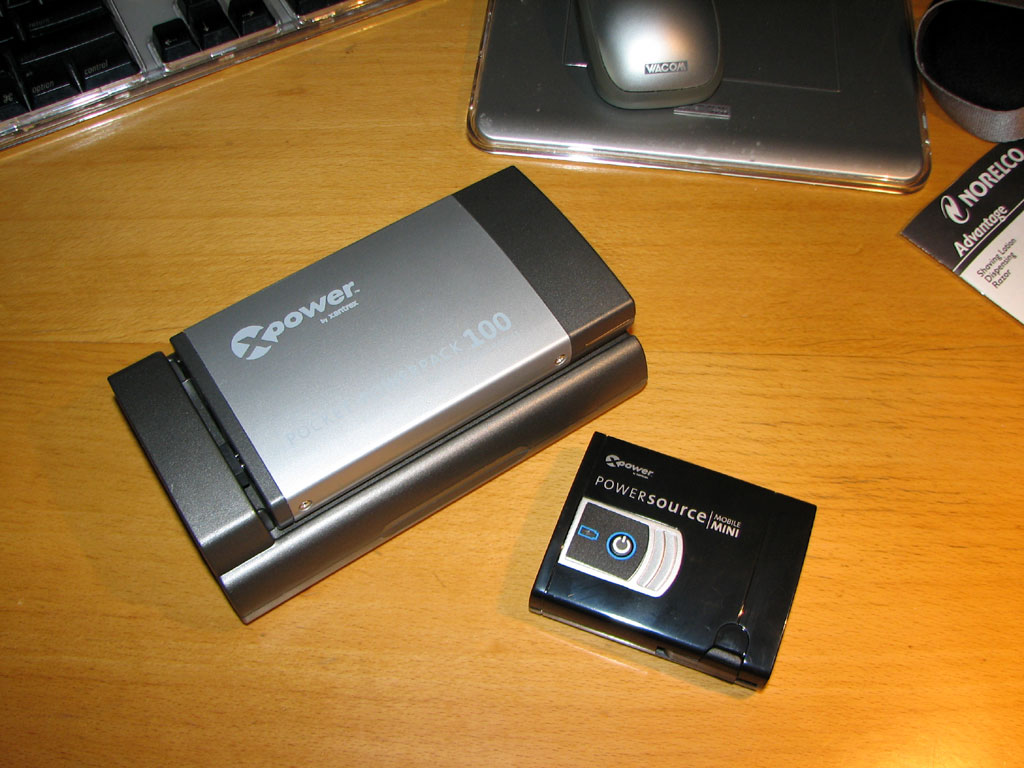
Device makers have finally got the message from consumers that we don't want a different power charger for each device. Many of our new gadgets use the standard USB mini plug. This has enabled companies such as XPower to provide some excellent "power on the go" solutions.
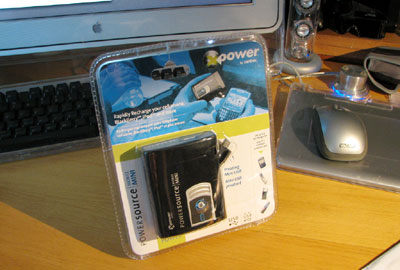
The XPower PowerSource MobileMINI is the perfect backup power pack to carry in our ScotteVest. It is about the size of a deck of cards, has an intergrated mini USB plug, and will recharge any 5V device (cellphone, Blackberry, iPod, etc...)
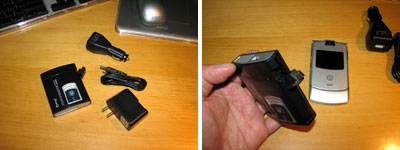
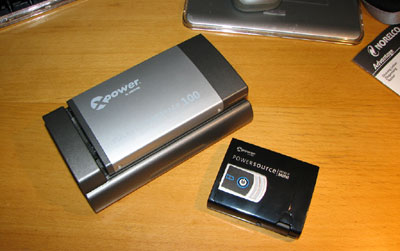
For larger power needs, Xantrex has options such as the Pocket Powerpack 100. Both are good backup options when there is no convenient AC power available. - Wan Chi Lau (permalink)
|
|
June 5,2007 |
When we need to REALLY have to pack for travel, we look to signing out the Tom Bihn gear from the equipment locker. Their bags and packs are not only designed to protect gear, they are designed to carry a lot of it.
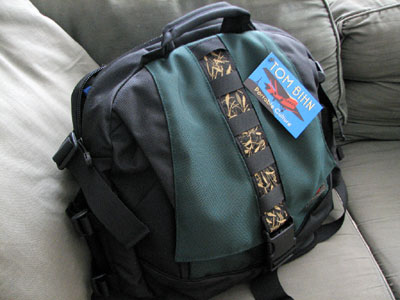
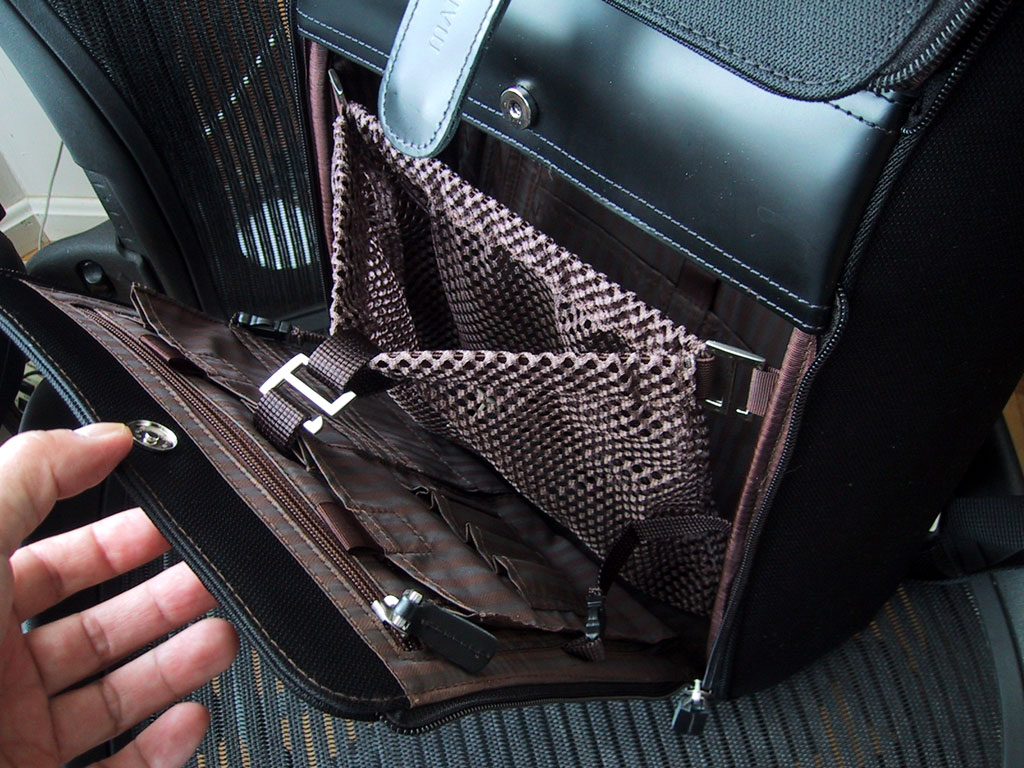
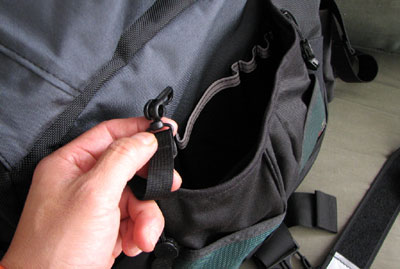
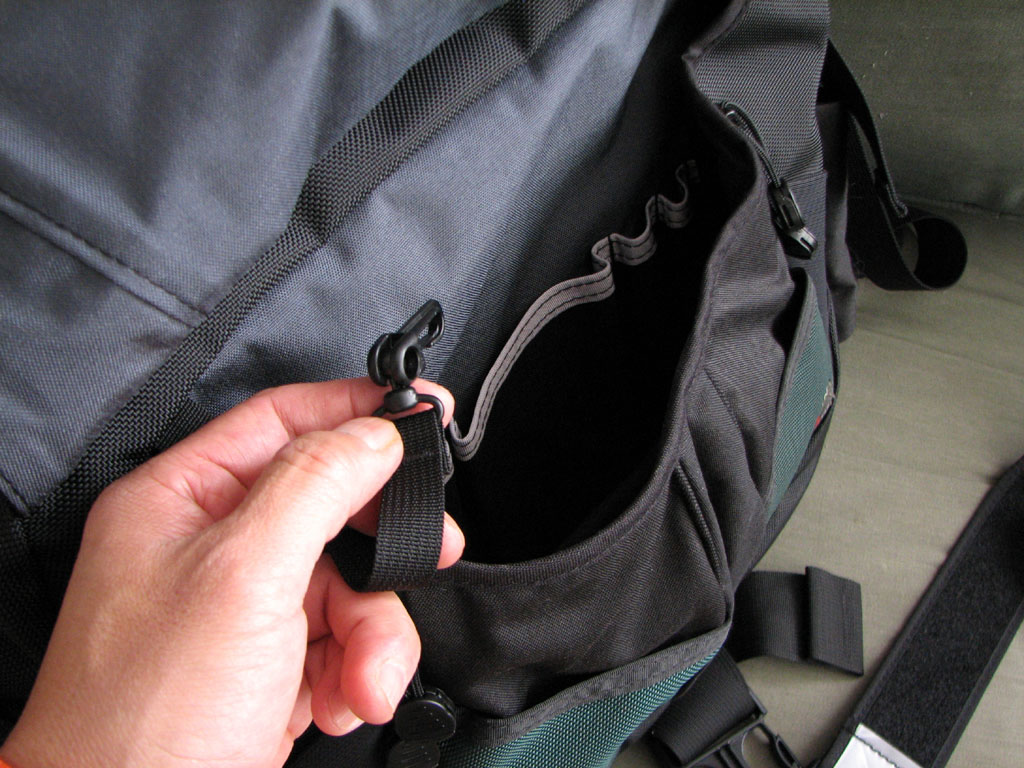
The number of pockets in the new Ego laptop bag is truely staggering. We had a puzzler where we ask people to count the number of pockets in the Ego bag, but we are still finding new ones ourselves all the time!
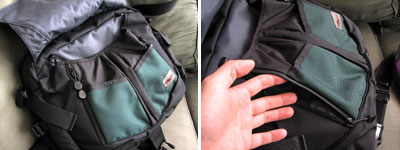
There are two main compartments in the Ego bag. One compartment is for the usual items for pens, camera, etc...
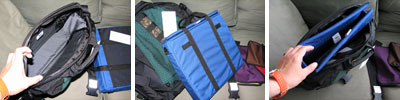
The other section is for a laptop or a big stack of files. To protect the laptop, Tom Bihn has a removable padded case which doubles as a smaller laptop carrier when outside of the Ego.
When anyone from the office goes on the road, they get to pick any gear they want from the equipment locker. The Tom Bihn gear have consistently gotten the most use out of the lot.
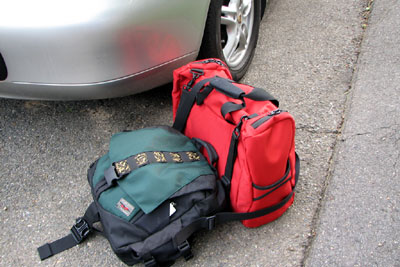
I had to travel to NYC this past weekend. For a two day trip I definitely had more gear than clothes. The Ego and the Aeronaunt were perfect for the job. We'll have a FirstUse write-up later on this month. We think most will be surprised at the amount of gear one can managed to pack in the Ego :-) - Wan Chi Lau (permalink)
|
May 31,2007 |
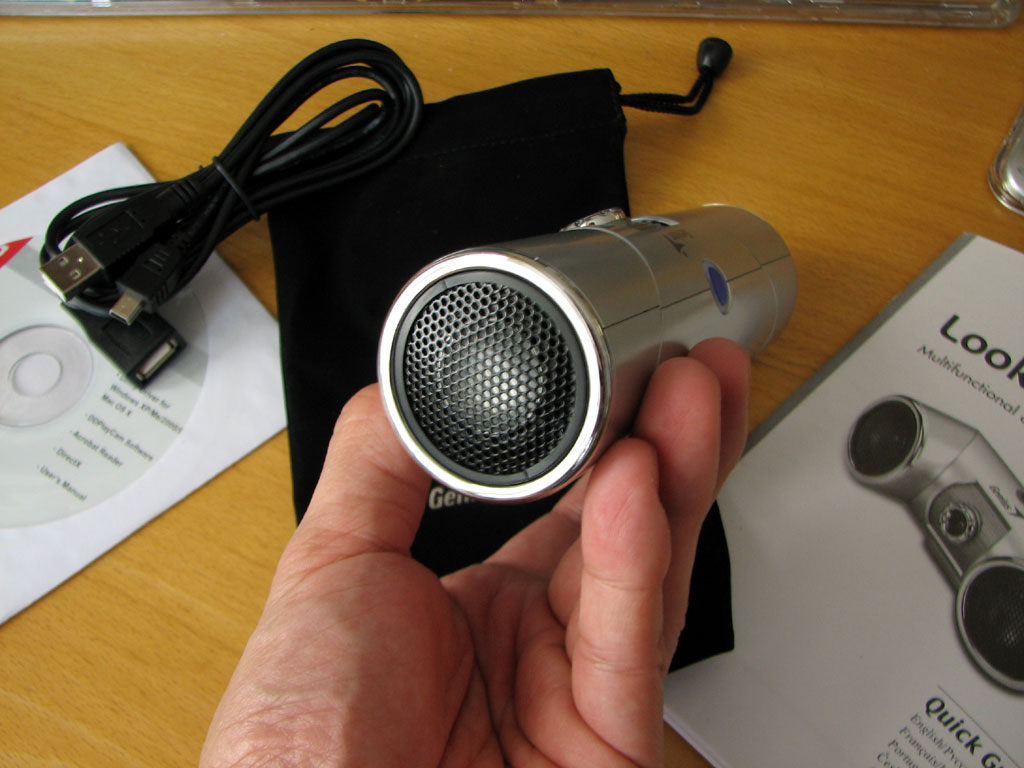
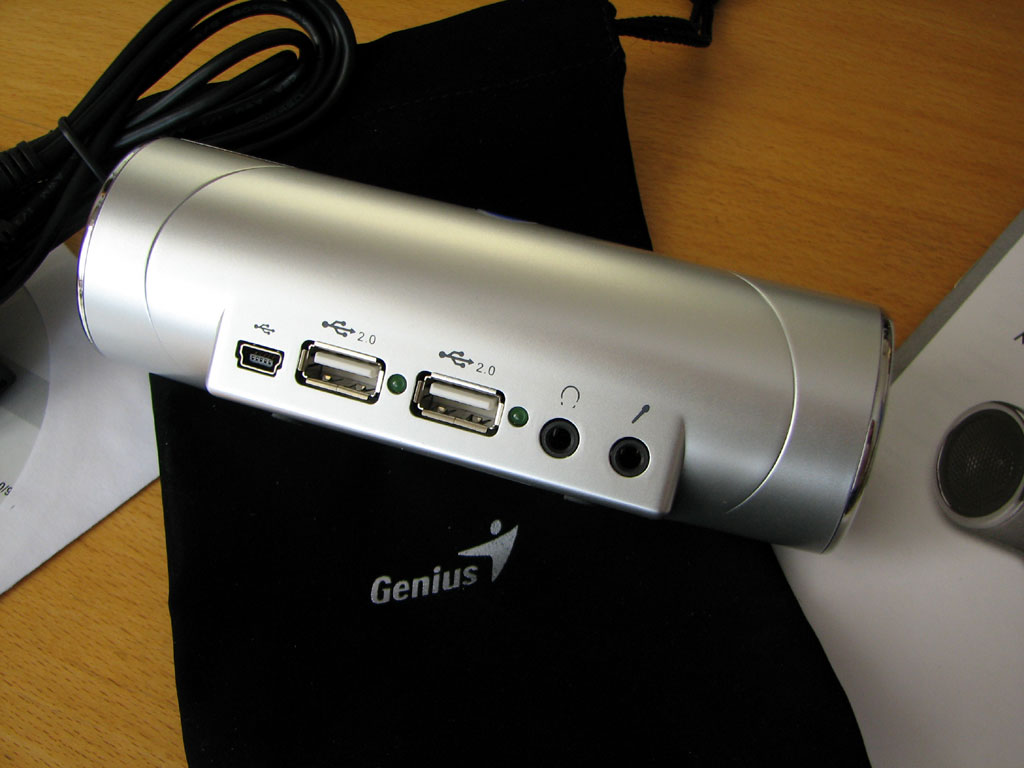
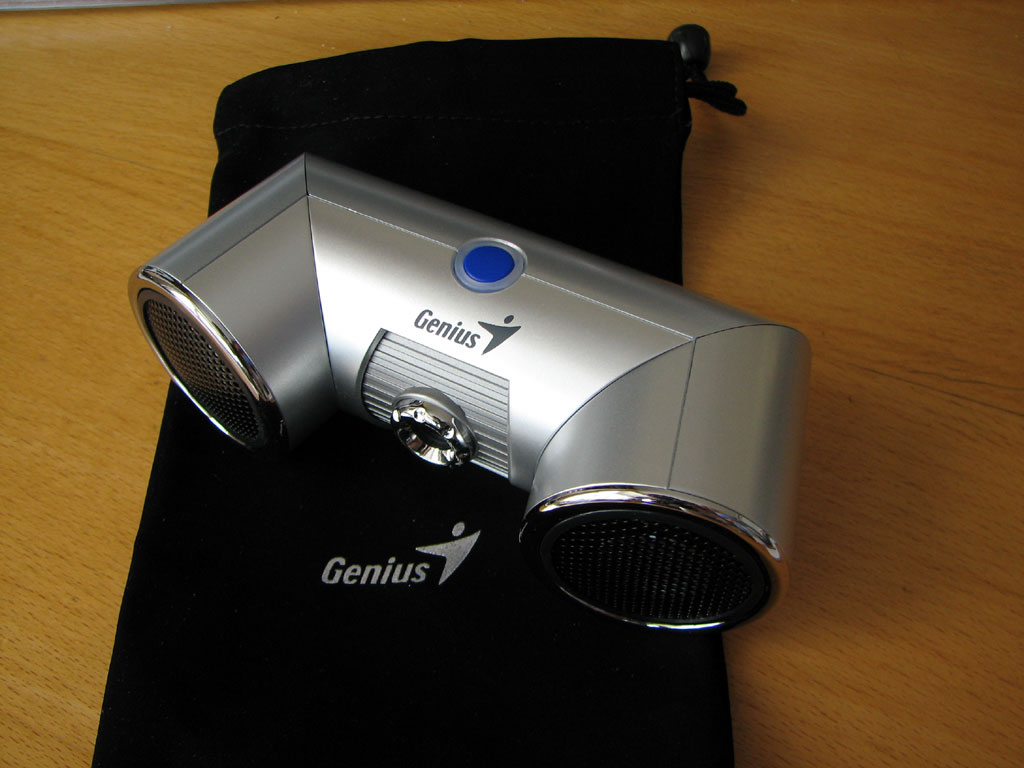
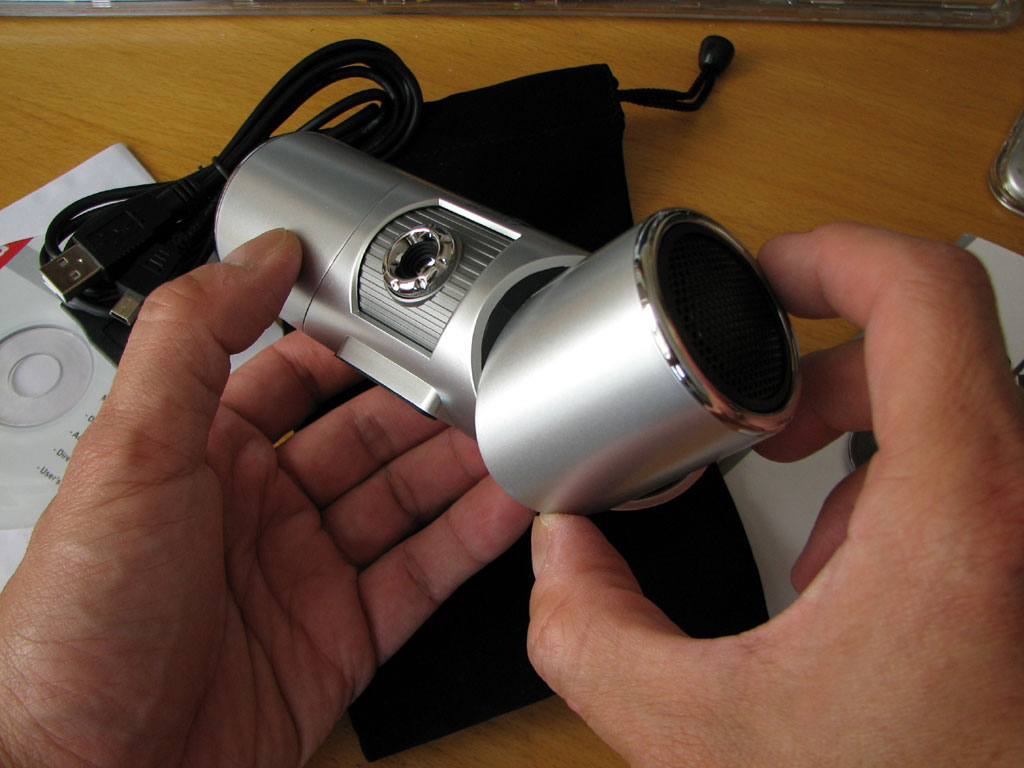
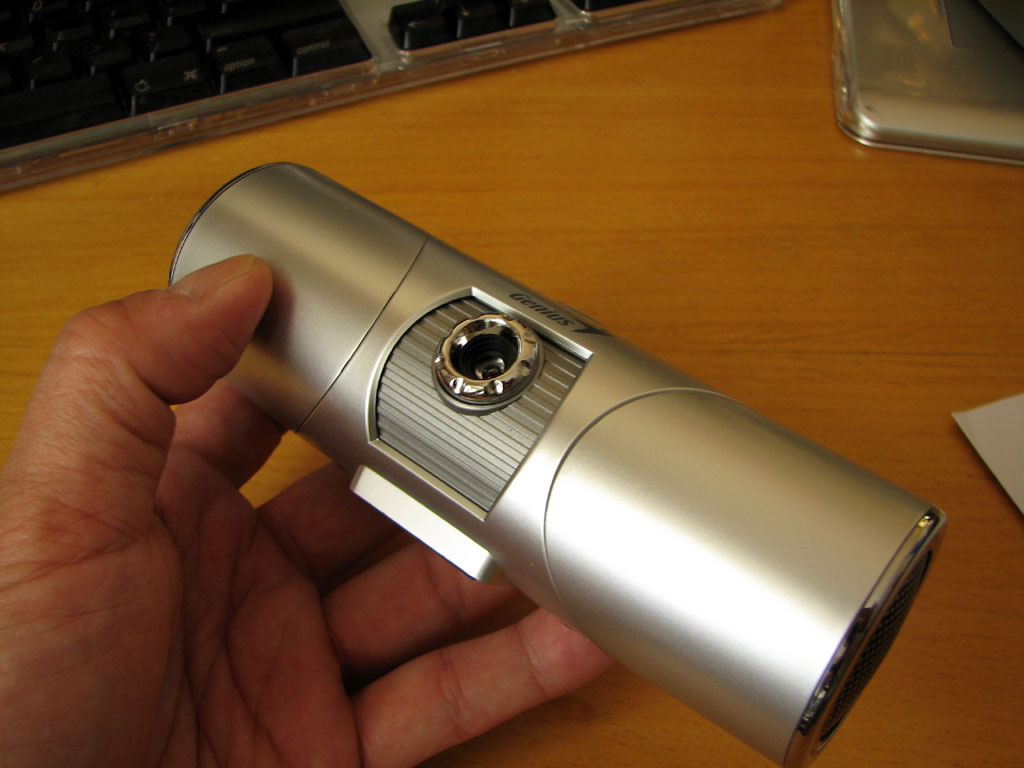
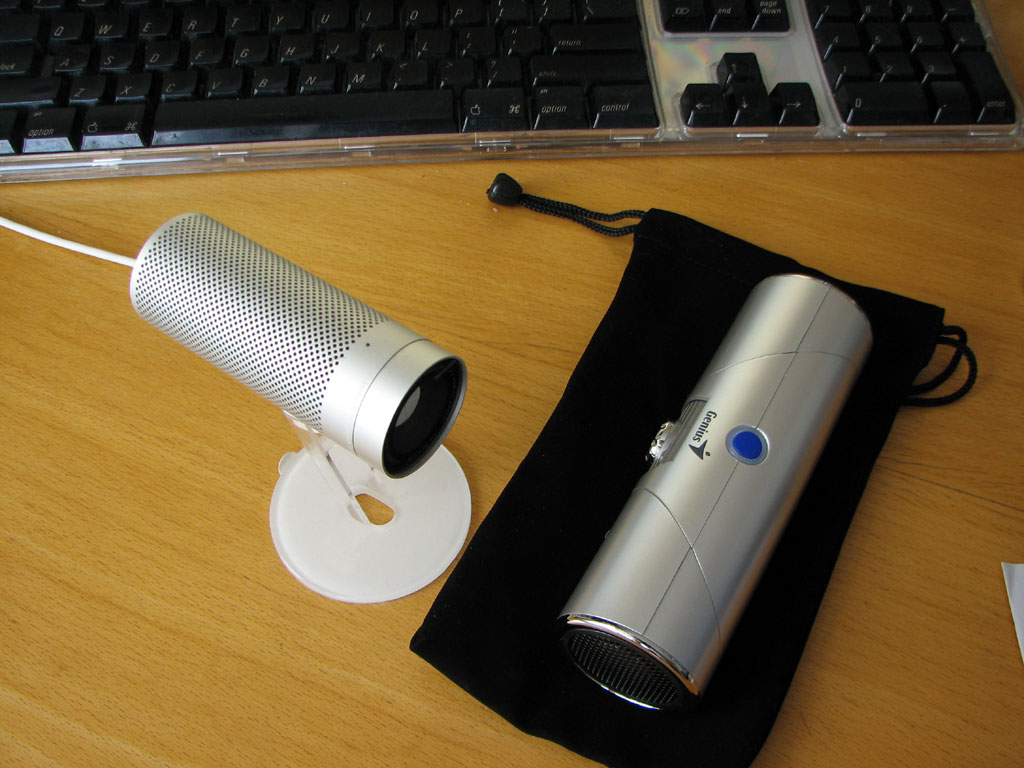
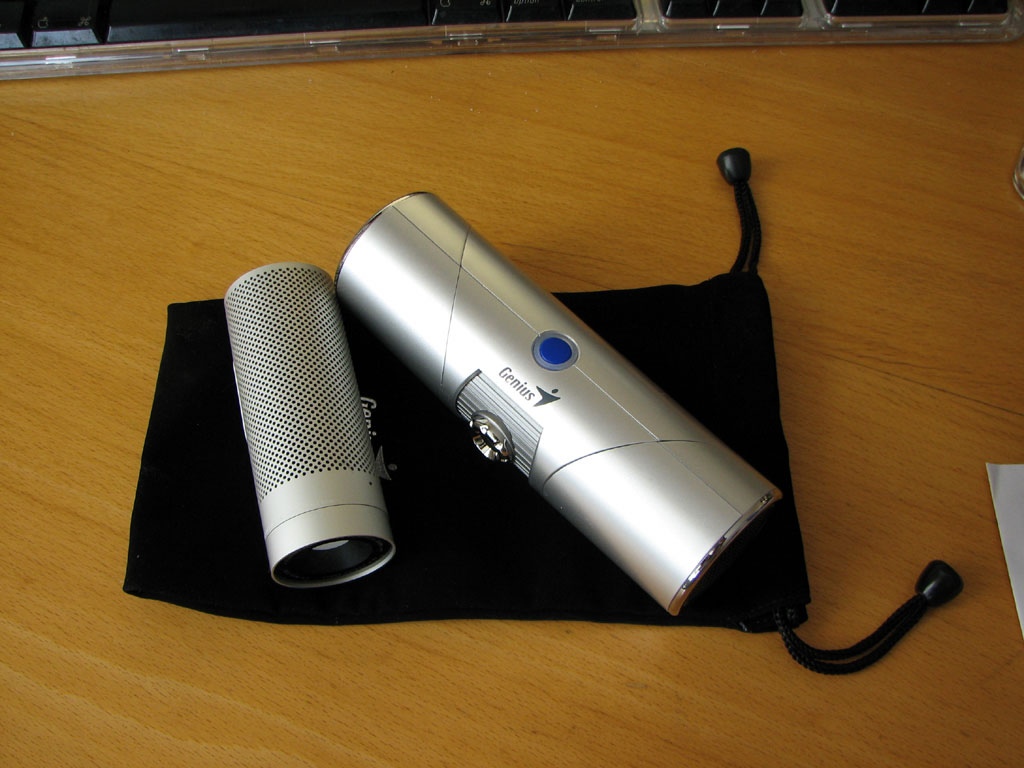
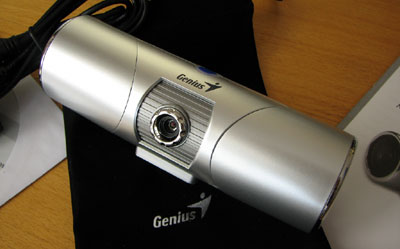
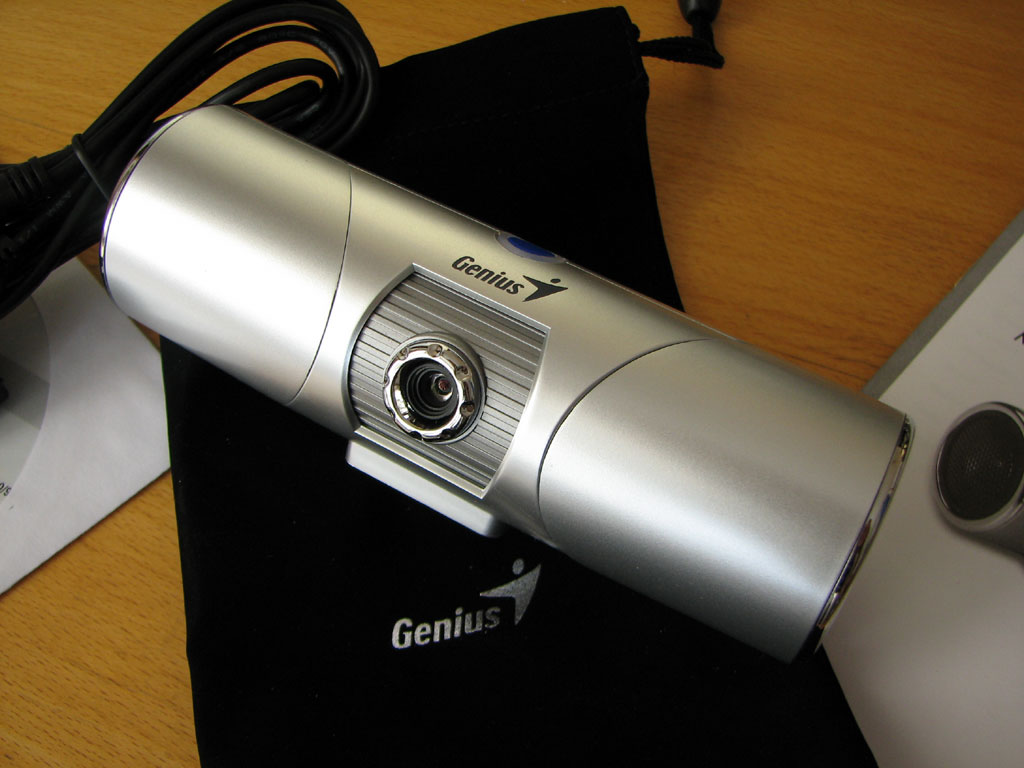
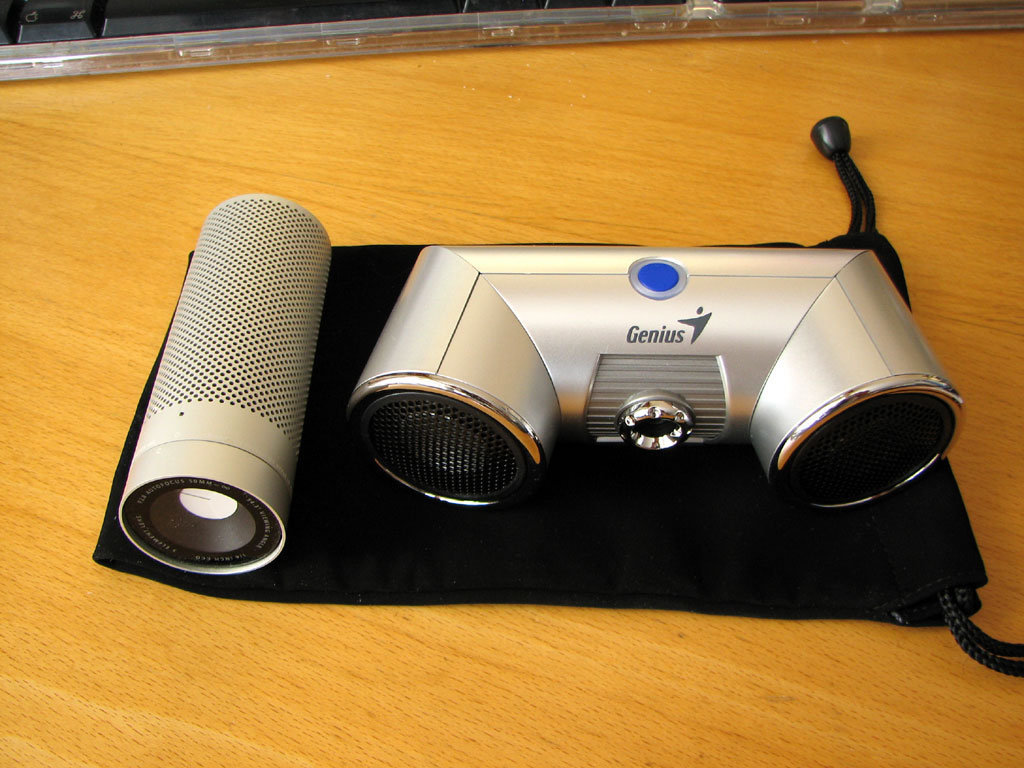
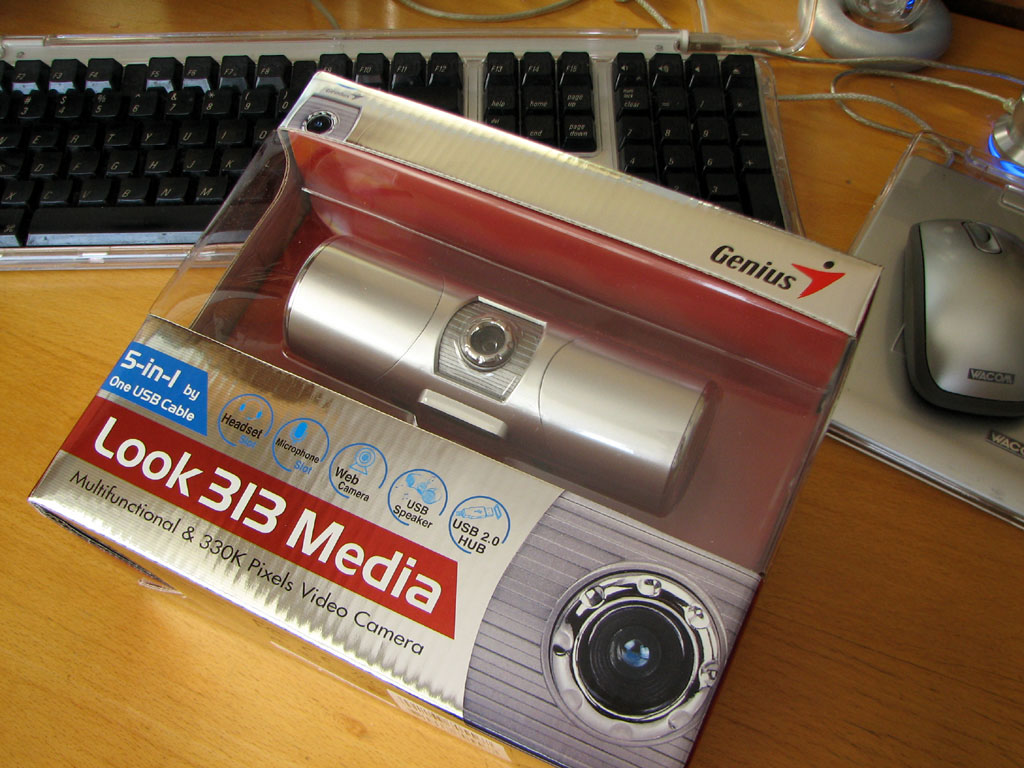
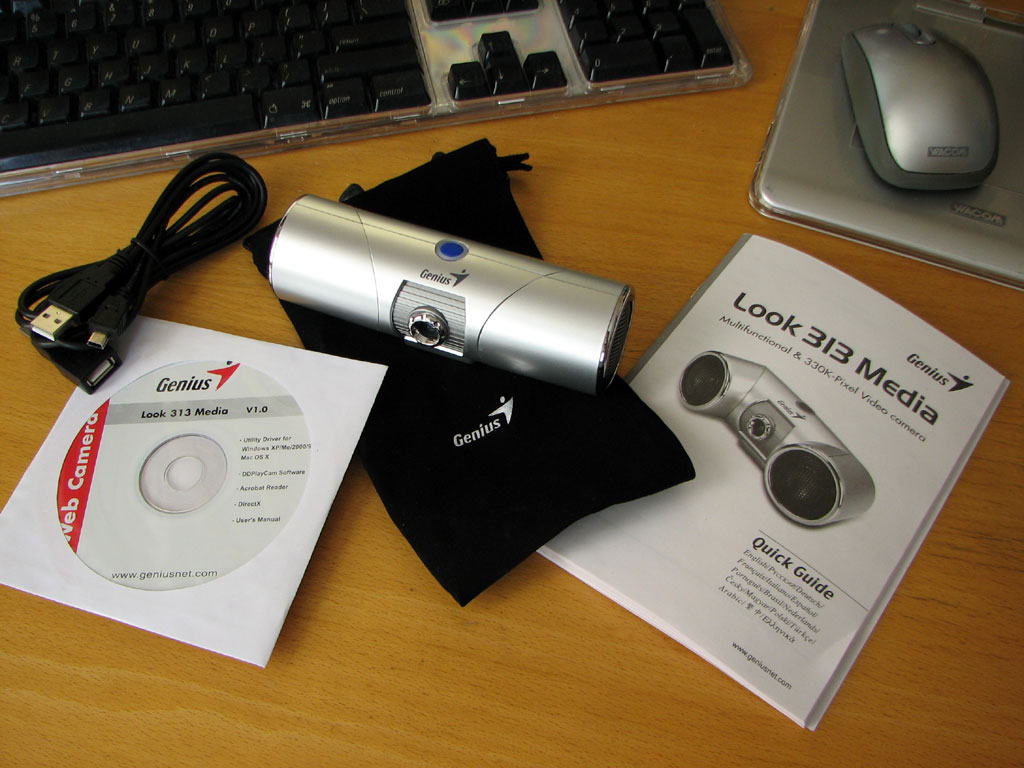
The Genius Look 313 Media webcam is multifuntion device packing some often used ports in one portable unit. It comes with everything needed to get up and running on both the Mac and PC. The build quality of the unit is quite high, just click on any of the images to get a closer look
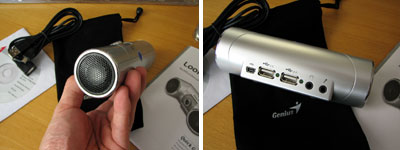
The speakers are at each end of the cylinder. The USB, mic, and headphone ports are at the back of the unit. Power is supplied via USB. The speakers have 36mm Neodymium magnet drivers which can handle 2 watts with a frequency response of 20-20KHZ.
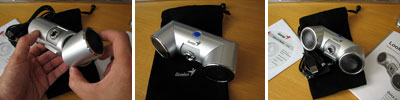
The coolest part of the Genius webcam are its directional speakers. Just rotate them to the desired angle. The same is true for the manual focus lens.
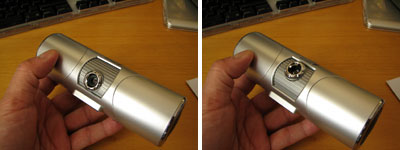
Readers will of course note the obvious similarity to Apple's popular iSight camera. There are some advantages the iSight have over the Genius. The iSight has autofocus capabilities and an integrated mic. The Genius has a manual focus lens and a mic port. One big advantage the Genius has over the iSight is the Genius is available, the iSight has been discontinued by Apple :-)
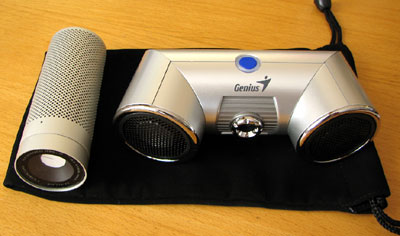
We use the iSight all the time in our teleconference calls via iChat. In our FirstUse report, we'll see how well the Genius performs compared to the iSight. - Wan Chi Lau (permalink)
|
May 25,2007 |
Once in awhile, we come across a device and we think..."Hey, that's smart." Today, we will give you a brief look at a device that had us saying "Hey, that's Genius!" The complete FirstLook will be coming after the Memorial Day break.
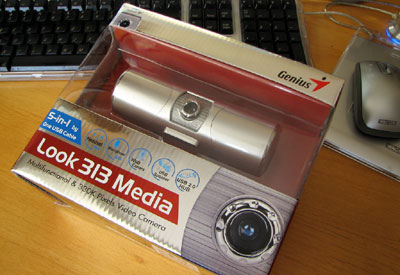
Readers who lamented Apple's decision to drop the iSight product may be interested in considering the Genius as an alternative. The form factor is similar to the iSight, but the Genius camera has quite a few additional features (speakers, USB hub, headset socket).
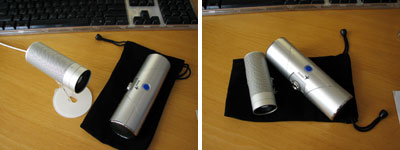
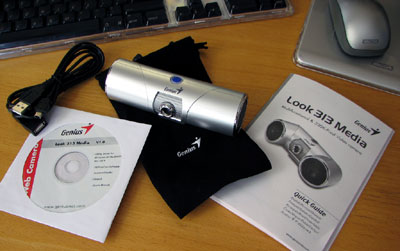
The Genius Multi-function Web camera should be available in the US now. Who knows, maybe you will win one just by being the first to click on something...- Wan Chi Lau (permalink)
|
|
May 24,2007 |
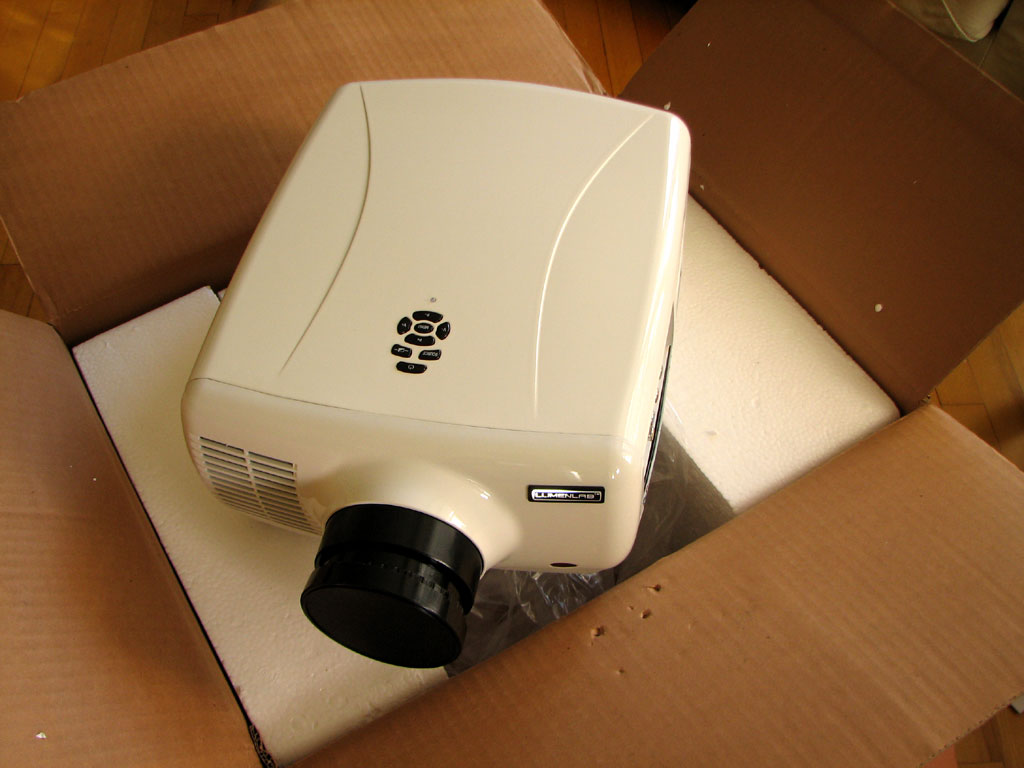
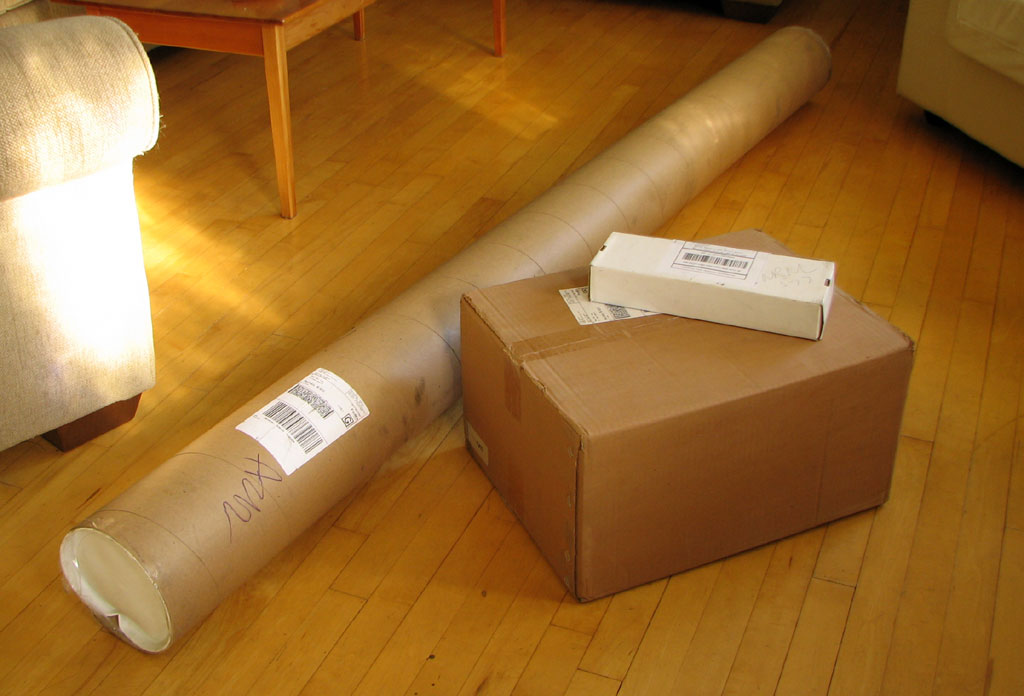
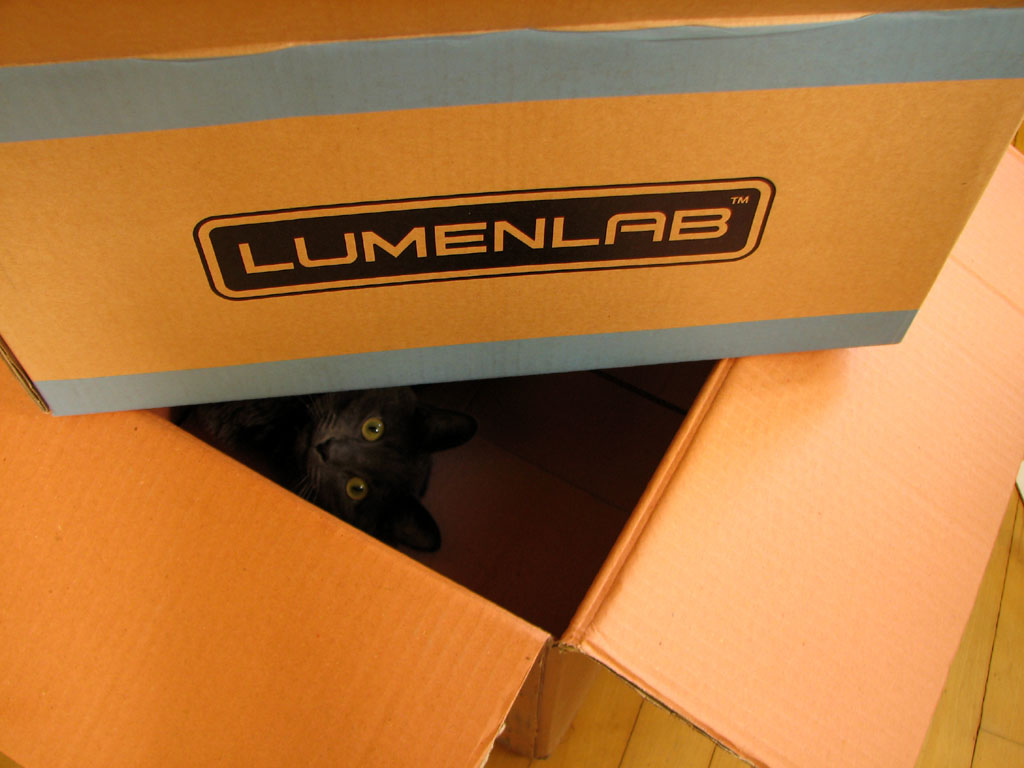
A few packages showed up at the office this week. Some were bigger than others. The one we have been watching the loading dock for was the eVo 1.1 video projector from LumenLab.
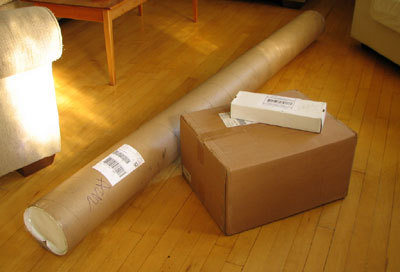
The exciting part is not the 150" projection setup we are building using the LumenLab projector, or the under-$500 price tag of the unit, but the $30 cost of the projector's lamp! As anyone who has ever priced a replacement lamp knows, it can run as much as the price of this projector!
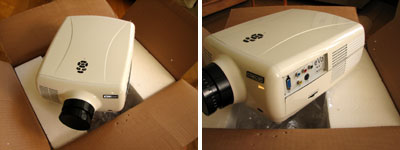
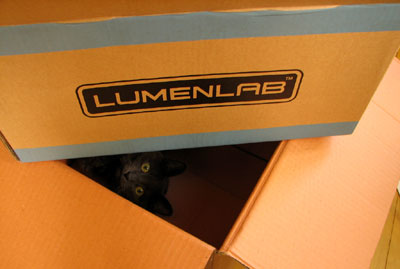
While Eliot is interested in checking out the box, we are eager to set the eVo up and check out the quality of the image. There will be complete RainyDayReview in June. BTW, any guesses as to what are in the other packages?- Wan Chi Lau (permalink)
|
May 22,2007 |
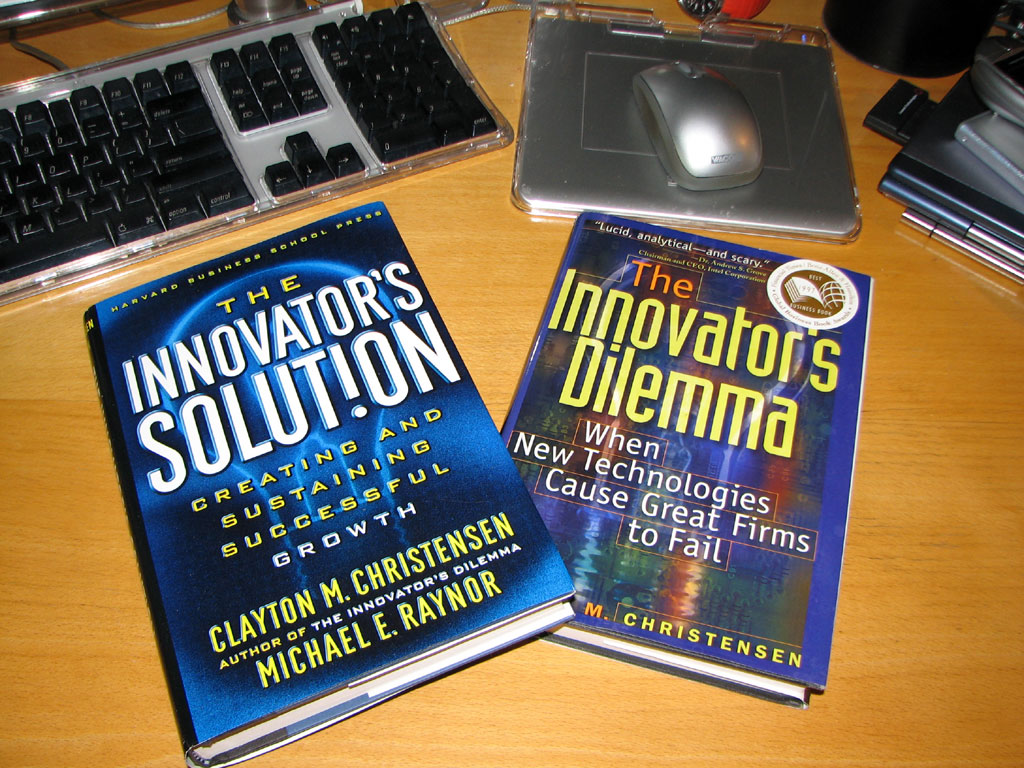
Innovation is a constant in the technology industry. Everyone knows this. How to handle the changes brought on by innovation? Not many people know. We didn't... until we happened upon a lecture by Clayton Christensen at MIT about six years ago. It was also then when we read his first book, "The Innovator's Dilemma."
"The Innovator's Dilemma" is an extremely interesting and eye-opening look at the unexpected paths innovations often take before they become the fixtures they are in our everyday lives.
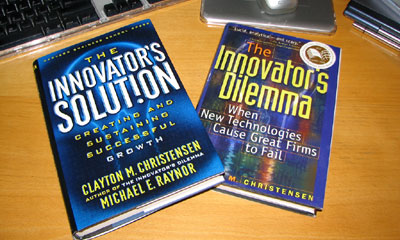
Following up "The Innovator's Dilemma" is "The Innovator's Solution." In this second book, Professor Christensen paired up with Michael Raynor to give readers a way out of the problems posed by the first. We now have a new appreciation of the challenges that new innovations must overcome to establish themselves in the marketplace. We also have a much better understanding of the mindset of established companies that resist such innovations at their own peril.
If you want to bring new technology to the marketplace, you must read this book. If you are looking over your shoulder at the innovations coming up behind you, you should have already read this book. If you don't have the time to read this book, don't worry... you will when they lay you off. - Wan Chi Lau (permalink)
|
|
May 20,2007 |
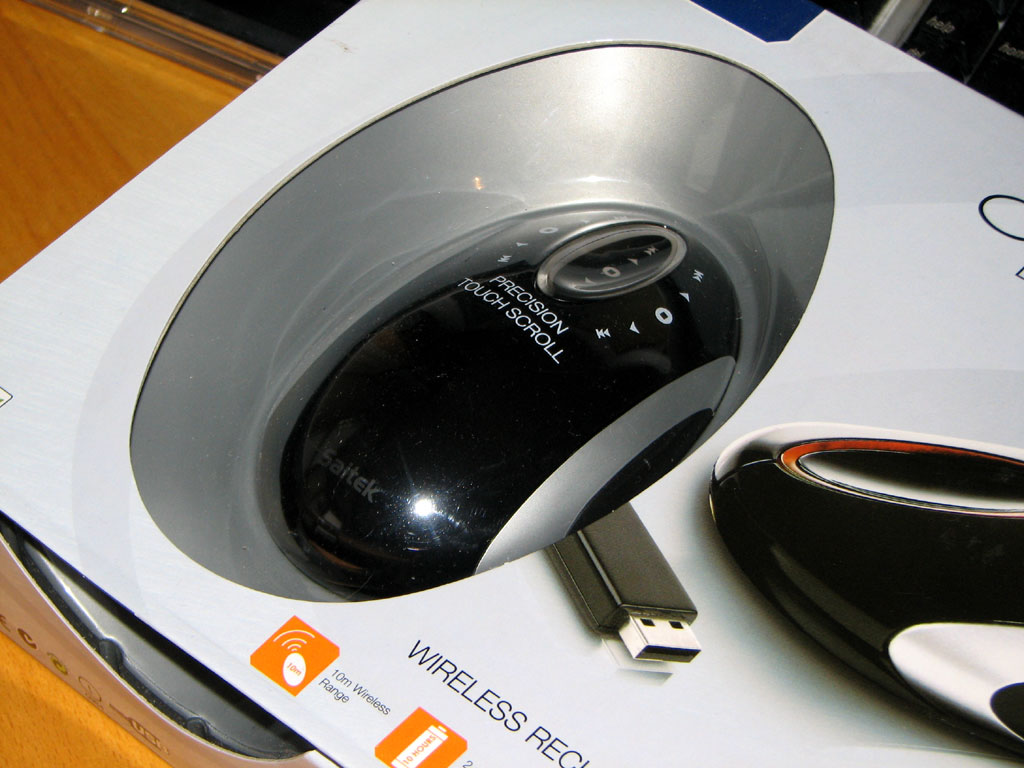
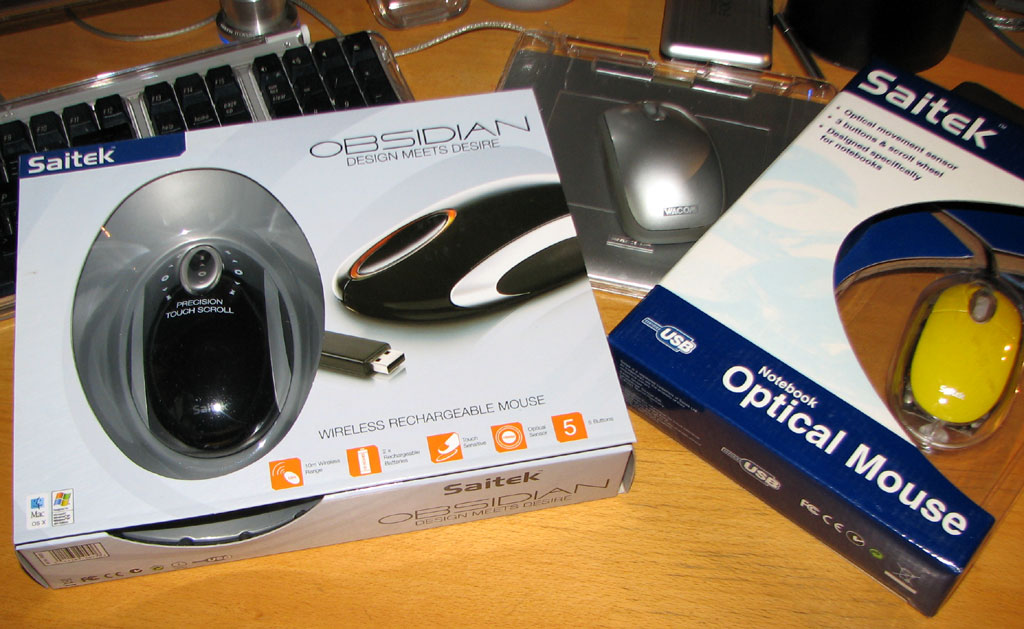
Last month we took a look at Saitek's optical mouse and gave away a few to lucky readers during the Easter Egg Hunt. This month we are going to check out Saitek's wireless Bluetooth version called Obsidian.
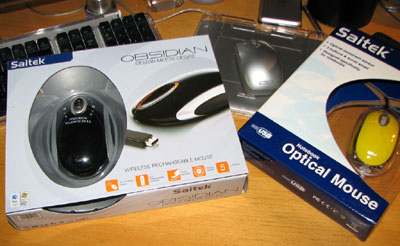
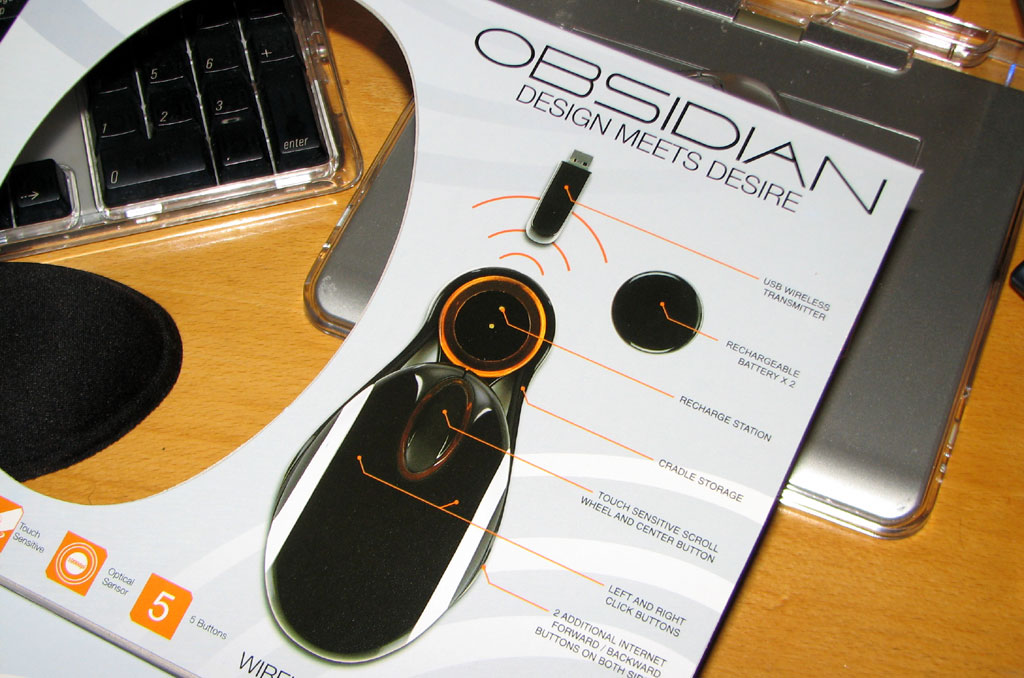
The Saitek Obsidian is a sleek-looking mouse. Along with Obsidian's good looks is a host of advance technology: touch scroller, optical sensors, Li-ion battery, 30' range, 1000 dpi precision. The docking cradle doubles as recharging station.
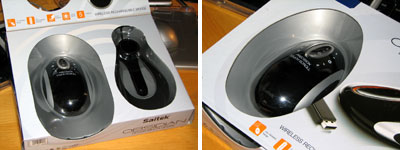
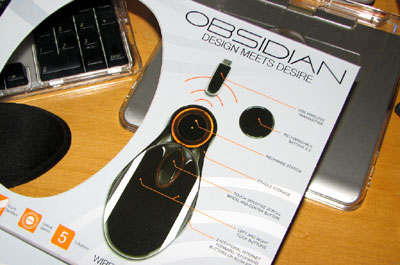
The Saitek Obsidian is perfect for the totally wireless setup we've been slowly assembling from various vendors (keyboard, mouse, speakers). One problem with all the wireless devices, though, is that each device requires its own Bluetooth dongle. Maybe someday soon, a company will make one dongle which can transmit multiple frequencies. Would that be too much to hope for?- Wan Chi Lau (permalink)
|
|
May 17,2007 |
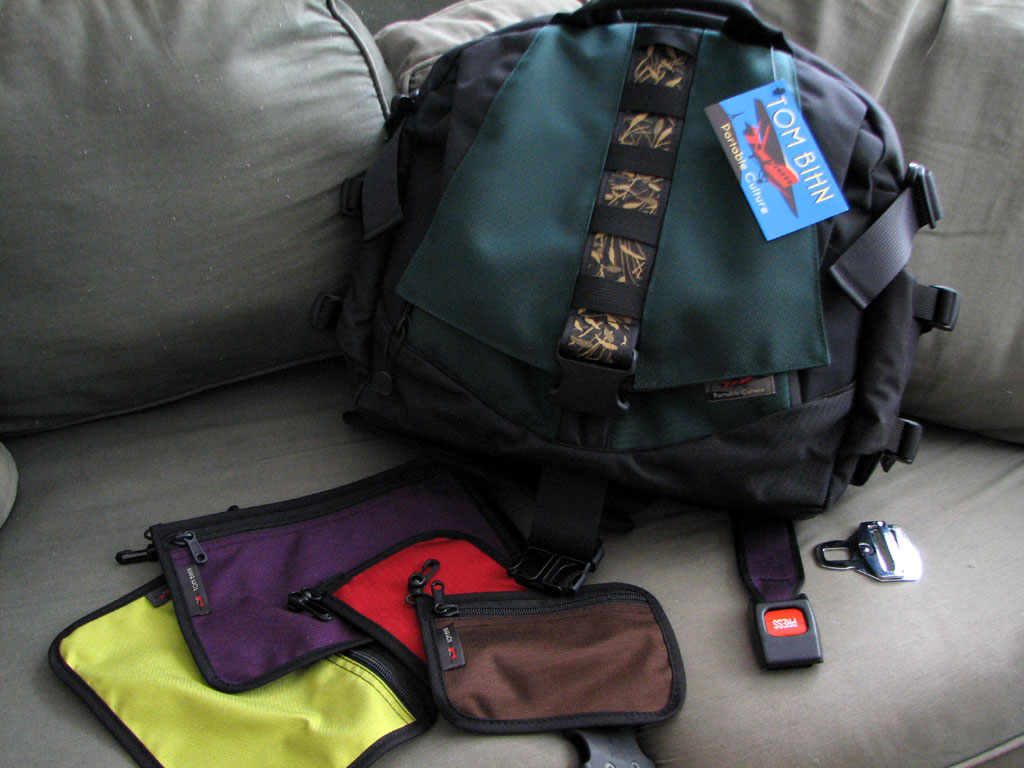
We don't know how the folks at Tom Bihn do it, but they keep coming up with gear that is just amazing. This latest briefcase slash computer bag is no exception. The FirstLook review is coming, but we thought we would give away some more stuff today instead.
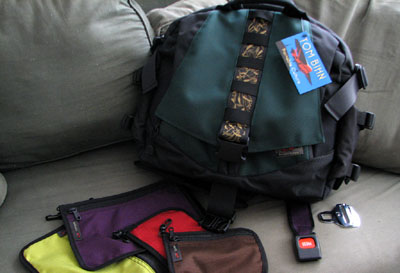
Want to win some Tom Bihn gear? Go to their site, find the name of this bag and how many pockets it has (hint...you can always ASK the Tom Bihn folks). Send us your answer in an email with the subject line "Bag It Up!" We'll give away one of the colored accessory bags to the first reader with the correct answer, and then randomly pick another winner at the end of the week. - Wan Chi Lau (permalink)
|
Apr 23,2007 |
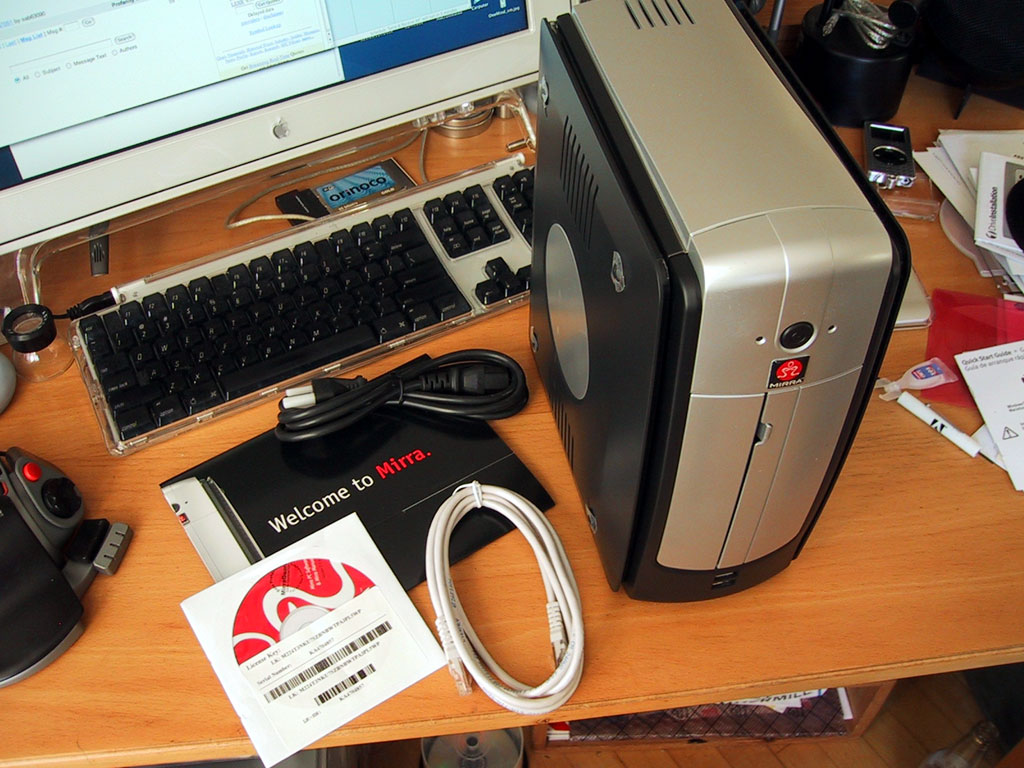
Mirra Personal Server from Seagate is an always-on network backup solution for the Small Office/Home Office environment. Once set up, Mirra will make automated backup of files of any computer on the network.
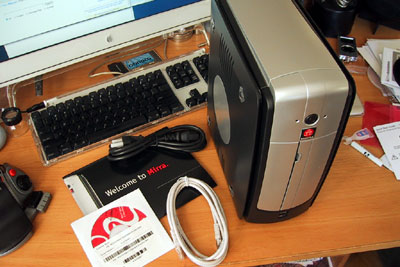
The Mirra comes with everything needed (software, hardware, cables) to get it on the network. The system also includes a Mirra.com web account for accessing files from anywhere there is an Internet connection. Over the month of May, we'll show you how to hook up this unit, configure the software, and access you files from anywhere.
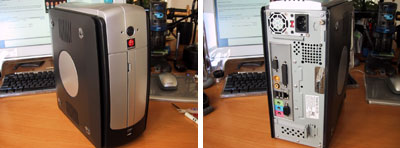
The unit we have has only 120GB of storage. While that will store quite a bit of emails and typical text documents, we'll probably increase the drive storage before putting this unit into service. If nothing else, it will make for a good RainyDayProject :-) - Wan Chi Lau
|
|
April 12,2007 |
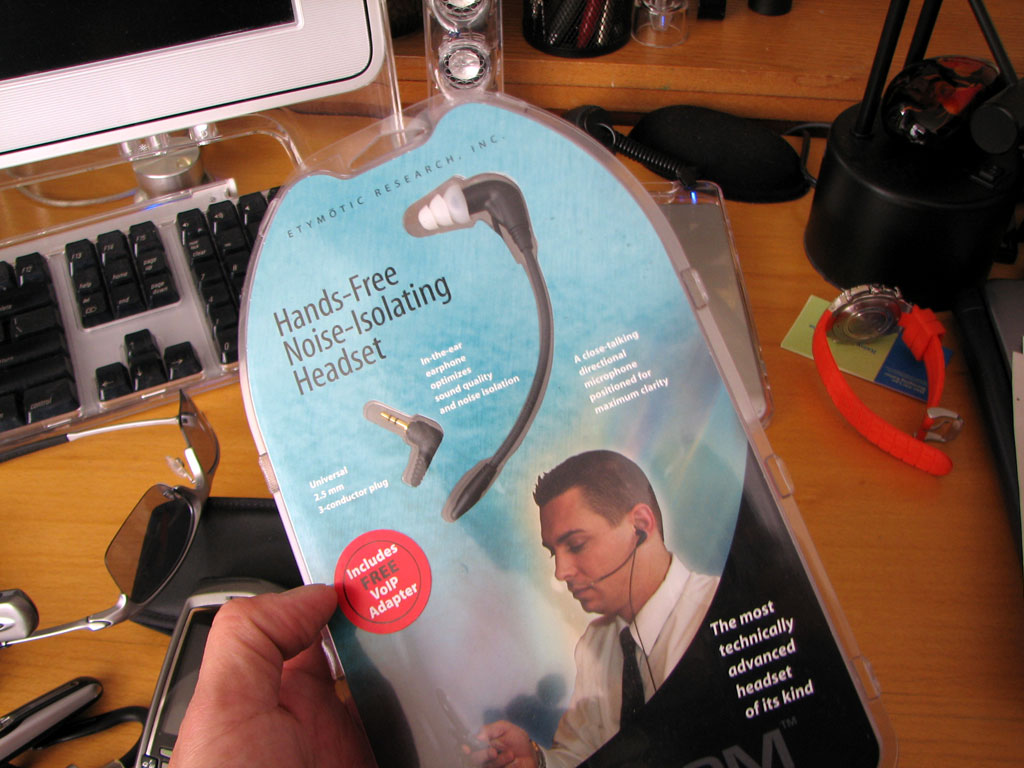
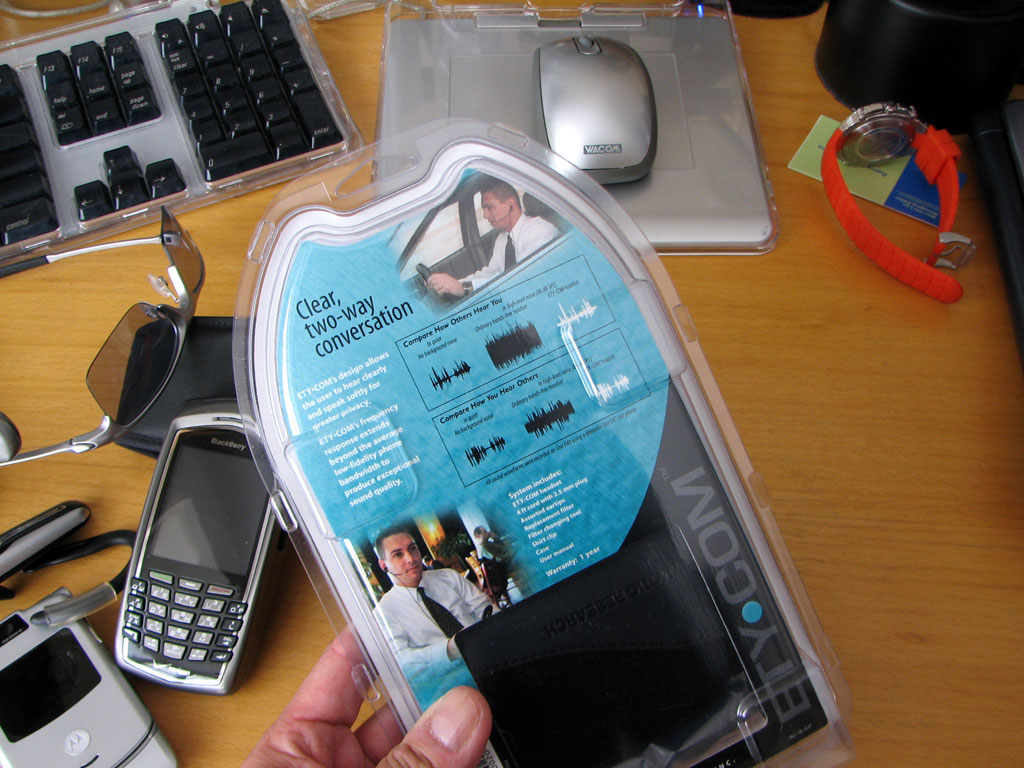
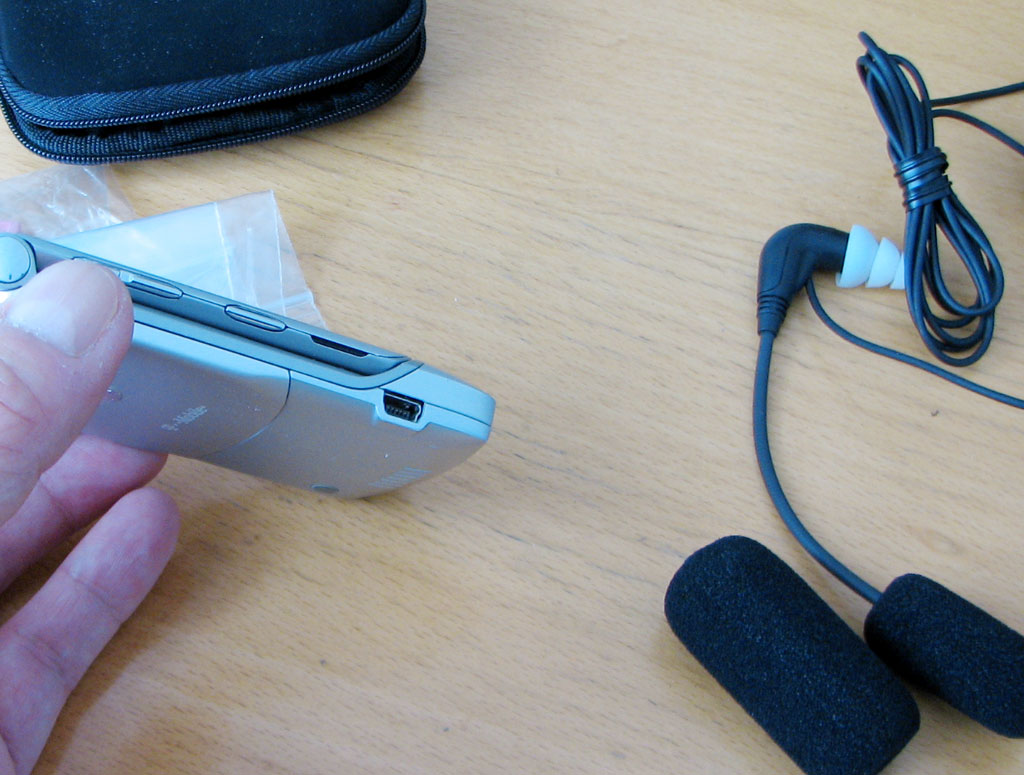
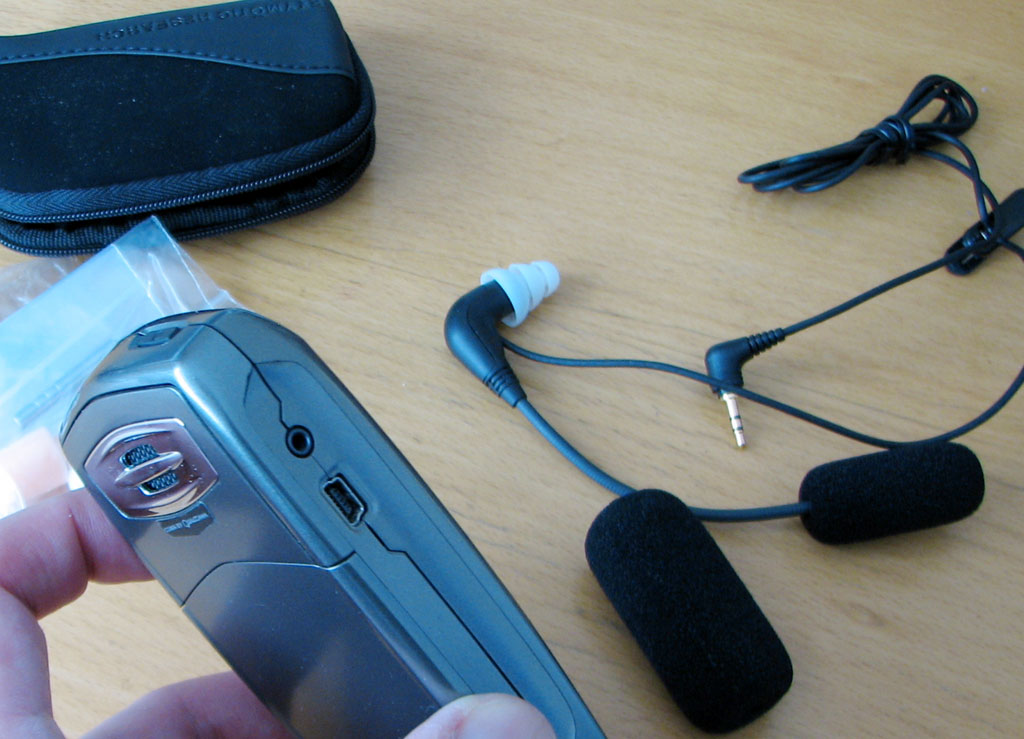
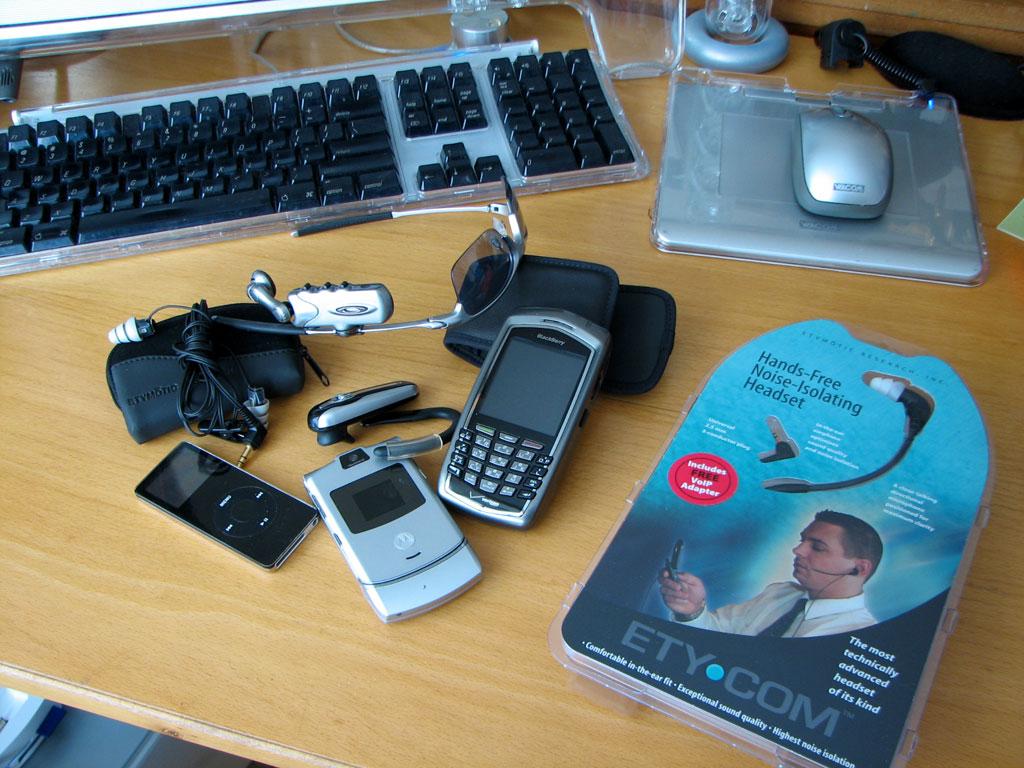
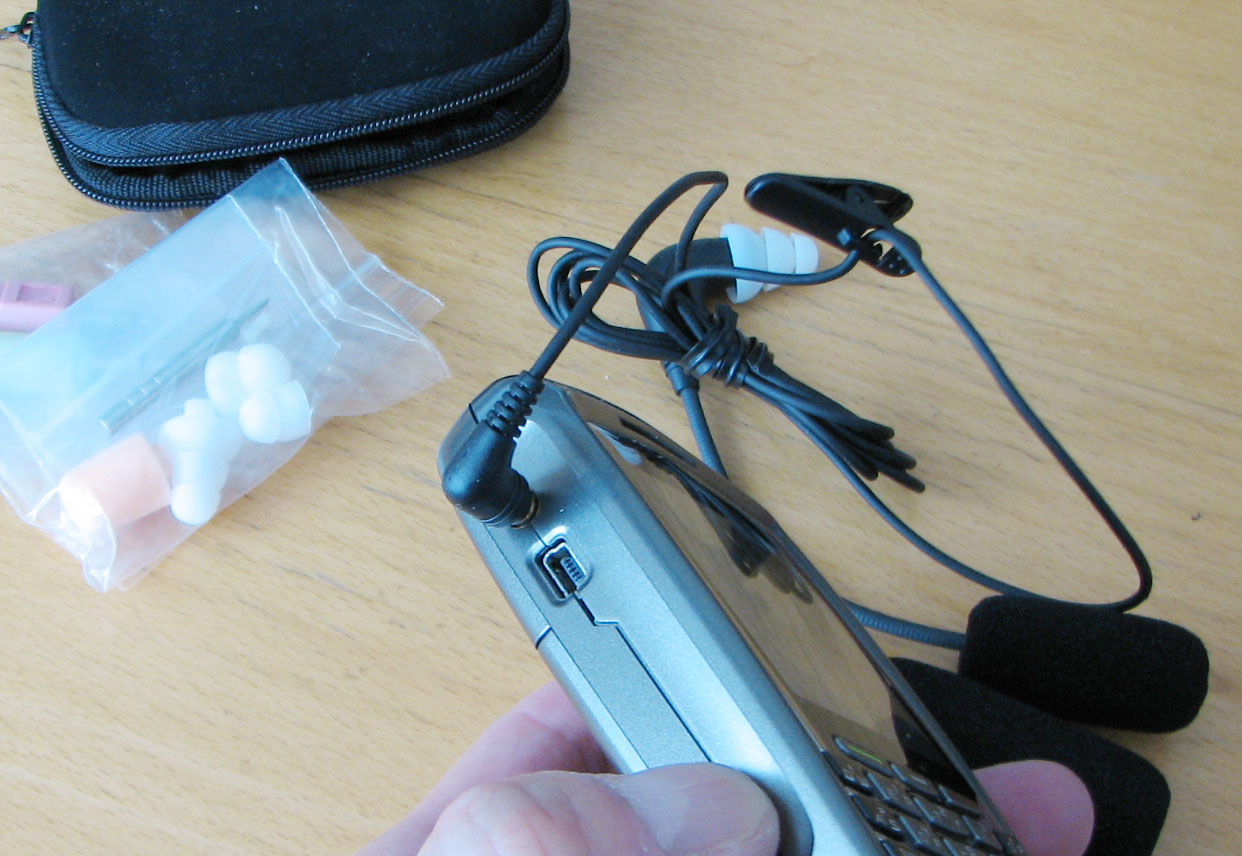
Etymotic is well known for their high fidelity in-ear headphones for iPods and MP3 players. They have also started to leverage that expertise in related gear such as headsets for cell phones and Blackberries devices. This TechThursday we are going to take a FirstLook at the EtyCom headset.
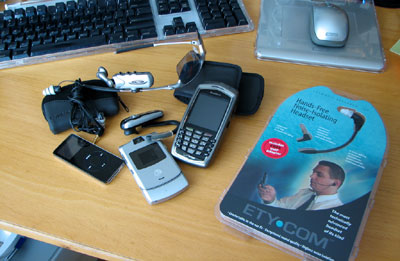
Normally, we wouldn't really pay much notice to wired headset from a technology perspective. However, many readers know we have been searching for a headset for use in the convertible...something which can stand up to the wind noise in the cabin when the top is down.
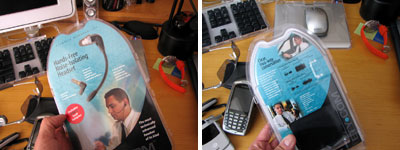
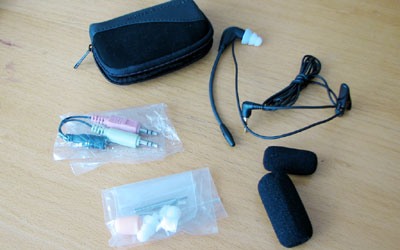
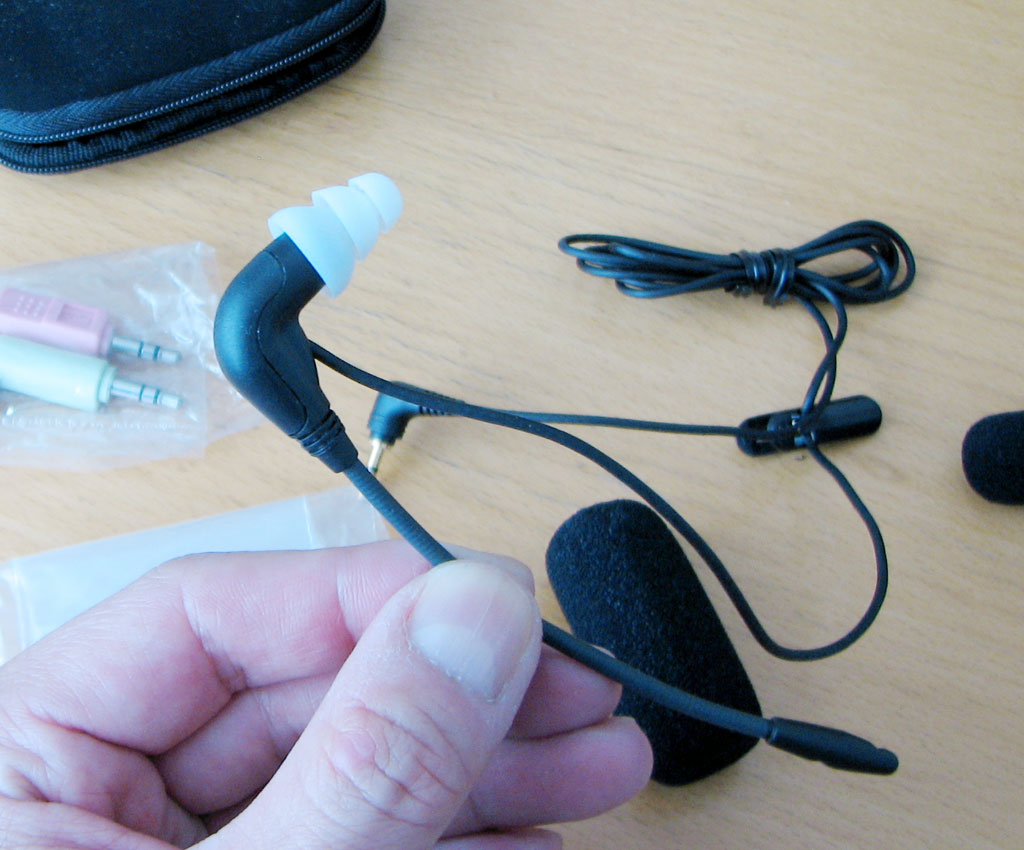
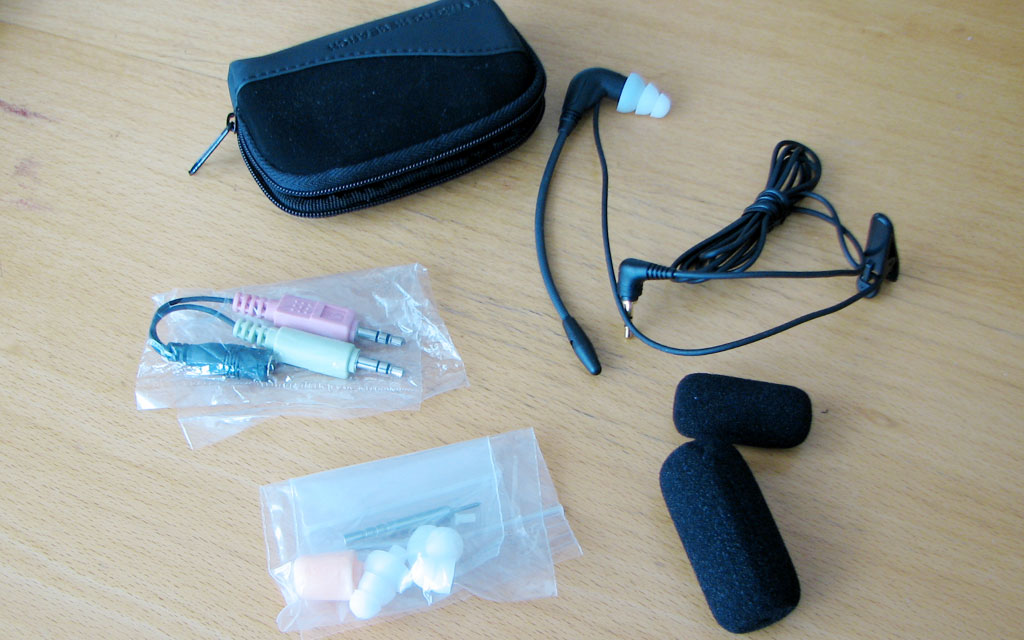
The EtyCom package comes with the headset, a collection of different size tips, case, and windshields. The in-ear design is to allow for much greater sound quality and ambient noise isolation.
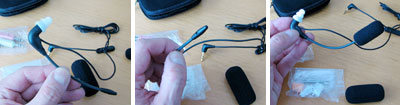
The unit is very light...much lighter than any of the wireless units we've tested in the past. Not surprising as there are no need for batteries, on/off switches, or transmitter/receivers.
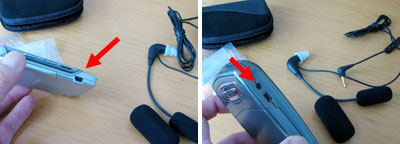
The headset comes with an universal 2.5mm plug. It may not work directly with newer phones with just the USB socket. Some devices have both the 2.5mm and USB sockets.
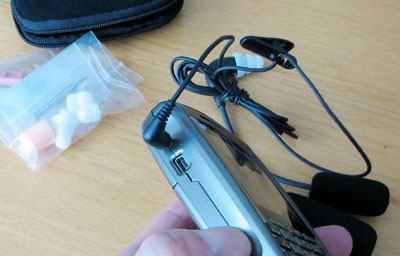
We will let you know how this EtyCom unit check out under various conditions next month. If they sound as good as the ER-6, we may end up using these as our primary headsets.- Wan Chi Lau
|
|
March 19,2007 |
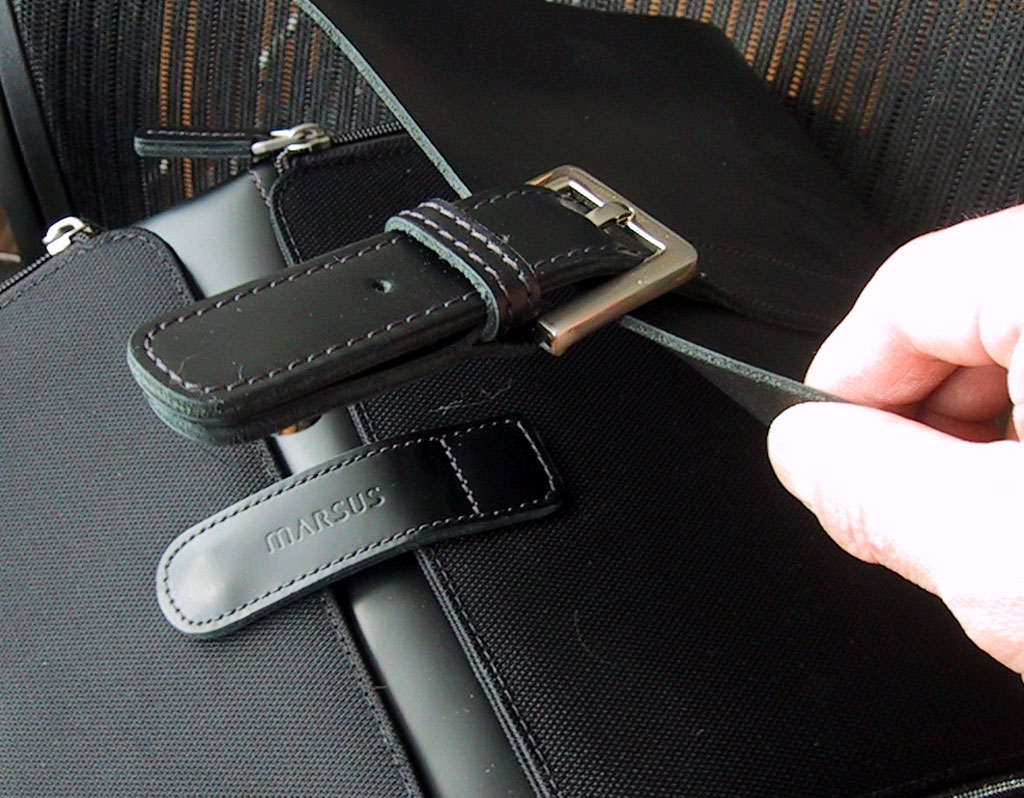
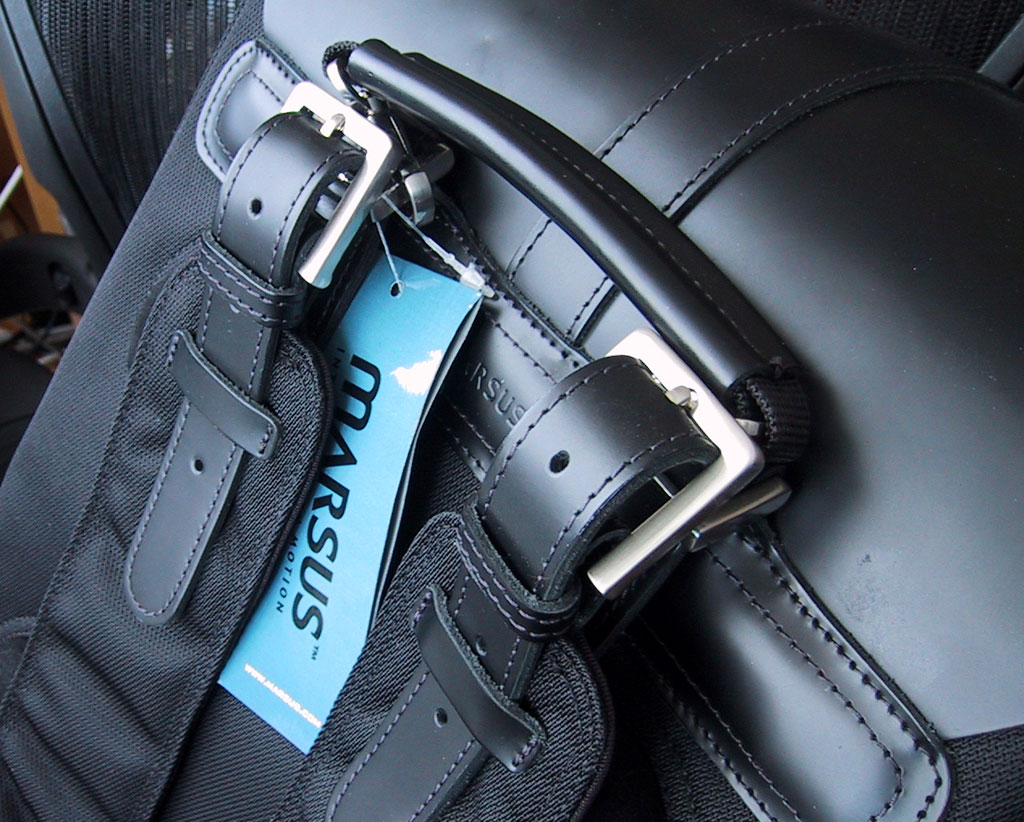
The creators of the Moonsus line has released a complementary Marsus line for those who need to carry their portable computing gear in style. The Marsus bags are designed for the urban professional. We work in Boston and sometimes we even pay our interns. So it is entirely appropriate that they give this gorgeous piece of gear the once over.
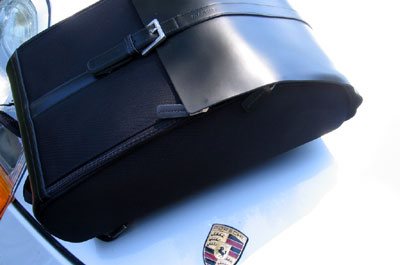
The leather is Napa, treated to resist stains. The sides are covered in abrasion resistant nylon fabric. The Teflon protection makes it water repellant and easy to keep clean.
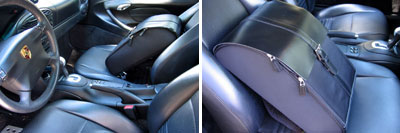
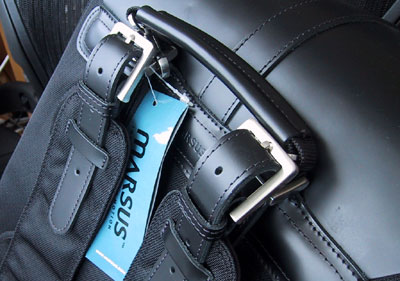
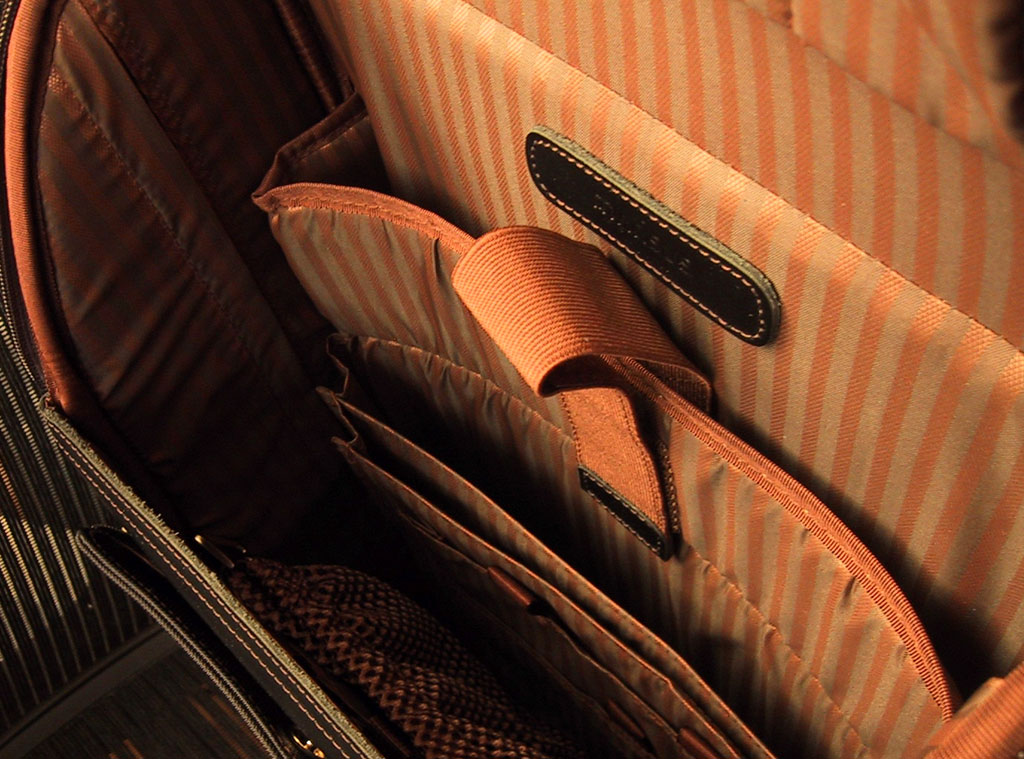
The metal fittings are custom-molded. They are chrome-plated and lacquer-coated for corrosion resistance. Inside of the Marsus backpack has organizer sections for papers and pockets for all the usual business gear (pens, PDA, cards, etc...).
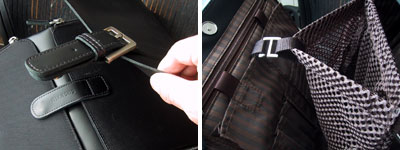
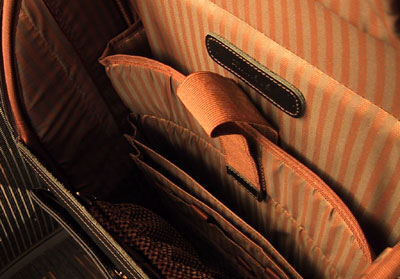
The main compartment has enough room for a good stack of folders, contracts, and assorted papers. The laptop pocket is large enough for a 17" computer.
We are going to use this laptop backpack all this week. Look for our FirstUse review by Friday to see how it compares to some of the other cases we have tested in the past. Who knows, if you look sharp, you may end up with a Marsus of your own. - Wan Chi Lau
|
|
March 18,2007 |
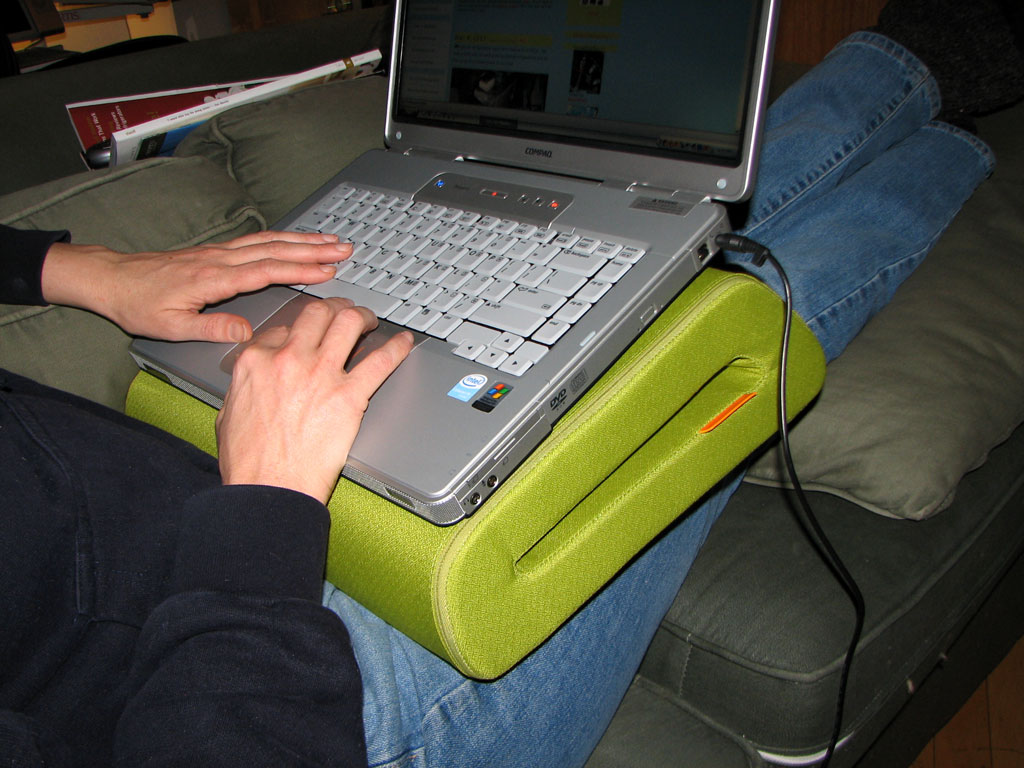
Most small office/home office (SOHO) workers probably have laptop computers instead of desktop units. The reasons are no doubt the size and portability. But, as many have discovered, laptops don't really sit that well on one's lap. They get hot, slide off, or are uncomfortably angled for productive work...though many of us try to make it work.
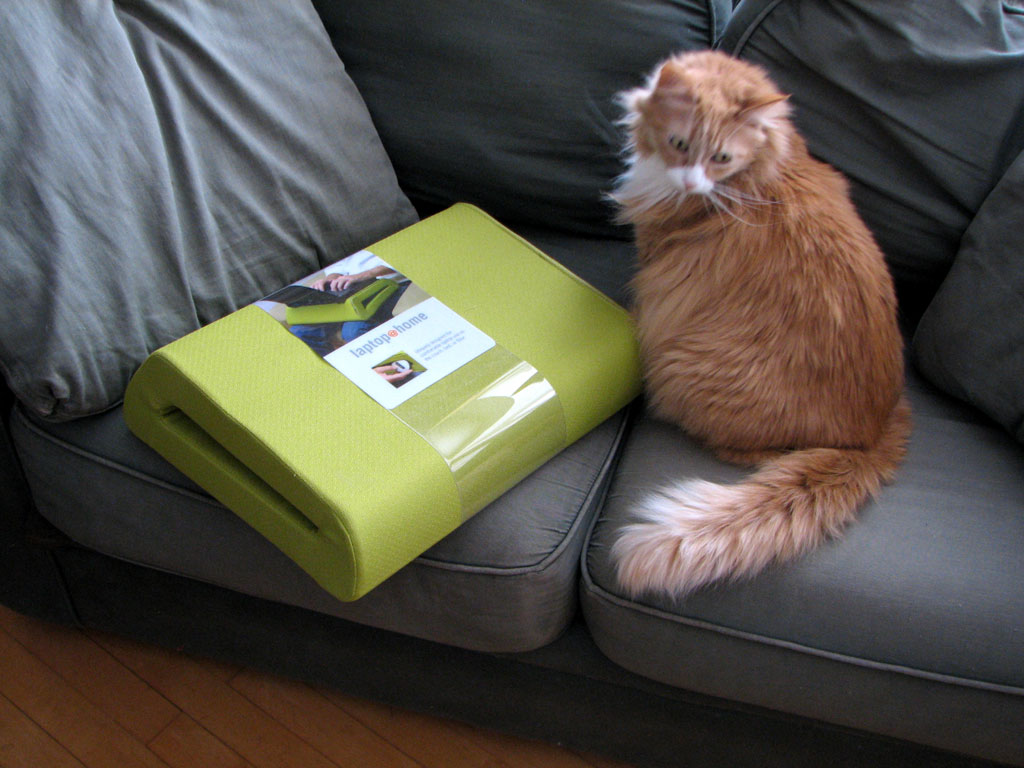
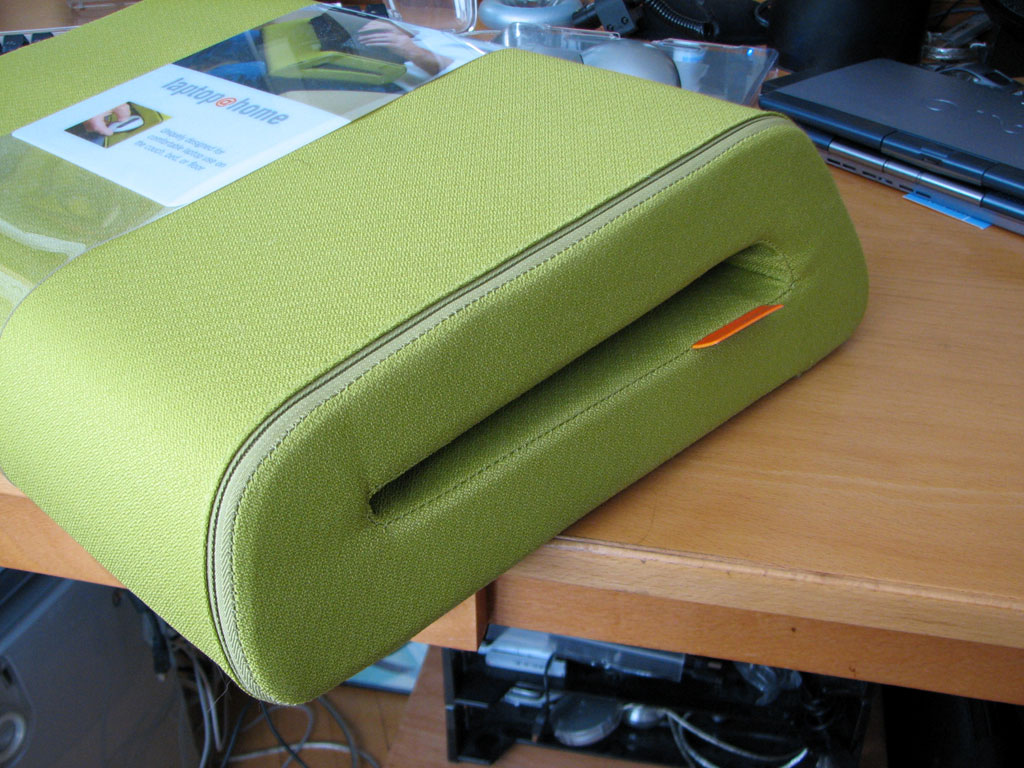
We have found an elegantly designed solution for this problem. It's called the Belkin CushTop, part of the Laptop@home series from Belkin.
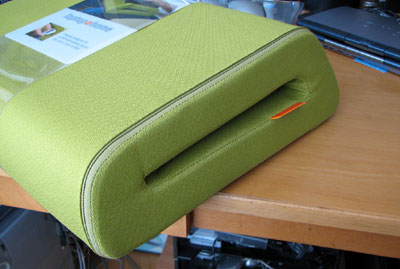
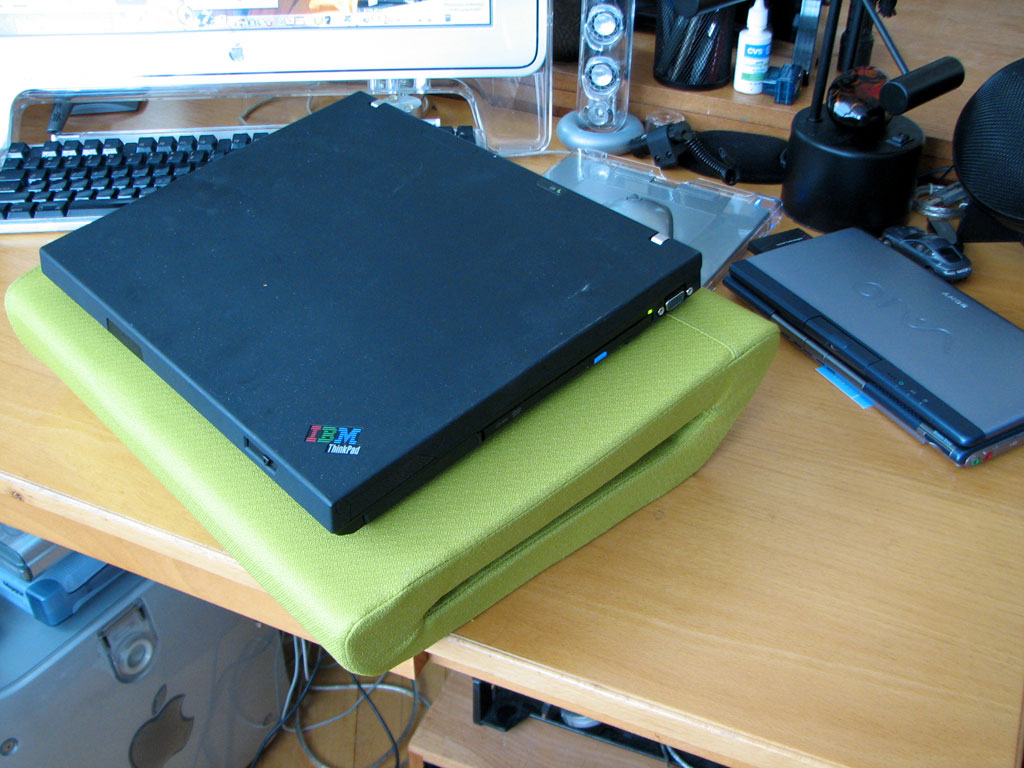
The CushTop is a stiff cushion with a washable microfiber cover. On the side is an opening for stowing the power adapter and/or excess cords.
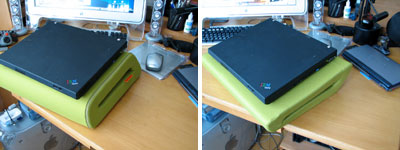
The top and bottom of the CushTop are different sizes. You can choose the size that is most suitable for your lap or laptop just by flipping it over :-)
The slight angle makes it comfortable to use whether your preference is from the floor or on the couch.
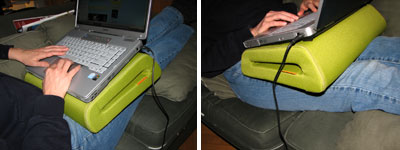
We have enjoyed the CushTop around the office for about a week now and working from the couch has never been more confortable. Now if we can just keep folks from dozing off, then we would actually get something done around here! - Wan Chi Lau
|
March 12,2007 |
Even though it is only mid-March, Spring is already in the air. We saw the finches checking out their roost yesterday. Spring also means rain...and we LOVE rain here at RainyDayMagazine :-)
Our friends at OtterBox also love rain. Actually, they love making cool gear which protects stuff from the rain. One of their newest offering is a case for the BlackBerry.
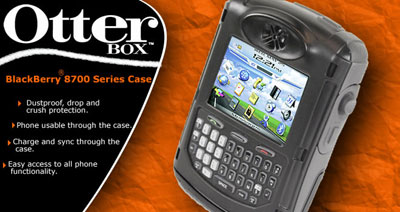
If you want one for your Blackberry, keep an eye out for April's contest. We'll be giving one away to a lucky reader with the best... well, we don't actually know best "what" yet. In the mean time, go check out the BlackBerry case here. - Wan Chi Lau
|
Mar 8,2007 |
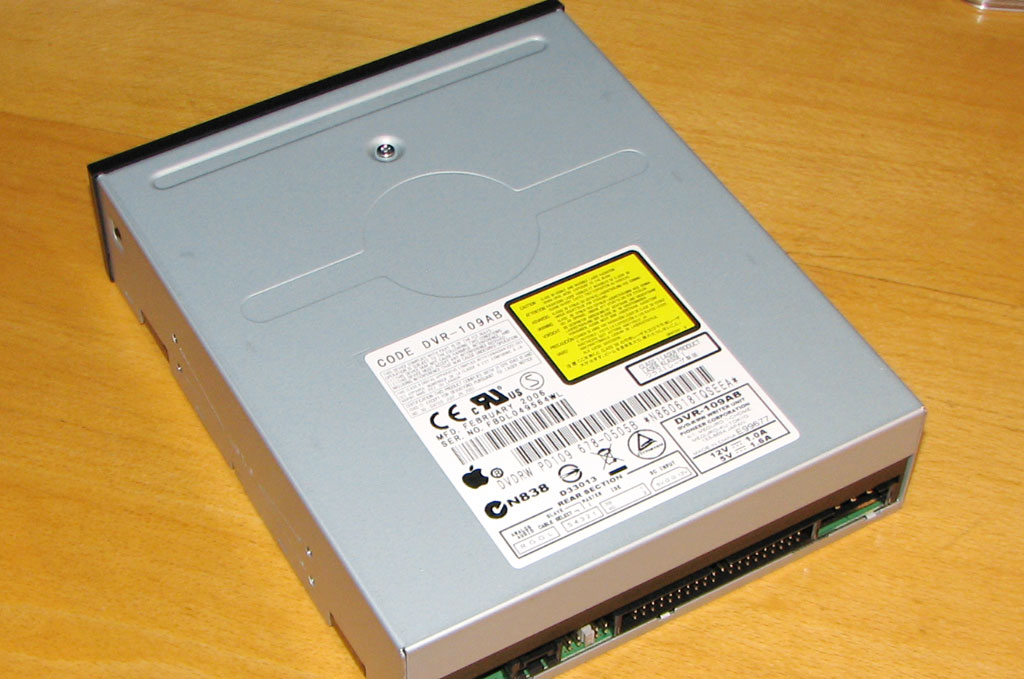
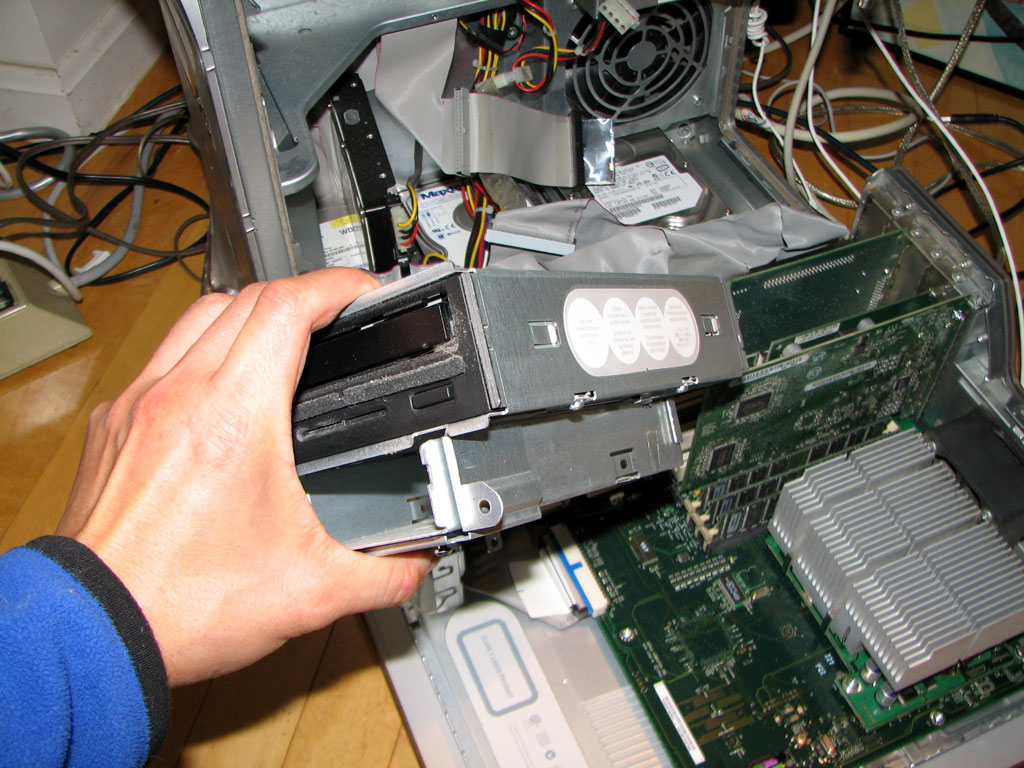
We use our old QuickSilver Apple G4 to make a lot of DVDs. The main problem with our setup is the QuickSilver's SuperDrive is a 1X DVD burner and it takes forever to cut a disk.
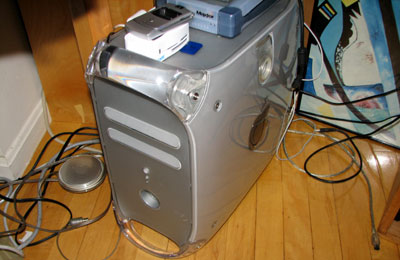
A few weeks ago, One World Computing had a $29 sale on Apple's 16X SuperDrive. The deal was so sweet that we could not pass it up. The drive came yesterday, so we dropped everything and went at the upgrade :-)
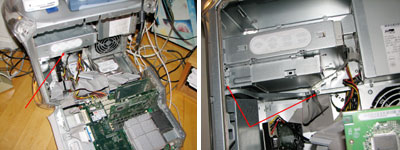
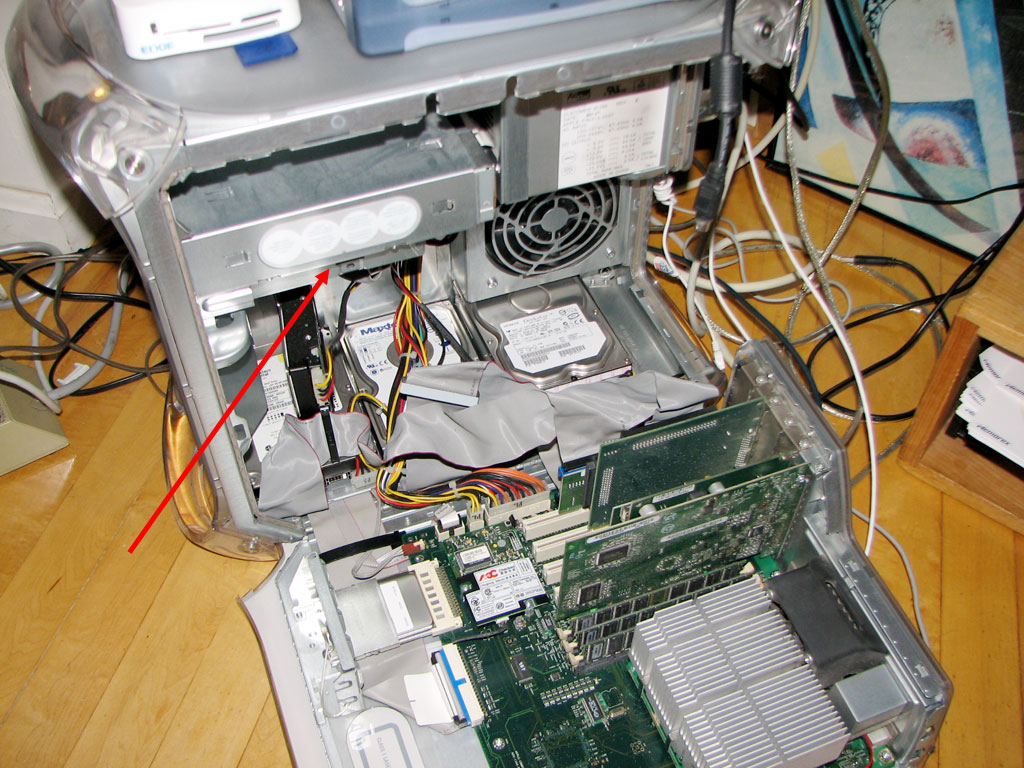
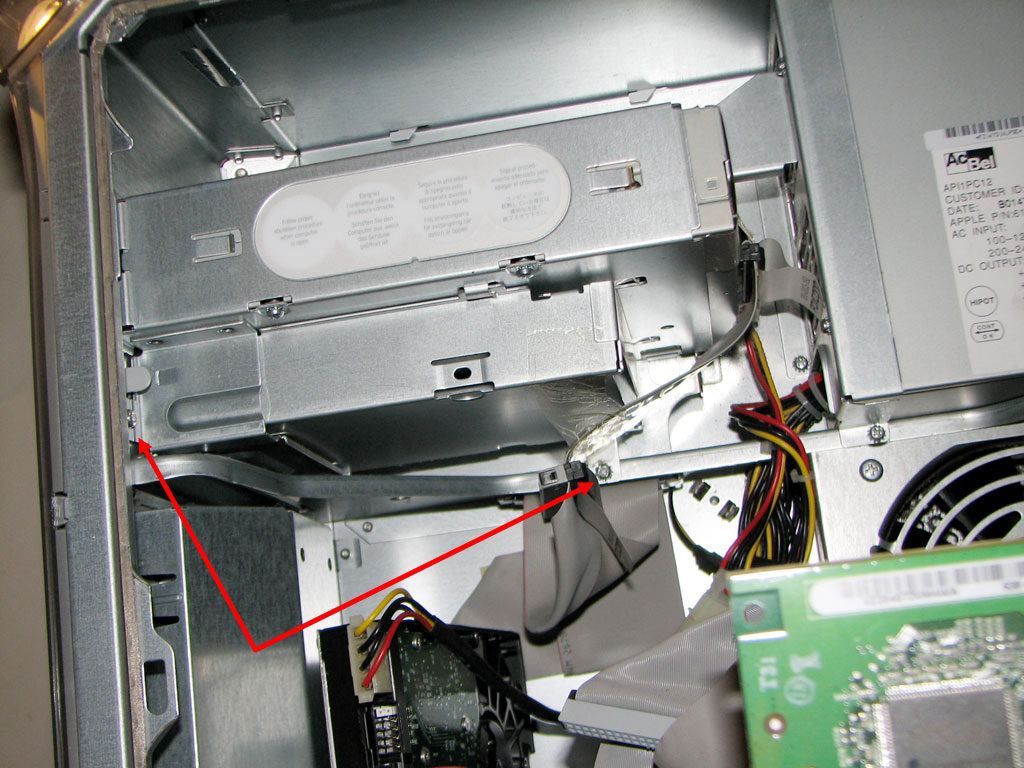
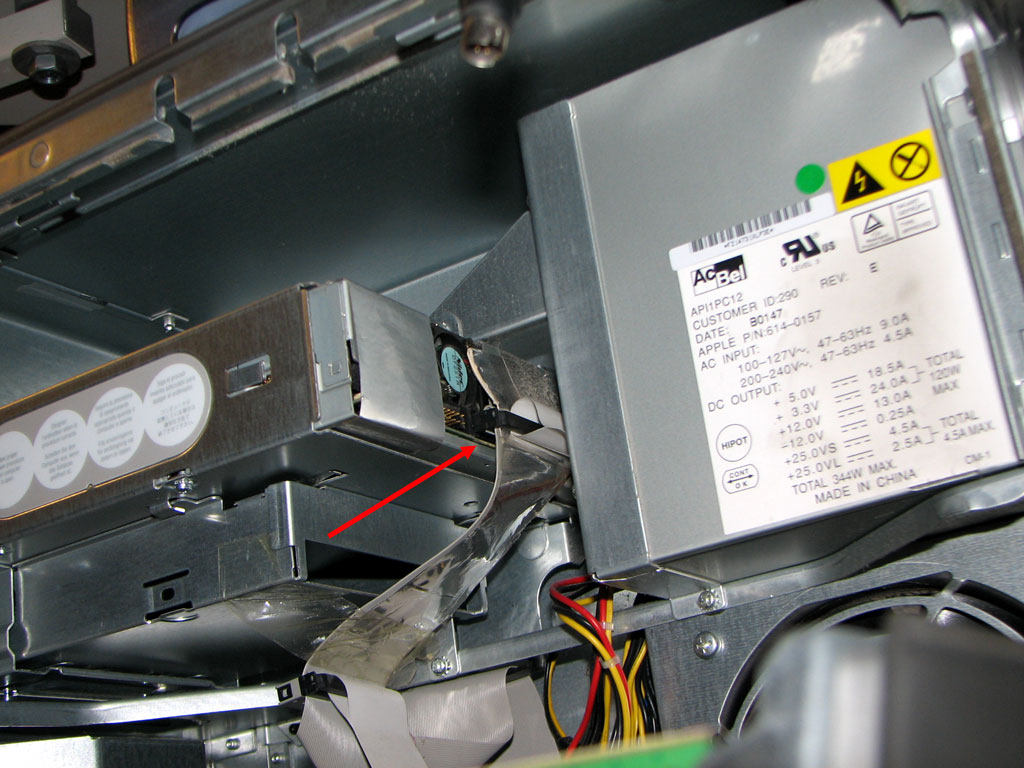
The G4, like all of Apple's desktop cases, were designed with ease of access in mind. We have added a few drives to this work horse over the five years it has been in service. However, we have never played with the DVD mount at the top. A quick check showed two Phillips screws on top and two others underneath. Attached to the drive were the usual interface and power cables.
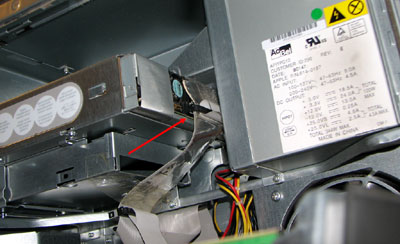
Once the four screws were removed and the cables detached, the entire assembly slid out without any problems. The only thing we had to be careful of was not to drop the screws into the innards of the case. Putting in the new drive was just the reverse of taking out the old. We'll leave that as an exercise for the reader :-)
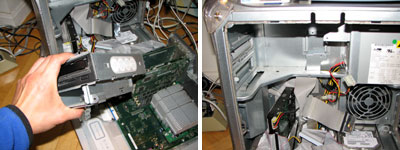
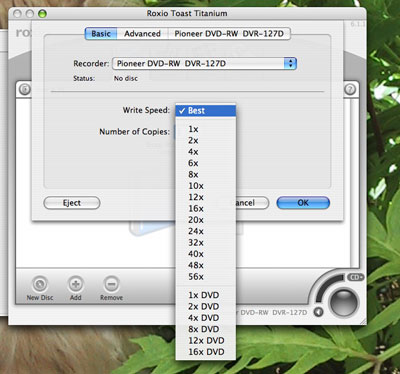
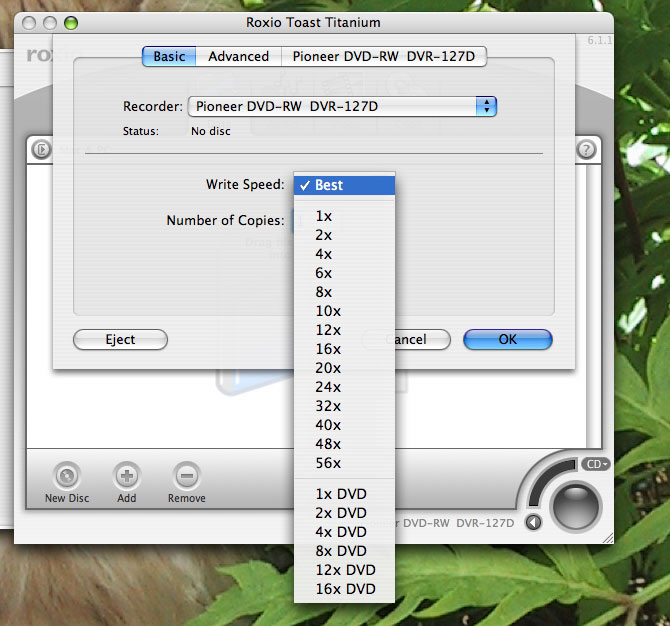
As we had expected, the upgrade went without a hitch. The only tool needed was a screwdriver and the project took only 25 minutes. The machine powered on and everything appeared to be working. A quick check with Toast indicated we can now burn DVDs at 16X...nice :-) - Wan Chi Lau
|
|
|
February 16,2007 |
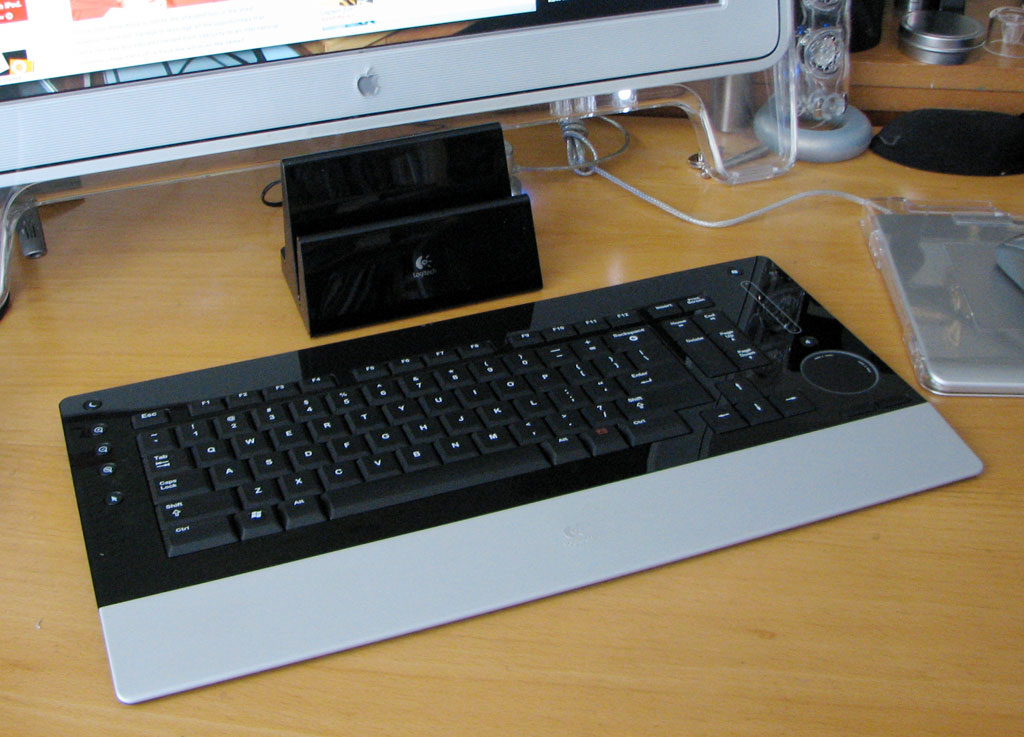
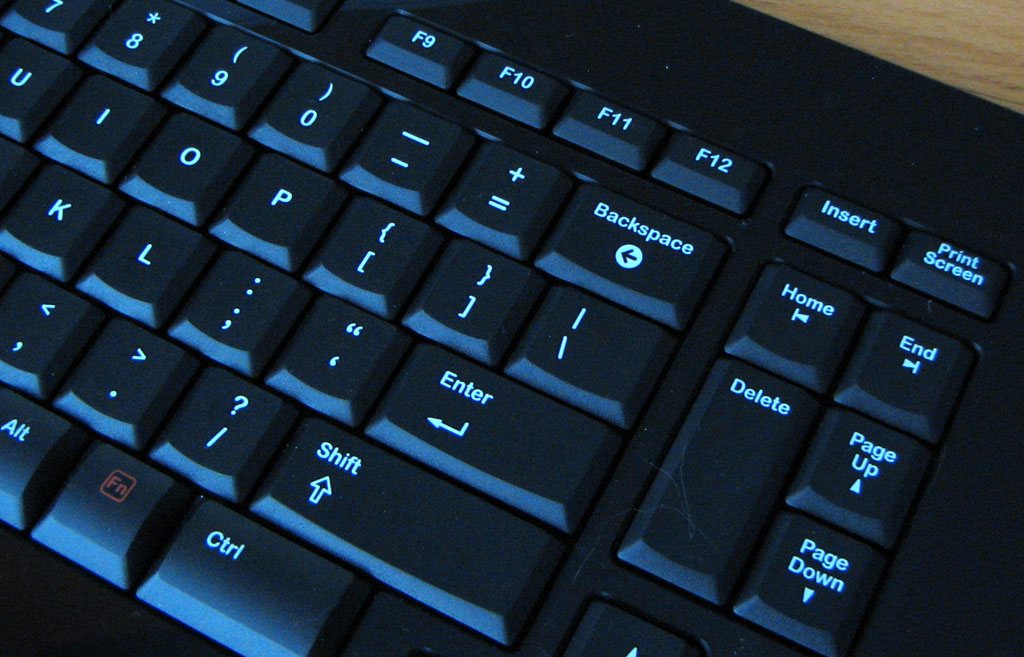
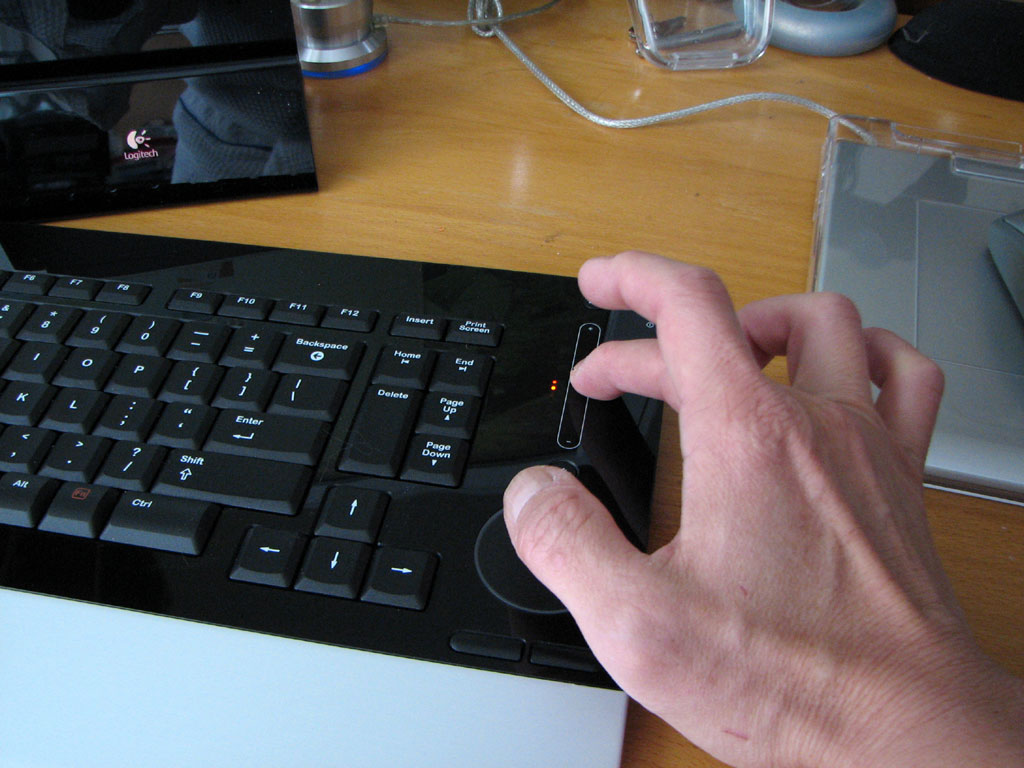
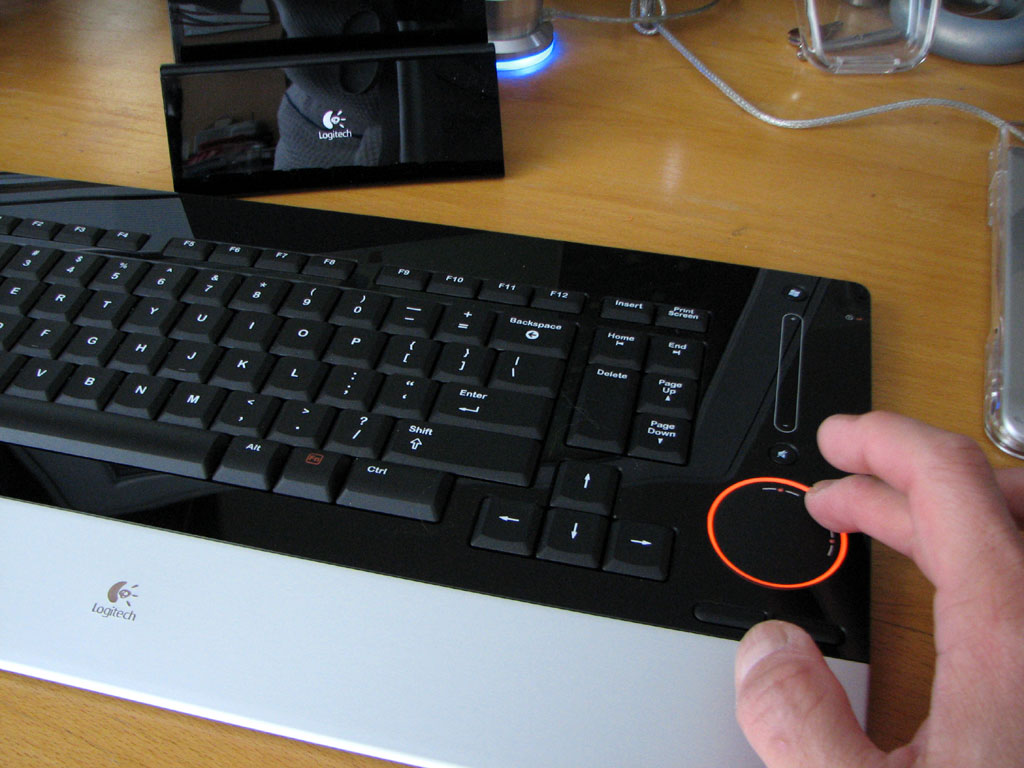
In the FirstLook review of the Logitech DiNovo keyboard, we showed why this new unit is coveted by those who love all things shiny. In this report, we'll give our impressions after using the DiNovo for ten days.
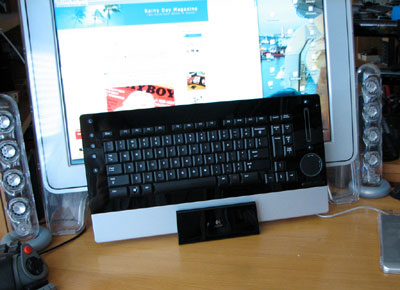
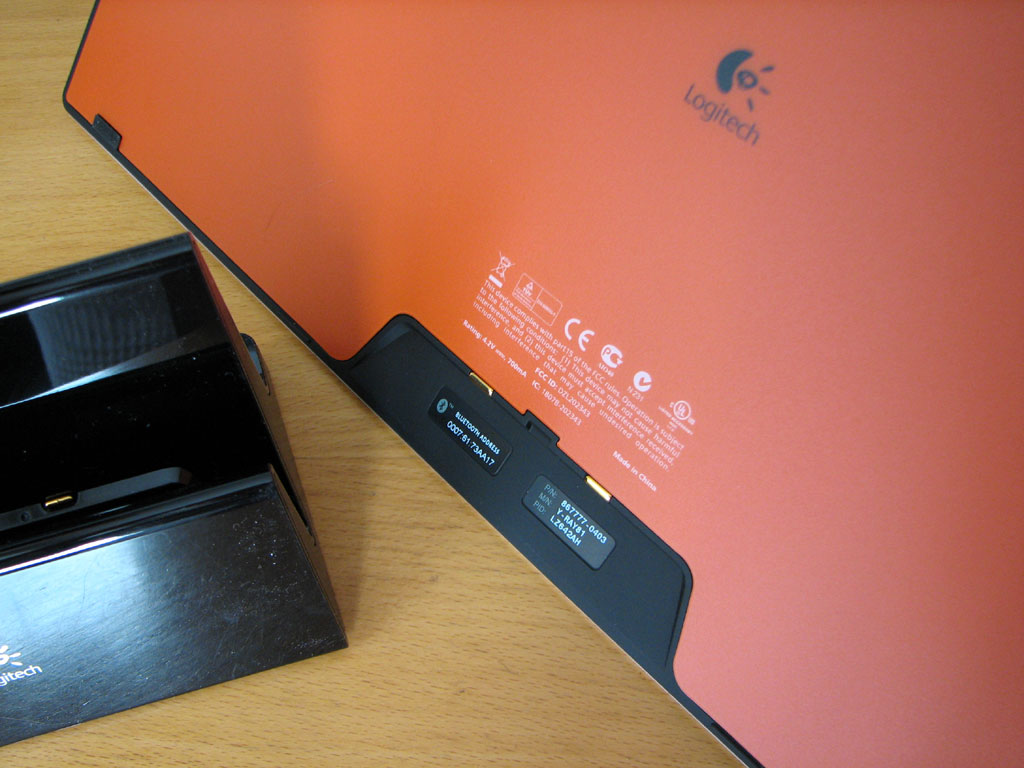
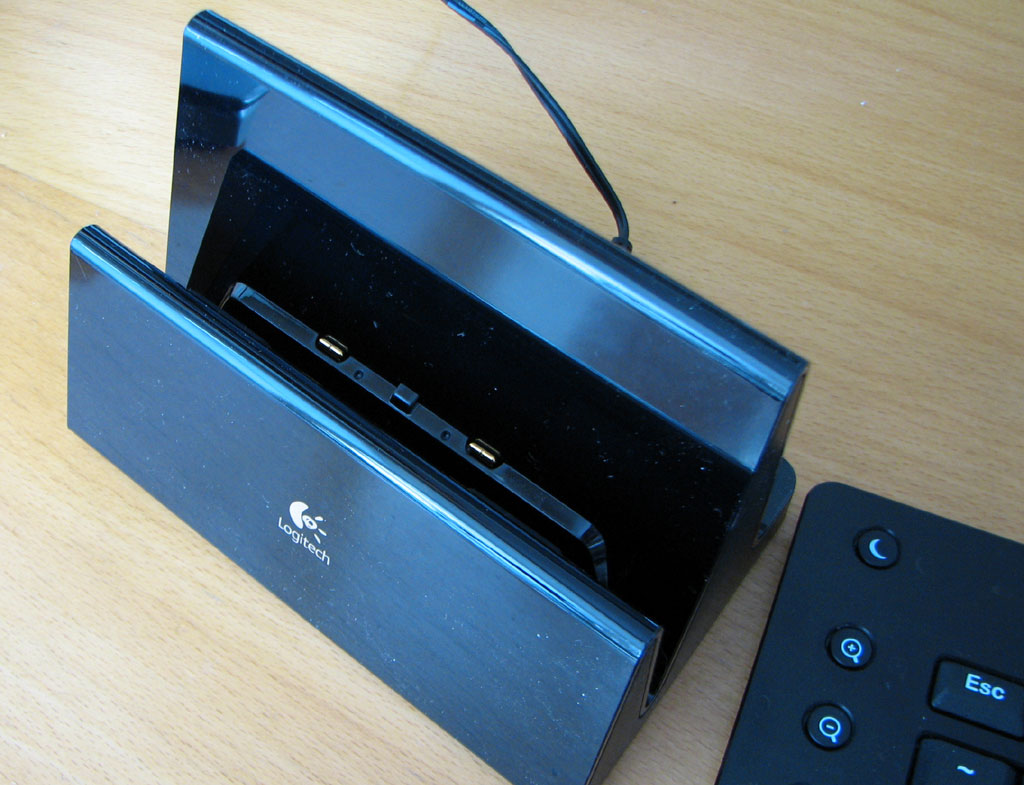
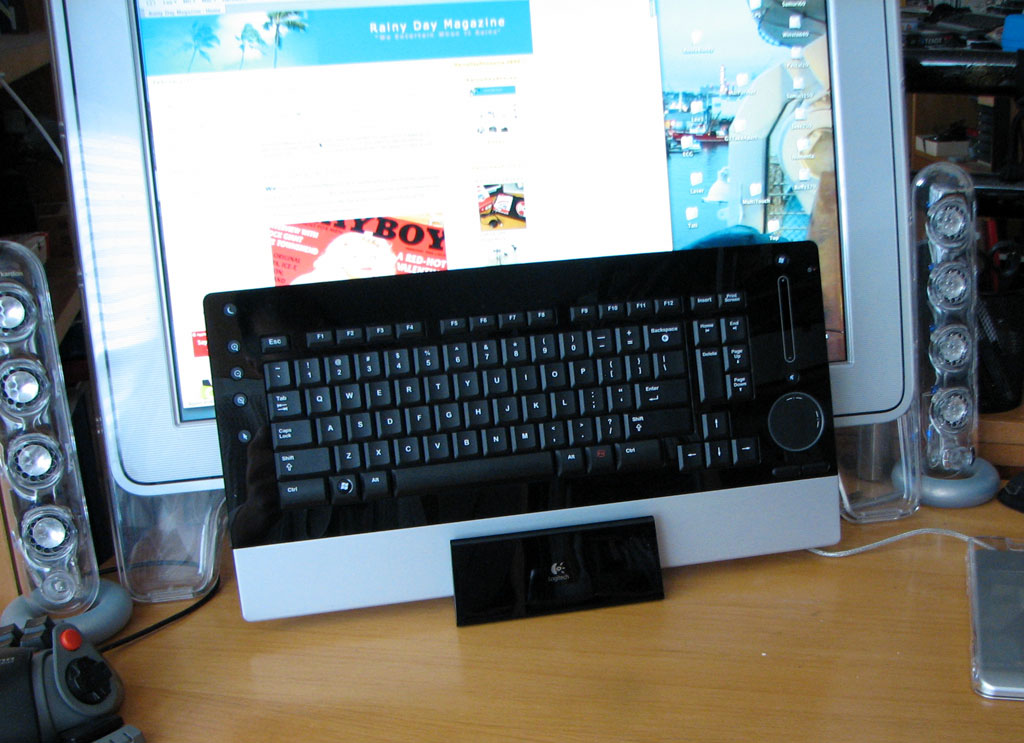
The DiNovo keyboard may be stored vertically when not in use. We liked having more desk space when weren't using the keyboard. The stand doubles as a charging base. The keyboard and base self-align. It only takes about 5 minutes of charge time to juice the keyboard for a full day's usage. There is no need to worry about running out of batteries or having to charge it every day. A full charge will last a month.
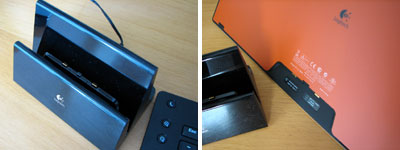
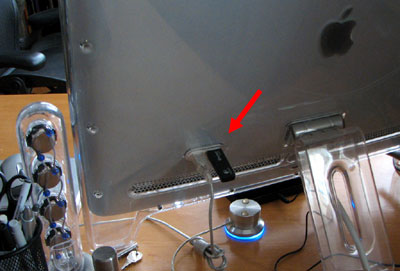
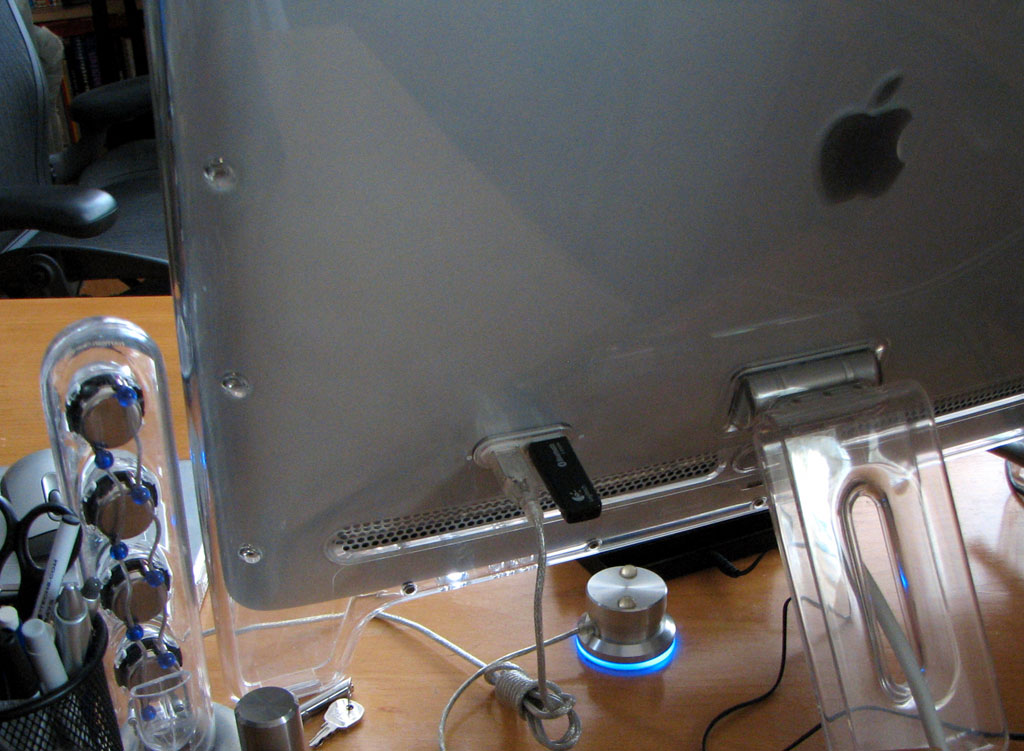
The Bluetooth transmitter may be plugged into any available USB port. The Apple Cinema Display has a few ports in the back... perfect for this application.
The DiNovo is really designed to work in a Windows environment. All of the drivers and programmable keys are optimized for Windows. However, we wanted to see how well it would work with OSX out of the box. We are happy to report that the DiNovo keyboard worked without a hitch.
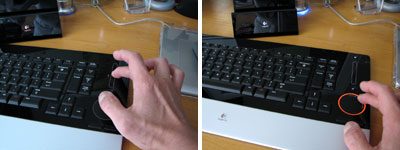
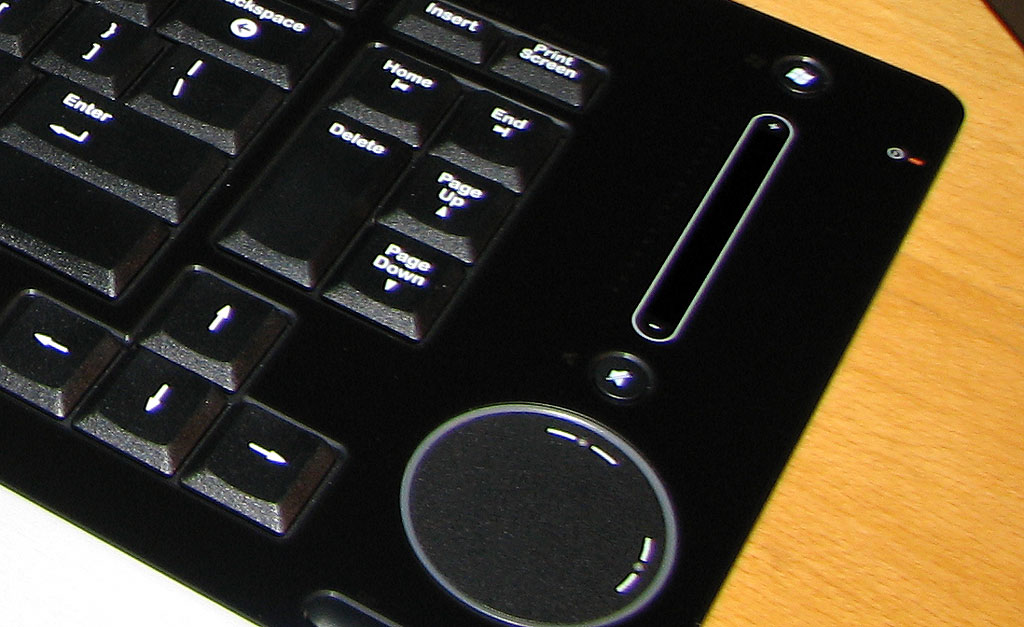
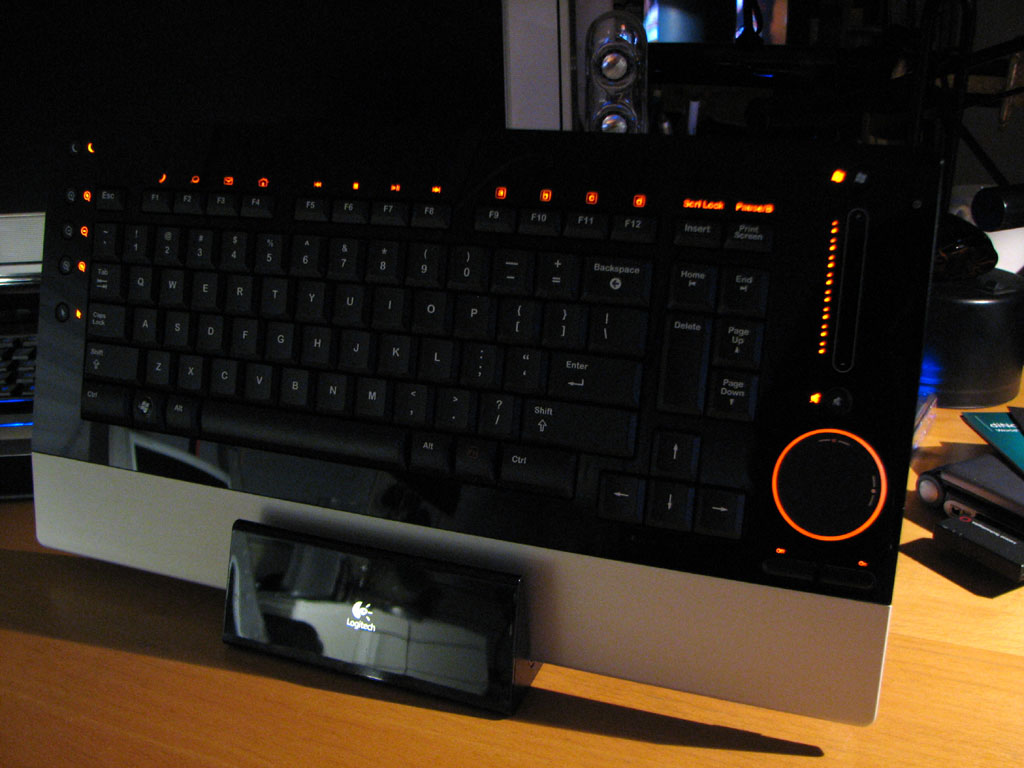
The two coolest features of this keyboard are definitely the sliding volume controller and the cursor/scroller pad. The inside of the circle functions like any other touchpad. The edge of the circle behaves like a scroll wheel. It tooks us a little while to get used to the sensitivity, but we really like it now that we are used to it.
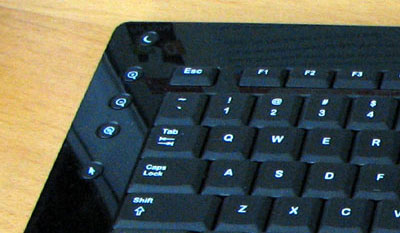
Our only wish is to be able to map the extra programmable keys on the left to something useful under OSX. A few of us have tried the keyboard these past ten days. For some reason, we all have the same problem of hitting the CapsLock key more than usual...we are not sure why. We will have an InTheWild update after using it for a few months. BTW, the first reader to show us a way of successfully programming the unused keys on this unit for OSX, we'll send you something from our pile of give-away goodies!
|
|
|
February 15,2007 |
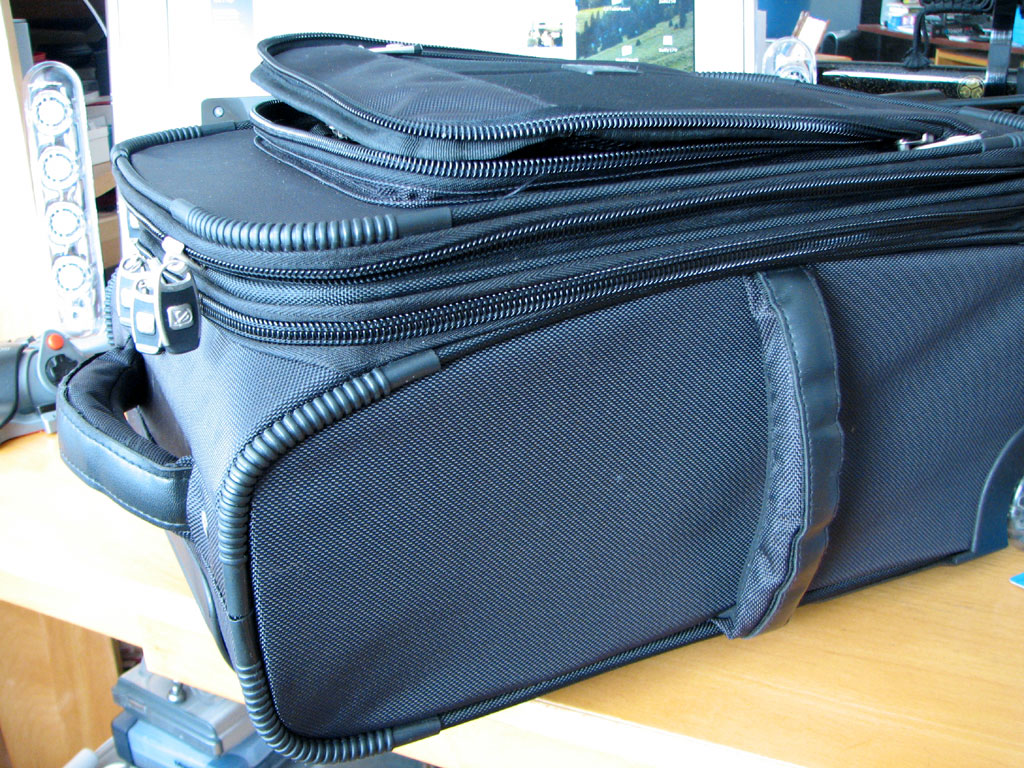
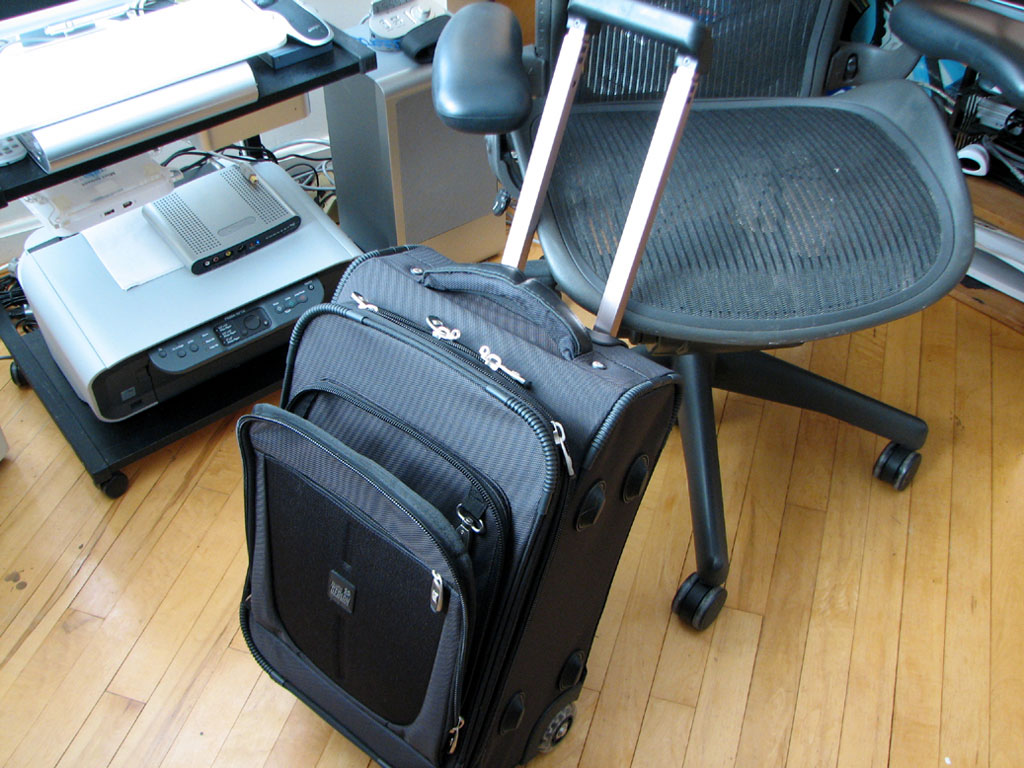
Since we travel a lot as part of our job, we are constantly looking for the perfect business carry-on luggage. One case that came to our attention is the Evolution Rolling Deluxe from Pacific Design. Many readers may know Pacific Design from our review of their fun and protective iPod cases, but may also remember them from our review of their Nucleus laptop case .
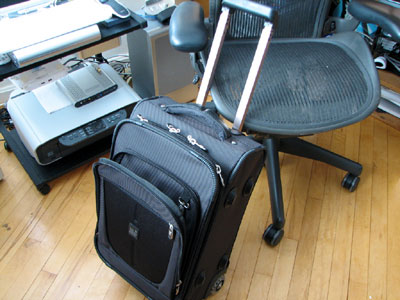
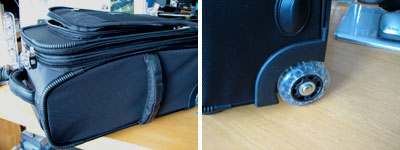
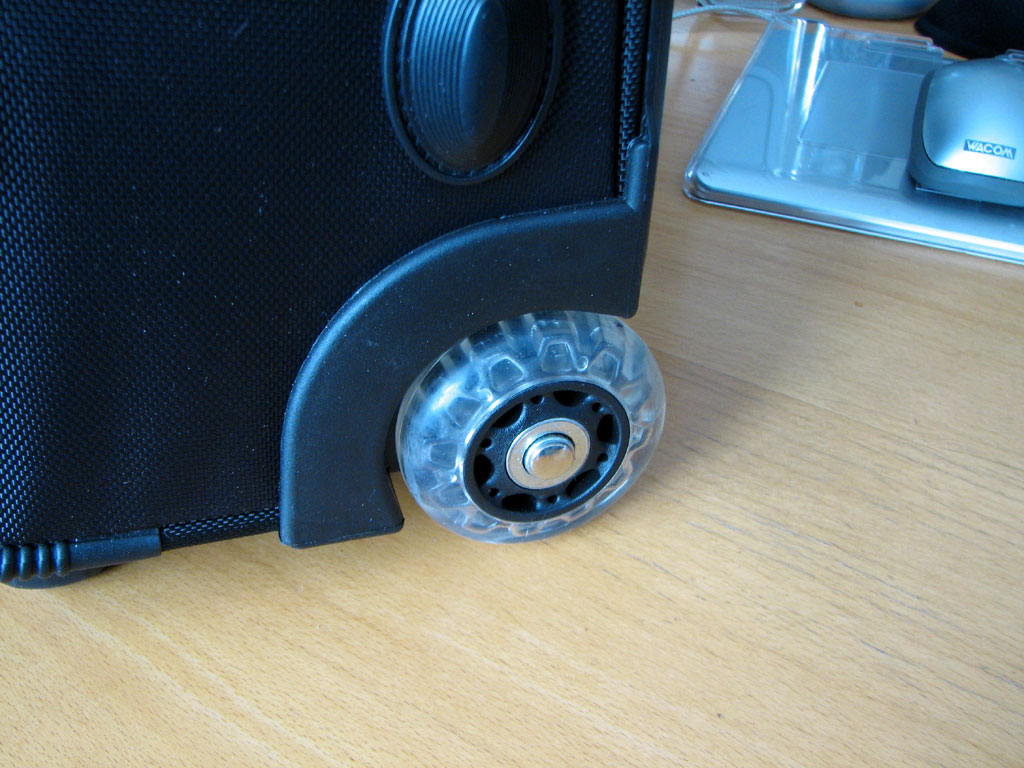
This Evolution Rolling Deluxe case is definitely in the running for the honors of the perfect road warrior carry-on. Like a lot of cases, it is tough, has soft comfortable handles, and have quiet smooth-rolling wheels. There are also reinforced protection and corner bumpers everywhere.
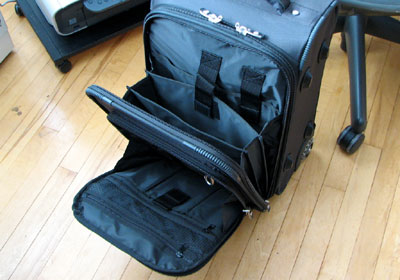
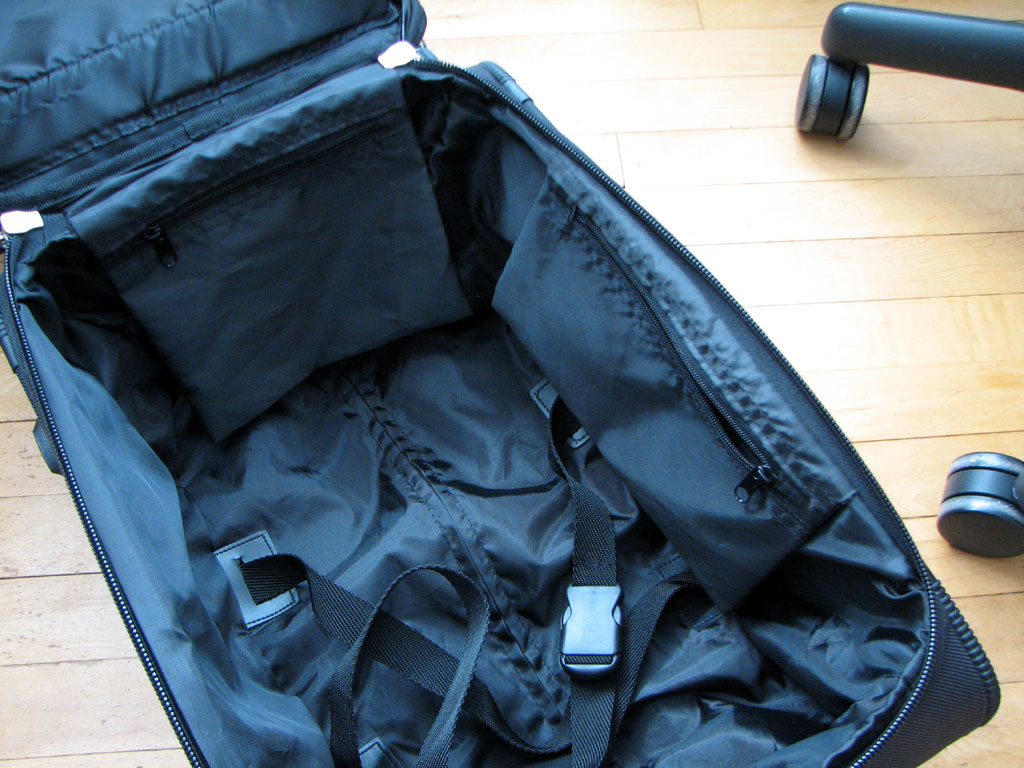
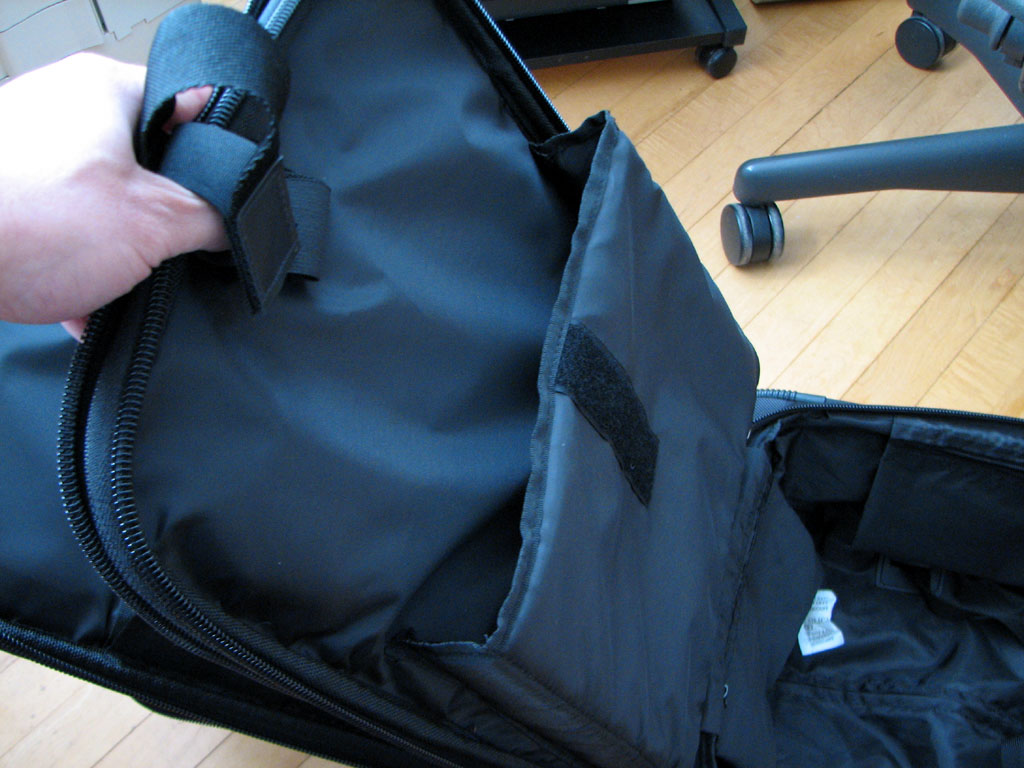
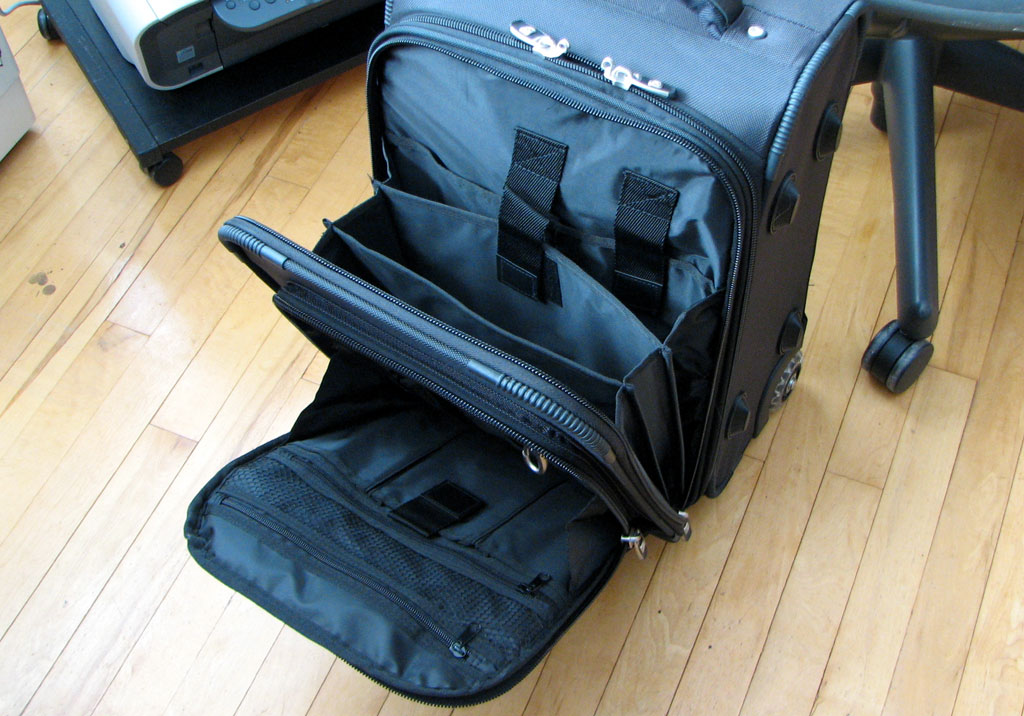
The front compartment has the zipper front panels for the usual pens, PDA, and other small items. The case also has a separate compartment for files, notebooks, and other paper or flat documents. It can even accommodate a thin laptop.
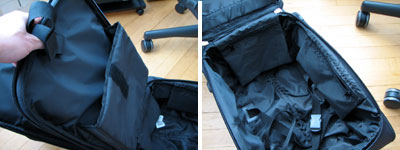
The main compartment can carry enough gear for a three day business trip. Unlike other carry-on cases, the computer pocket is part of the main compartment. This setup provides a lot of protection for the laptop, but may be a hassle in use at the airport security line... we'll see when it take it on the road for the FirstUse review this week. Look for the update in the next TravelTech report.
|
|
|
February 6,2007 |
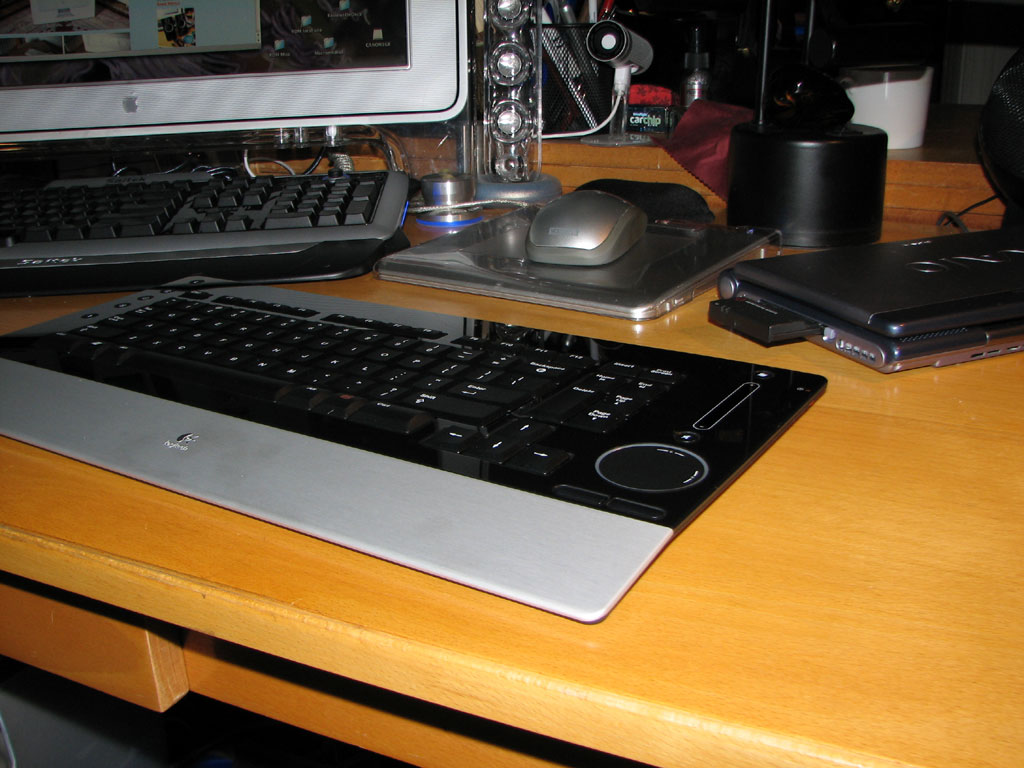
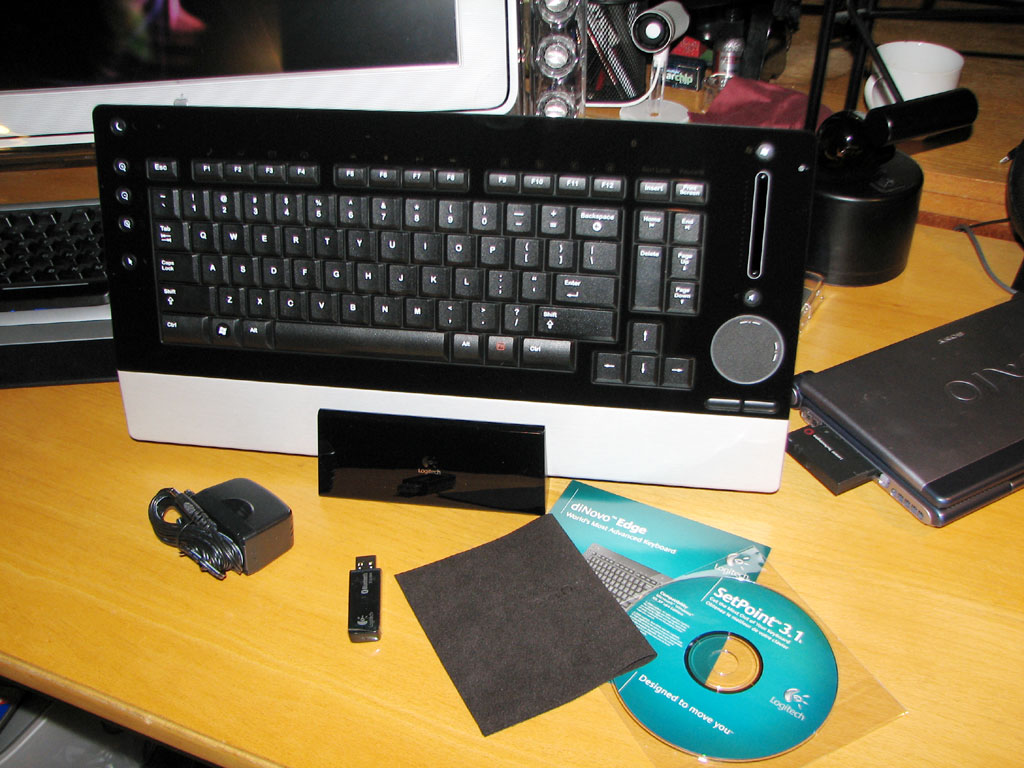
One can never be too rich or too thin...apparently, this applies to keyboard design also. The Logitech DiNovo keyboard has a rich glossy black surface and a super-thin profile.
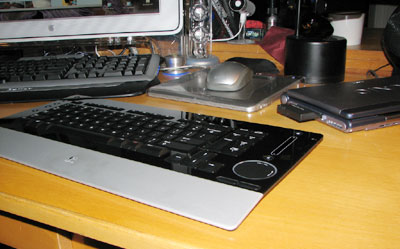
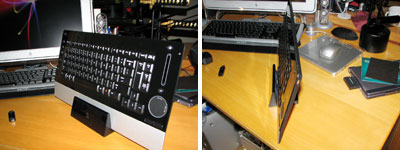
The DiNovo also does not need cables to connect to a computer. It communicates via Bluetooth. If your computer is not yet Bluetooth capable, Logitech includes a USB transmitter with the unit.
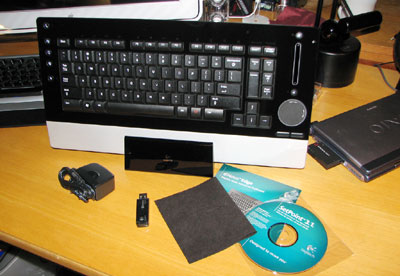
The keyboard stand doubles as a charging unit. There is also a cleaning cloth to keep those pesky fingerprints from marring the glossy finish.
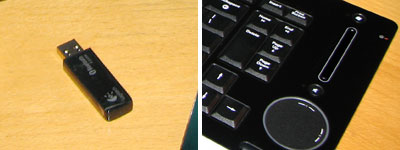
There are a lot of interesting innovative features incorporated into this keyboard. We are excited to try them and will tell you more about how well they work in the coming weeks.
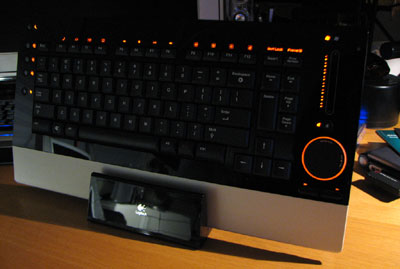
BTW, we don't agree with the "never too thin or too rich" philosophy, as we love curves and we really don't care that much about money...and no, we are not talking about keyboards :-)
|
|
|
February 5,2007 |
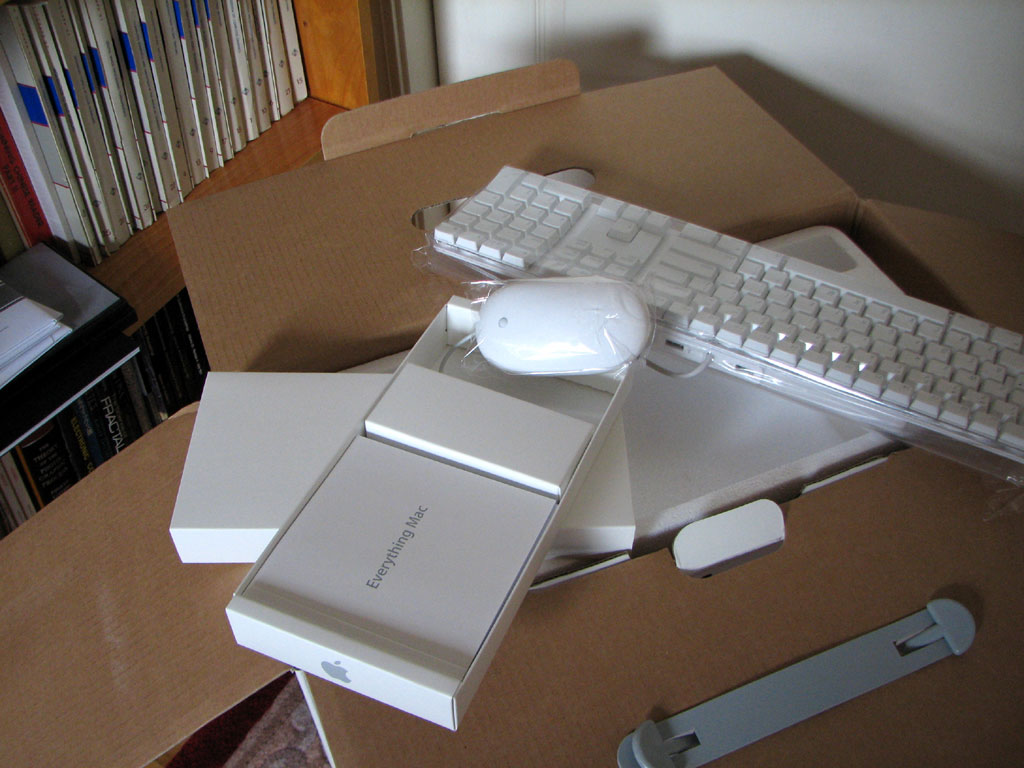
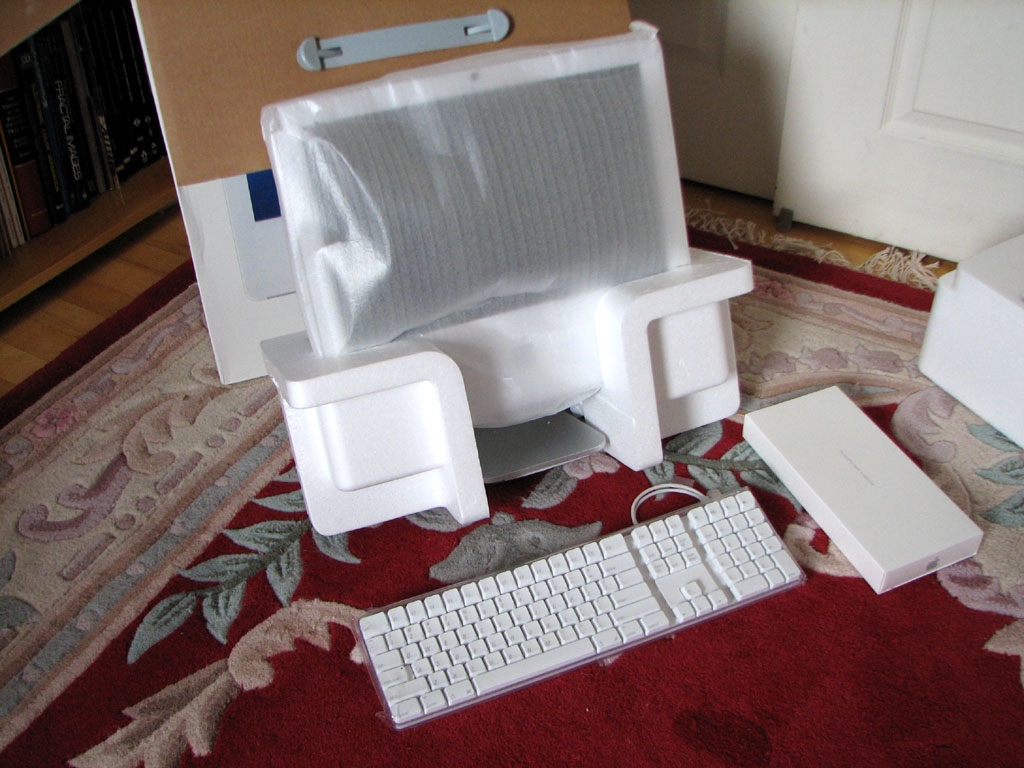
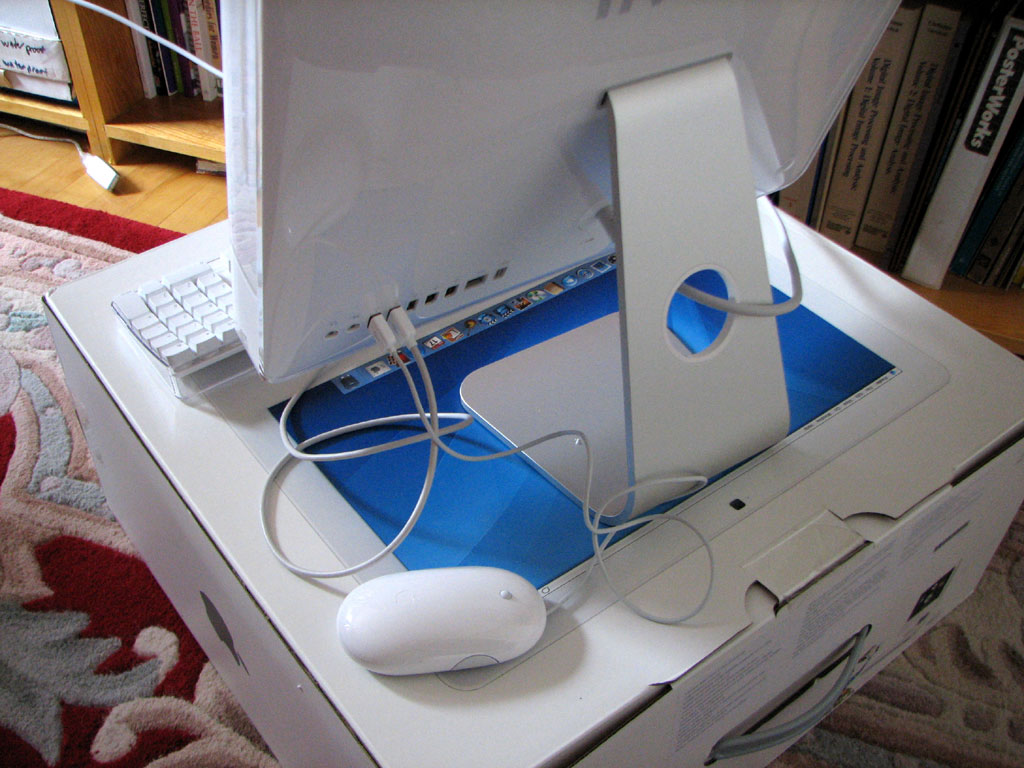
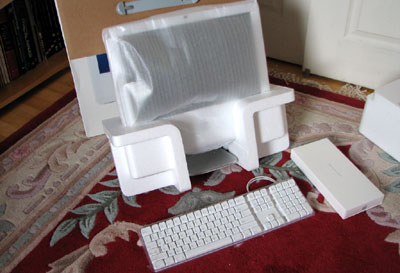
There are a lot of computers here at RainyDayMagazine. Getting some of them up and running was not always easy. Not a single one has been as easy as the setup for our recently purchased iMac. Total time between unpacking and getting on the internet: literally less than 10 minutes.
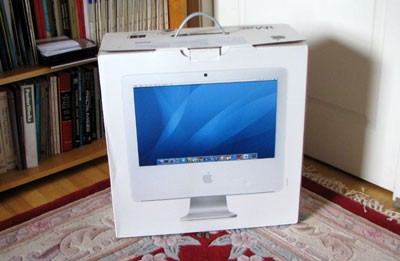
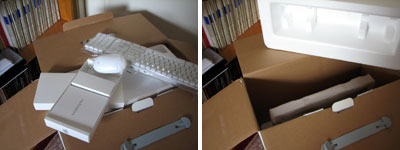
The iMac came in three pieces: keyboard, mouse, screen. The main CPU is incorporated into the flat panel LCD display screen. The OSX operating system and software applications (iLife, email, web browser, etc...) were all preloaded.

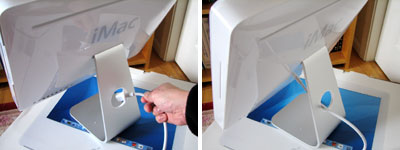
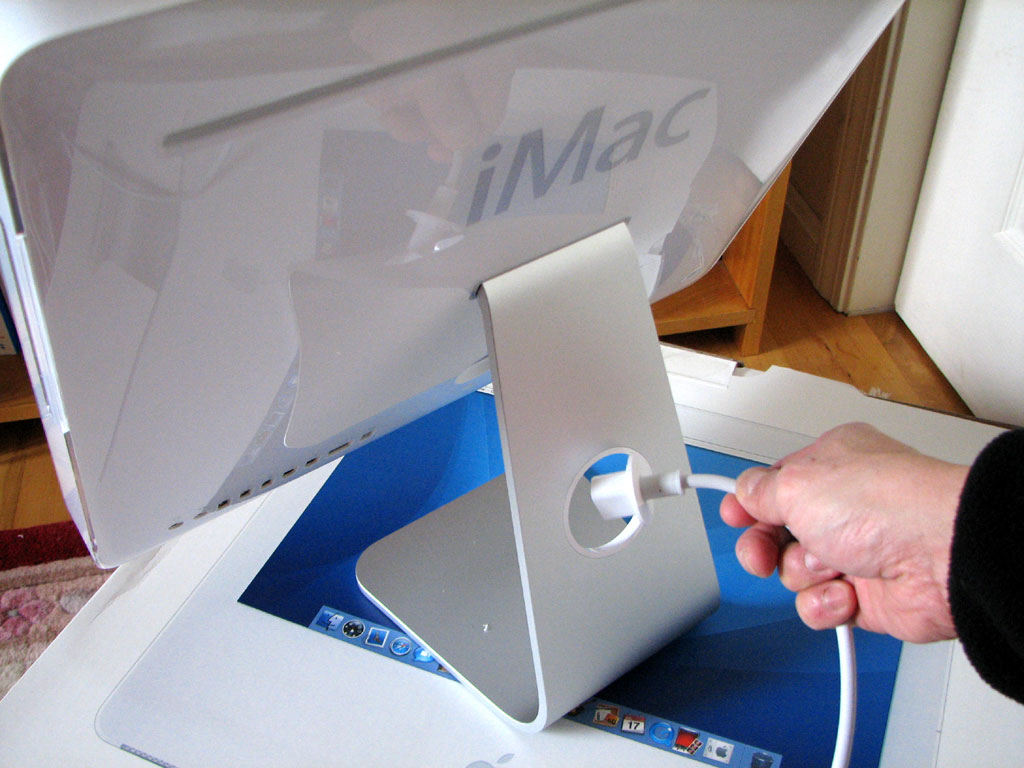
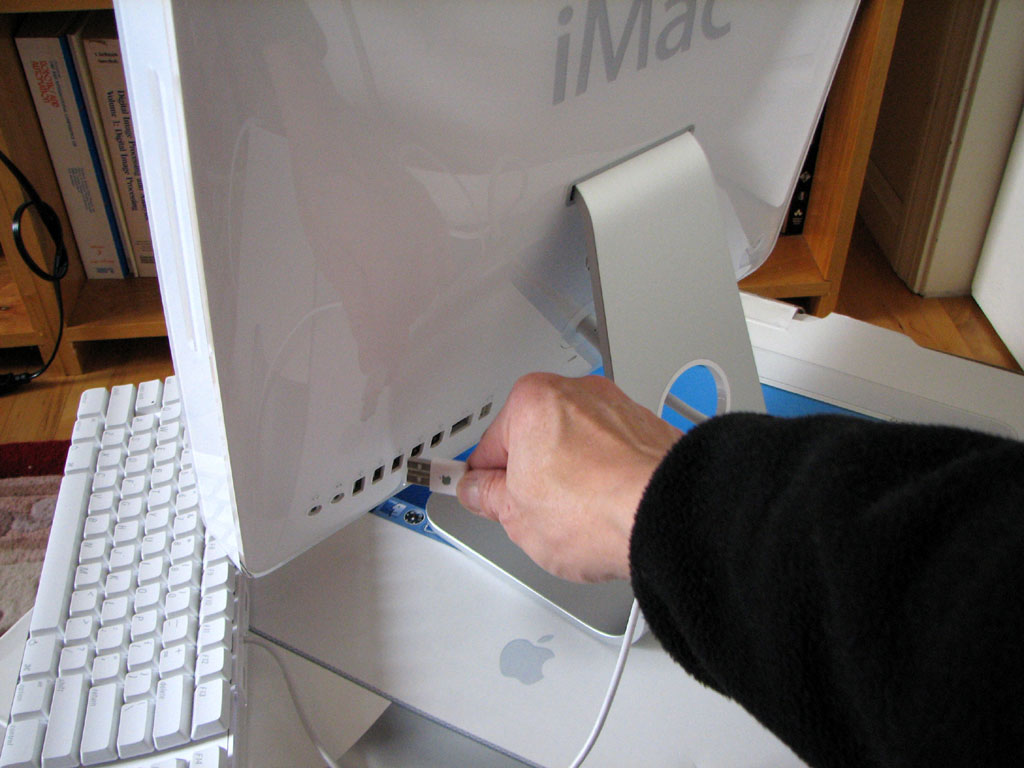
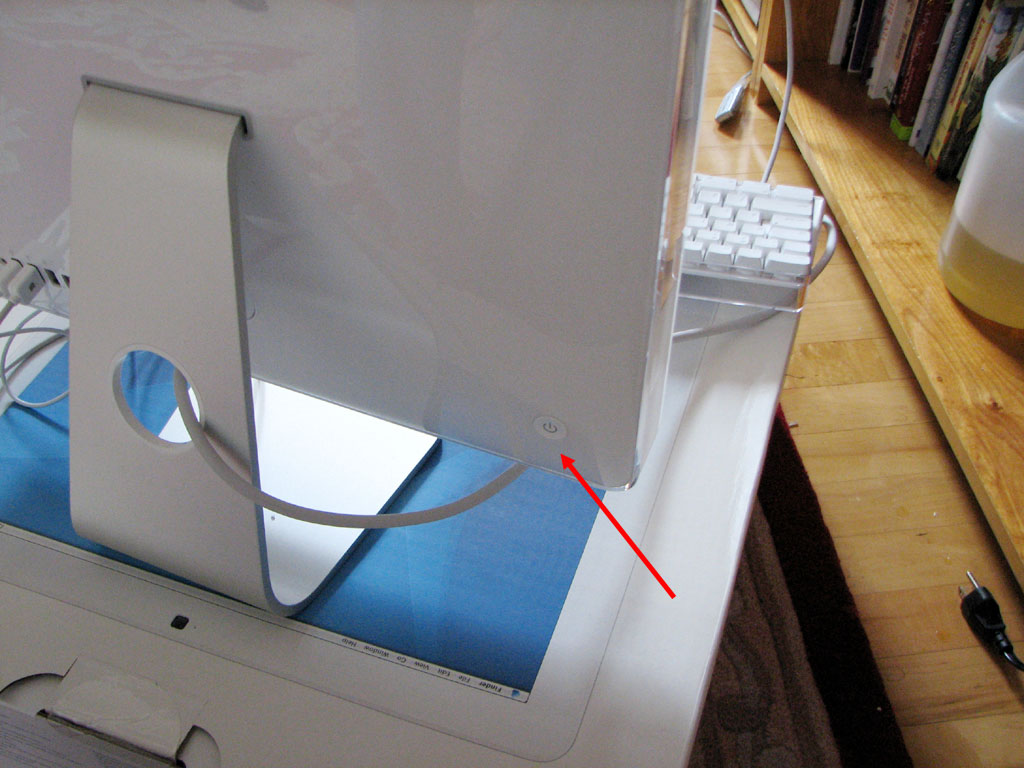
The setup consisted of plugging in the main AC power cord, the keyboard, and the mouse, to the rear of the screen. The power button is on the lower left corner in the back. At this point we are about three minutes into the setup.
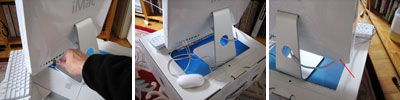
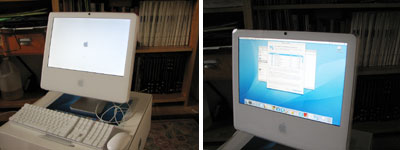
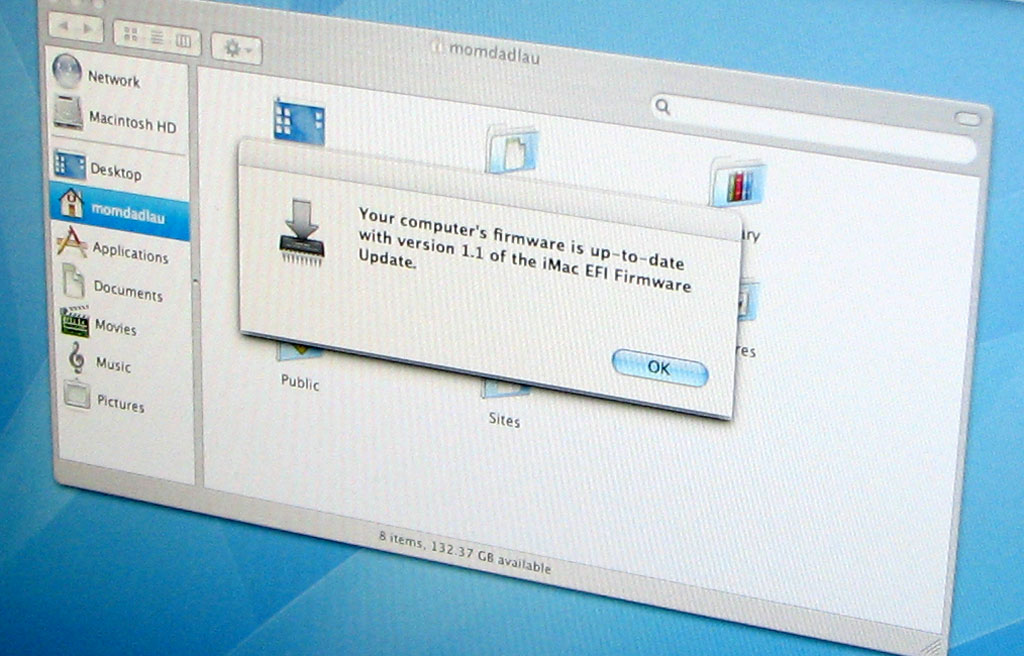
There is a wireless network here at RainyDayMagazine. The iMac has wireless networking built-in and had no problem connecting to it. Once connected, the OS determined there were some Apple updates available and asked if we would like to install them...which took about another five minutes.
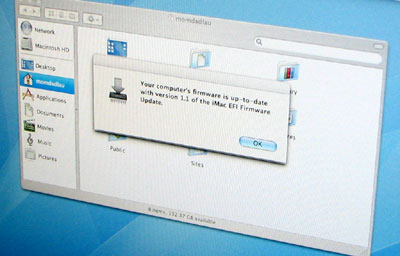
The system had to be rebooted because of there was also a firmware upgrade as part of the update. We followed the on screen instructions and rebooted the system. When everything came back up, we were greeted with this final dialog telling us that everything was "ready to go"...total elapsed time: 10 minutes; problems: none!
|
|
|
February 2,2007 |
We got some new Macs a few weeks ago. One of the reasons we got the Macs is so we can use iChatAV for video conferencing. Another reason was Apple had a deal where if we purchased a machine, they would give us a free printer...so on impulse we bought two :-) The only catch was we would have to file a rebate for each printer purchased.
Normally, we would pass on such things because they are mostly not worth the effort. However, the math whizzes at the office convinced us that the deal was too good to pass up.
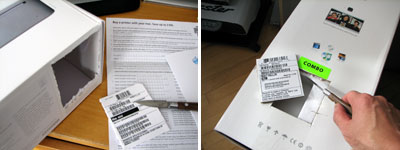
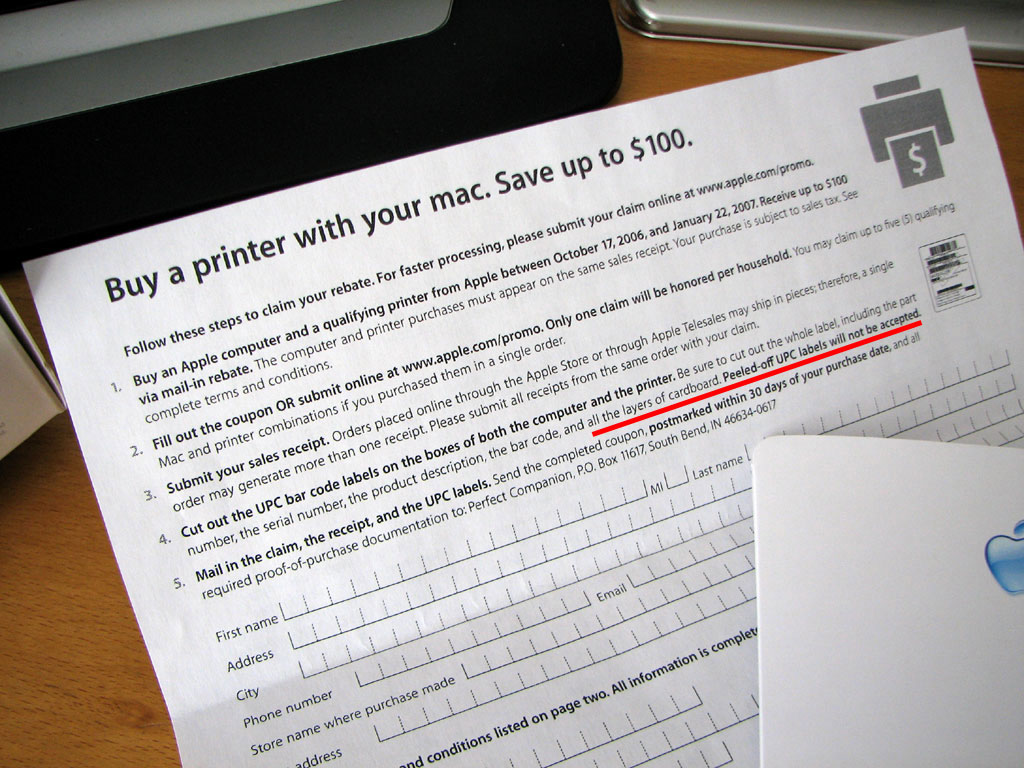
To qualify for the rebates, we had to read and follow the instructions precisely. The rebate directions clearly states the labels must include the cardboard. I guess this makes it harder to fake a purchase. It probably makes it a lot harder to return these computers or printers :-)
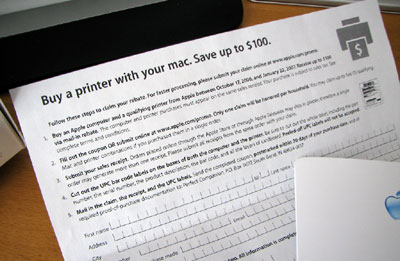
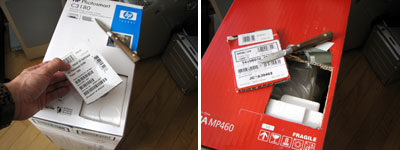
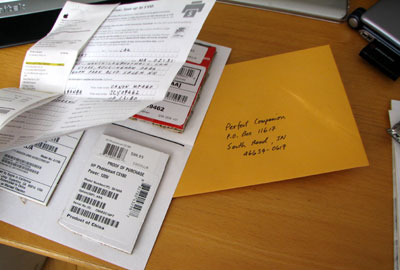
All in all, it was not a lot of work (about 30 minutes) to save a few hundred bucks. When you do the math, it averaged out to be around $400/hr...which is good money no matter how you look at it! The only tip we have for filing rebates is to follow the directions EXACTLY and to do it PROMPTLY. Remember, the manufacturers are count on you to not bother once you get everything home.
Speaking of "Free Stuff", we received more than 1200 entries from readers hoping to win the Neuros MPEG-4 recorder by telling us they know "What Justin is Making." Many of you figured it out from the collection of parts. Tony C (Indigo68) knew Justin was making a "Home Theater PC" because of the Silverstone case. Tony was also lucky enough to be picked by Eliot as the winner of this little contest!
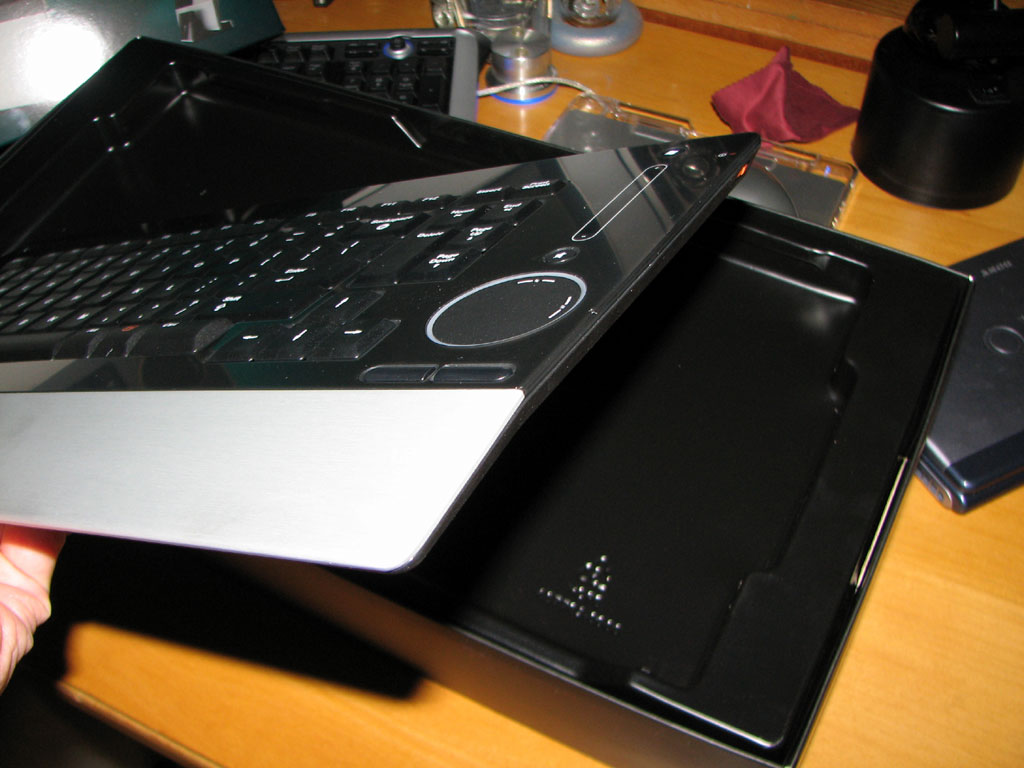
If you didn't win in January...don't fret. There is always February! We weren't quite sure what the puzzler was going to be until our UPS guy dropped off this REALLY cool item today. Folks here were amazed when it was "unboxed." Yes...it is a keyboard, but it is the best looking keyboard we have ever seen. We'll have a full review once we have it set up.
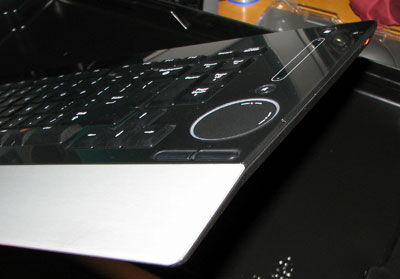
In the meantime, if you know who makes this beauty, send us the link to the product page in an email with the subject line "This beauty is made by...<name of the company> " We are not sure what the prize is yet, but we have all of February to find something fun :-)
|
| |
|
January 30,2007 |
The personal version of Microsoft's new Vista OS was release today. RainyDayMagazine was invited to the launch in NYC, but we couldn't get our butts out of Boston in time for the event...so no Microsoft swag for us :-(
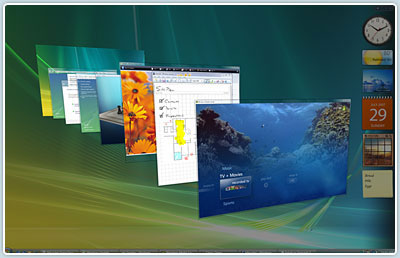
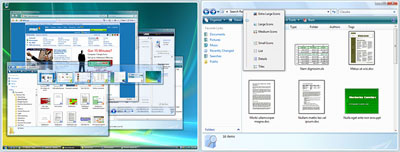
We don't know much about Vista yet, but we'll be getting a copy soon for the new Intel Mac mini we picked up a few weeks ago. The goal will be to get OS X and Vista running on the little box and bounce back and forth as appropriate :-) We'll have more soon.
|
| |
|
January 23,2007 |
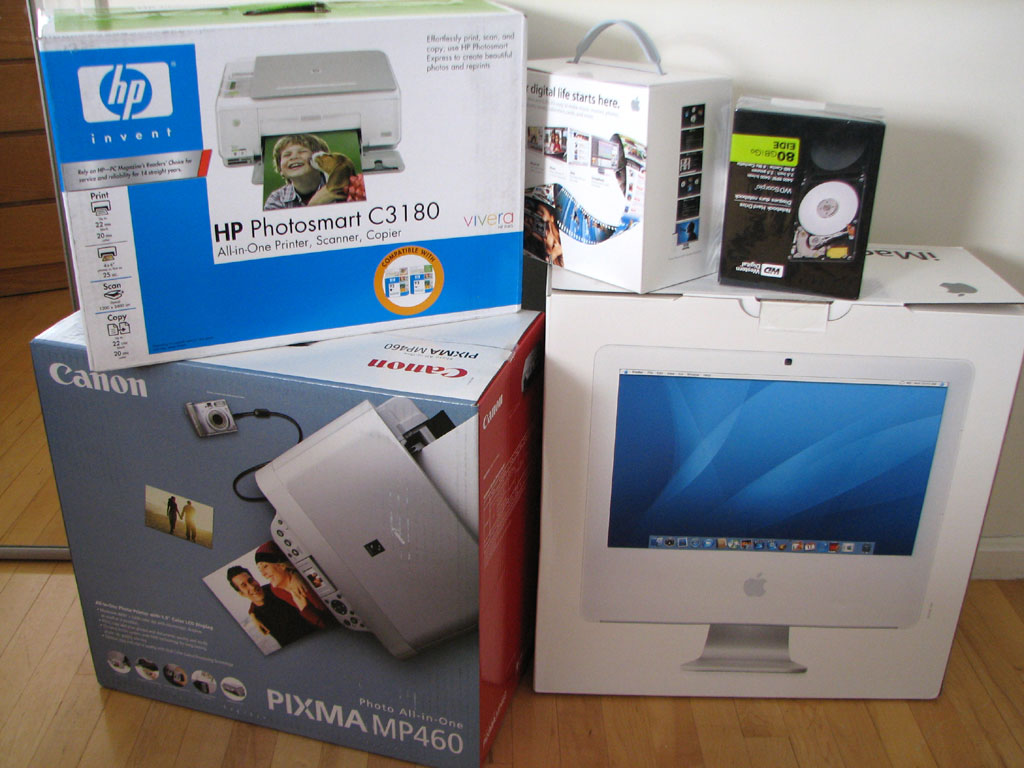
Apple had a deal where if you purchased a Mac, they would give you a free printer ($100 rebate). We needed a few more Macs for the New York office so we went and picked some up.
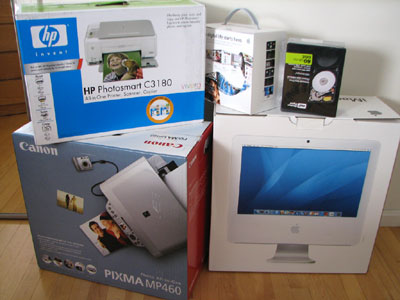
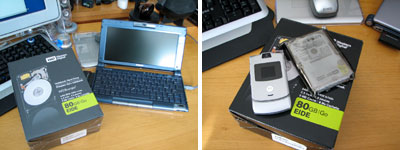
We also picked up a Western Digital 2.5" laptop drive for the Sony Picturebook upgrade project. Surgery on the Vaio Picturebook will be delicate work, but the 12GB drive which came with the Vaio is really not big enough for all of the apps now running on this little laptop.
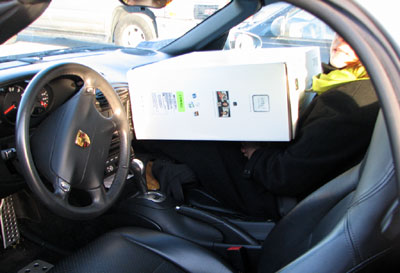
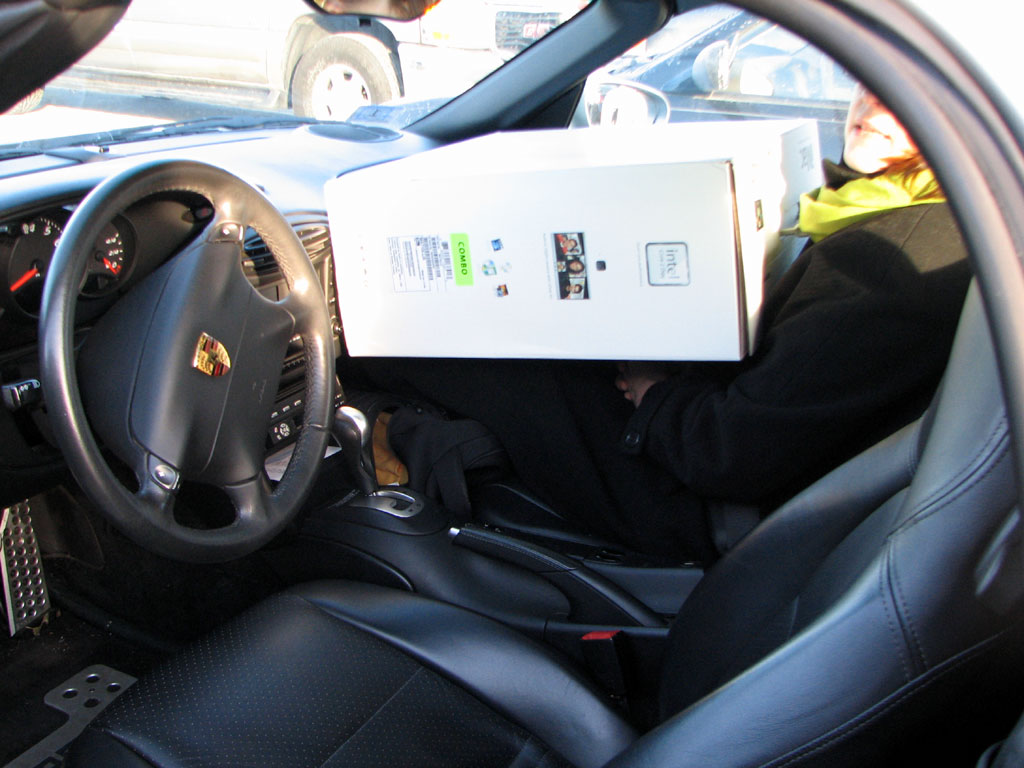
Actually, what was amazing was we managed to packed all of the new gear purchased at the Apple Store into the Boxster. One printer was in the front trunk and the other was in the rear trunk. The Mac mini and 80GB drives were tucked into some odd spaces in the Boxster. The iMac sat with Carolyn in the front seat. Good thing we decided against the 30" Cinema display :-)
|
|
|
January 17,2007 |
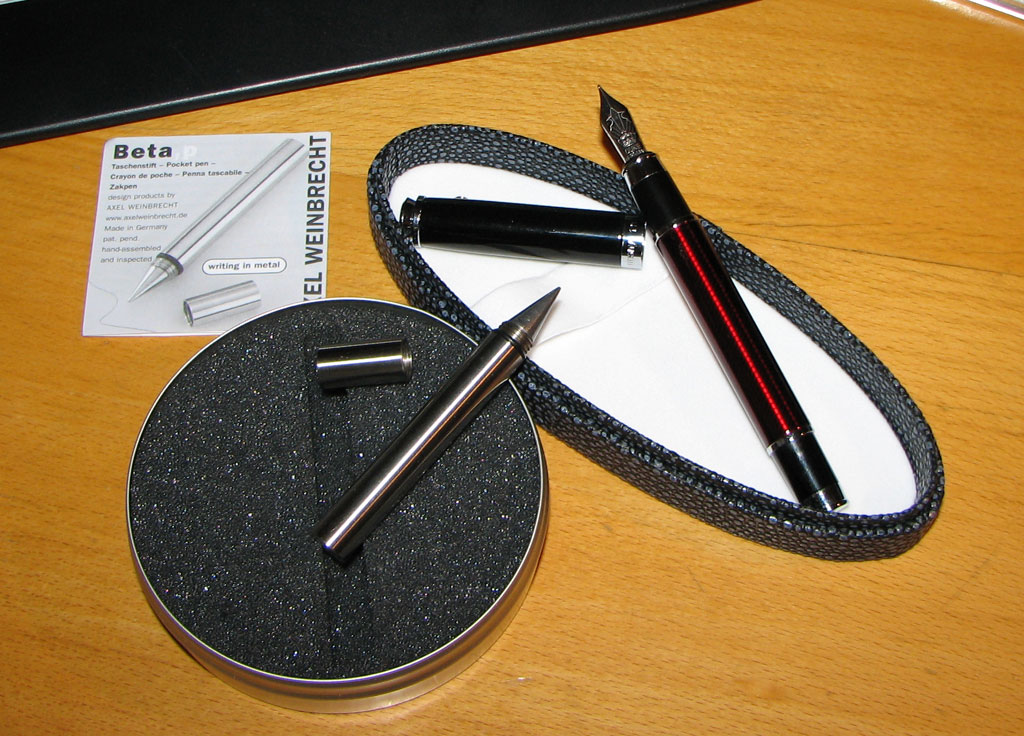
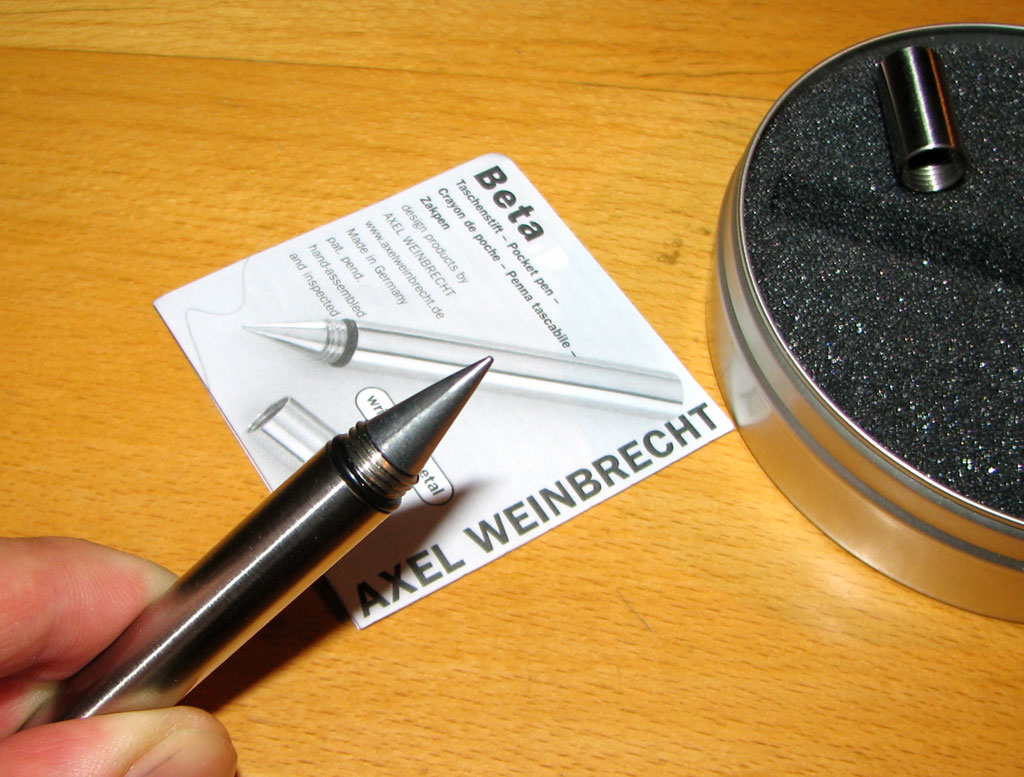
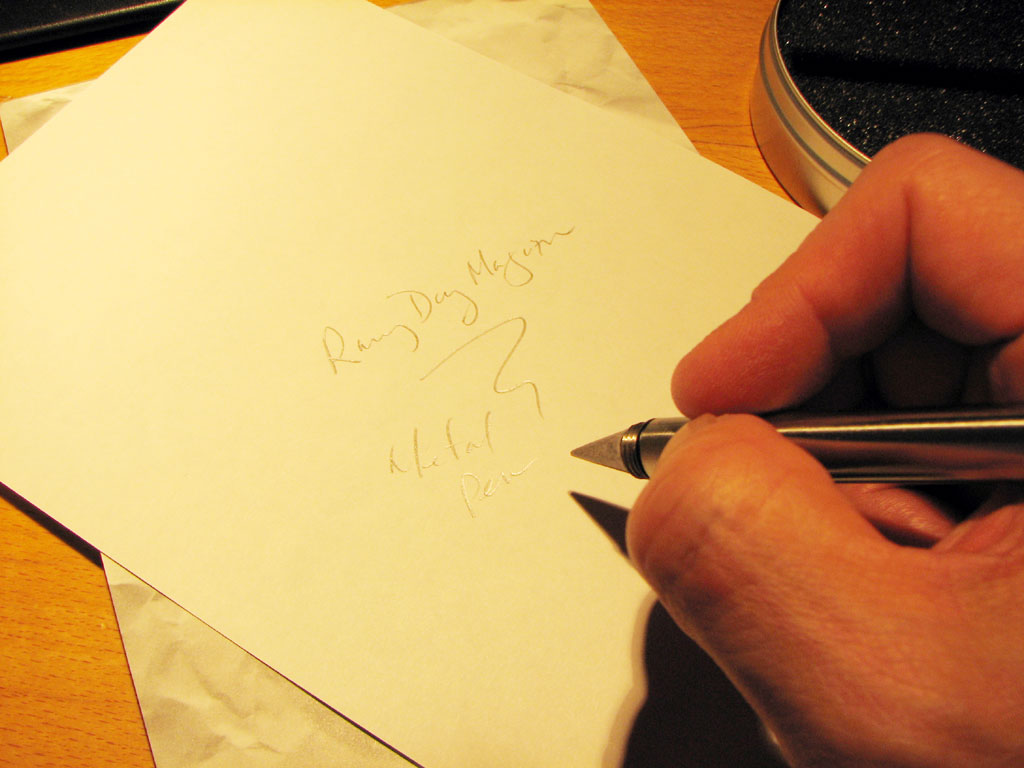
Write it in ink or write in in metal? Writing with metal? Yes...if you have a metal pen. We got ours from the folks at Grand Illusions across the pond. We have no idea how this thing works, but it is REALLY cool that it does. Click on the images to get a closer look.
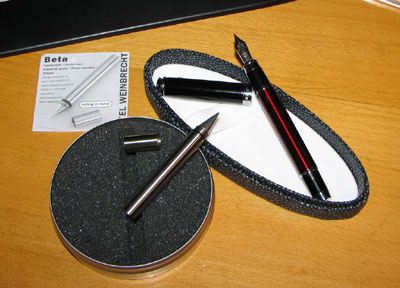
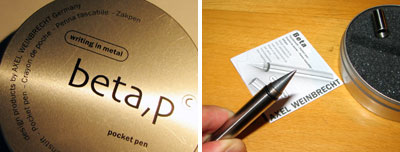
Apparently, this technology is really old... masters such as Leonardo da Vinci had used it in making some of his drawings. The pen writes smoothly and the "ink" appears more like that of a lead pencil. The only difference is the marks are permanent and does not smudge.
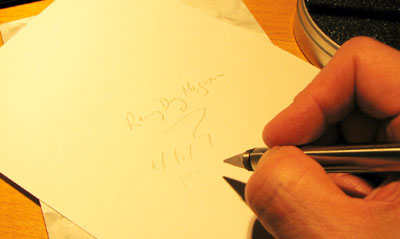
If you really want to know how this works... check out this site on Silverpoint drawing. We just think it is cool to have a pen that will last and last.
|
| |
|
January 11,2007 |
OQO Model 2 is the second generation UMPC. Don't let the M2's size fool you. It is not a souped up PDA or PocketPC. It is a desktop PC that fits in your pocket and spec'ed to run the new Windows Vista OS!
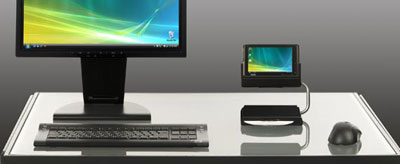
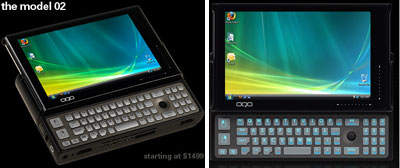
We have played with Model 1. While we loved the form factor, as with any ground-breaking product, there were a lot of room for improvements. One major area was connectivity. Model 2 now has built-in wireless WAN capabilities...making it a true mobile tool. We hope to bring a RainyDayMagazine FirstLook as soon as possible.
|
|
January 4,2007 |
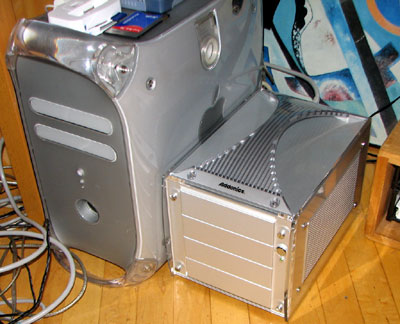
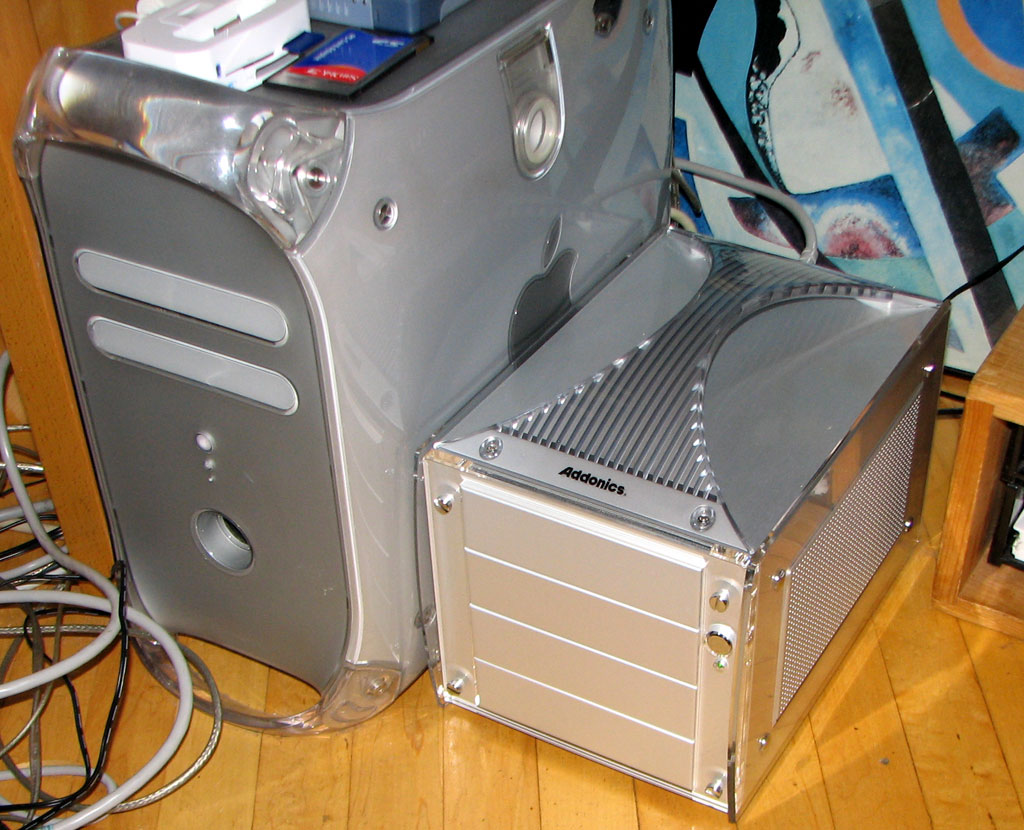
Based on the number of suggestions sent in by our readers, it appears that quite a few of you are interested in building RAID systems. We are happy to say that our project was a LOT simpler than we expected it to be...even with it being made to run on the Mac. Below is a pic of the finished system sitting next to one of our Macs.
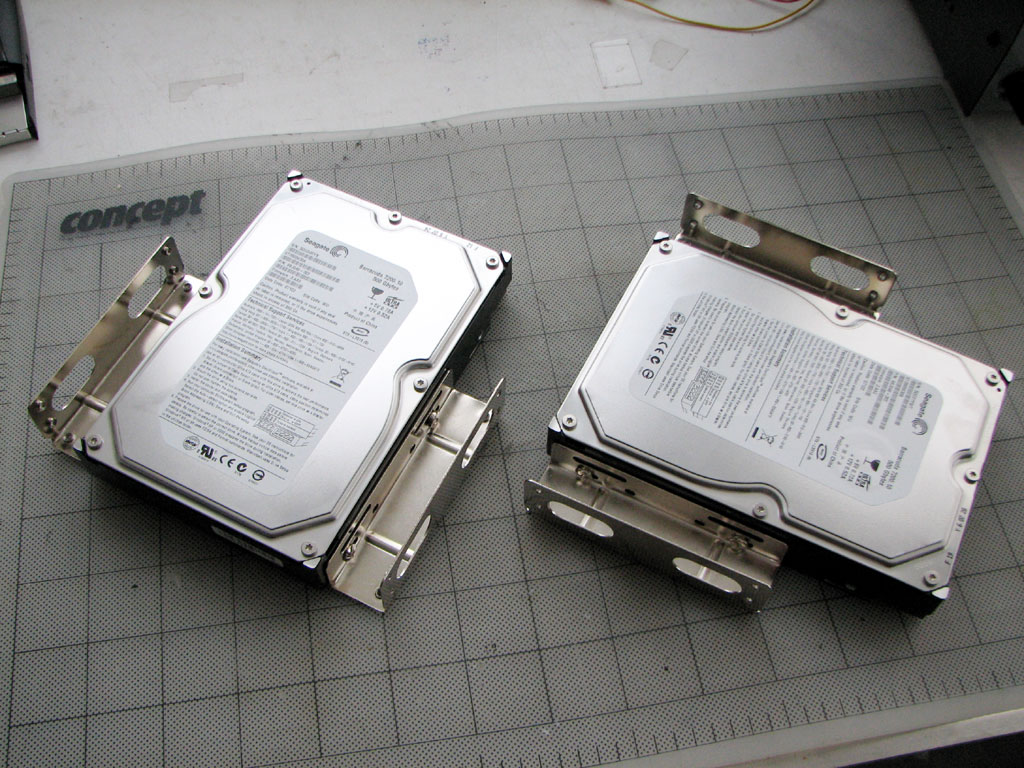
If you have been following our RAID project, you know that we finally got the two 500GB Seagate drives in December. When we sat down to build the system, we realized that the case was sized for 5.25" drives...which made sense since the case had to be large enough to accommodate CD/DVD burners.
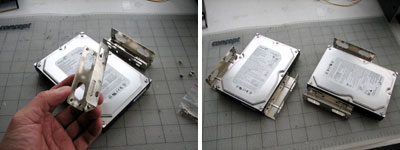
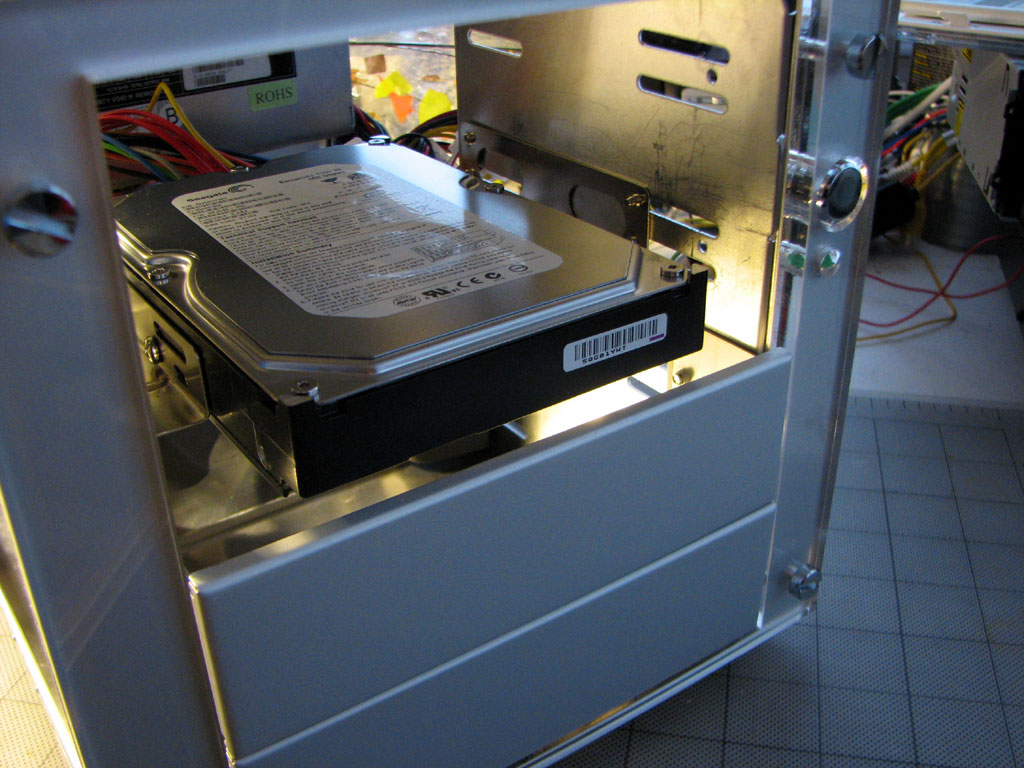
In order to mount the 3.5" drives into the Addonics case, we had to get some adapters at the local Micro Center. There are two types of adapters, a side adapter and a shelf adapter. We opted for the side adapter since they were cheaper...$2.50 a pair!
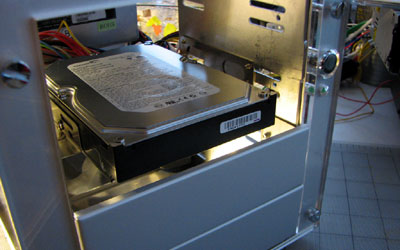
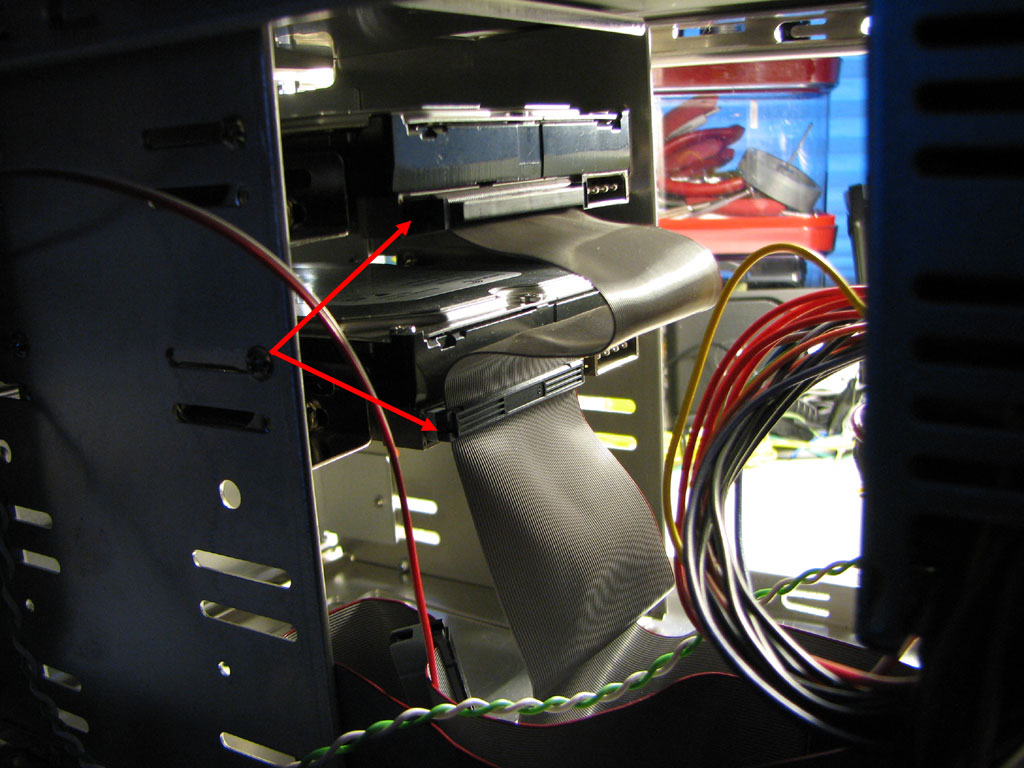
Mounting the adapter and the drives were pretty straightforward. The adapters attach to the side of the drives. The entire unit is then attached to the internal housing of the case. Lining up the mounting holes to the cutouts on the side were pretty easy since everything was precisely cut to line up.
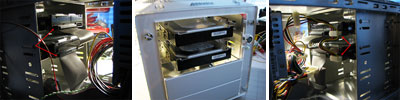
The interface and power cables inside the Addonics case plugged into the mounted drives without any problems.
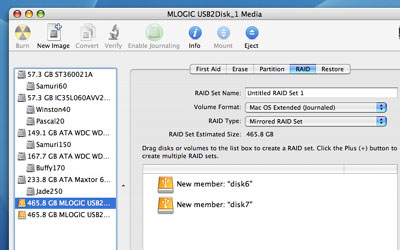
OS X came with formatting and partitioning software that can create various types of RAID configurations. We created a "mirrored RAID set" for our terabyte of storage. This portion of building the RAID system took us about 40 minutes...and that's including the software installation!
In our next installment of this project, we'll take a look at the performance of this homemade RAID system and how we'll be using with our MediaCenter.
|
|
|
|
|
RainyDaySOHO 2007
RainyDaySOHO 2006
|
|
|





 Track of the Day